
DOWNLOAD THE APP



Desert Online General Trading LLC
Warehouse # 7, 4th Street, Umm Ramool, Dubai, 30183, Dubai
DOWNLOAD THE APP
Desert Online General Trading LLC
Warehouse # 7, 4th Street, Umm Ramool, Dubai, 30183, Dubai

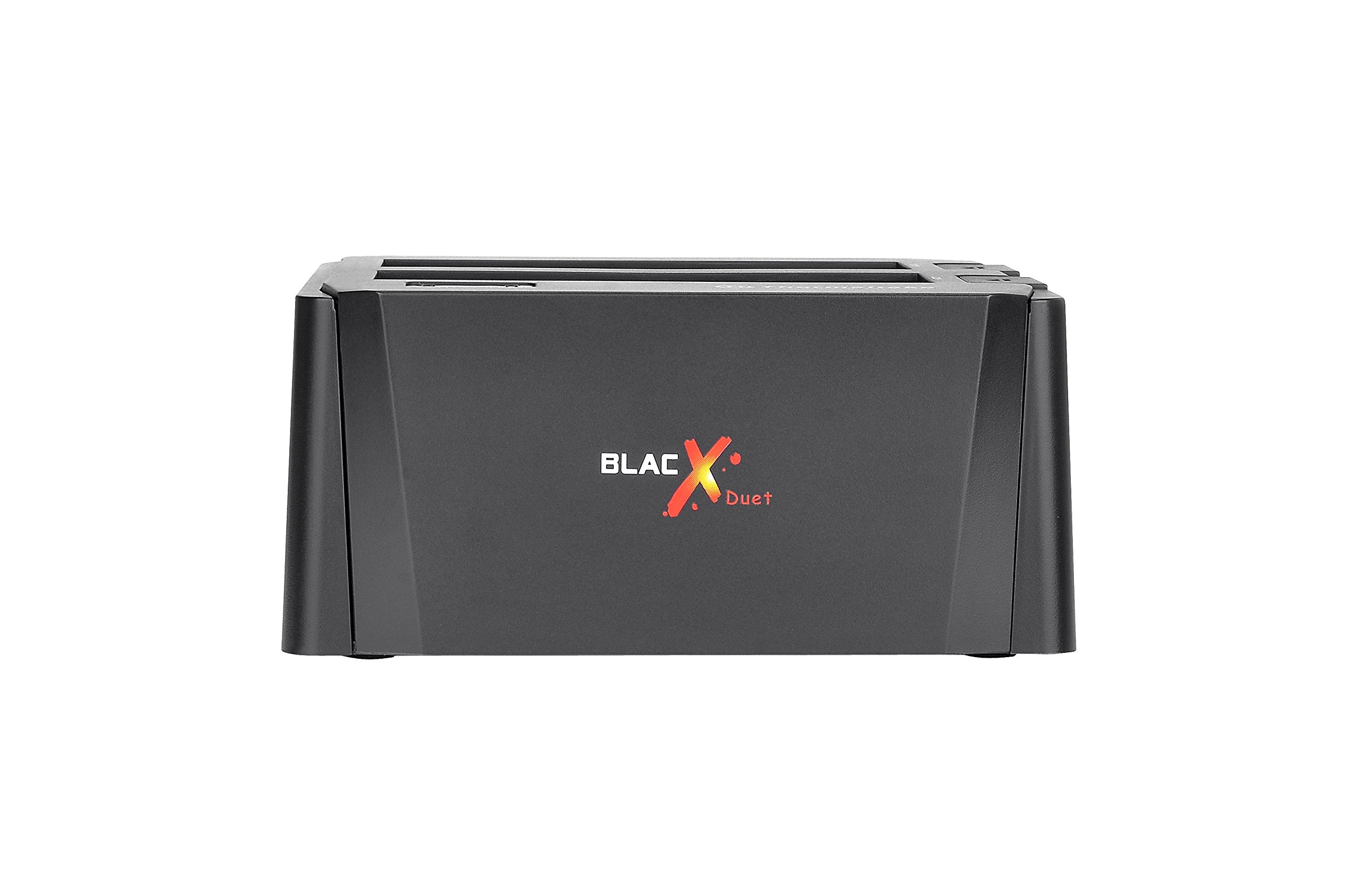

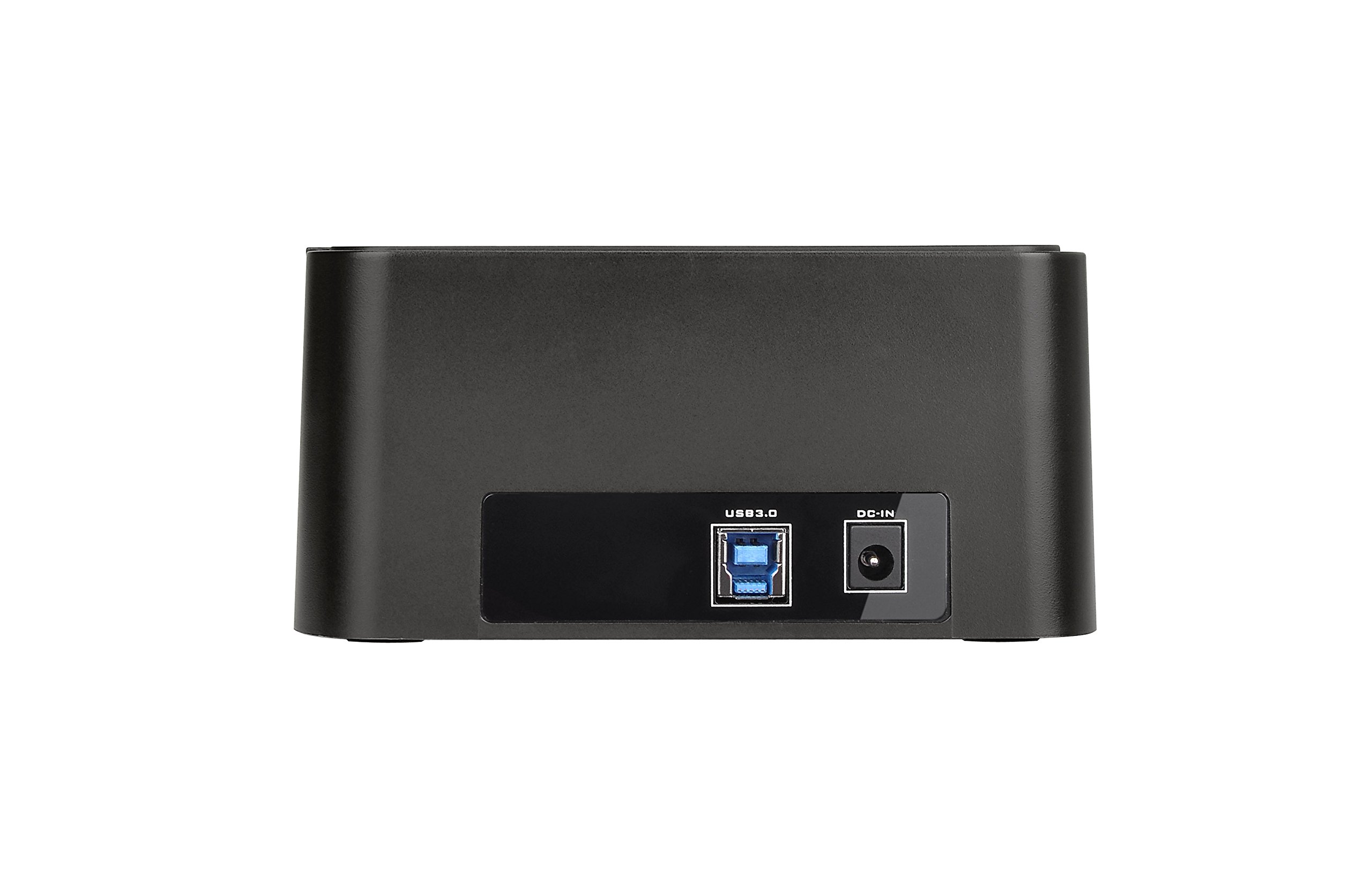

⚡ Unlock lightning-fast storage freedom—because your data deserves the VIP treatment!
The Thermaltake BlacX Duet ST0014U-C is a versatile external hard drive docking station supporting 2.5" and 3.5" SATA I/II/III drives with USB 3.0 SuperSpeed interface delivering up to 5 Gbps transfer rates. Featuring hot swap capability and plug & play installation, it ensures rapid, hassle-free access to your data on both Windows and Mac OS platforms.


| Brand | Thermaltake |
| Item model number | ST0014U-C |
| Hardware Platform | Windows |
| Operating System | Windows |
| Item Weight | 1.8 pounds |
| Product Dimensions | 16.5 x 19 x 7.3 inches |
| Item Dimensions LxWxH | 16.5 x 19 x 7.3 inches |
| Manufacturer | Thermaltake USA Direct |
| ASIN | B01GF0X8I4 |
| Country of Origin | China |
| Is Discontinued By Manufacturer | No |
| Date First Available | June 10, 2016 |
W**Y
... BlacX HDD Docking Station ( ST0005U-D ) works just fine. Five stars
First and foremost this device ( Thermaltake BlacX HDD Docking Station ( ST0005U-D ) works just fine. Five stars. I had previously purchased a Thermaltake Docking Station ( ST0019U ) and that was already installed here and worked just fine on all drives, including 2.1TB+. There's a technical wrinkle here that I ran into. And it's not well defined on Amazon or the Thermaltake site. That is will the Docking Station work with an Drive that exceeds 2.1TB in size. My first purchase, the ST0019U, was just fine. I then followed that up with another purchase of a ST0019U from Amazon and it did not support a 2.1TB drive or larger. Amazon, free of charge, refunded my money on that one. I believe the ST0019U is now obsolete. I then purchased this Docking Station ( ST005U-D ) and waited, crossing fingers, that it would support 2.1TB+ drives. And it did. So make sure you purchase this device from Amazon only so that if the firmware in the device does not support the larger drives you'll be able to return and replace it. I suggest that all the ST0005U-D devices support 2.1TB+ drives. Note: I am using these devices on a Linux OS. And the drives being plugged into it use the EXT4 file system. And that works just fine.
H**R
Used to wipe a bunch of SSDs from Linux
After reading up on doing ATA secure erase on SATA drives and seeing a bunch of warnings about using USB enclosures/docking stations to do it (resulting in tombstoning your drives), I found an article listing the USB 2.0 version of this docking station as one that has a controller that can handle the task. I figured what the heck, and rolled the dice on ordering the USB 3.0 dual bay version (actually, 2 of them).~250+ drives later, I have to say that they did the trick, both with SSDs and spinning rust, and I never had any problems issuing the ATA secure erase commands or simply using the docking station to read data from both 2.5" and 3.5" drives. The quality seems high, linux (CentOS 7.x, specifically) had no issues, and my Windows 10 laptop seemed to be happy using it as well. For the record, the linux boxes were using if through USB 2.0 ports and the Windows 10 laptop through USB 3.0.
A**.
No power out of the box
But i bought one elsewhere and it works perectly as if the two drives were USB's, the drives can be hot swapped and/or used as an external or backup drive all from Windows File Explorer.
M**O
What's not to like
Replaced an aging Thermaltake Max 4 external drive enclosure that had USB 2/eSata connections and a fan inside it. I had been using it with a 2 GB 3.5" hard drive in eSata configuration and started having problems with eSata connecting when I needed it and with fan noise. Wanted to try something different ditching the eSata and going with USB 3 instead. This looked simple, without a need of having to have a fan so I got it. Can't be more happy with this purchase. Connected right up with no issues. It's got a raw look to it with the exposed hard drive which is just my style. I've had my computer in an open air config for years and this look is right up my alley. Very nice, glad I got it. Much improvement over what I had been using.
H**B
Does exactly what I needed, super easy to use
This is the best plug n play hdd box I’ve ever had, just pop the hard drive in like a game cartridge and push the power button, and you’re viewing files on your pc. Fast too
J**T
You WILL Find it!
This is my third Thermaltake, and believe me it is GREAT! Comes complete with cables and can handle both sizes of hard drives. Personally this is the only one I but! Value and ease of use is there in this compact docking station.
R**I
Buy a name brand, not an off-brand such as Themaltake!
A 3-year warranty does not mean much when the unit does not work right out of the box! How frustrating to have a brand new item right out of the box not work whatsoever! I normally use the NewerTech Voyagers, the NewerTech brand was the first to make and sell this type of bare hard drive docking stations and I am currently using four of them. I think I actually bought one of their first models about 12 years ago.When it comes to hard drive enclosures, I make sure to spend the money and do the technical comparisons to be sure I buy a good quality, safe unit for my precious drives. I was taking a chance in buying an off-brand such a Thermaltake. Between my two MacBook Pros I am running about 35 TB of hard drives and I have been putting together my own external drives for nearly 20 years now. Years ago IDE and now SATA.Well, when I put one of my bare hard drives in the back slot of this dual BlacX Duet nothing happened. Numerous tries and no results, the drive does not spin up. When putting the same drive in the front slot sometimes the drive will spin up, but the drive never shows up on the Finder. The lights for the back slot never came on and sometimes the lights for the front slot would light up, but nothing would happen. The drive never appeared.However,Thermaltake BlacX Duet 2.5"/3.5" SATA I/II/III USB 3.0 External Hard Drive Enclosure Docking Station ST0014U-C the same drive works no problem, the first try in any of my NewerTech Voyagers. https://www.amazon.com/Newer-Voyager-USB3-0-Super-NWTU3S3HD/dp/B007TTQQIA/ I just wish NewerTech made a dual bay bare hard drive dock with USB-C connection!Anyway one hour after opening the BlacX Duet, it was back in the box and the RMA label received. I'm sticking with NewerTech!
M**W
Abundant Issues
I've ordered two of these dual stations. With only 2 HDDs (one in each), I can't get the 2nd slot to work without going from NTFS to RAW. This has happened twice now and I've lost all the data both times. Write-cache is turned off, great power going to the station, and healthy disks. I simply don't think these docking stations can handle managing large drive capacity (or something similar).
Trustpilot
1 month ago
3 weeks ago