We remain fully operational. Our teams are working around the clock to ensure your deliveries continue safely.

DOWNLOAD THE APP


Customer Services
Copyright © 2025 Desertcart Holdings Limited
DOWNLOAD THE APP


📚 Elevate your digitization game — scan smarter, not harder!
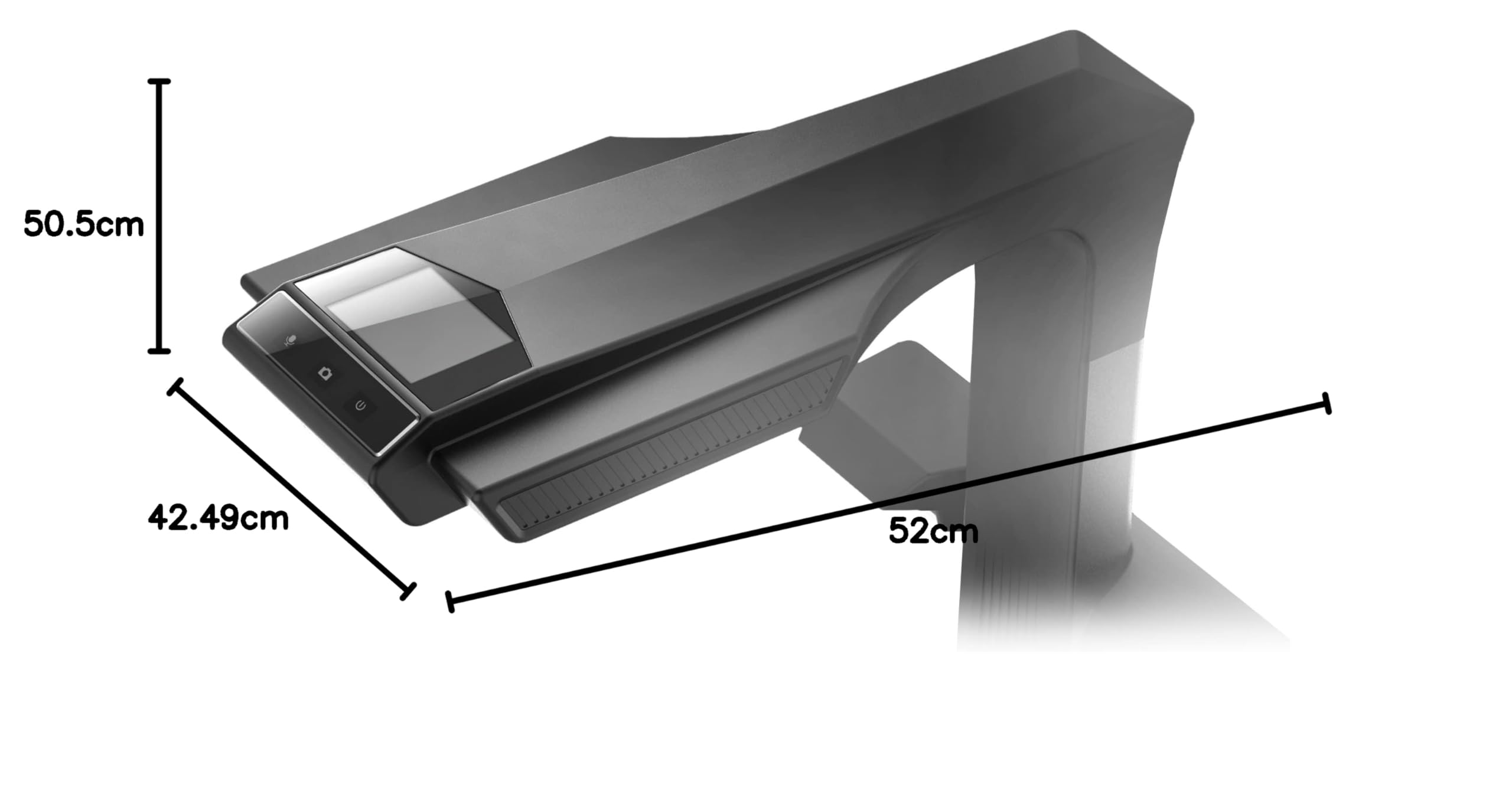
The CZUR M3000 Pro V3 is a professional overhead book scanner featuring a high-resolution 48MP CMOS sensor, capable of scanning A3-sized documents with advanced curve flattening and automatic page correction. Designed for libraries, offices, and schools, it offers instant page separation, intelligent OCR, and fingerprint removal to deliver clear, editable digital files quickly and efficiently.
| ASIN | B07ZL4NG91 |
| Brand | CZUR |
| Customer Reviews | 3.1 3.1 out of 5 stars (2) |
| Date First Available | 20 June 2025 |
| Item Weight | 4.5 Kilograms |
| Item model number | M3000 Pro V3 |
| Manufacturer | CZUR |
| Product Dimensions | 16.73 x 20.47 x 19.88 cm; 4.5 kg |
| Series | M3000 PRO |
| Wattage | 13.5 watts |
D**L
The unit claims to produce TIFF files but it natively captures in MJPEG format and then allows you to export a "TIFF" file. It's not possible to image to a lossy format and then try to upconvert to a lossless format. If you try, you'll immediately notice signal noise, artifacting and some fringing. Will likely work for other use cases but not for true archival digitization.
H**0
I received my CZUR M3000 Pro scanner right before Christmas. The packaging was extremely secure. The set up was quite easy. The user interface is not exactly intuitive but once you figure out how to scan and save your files the results are accurate and readable. Page straightening is surprisingly good. There can be glare challenges with glossy paper so some adjustments are needed using the auxiliary lighting. The finger tools sort of “disappear” when scanning a book (two-page scanning) but with one-page scanning they don’t even pretend to remove them. The manual is not very helpful but there are a couple of videos on Youtube that show how to scan but not how to use all the features. The scanned images, both color and black and white are amazingly accurate (and accurately show any flaws or creases in the original pages). I have scanned some very old, discolored pages and they are a challenge to correct for color but end up turning out quite readable. File handling is not intuitive (and apparently not documented) but after experimenting, I have learned what I need to be productive. All in all, I still think this is a great book scanner for my needs.
Trustpilot
2 weeks ago
1 month ago