We remain fully operational. Our teams are working around the clock to ensure your deliveries continue safely.

DOWNLOAD THE APP


Customer Services
Copyright © 2025 Desertcart Holdings Limited
DOWNLOAD THE APP
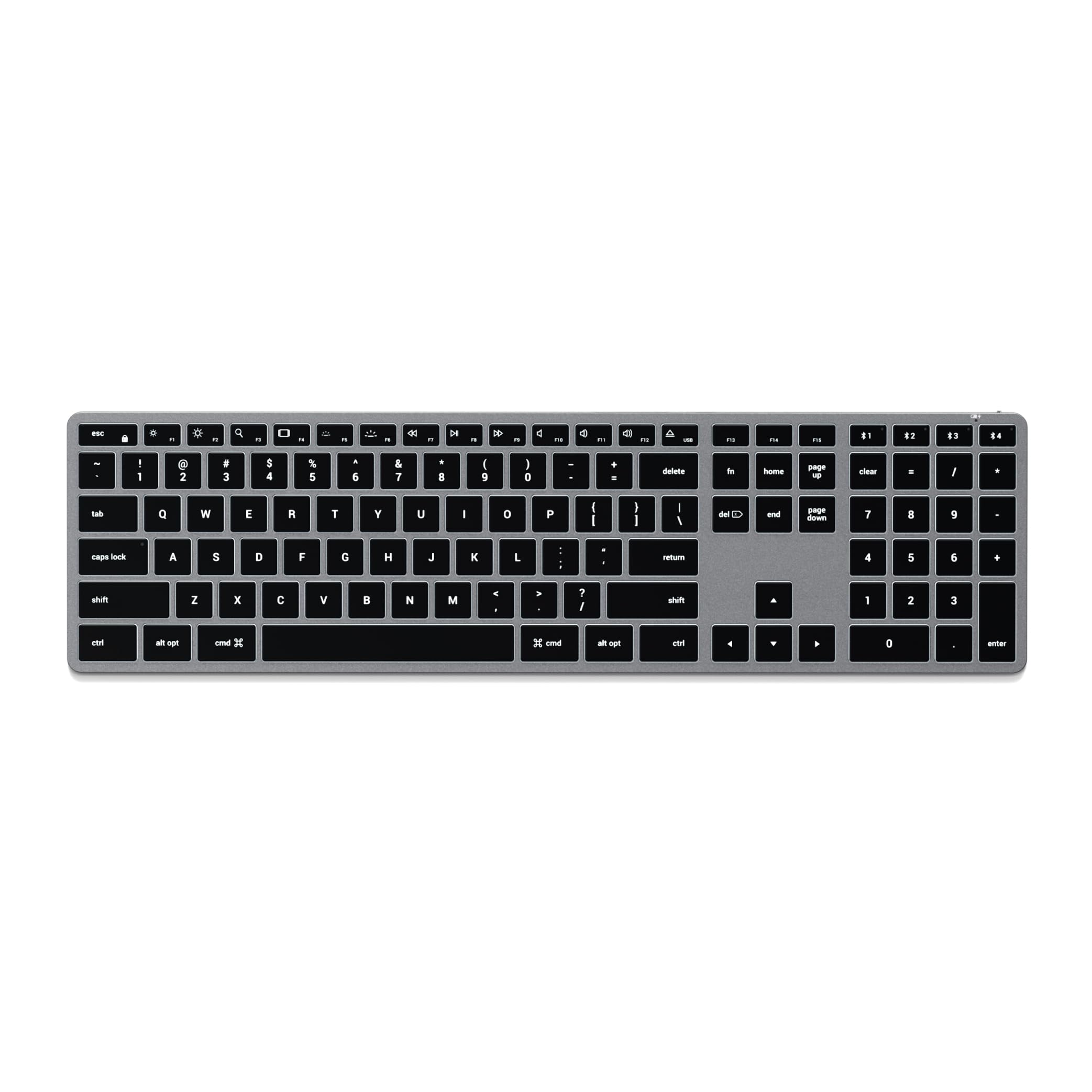
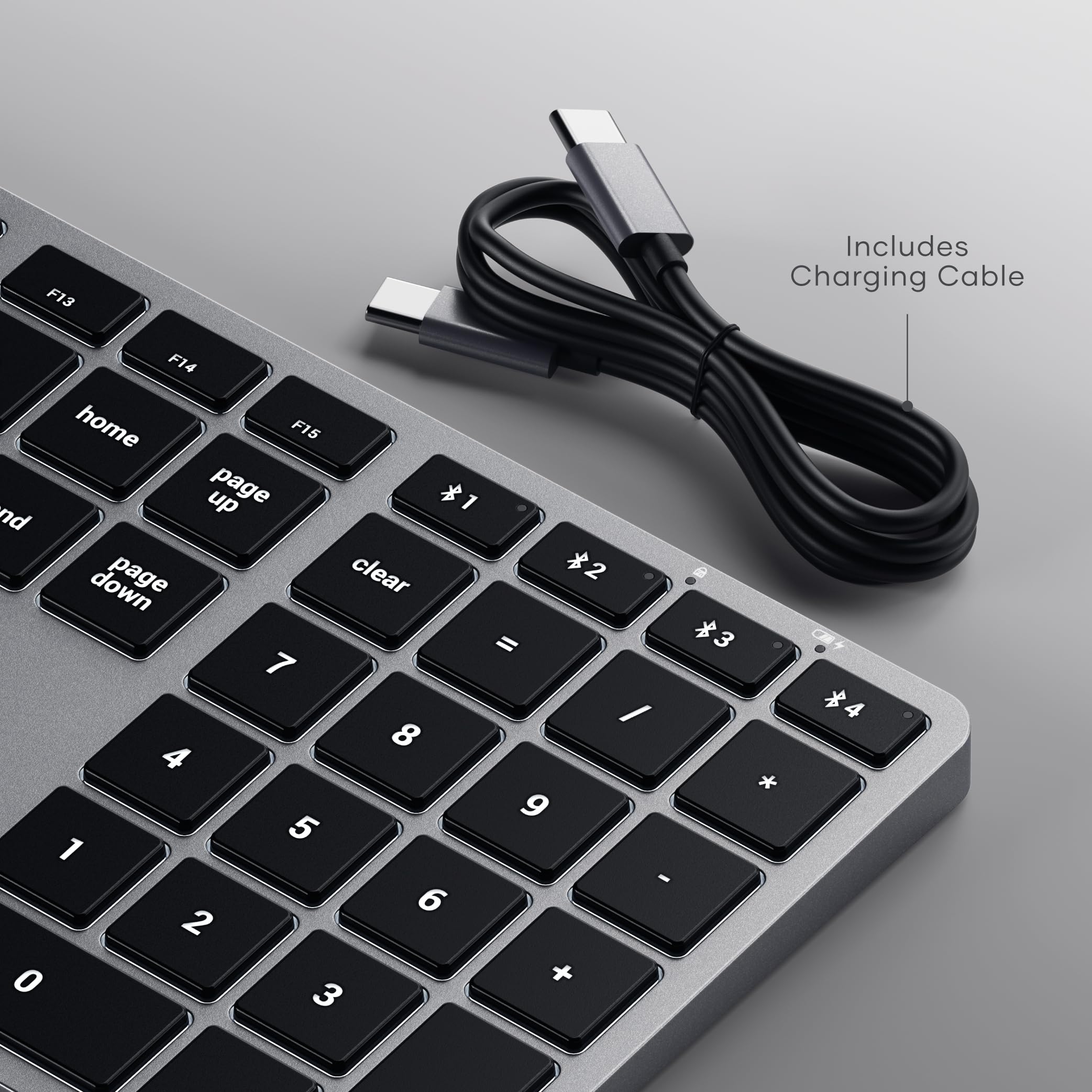
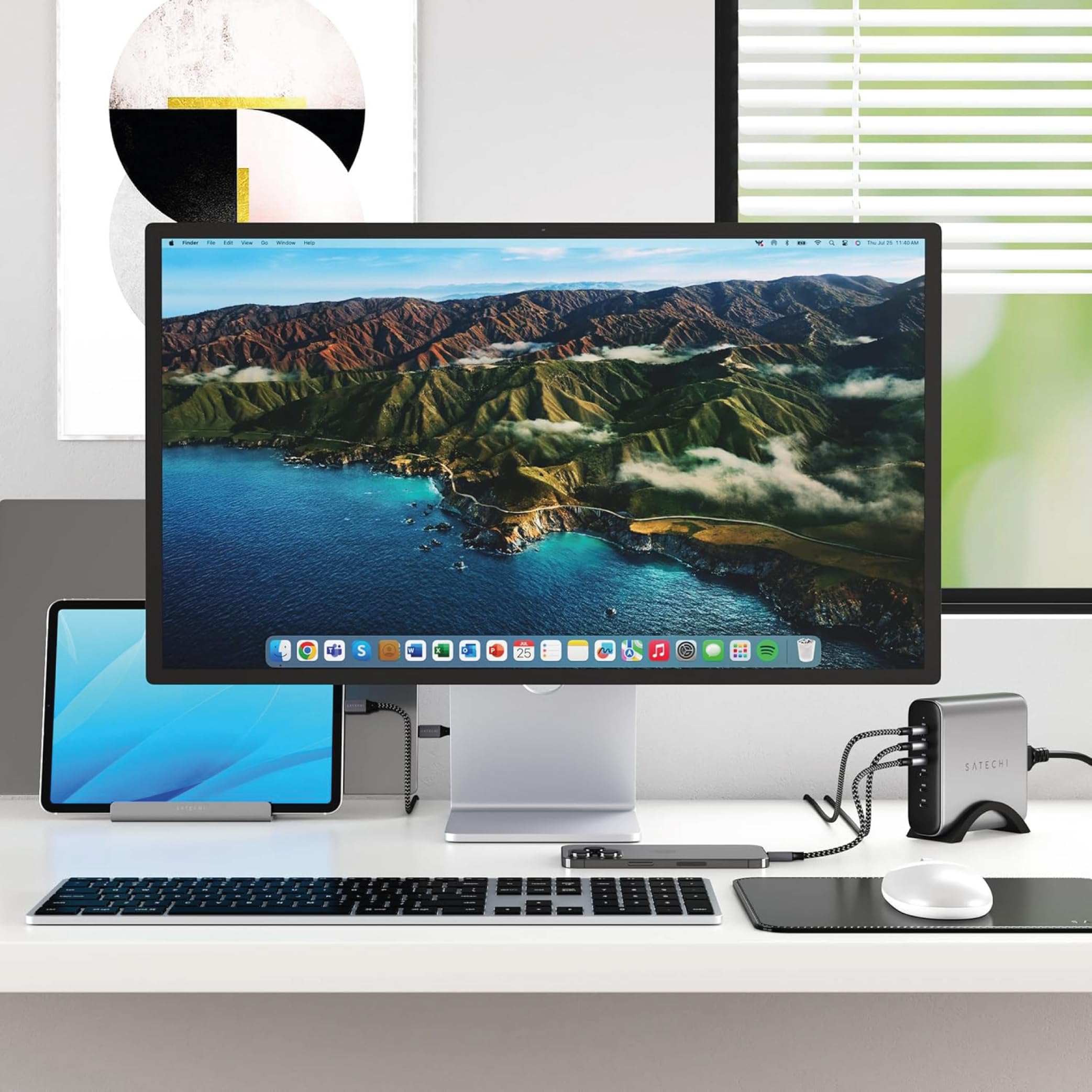
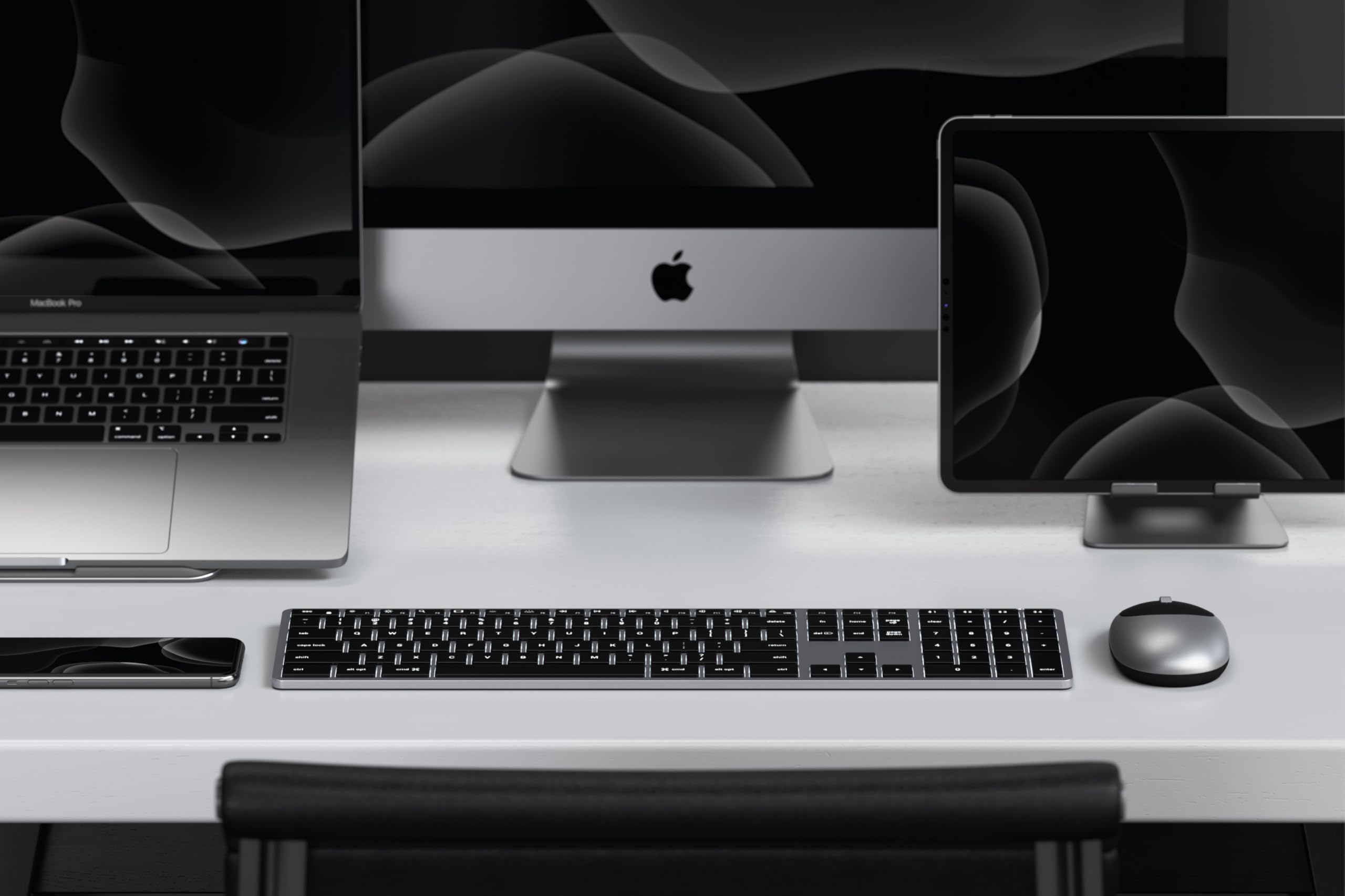
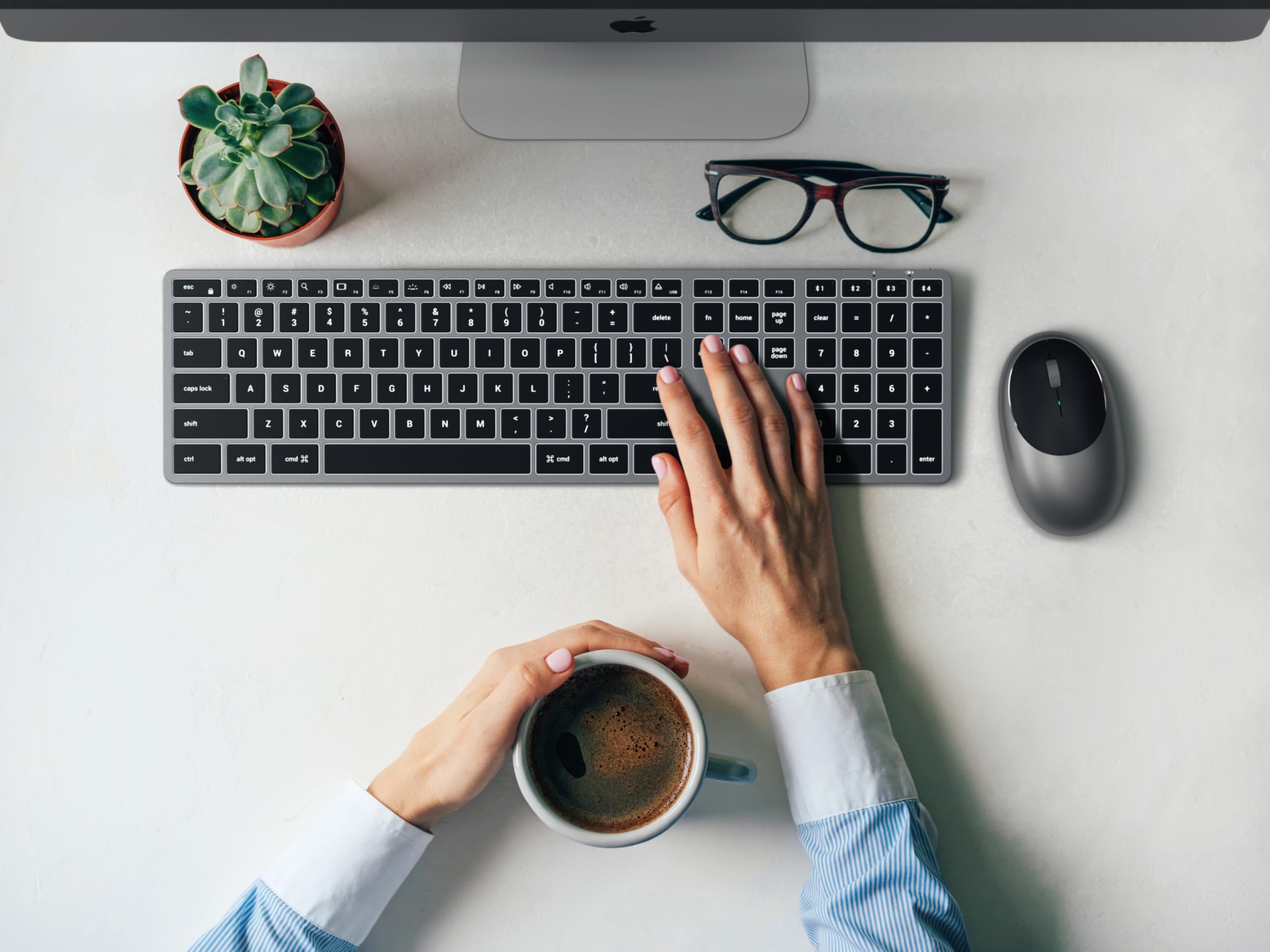
⌨️ Elevate your Apple setup with the ultimate multi-device keyboard experience!
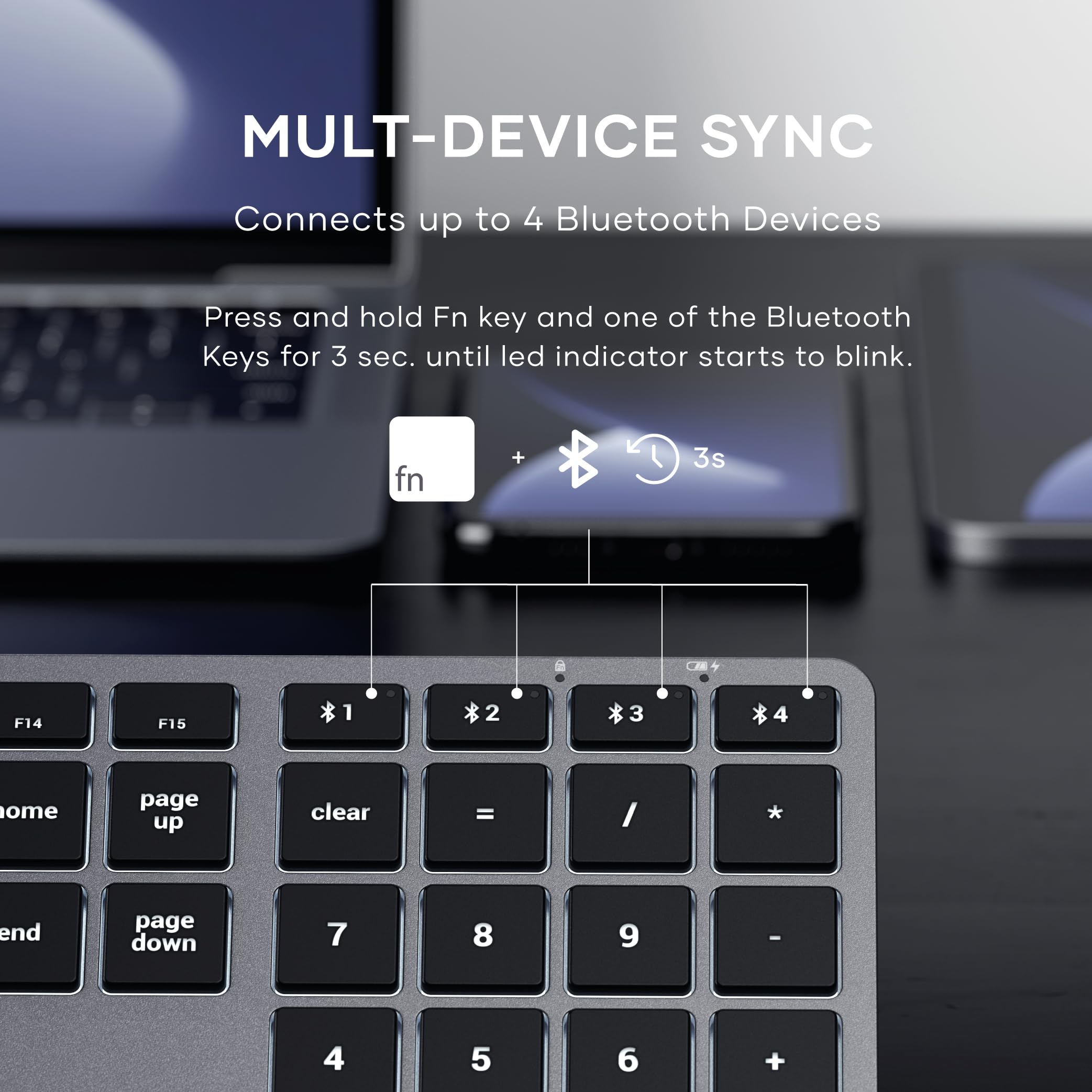
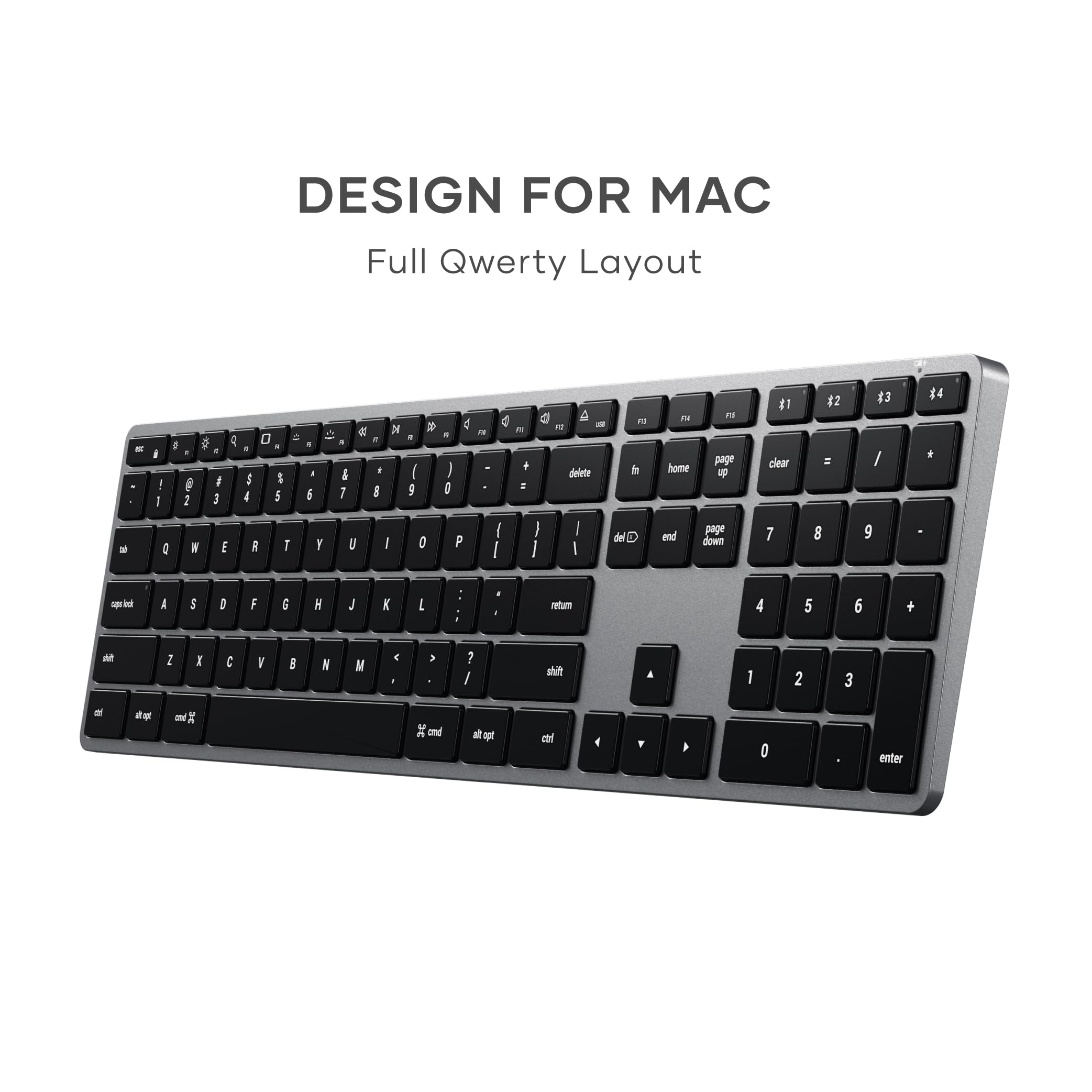
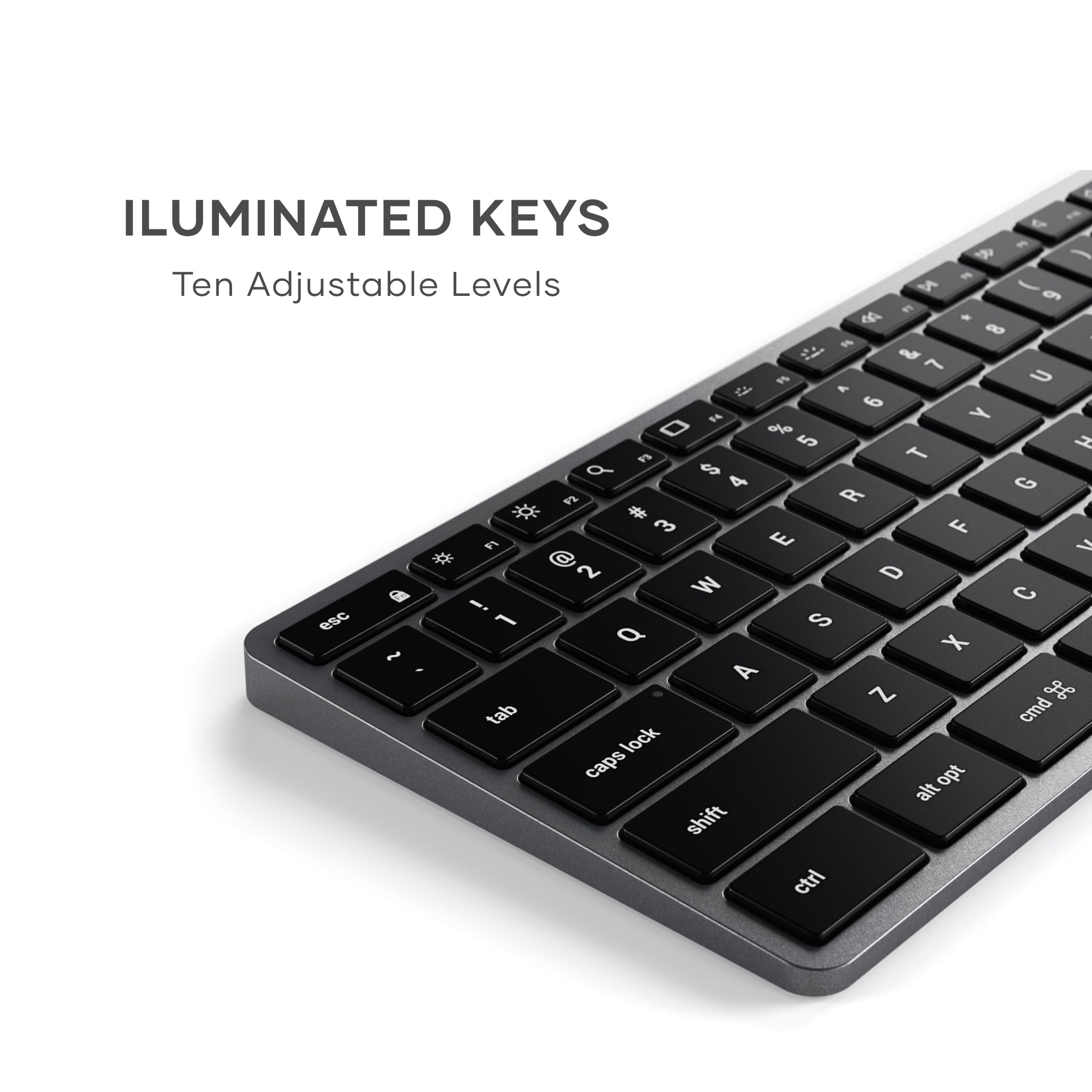
The Satechi Slim X3 Bluetooth Backlit Keyboard is a premium, space gray aluminum keyboard designed specifically for Mac users. It supports seamless Bluetooth multi-pairing with up to 4 devices, features a US English layout with MacOS function keys, and offers 10-level adjustable backlighting across 3 zones for optimal typing comfort. Compatible with Mac devices from 2012 onward, it charges conveniently via USB-C and includes an 18-month rechargeable battery with power status indicators, making it a sleek, efficient addition to any modern workspace.


| ASIN | B08Q5R3X1N |
| Additional Features | Backlit, Rechargeable |
| Amazon Bestseller | #15,031 in Computers ( See Top 100 in Computers ) #260 in Computer Keyboards |
| Antenna Location | Office |
| Brand | Satechi |
| Built-In Media | USB Cable |
| Button Quantity | 104 |
| Color | space grey |
| Compatible Devices | 2012 or later Mac devices such as MacBook Pro/Air/M1/M2, Mac Mini 2018 or later, iMac, iPad, iPhone 14, 13, 12, 11, X etc. Not compatible with Mac devices before 2011 Compatible Devices 2012 or later Mac devices such as MacBook Pro/Air/M1/M2, Mac Mini 2018 or later, iMac, iPad, iPhone 14, 13, 12, 11, X etc. Not compatible with Mac devices before 2011 See more |
| Connectivity Technology | Bluetooth |
| Country of Origin | China |
| Customer Reviews | 4.0 out of 5 stars 2,354 Your Review |
| Enclosure Material | Aluminum |
| External Testing Certification | Não Aplicável |
| Hand Orientation | Ambidextrous |
| Item Dimensions L x W x H | 42.4L x 11.5W x 1.2H cm |
| Item Weight | 420 Grams |
| Keyboard Backlighting Color Support | Single Color |
| Keyboard Description | Multi Functional |
| Keyboard Layout | QWERTY |
| Manufacturer | Satechi |
| Model Number | ST-BTSX3M |
| Number of Keys | 111 |
| Recommended Uses For Product | Office |
| Series Number | 3 |
| Special Feature | Backlit, Rechargeable |
| Style Name | Modern |
| UPC | 879961009052 |
| Warranty Description | Satechi Japan 2 Years Warranty |
F**T
Good alternation to Apple keyboard
Very cute and easy to use
B**9
質感がよくマック製品ともマッチします
質感もよく、Bluetoothもよく繋がり出来の良い商品ですが、しばらくキーに触らないと、すぐに反応しないことがあるので星4つとします。
K**L
Perfectly Matched: The Satechi Slim X2 for a Clean MacBook Air Setup
I was searching for a keyboard that closely mimics the look, typing feel, and overall experience of my MacBook Air keyboard. After some thorough online research, I found the Satechi Slim X2 to be the perfect match for my needs. I opted for the version with the additional number pad, as it seemed more practical for my desktop setup. My workspace includes a MacBook Air mounted on a laptop stand, paired with a 27-inch monitor for video editing. The Slim X2 complements this setup perfectly, helping me maintain a clean, cable-free environment. If I had to point out a downside, it would be the keyboard’s backlighting. Unlike the elegant lighting on my MacBook Air M1, the Slim X2’s backlighting tends to bleed through the spaces around the keys, which isn’t very appealing. That said, I typically keep the backlighting off to conserve battery power, and I rarely look at the keyboard while typing, even in low light. Overall, the Slim X2 is a great addition to my workspace and fits my needs wonderfully.
に**ん
デザイン重視
エンターキーが小さく押しづらい。カナ↔︎英の変換設定が必要で場所も違うのでWindowsに慣れていると扱いにくい。それとBluetooth接続だと初めの入力が反応せずタイムラグがあり煩わしい。 デザインは美しいので機能性は二の次であれば買う価値あり。
K**ー
USキーボードでいいです。”Ctrl + Space"で切り替えられます。バックライトはおまけ程度かな。
USキーボードでいいと思っています。日本のJIS規格のばかりで使わないキーはいらない、ということでこちらを購入。しっかり打てますよ。音があった方がいいとか、静かな方がいいとか、好みがいろいろありますよね。マウスも気ボードも。こちらは静かでテンキーはありません。縦横もmac Book Pro 14 の横の幅と同じくらいですね。純正が高すぎるのでこちらを購入。バックライトはおまけ程度でキーの周りが明るくなる程度です。暗いときはそれなりに使えます。インターナショナルのキーがないのでそれさえあれば、国内向けのキーボードはいらないと思うんですがね。
仲**毅
良い製品
良い製品
M**M
Magic Keyboardの黒のテンキーレスを求めている人に
Appleがいつまでも黒のテンキーレスを作ってくれないのでこちらを購入 打鍵音は純正からカチカチ感が少し減少しているので、好みに合わない人もいるかも 純正の打鍵音をパチパチとするなら こちらの打鍵音はパタパタ 英語配列しかないのが難点だが 英数/かなの切り替えについては 「英かな」というアプリで コマンドキーに割り当てることができるので それ以外のエンターキーの配置やスペースキーのサイズ等の違いが気にならないのであれば 購入しても不満は感じないと思うし、 キーキャップに平仮名の印字がないので 日本語配列よりスッキリしていて見やすいと感じる人もいるかも
左**脳
後悔
接続できない。しかも箱が傷ついた状態で届き、中も確認したが汚れが付着している。サイズも大きく、使えない製品がただ鎮座している状態。本当に後悔している。しっかりとした有名メーカー品を買えばよかった。買う前に戻りたい。
Trustpilot
2 weeks ago
1 month ago