
DOWNLOAD THE APP


Customer Services
Copyright © 2025 Desertcart Holdings Limited
DOWNLOAD THE APP






🚀 Elevate your workflow with power, precision, and style — don’t just keep up, lead the pack!
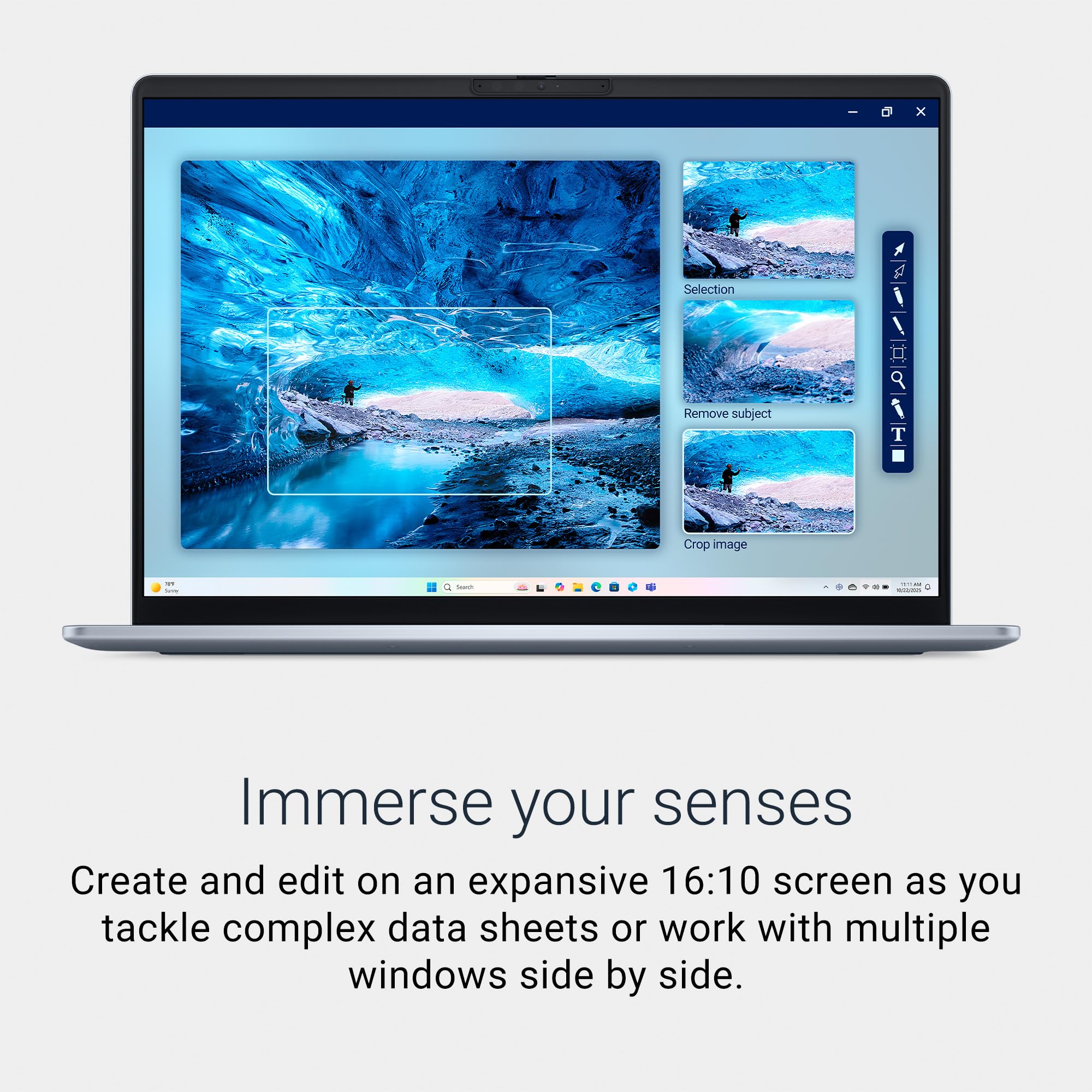
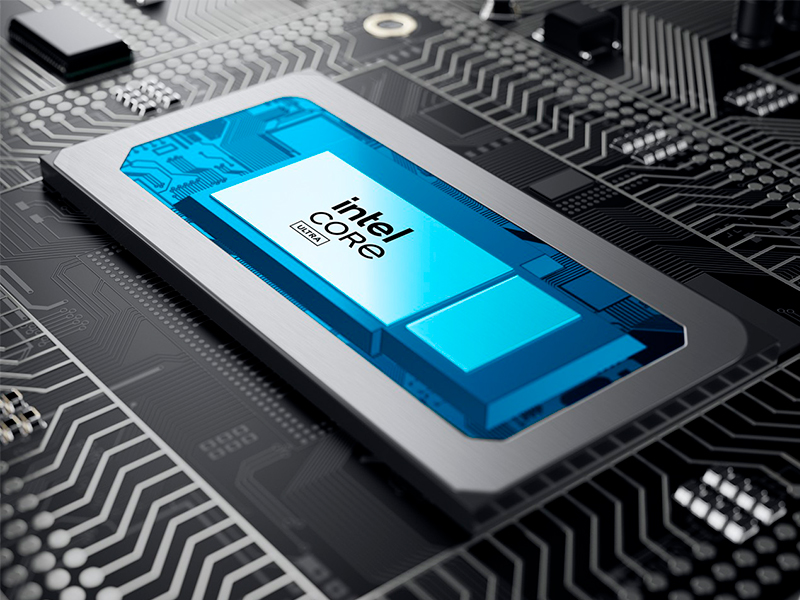
The Dell 16 Plus Laptop DB16250 is a premium 16-inch 2.5K display powerhouse featuring the latest Intel Core Ultra 9 processor, 32GB of ultra-fast LPDDR5X RAM, and a massive 2TB SSD. Designed for professionals who demand top-tier AI performance, seamless multitasking, and military-grade durability, it combines sleek aluminum craftsmanship with advanced security features like a FHD+ webcam and Windows Hello. Perfect for creators and managers who want to stay ahead in a fast-paced digital world.


| ASIN | B0F2K23VJD |
| Audio Output Type | Headphones, Speakers |
| Battery Cell Type | Other Than Listed |
| Best Sellers Rank | #955 in Computers & Accessories ( See Top 100 in Computers & Accessories ) #93 in Traditional Laptop Computers |
| Biometric Security Feature | No Fingerprint Reader |
| Bluetooth Version | 5.4 |
| Bluetooth support? | Yes |
| Brand | Dell |
| Built-In Media | 65W Type-C Adapter, Dell 16 Plus DB16250 Laptop, Documentation, Power Cord |
| CPU Model | Intel Core Ultra 9 |
| CPU Model Generation | 13th Gen |
| CPU Model Number | 288V |
| CPU Model Speed Maximum | 5.1 GHz |
| Cache Memory Installed Size | 12 |
| Camera Description | Front |
| Color | Ice Blue |
| Compatible Devices | External displays, keyboards, mice, headphones, storage devices |
| Connectivity Technology | Bluetooth, Wi-Fi |
| Customer Reviews | 4.2 out of 5 stars 94 Reviews |
| Display Resolution Maximum | 2560x1600 Pixels |
| Display Technology | LED |
| Display Type | LED |
| Form Factor | Laptop |
| Graphics Coprocessor | Intel Arc Graphics |
| Graphics Description | Intel Arc Graphics |
| Graphics Ram Type | Shared |
| Hard Disk Description | SSD |
| Hard Disk Interface | Solid State |
| Hard Disk Size | 2 TB |
| Hard-Drive Size | 2 TB |
| Hardware Interface | Bluetooth, HDMI, Thunderbolt 4, USB 3.2 Gen 1, USB 3.2 Gen 2 |
| Human-Interface Input | Touch Pad |
| Item Dimensions L x W x Thickness | 9.87"L x 14.05"W x 0.67"Th |
| Item Weight | 4.1 Pounds |
| Keyboard Description | Full-size, Numeric Keypad, Backlit |
| Keyboard Layout | QWERTY |
| Lithium-Battery Energy Content | 64 Watt Hours |
| Manufacturer | Dell |
| Memory Clock Speed | 8533 MHz |
| Memory Speed | 8533 MHz |
| Model Name | Dell DB16250 Laptop |
| Model Number | LDB16250-9555BLU-PUS |
| Model Year | 2025 |
| Native Resolution | 2560 x 1600 pixels |
| Number Of Cells | 4 |
| Number of Ports | 4 |
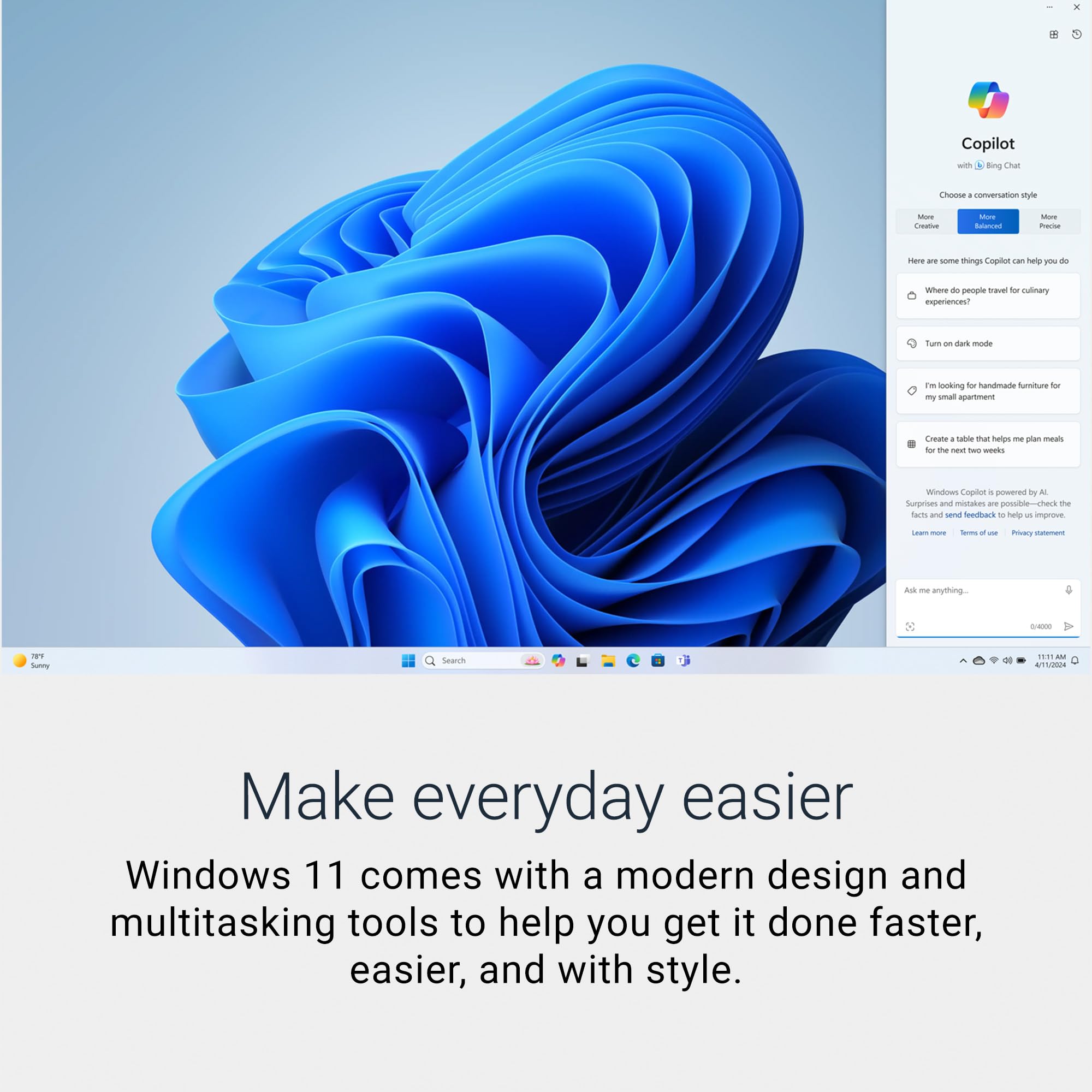
| Operating System | Windows 11 Home |
| Optical Storage Device | No Optical Drive |
| Other Special Features of the Product | Anti Glare Coating, Backlit Keyboard, HD Audio, Numeric Keypad |
| Processor Brand | Intel |
| Processor Count | 8 |
| Processor Series | Intel Core Ultra 9 |
| Processor Speed | 3.3 GHz |
| RAM Memory Installed | 32 GB |
| RAM Memory Technology | LPDDR5X |
| RAM Type | DDR5 RAM |
| Ram Memory Maximum Size | 32 GB |
| Refresh Rate | 120 Hz |
| Resolution | 2560x1600 |
| Screen Finish | Matte |
| Screen Size | 16 Inches |
| Speaker Description | Waves MaxxAudio Output + Dolby Atmos Cores and Stereo Speakers |
| Specific Uses For Product | Business, Entertainment, Student |
| Total Number of HDMI Ports | 1 |
| Total Thunderbolt Ports | 1 |
| Total Usb Ports | 3 |
| Touch Screen Type | No Touchscreen |
| UPC | 884116429555 |
| Video Output | HDMI, Thunderbolt |
| Video Processor | Intel |
| Voltage | 240 Volts (AC) |
| Warranty Description | 1 Year Basic Onsite Service after remote diagnosis with Hardware-Only Support, 6 Months Dell Migrate |
| Warranty Type | 1 Year Basic Onsite Service after remote diagnosis with Hardware-Only Support + 6 Months Dell Migrate |
| Webcam Capability | Yes |
| Wi-Fi Generation | Wi-Fi 7 |
| Wireless Compability | 802.11.be, Bluetooth |
| Wireless Technology | Bluetooth, Wi-Fi |
P**I
A Great Laptop For My Needs!
I ordered the one with the Core Ultra 9 processor, 32GB of RAM, and a 2TB SSD. My profession is such that I use my computers extensively. Also, as an amateur photographer, need to use photo-processing software. I installed the upcoming Windows 11 Pro 25H2 (laptop comes with the Home version). This laptop handles everything like a charm. Have never had complaints with Dell quality. This should last me a few years. Understand, though, that the laptop has only 1 USB-A port, 1 USB-C, 1 Thunderbolt port, and one universal audio jack. There is no SD or microSD card reader. I am fine with purchasing a USB-C adapter with card readers, etc. The laptop is quite slim, weighs a mere 4+ lbs, and is pleasant to look at - the case is light-blue in color. The screen resolution is perfect for my needs (set magnification at 125%). Got it on sale for $1,099 which, for me, is a reasonable price for it. Finally, note this isn't a gaming laptop. I don't play any games on my computers, so I cannot comment on that. But it is a rather functional and able laptop for work and home computing needs.
N**I
I love this computer for what it is, BUT....
Not what I wanted. I made the mistake. I ordered this computer under the new Dell's renaming plan. I wanted the renamed Latitude, not the renamed Inspiron which this computer is, and the seller CLEARLY titled it as such. The Latitude has more ports than the Inspiron. Again, MY BAD. Why... Why me. After looking and looking and then making this mistake...GRRRR. Anyways, what a fantastic computer!! I purchased my previous computer around ~2008, so yes, I am impressed with the newest and latest. I chose the upgraded components such as the Ultra 9, 32GB the high-end LPDDR5X (I'm talking about a max of 8,533Mbps, OMG), 2TB SSD... Logi M650L mouse. This combo is so fast, I mean so fast, I can't even keep up. Just a blink of an eye and my photography program(s) run, and the task is finished. The backlit keyboard keeps turning off and turns back on with a touch of any key. I'll have to find the way to disable this in that I want to see the keyboard when I initially place my fingers. After that, it can turn off as I know where the symbols are. Very easy and actually very quick setup. I chose to use a thumb drive to bring my programs and data over. Recognized my printer very quickly. My home webpage already saved my 'favorites', so no problems there. Speaker is sufficient in that I do not have to turn it up to 100, just to barely hear it. Usually, 50-55 suffices with this computer. I can actually hear the stereo separation. Even with the audio/video players equalizer, it still plays music flat. Absolutely no bass. Yes, I know this isn't a home 5,000w speaker system, but this is 2025. I would expect a laptop to sound like a mini stereo system with, I don't know, BASS... or at least better than the cheapest cellphone. Come-on. USB ports... As stated before, I wanted the Latitude with more ports. This one has only one USB. My mouse takes that one. That's it. No more ports. Hmm, 2025 says at least 2 ports standard?? It has 2 USB-C ports. One is occupied for power, although I believe it can be used if running off of battery. This computer gets slightly; I mean very, very, VERY slightly warm on the bottom of the left side. Hardly even noticeable unless you are actually looking for it. The fan is also very quiet. I do not notice it unless I'm looking for the noise, slightly turning my head or it speeds up Still very quiet. Other than that, I can't hear it with the awesome, no bass music playing. Screen is crystal clear and is advertised as "Low Blue Light (Hardware Solution)". Yeah, don't ask me. It seems to work. I love this computer...BUT, as stated previously, I wanted the Latitude. Meh, I'll have to use my USB adapter. Only one con I see. When turning on the computer, everything loads up fast to include connecting to the internet. However, the computer is slow to allow the home webpage to connect to the internet. I don't know why. I click the internet icon and shows it, in of itself, will not connect for a good minute, although the computer itself indicates it is connected to the Wi-Fi network. Could be my non-McAfee internet security checking things out first or could be this newest and latest Wi-Fi7 but who knows. Just a minor inconvenience. Lesson learned. Take your time and know which model you are purchasing.
5**6
Close but not exactly what I wanted
Purchased to work with HP USB-C Dock G5. Laptop has USB-C 3.2 with Alternate Display Have two monitors, speakers and ethernet connected to dock. Startup was a little bumpy because WiFi would not work. Saw WiFi networks but didn't accept passwords. Tried three different networks, even set up one just for install. Using docking station with hardwired internet allowed setup to continue. After windows startup and updates WiFi worked. Both monitors, speakers and hard wired internet connection were good. Two monitors plus laptop display work well, I will be using two monitors with laptop closed. Good speed, videos play smooth, no issues with performance. Haven't done anything to push PC yet. One problem is computer wake from USB function. I can't use the docking station power button to turn on the PC. Have to open lid, press laptop power button then close lid. Changed were I will keep laptop. While the USB-C connection is capable of wake from USB, the BIOS is not. Maybe some day a BIOS update will fix this. Odd to not include a feature that has been around a long time. Small issue to a laptop that meets all my other needs.
H**K
Black screen, suddenly not working multiple times
Just bought this. Twice now the screen has completely gone black and nothing will work. I asked ChatGPT what to do and it said unplug the charger and hold down on the power button. The light on the side gives off diagnostic signals I don’t understand white and yellow. GPT says this can be anything from battery to up to hardware failure. I think I need to have this switched out. A new laptop shouldn’t be doing this. Both times this has a full battery.
L**M
Good value good purchase.
Arrived as advertised, and on time. I love the lighted keyboard, the blue tooth mouse ability I bought a Blue tooth mouse) , a battery that lasts for 8 or more hours before needing a charge. It's fast, the move of data from my windows 10 computer was kind of difficult, but I found what I needed on the Dell website. I'm always amazed when products arrive with little or no documentation but trying to get used to that. Overall great purchase/experience.
V**N
Great product and super value!
Great product and super value!! Super easy to set up.
V**A
Good buy for the specs.
For the money there isn’t anything out there that has the features of this computer. My only complaint is the lack of more USB ports and requires a hub or docking station. Note, that if you upgrade to windows 11 PRO the upgrades OS can “throttle” the computer and slow it down (direct from Dell’s tech support.
L**Z
Good value
I love my new Del laptop! I am even coming to terms with windows 11 after my son showed me how to delete a few of the add ons.
Trustpilot
1 day ago
1 month ago