
🔥 Dominate Every Frame with LG UltraGear OLED ⚡
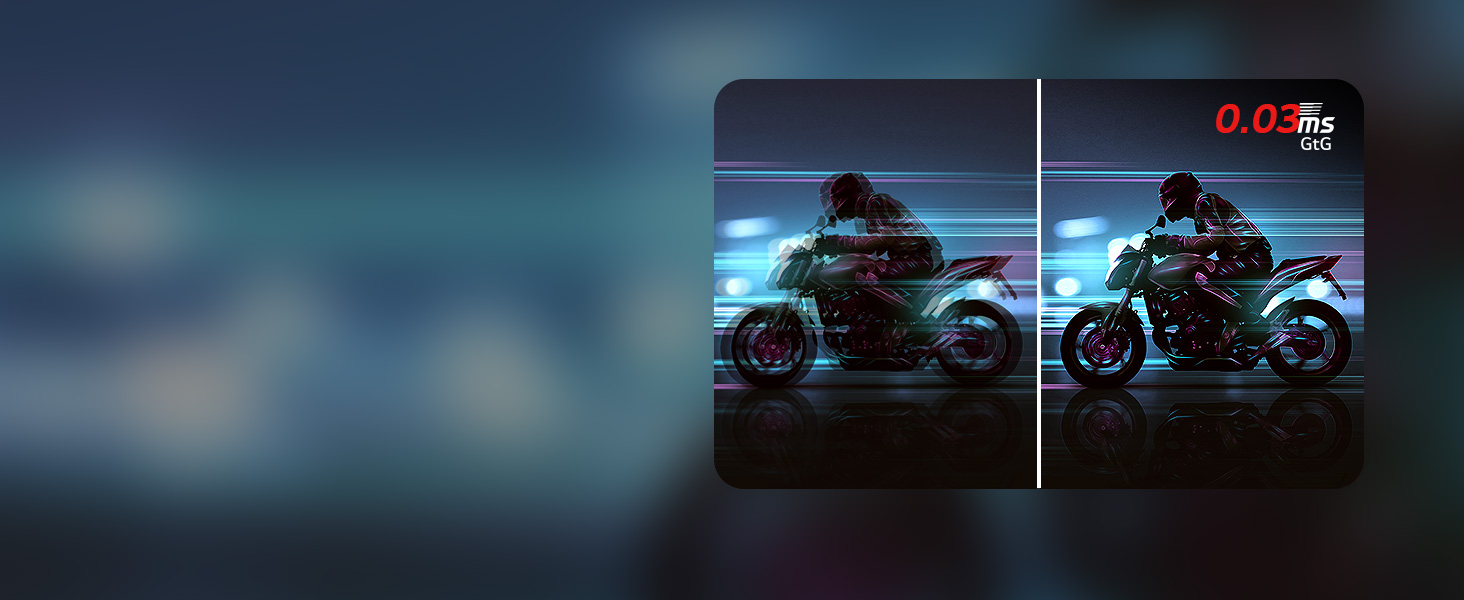
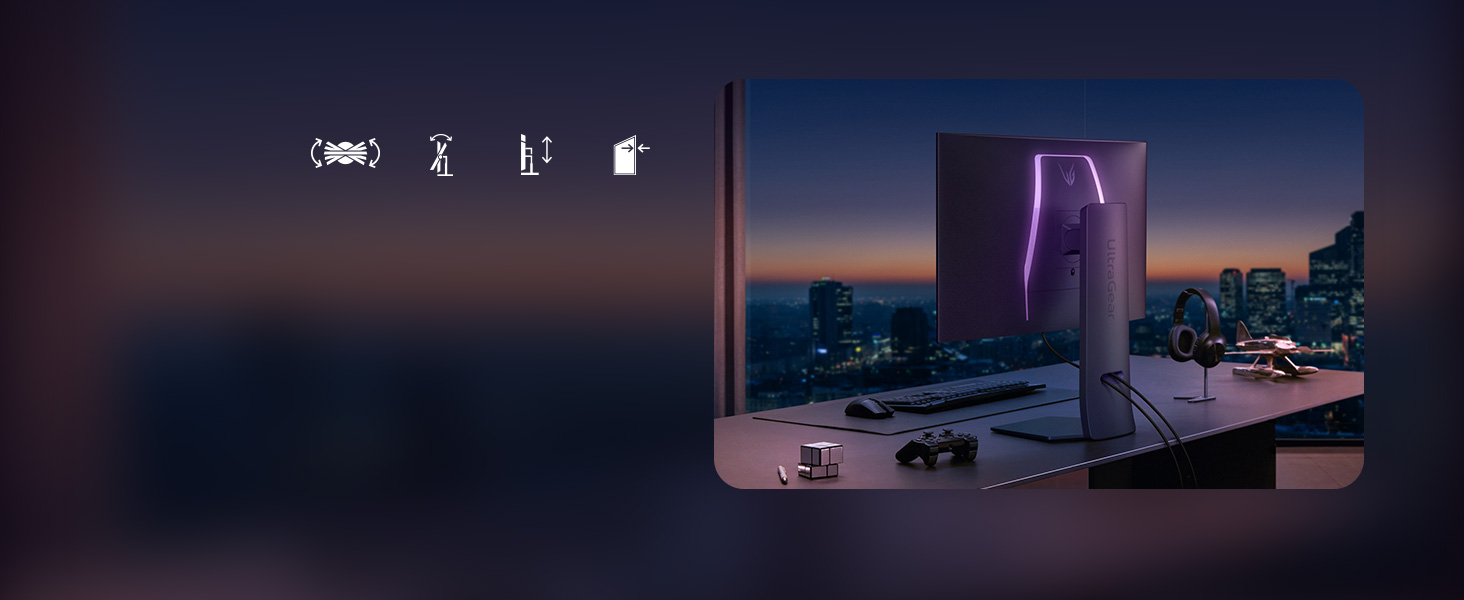
The LG 32GX870A-B is a cutting-edge 32-inch OLED gaming monitor featuring a dual-mode refresh rate (4K UHD at 240Hz or Full HD at 480Hz), an ultra-fast 0.03ms response time, and advanced NVIDIA G-SYNC and AMD FreeSync Premium Pro compatibility. With VESA DisplayHDR True Black 400 certification and peak brightness up to 1300 nits, it delivers stunning visuals with deep blacks and vibrant colors. Designed for pro gamers and enthusiasts, it offers a sleek, adjustable form factor and versatile connectivity including USB Type-C and DisplayPort 2.1, making it a powerhouse centerpiece for any high-performance gaming setup.





| ASIN | B0F14PFFPS |
| Best Sellers Rank | #7,358 in Electronics ( See Top 100 in Electronics ) #232 in Computer Monitors |
| Brand | LG |
| Color | Black |
| Customer Reviews | 4.1 4.1 out of 5 stars (141) |
| Date First Available | March 11, 2025 |
| Item Dimensions LxWxH | 9.83 x 28.11 x 24.44 inches |
| Item Weight | 21.6 pounds |
| Item model number | 32GX870A-B.AUS |
| Manufacturer | LG |
| Max Screen Resolution | 3840 x 2160 Pixels |
| Number of USB 3.0 Ports | 2 |
| Product Dimensions | 9.83 x 28.11 x 24.44 inches |
| Screen Resolution | 3840x2160 |
| Series | 32GX870A-B.AUS |
| Standing screen display size | 31.5 Inches |
C**E
A great display if you know what you're looking for
Overall, this display is absolutely fantastic. I would highly recommend that anyone considering it understand the differences between QD-OLED (Samsung panels; most OLED monitors) and W-OLED (LG) panels. It is also worth learning about the differences between matte and glossy coatings and how they affect the image. The build quality is great; the stand goes together very easily and is extremely solid. It also offers a wide range of height and tilt adjustment. The light on the rear of the housing is a nice touch and has a good selection of colors. Since this is a W-OLED display, the blacks remain perfectly dark even in a bright room. Colors are as good as you'd expect. When the unit first powers on, expect to see some mild to moderate unevenness in the brightness of the image. My unit had some vertical banding which disappeared after a few hours of normal use and an image cleaning cycle. Do not worry if you see something similar on yours! It goes away quickly. Also, there is no discernible text fringing at all. Text does appear somewhat soft, but disabling ClearType in Windows completely fixes this. The image is plenty bright, and HDR content looks great. You can adjust the peak brightness in the settings, so if it seems dim then try that. It is definitely not as bright as a QD-OLED panel, but the perfect blacks make up for this. Keep in mind that bright elements that take up large parts of the screen will cause global dimming. This is normal behavior. The only complaint I have is that the matte coating is somewhat grainy. It is barely discernible at normal viewing distances, and with dynamic content it's even harder to spot; it is most noticeable on static bright pages. Use dark mode whenever you can (which is also good practice for OLED panels generally). For me, the lack of distracting reflections is well worth it. Consider your options carefully when picking an OLED display. There are trade-offs no matter what you choose. If you're looking for a 4K display with a fantastic refresh rate (and 480hz at 1080p!), and you know that the downsides won't be an issue for you, then this is one of your best options.
T**.
Mixed emotions but still a good product.
This monitor is gorgeous. Its a very amazing OLED with good response time and a great refreshrate however i have a 4090 and mainly play cs2 and it just doesnt feel like I really got that much more of a boost coming from 240hz. I didnt expect a night and day difference and it could be the game (cs2 is buns with the sub tick system) even on my desktop I still can see my mouse having like a trail (not ghosting) where it just seems like a lower refresh maybe ive gotten to used to super high ones but idk. Overall I would recommend this monitor if its on sale, yoy are upgrading from below 240hz and you want an oled. If you have the 240hz OLED model id probably keep it or find another brand with a higher refreshrate.
A**R
OLED Things
Very bad dirty screen effect on my unit and the text and small object clarity in general sucks because of the non-RGB subpixel layout. Without the dirty screen effect, I'd give it four stars. VRR flicker does happen during hard stutters, but it doesn't bother me much as most games aren't so horribly optimized. There is no DSC toggle (haven't checked service menu) but I have a 50-series so I haven't noticed any issues related to it. If you get one with minimal or no dirty screen effect, then it's a good monitor.
B**N
The 4K OLED of my dreams!
- Color accuracy: Respectable, great even. Slightly off compared to my production grade monitor, but just as they were advertised! Bravo! - Peak nits: Fantastic, these are the best nits. Everybody knows it. - Refresh rates: So fast you can't even see them. (240hz@4K - 480@1080p - SILKY SMOOTH!!!) - Response time: Not haunted. No ghosts here. - Pixels: There's a lot of them, trust me. Kept losing count otherwise I'd tell you. - Features: One firmware update away from perfection. Pictured is the difference between an LG 27GN950 (left, a 4K edge-lit IPS) and this monitor (right, a 4K MLA OLED). LOOK AT THOSE BLACKS!!! Left is Task Manager on a completely black background, right is a movie during a scene showing complete blacks. Having never owned an OLED before, I couldn't be happier with the decision to go with this monitor. The matte finish obliterates all but the brightest ambient light you would typically throw at it, maintaining excellent blacks and punchy colors. If you're on the fence, just DO IT!
R**.
Best 1440p oled right now
This monitor is incredible. Smooth as butter gameplay. Deep blacks. Auto screen clean when I’m done on the pc for the day and it detects no input. Premium as can be with metal stand and design. Came packaged great. The image clarity is phenomenal. I’ve had asus oleds and other asus ips, and friends that have Alienware QD-oleds. This thing has the best picture I’ve seen in an oled and the text clarity is great. I 100% recommend this monitor. I was going to write off oled monitor tech and stick with ips and mini led but this monitor changed my mind. I have a LG C3 as well and I believe Lg just makes the best oleds. The height adjust is perfect I don’t need a monitor stand anymore as this can raise very high. The ambient lighting on the back is a nice touch. I’ve gone through two other asus monitors trying to find the right for me and decided on this. No regrets and I’m sure you won’t either.
W**E
Great monitor. Refresh rate 480Hz works as advertised. OLED blacks very deep. Colours need some tuning out of the box but are beautiful once calibrated. G-sync works great. Minor VRR flicking but only occurs in a few situations and never during actual gameplay, usually just in menu screens. Very easy setup. Stand works amazing and is sturdy.
S**C
Extraordinary monitor, this LG 32GX870A-B. (Coming from a Dell G3223Q which seemed very decent.) M4 Macbook Pro m4 chip, running that over the included USB-C. Powers my mac. Running my PC, 5080 RTX over the display port. Both lock rock solid 4k 240hz. i would buy it all over again. ! build quality is top shelf. beautiful stand too.
A**A
Deep blacks! Visually stunning! Almost no motion blur. One of the best monitors I have used. - Try to buy this Monitor when there is a sale. Worth it!! Note - if you are having flickering issues, try turning adaptive sync from extended to basic or off. When i switched it to off my flickering issues went away!! And for updating the monitor connect the usb a cable and then download lg switch
A**R
grainy/screen door effect when looking at still gray colors like dark mode on your browser. pretty sure its the matte layer on the screen. much much worse if youre in a dark room but unnoticeable when the room lights are on. and its non existent if the image is moving like in game or during movies unless you are actively looking for it or theres a scene with still gray/dark gray colors for too long. but still barely noticeable even then. thats all the bad things ive noticed so far. still pretty good
D**S
Did not notice much of a difference between 240hz to 480hz. OLED panels make the difference between with other panels.
Trustpilot
1 month ago
1 month ago



