




🚀 Compact Powerhouse: Elevate Your Workspace, Streamlined and Unstoppable!
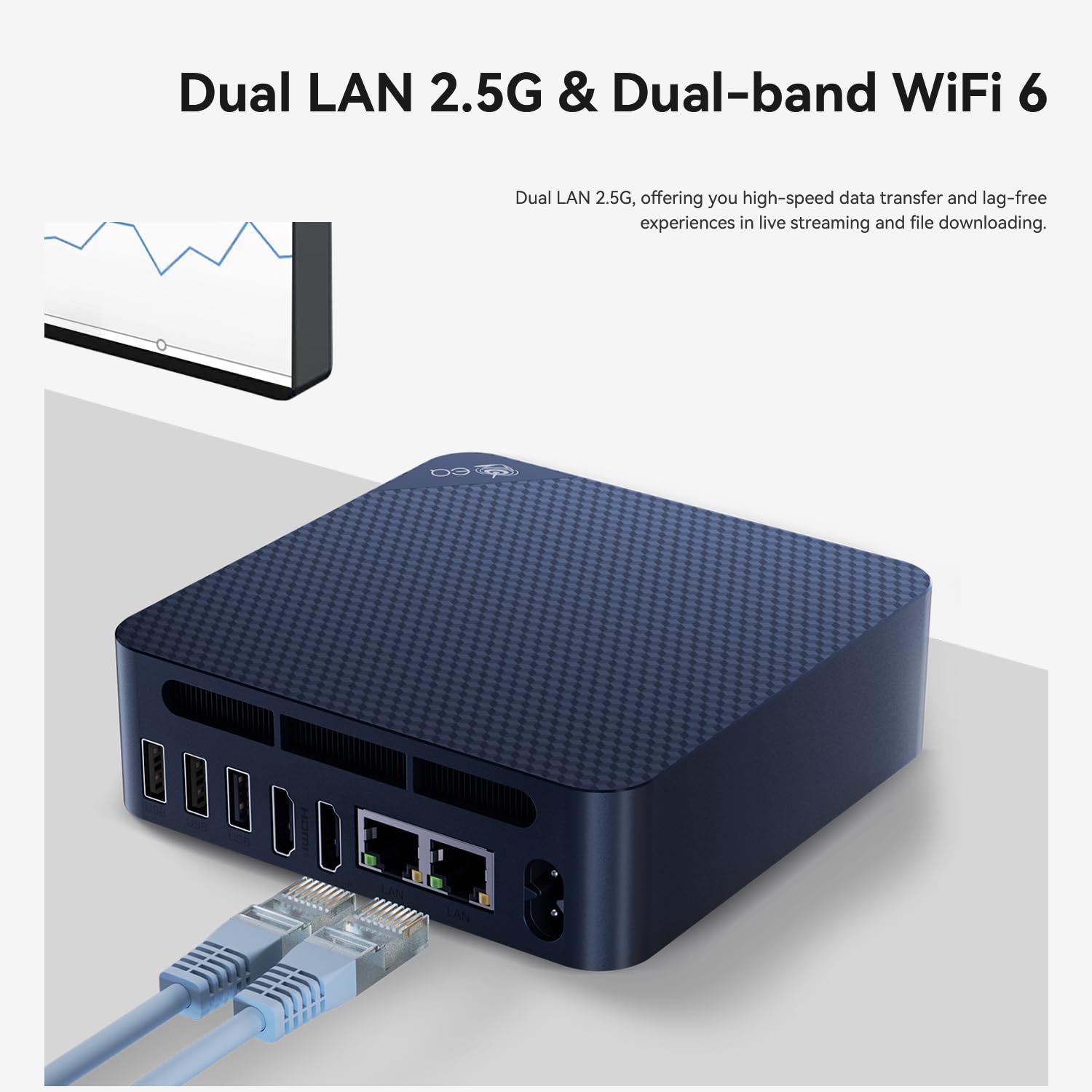
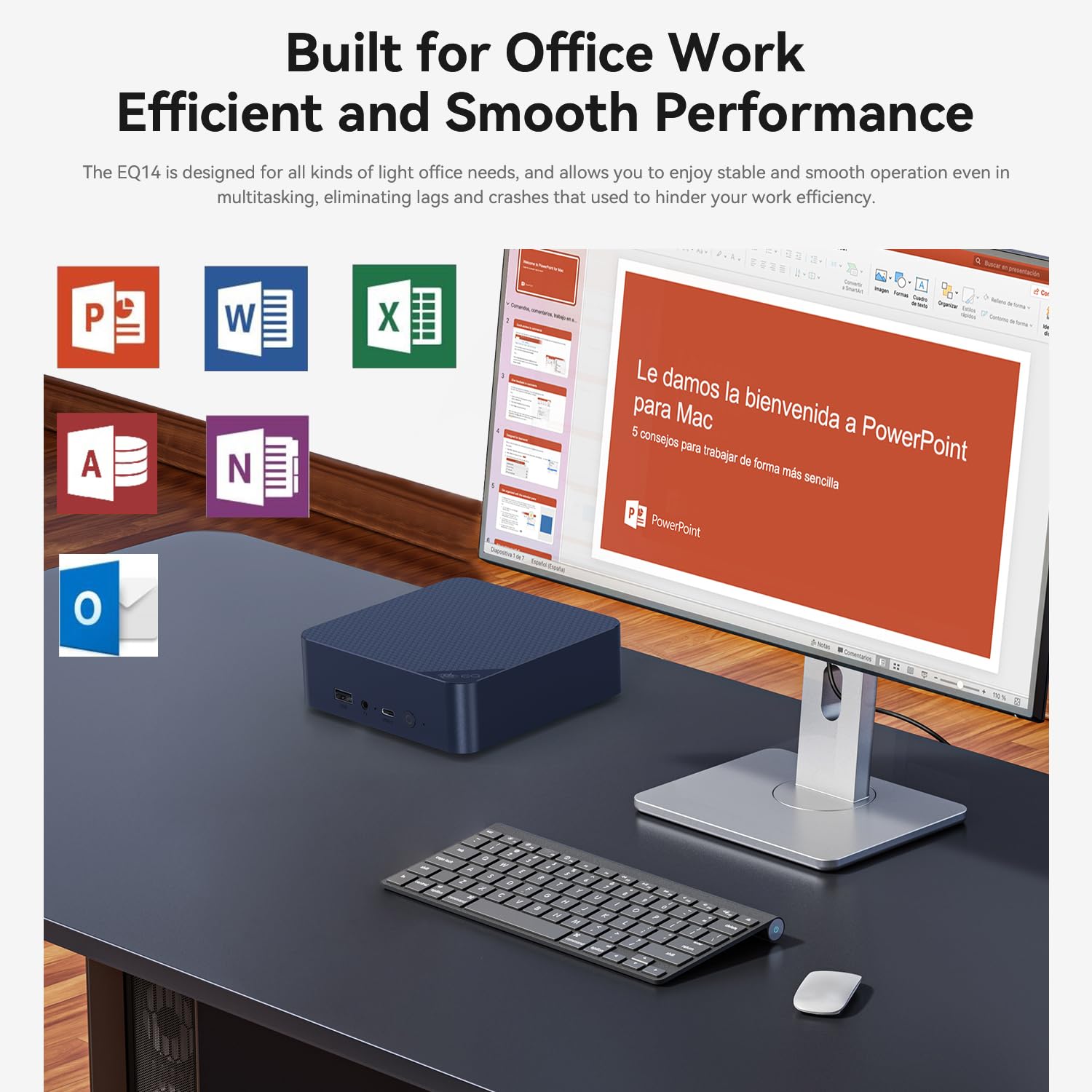
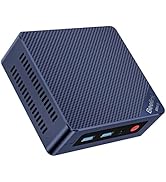
The Beelink EQ14 Mini PC combines a robust Intel N150 processor clocked up to 3.6 GHz with 16GB DDR4 RAM and a 1TB SSD, delivering high-speed performance in a compact form factor. Featuring WiFi 6, Bluetooth 5.2, and dual 2.5G LAN ports, it ensures ultra-fast and stable connectivity. Dual HDMI outputs support dual 4K displays powered by Intel Graphics 24EUs at 1000MHz, perfect for multitasking and immersive media. Ideal for professionals seeking a sleek, quiet, and powerful mini desktop solution.






| ASIN | B0DPQ91RH9 |
| Best Sellers Rank | #3,895 in Computers & Accessories ( See Top 100 in Computers & Accessories ) #156 in Mini Computers |
| Brand | Beelink |
| Card Description | Integrated |
| Chipset Brand | Intel |
| Color | Blue |
| Computer Memory Type | SODIMM |
| Customer Reviews | 4.5 4.5 out of 5 stars (314) |
| Date First Available | June 9, 2022 |
| Flash Memory Size | 1 GB |
| Graphics Card Ram Size | 1 |
| Graphics Coprocessor | Intel HD Graphics |
| Hard Drive | 1 TB SSD |
| Hard Drive Interface | Serial ATA |
| Hard Drive Rotational Speed | 500.00 |
| Item Weight | 1.94 pounds |
| Item model number | EQ14 |
| Max Screen Resolution | 3840x2160 |
| Number of Processors | 2 |
| Number of USB 2.0 Ports | 1 |
| Number of USB 3.0 Ports | 1 |
| Operating System | OS |
| Package Dimensions | 6.1 x 6.02 x 3.82 inches |
| Processor | 3.6 GHz celeron |
| Processor Brand | Intel |
| RAM | 16 GB DDR4 |
| Screen Resolution | 3840 x 2160 |
| Series | EQ14 |
| Standing screen display size | 24 |
| Wireless Type | 2.4 GHz Radio Frequency, 5 GHz Radio Frequency, Bluetooth |
G**L
A truly great computer given the size and price
This Beelink Mini S was my first foray into the world of mini pc's. I am impressed beyond all expectations. I wanted a compact and quiet and quiet pc to connect directly to my home theater components primarily to use as a player for music files. So it is connected directly to my surround receiver via HDMI and the receiver is passing video through to a 65" 4K UHD tv. I have attached an external hard drive as well as an external optical drive along with a wireless keyboard and mouse. I have expanded the USB connectivity by connecting a 4 port hub to one of the Beelink's ports. The system performs flawlessly, hi res audio files sound great, and the PC's display looks excellent on the UHD big screen. The PC itself is dead quiet and has awesome speed, at least for the limited range of applications with which I am tasking it. This experience definitely has me thinking of transitioning my main home computer from the huge desktop tower I have now to a more powerful mini. Really stunning performance and features for such a tiny and low-priced box. Highly recommended!
C**C
Runs Linux fine
Got this today and never even turned Windows on. F7 on startup and told it to boot from a USB. If you need to get into the BIOS hit the delete key. For boot options hit F7. Mine was marked on the bottom. I booted into Linux mint first and tried to install it and got an error that stopped the installation. Yet I was able to use the live USB to download an ISO for AV-Linux-MX and with mint a mouse click lets you create a bootable USB with an ISO image. I like to play a guitar and AV Linux is geared to guitar players. Install was easy with no problems. Installed my VPN and that went easy then did a bunch of upgrades. Half an hour later it was running perfect. Fast, plugged in to a 24 in screen and graphics are good. Able to watch movies with it while surfing the net. Conky is telling me its running a Celeron N5095A CPU with 4 cores and 4 threads at 2.81 Ghz. Wireless USB Keyboard and Mouse, USB speakers with good volume, and the wireless seen and hooked up to the internet easily. How this mini PC does with Windows, couldnt tell you but with a Linux operating system, its fast and so far running perfect with zero headaches.
B**R
Nice low power Jellyfin server
Why did you pick this product vs others?: Works as I wanted, and comes with a Windows license. I had some small issue on setup and decided to do a fresh reinstall of Windows. That was painless and it works well. Measured power consumption is 4W at idle. Most of the time hovering in the 4-8W range. The machine is fast for general use like web browsing and Microsoft office. Low enough power that it can be left on 24/7 without worry. Works well for a small media server on my LAN running Jellyfin.
E**S
Works well for astrophotography
Use it as part of an astrophotography rig. Easy to load software and drivers. Connect to Windows 11 remote desktop client using Remmina through Linux. Can run Sequence Generator Pro and PHD2 with no problems. Plenty of storage for image files. Good wireless range for connecting remotely. Plenty of USB ports for connecting peripherals. Good setup for the money. Not a big fan of Windows 11, but what are you gonna do?
W**L
Small Computer with a Big Punch!
I already had 2 monitors, an external 1TB thumb drive, a keyboard and a mouse, so all I needed was a desktop with Windows. I didn't want to spend much, and the value for the money for this little box computer is insane! The processor rocks - I press the on button and literally within less than 15 seconds including the time I put my password in this thing is up and running 100%! I edit videos with a pretty intense software that needs a great graphics card, great processor, 8GB ram ideally (what this one has) - this little Beelink rocks and totally exceeded my expectations! Both of my monitors plugged in with HDMI cords (1 cord included I had the other one) and they worked immediately! I love that it includes Windows pre-installed! Love this and highly recommend for anyone needing a simple desktop for simple to moderate tasks. It does get pretty hot when it's working hard so just needs to be in a well-ventilated cool area. A+ *Highly recommend!
K**X
Almost exactly one year since I bought this computer and it suddenly stops working.
We bought this computer a year ago. We received it actually less than a year ago, and it has stopped working. It still turns on, but it gets to the load menu where it shows the Beelink name and it won't go any farther. It shows you can hit Del to get to setup or F7 to get to the Boot Menu but NO keyboard inputs will work. The keyboard is powered when the computer is turned on and it gets a signal to the monitor but from that point forward, nothing... Wow, not even one year old and this computer doesn't work at all! Up to this point we had no issues with the computer at all. We have not been doing anything that would tax the computer to the point it would overheat or something but apparently we couldn't depend on it to last a year. I am very disappointed.
D**.
Computador muito bom para trabalhar no dia a dia. Recomendo.
T**Y
----------- Update ------------ It has been almost a year since I left this unit unplugged. I decided to try it one more time before disposing of it. I held the CMOS button for 10 seconds without powering it or plugging it in. I plugged it in and it still did not work. I then removed the RAM and tried to power it on, still did not work. I then decided to remove the SSD and power it on with no SSD and no RAM. IT POWERED ON! I then replaced the SSD with a 256 GB Kingston M.2 SSD and put some new laptop RAM in. Still powered on and I was able to install/boot Windows 11. Also tried linux. It has been running for two weeks powered on and off and there are zero issues! So before you throw out that dead Beelink (U59 in my case) try taking out the RAM and SSD and reset the CMOS with the unit unplugged. Plug it in and see if it powers on. Replace each component with new ones if needed and enjoy your unit which you thought was dead. Apologies to Beelink. Looks like my issue after testing was an NVME drive in the SSD slot that was going bad. It looks like the slot is keyed for NVME but it can only use M.2 Sata SSDs. ----------- Original ----------- Was working perfect up until yesterday. Was working on something then suddenly the displays went blank but the power was still on. Couldn’t get the displays to come back to life so I unplugged it (holding the power button down didn’t shut it off). When I plugged it back in and pressed the power button, nothing. Saw a YouTube video where some success was had with resetting the CMOS but tried that and nothing. It’s basically a doorstop now. Waste of money.
H**M
Very good.
G**S
Hasta la fecha funciona perfectamente, lo tengo en un equipo medico funcional 10 horas diarias y tiene una muy buena estabilidad.
E**O
Satisfeito
Trustpilot
3 days ago
3 weeks ago



