⏳ Label your time, own your workflow!
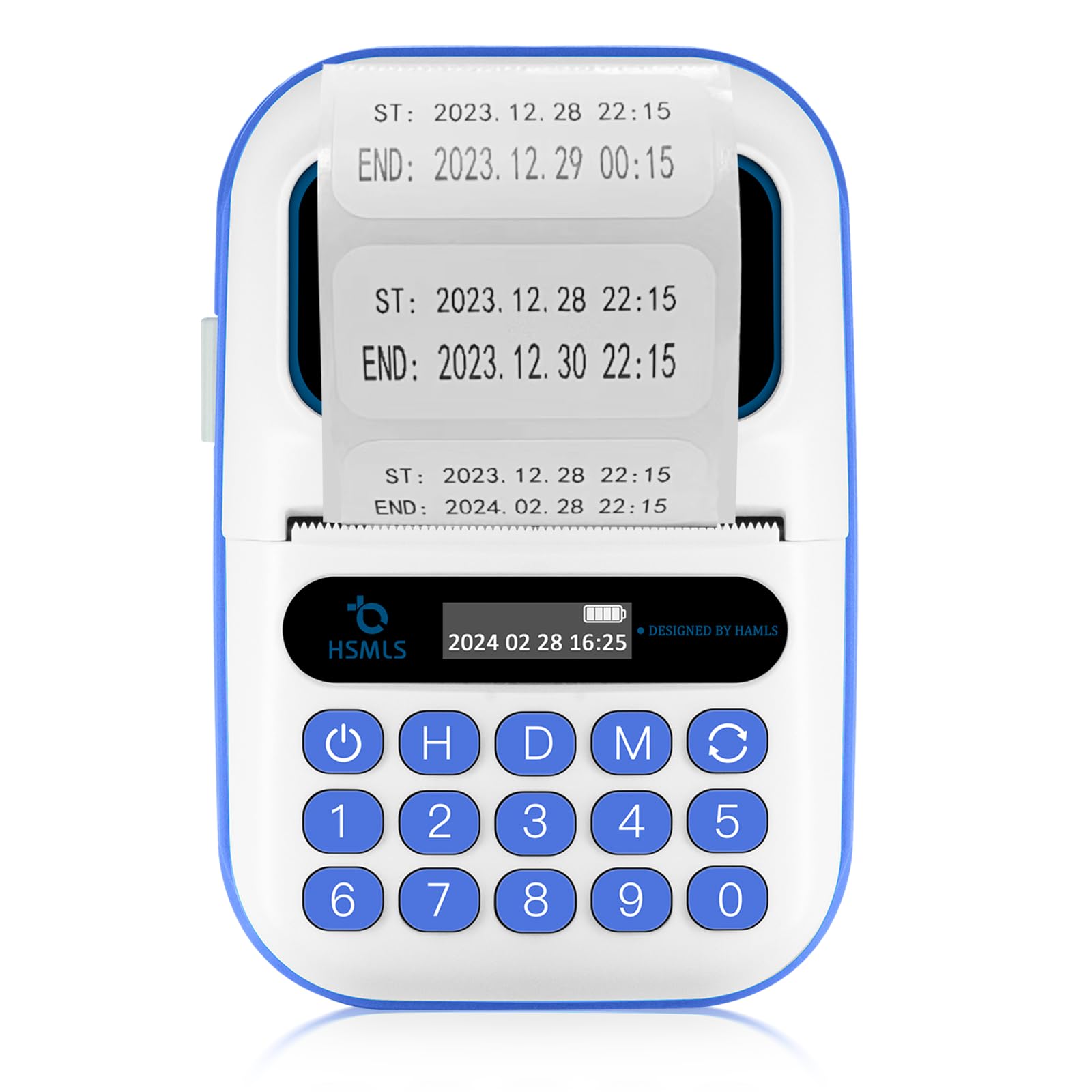
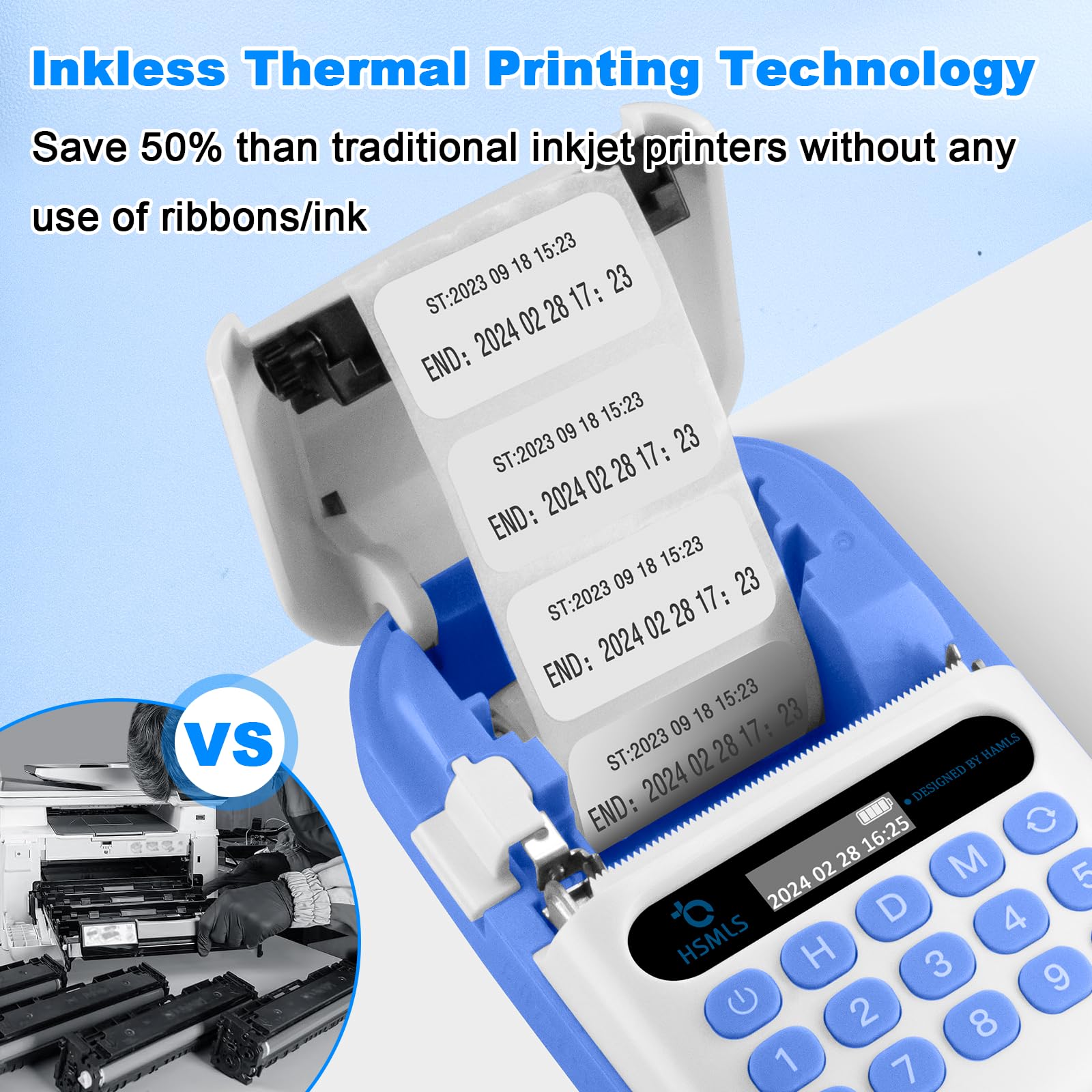
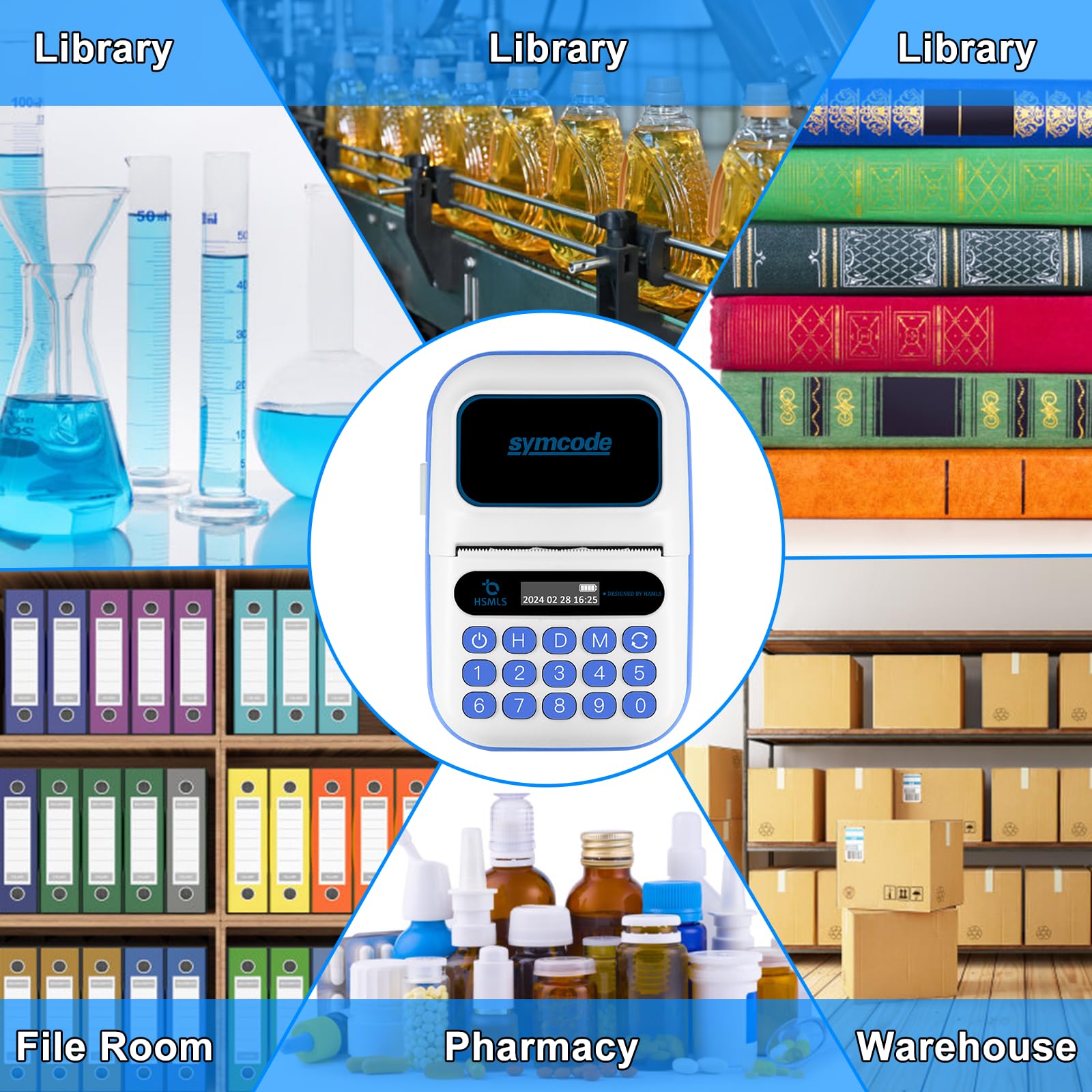
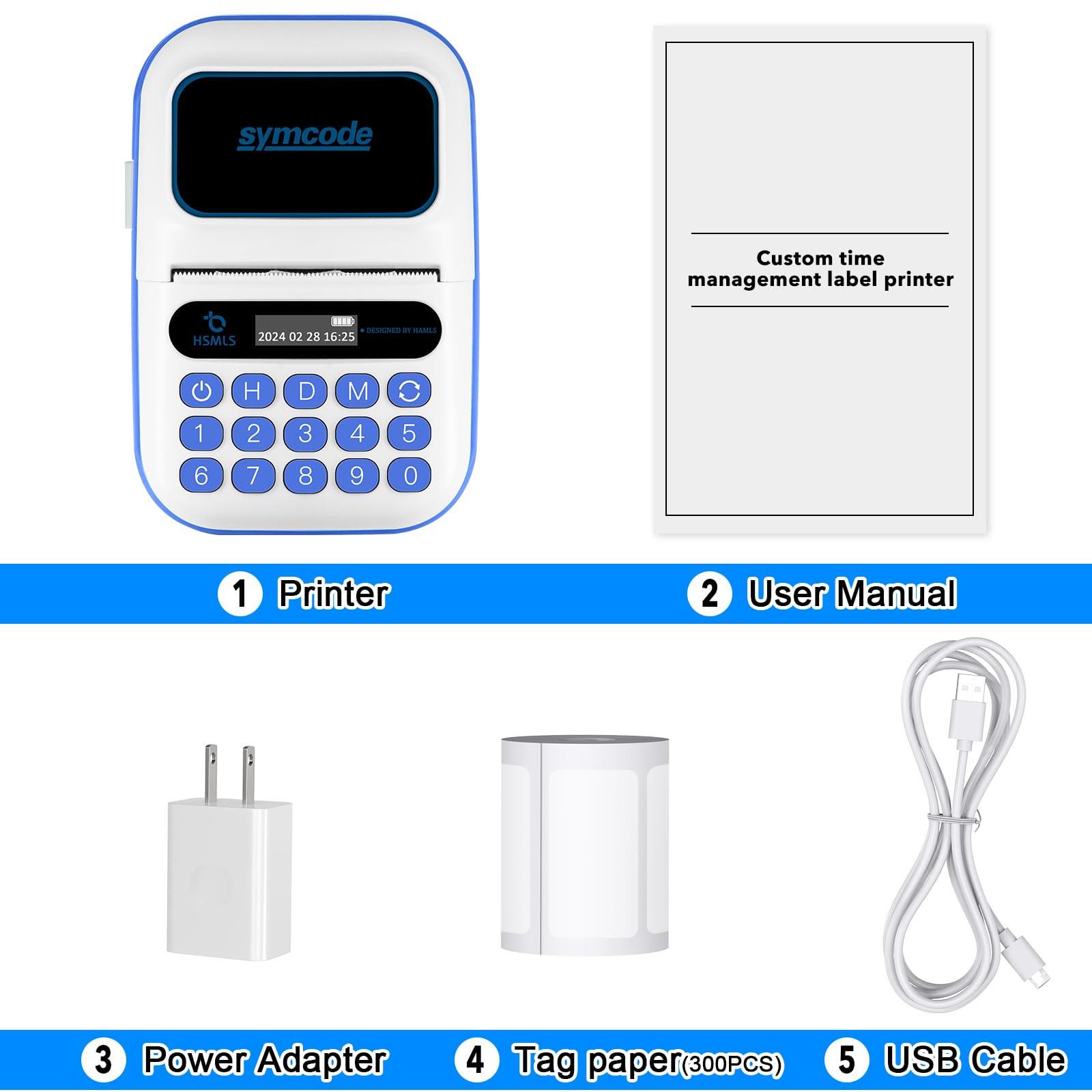
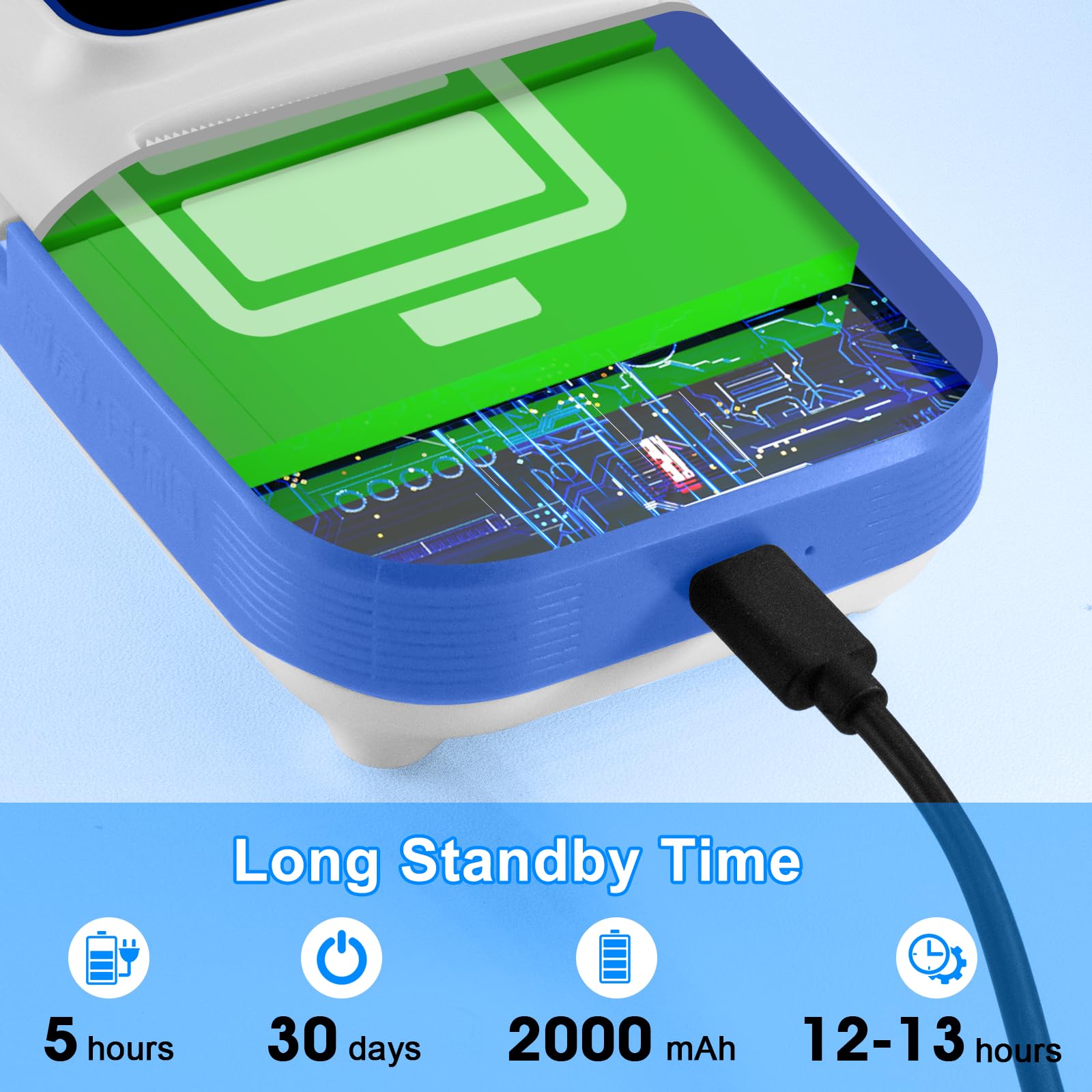
The Symcode Time-Management Label Printer is a high-speed, direct thermal printer designed for precise time and expiration labeling in food service, healthcare, and retail. Featuring a rechargeable 2000mAh battery with up to 5 hours of continuous use, it offers plug-and-play operation without software, a compact portable form factor, and comes with 300 ready-to-use thermal labels for immediate productivity.
| B&W Pages per Minute | 90 ppm |
| Color Pages per Minute | 0.01 ppm |
| Hardware Connectivity | USB |
| Connectivity Technology | USB |
| Control Method | Remote |
| Controller Type | Push Button |
| Print media | Labels |
| Scanner Type | Portable |
| Compatible Devices | Smartphones, PC |
| Printer Type | Thermal |
| Additional Features | Portable, Display Screen, Auto Document Feeder |
| Printer Output Type | Monochrome |
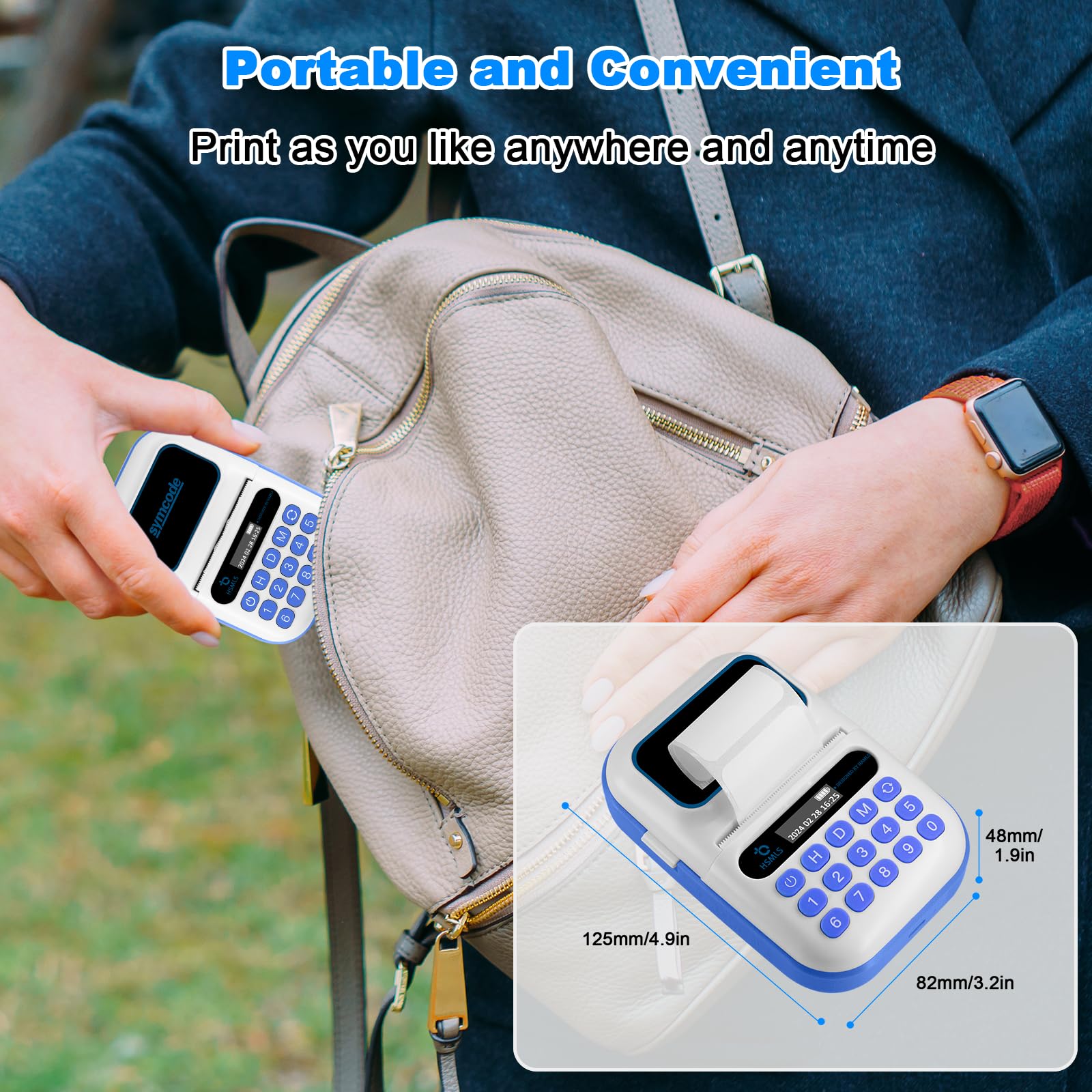
| Item Dimensions D x W x H | 3.2"D x 1.8"W x 4.7"H |
| Paper Size | 38 Millimeters |
| Maximum Sheet Capacity | 300 |
| Media Size Maximum | 1.5 * 0.8 |
| Is Electric | Yes |
| Power Consumption | 1.48 Watts |
| Dual-sided printing | No |
| Color | Printer |
N**A
Great time reminders for items that needs it.
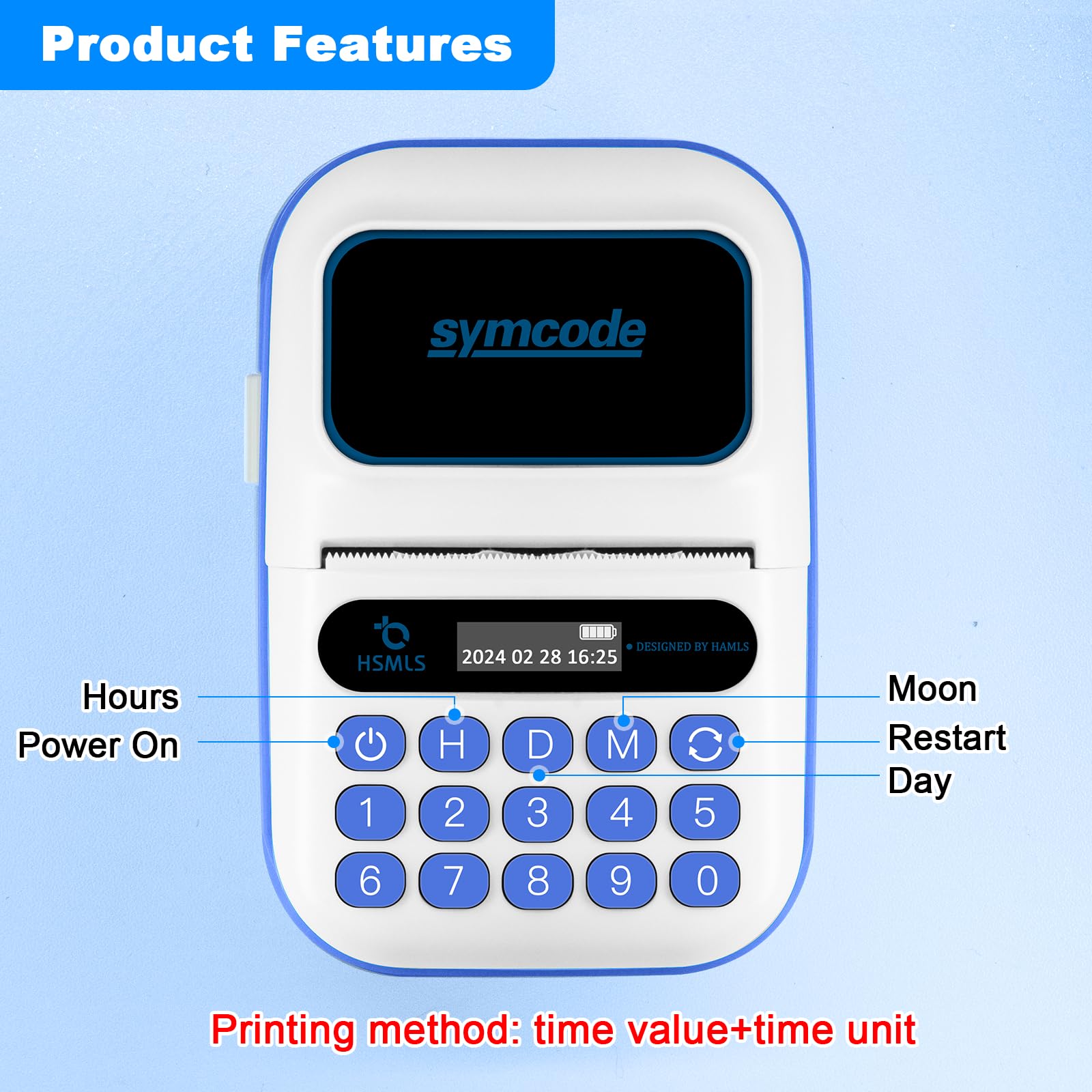
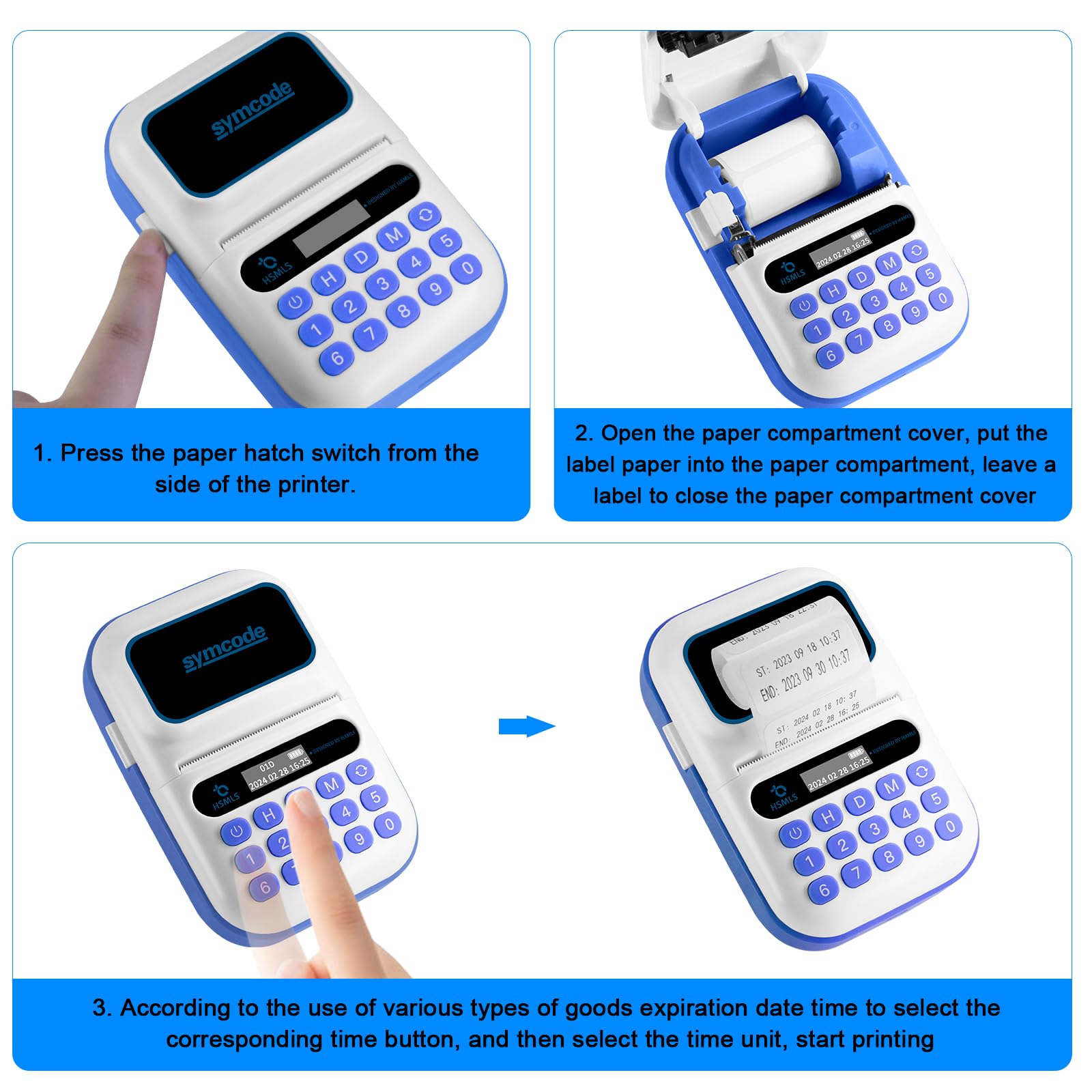
I liked that this prints both the current time and a end time. Great for product that you need to pay attention as to when to remove it. The instruction is not too intuitive and missing items that's on the printer. Had to play with it to figure out what's going on and how to print. Im not sure if I know all the different functions yet but I can print what I need to do. I hit the number then the associated key to print. For example, if i want 3 hours and i hit the three and then the "H" button. If i want 3 weeks, it would be the 21 button then the "D" button for days. And so on. The size and portability is great since I can move it easily to new location or have someone else do the printing. The built-in USB better charging is handy as well since I can charge overnight and be ready in the morning. Lastly, I don't know where to order more labels when I'm out of labels. This should be listed on the instructions. There is a Bluetooth icon in the display. Don't know what that means. The current time is correct but i have no idea how to change it if it ever needs to be changed.
A**.
Very nice printer, missing instructions. Can be customized with an app in Chinese.
This is a compact, portable, battery powered label printer designed for printing timestamped labels. To use it, you key in a time duration (e.g. "7 days"), and it prints a label with the current time and an expiration time seven days from now. It would be perfect for anyone trying to keep better tabs on stock rotation - anything from someone operating a deli, bakery or sandwich shop to a restaurant trying to stay in compliance with food safety regulations. The hardware is very nice, with a resilient case, easy to load label compartment and clear OLED screen paired with a satisfying membrane keyboard.Symcode offers essentially no documentation on this product, so you're totally on your own with it. When it arrived, the time was correctly set from the factory in Eastern time, but I'm in Pacific time, so I embarked on a journey to figure out how to set the clock properly. It was a huge, immense hassle to track down the true origins of this device so I could do that, so I want to document it here so you can actually use this nifty printer without going through the same pain.The clues to this printer's origin come in the form of the company name inset on the front ("Designed By HSMLS", and the Chinese text on the side (Weigao Yibiaotong). It turns out this is actually a "Medical Sterile Items Time Management System" device intended for use in medical offices in China to track expiration dates for sterilized gear and medications. It's manufactured by 湖南医标通 (Hunan Smart Medi-Label System), and distributed in China by a medical devices company called WEGO/Weigao.With that information, I was able to find the Chinese-language-only Bluetooth companion app for this device. It's on the Apple app store as "医标通打印" (copy and paste into the App Store, or search for "id6464237894 app store" on your favorite search engine). If you don't have an iOS device, the app also works on an Apple Silicon mac. An Android version of the app is floating around, but I couldn't get it to connect reliably on a Galaxy S21, so I recommend using iOS only.Once you have the app installed, turn on your label printer and launch the app. Press the button in the top left ("Search"), then tap the BLE_Printer-######## entry in the list. The Bluetooth icon on your printer will light up with an X and will chirp once, indicating it's connected. Then, click the yellow clock in the top right. Select one of the four time formats (you can choose your favorite date separator - spaces, periods, slashes or dashes), then click the bottom left button (to sync the correct time to the printer) and bottom right button (to save your date format selection.)(The app can also print custom labels from the other tabs, so if you speak Chinese or just learn where the buttons are with the help of Google Translate, you could print your own arbitrary text if you want to. Probably not worth the hassle, but the feature does exist and works well. It doesn't seem like you can customize the label text printed from the device keypad, though - only for labels printed over Bluetooth.)Anyway, phew! That's a huge pain. But you only have to do that twice a year when DST hits, and otherwise operation is so easy anyone on your staff should be able to manage it: just mash 7 and D to get a one week label, or 1 4 D to get a 14 day label, etc. You can even bulk print labels by entering a quantity first: 3 [recycle] 7 D would get you three seven-day labels. Super convenient for everyday use.The last catch involved here is getting more labels, because Symcode doesn't seem to be selling them. The good news is that you should be able to use any direct thermal labels - just search for a roll with about 300 40mm x 20mm (1.57'' x 0.79'') labels intended for a portable label maker, and it will drop right in. Phomemo seems to sell some that are compatible with their M series printers, for example. Make sure you get a roll that's 40mm wide (see the pictures for the type you need).Assigning a star rating to this little printer was a real challenge, because I shouldn't have needed to spend an afternoon doing all of the research to get up and running with this. It's a five star product with a two star out of box experience. I settled on giving it five stars anyway because the actual printer is fantastic - it's fast, easy to use, robust and makes nice looking labels that are going to revolutionize how I keep track of food that's perishable. But Symcode really should step up to the plate here and offer consumables, an English language version of the app and a manual that explains how to set the clock properly.
R**Y
Great little label maker
This little machine does it’s job. Charges quickly and labels correct. It has good weight to it, doesn’t feel cheap at all.
J**R
Label printer excellent product
Great product would highly recommend
Trustpilot
3 weeks ago
2 months ago



