



🖨️ Print smarter, faster, and longer—because your business deserves the best.
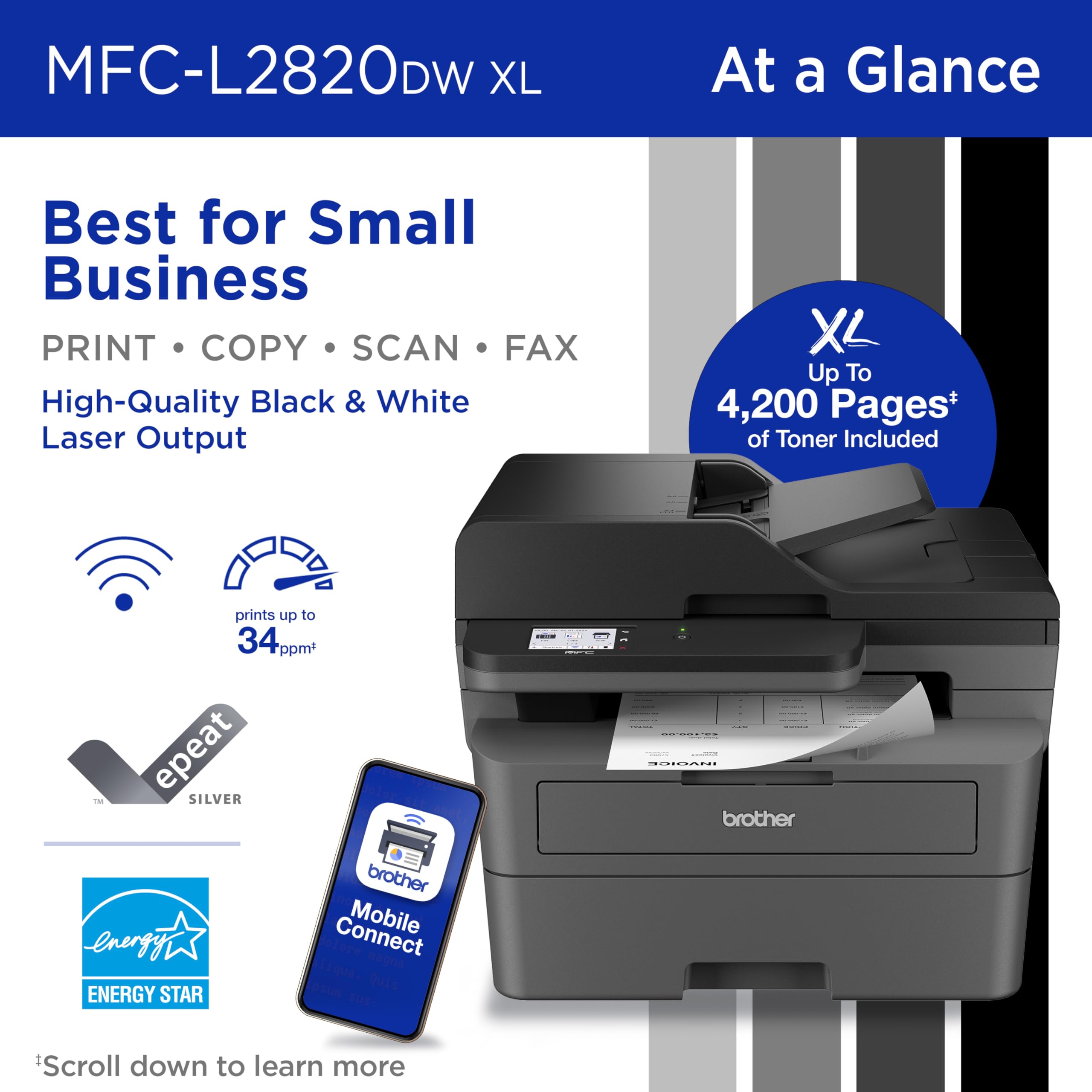
The Brother MFC-L2820DW XL is a compact monochrome all-in-one laser printer designed for small businesses. It offers high-speed printing at up to 36 ppm, an XL toner cartridge yielding up to 4,200 pages, and versatile connectivity including dual-band Wi-Fi, Ethernet, and USB. Featuring a 2.7” touchscreen for easy cloud integration, automatic duplex printing, and a 50-page auto document feeder, it streamlines multi-function tasks like copying, scanning, and faxing—all while saving space and reducing operating costs.


| ASIN | B0CPL3MLT1 |
| Additional Printer functions | Copy, Fax, Scan |
| Best Sellers Rank | #2,299 in Office Products ( See Top 100 in Office Products ) #264 in Printer Toner Cartridges |
| Color Depth | 1 bits_per_pixel |
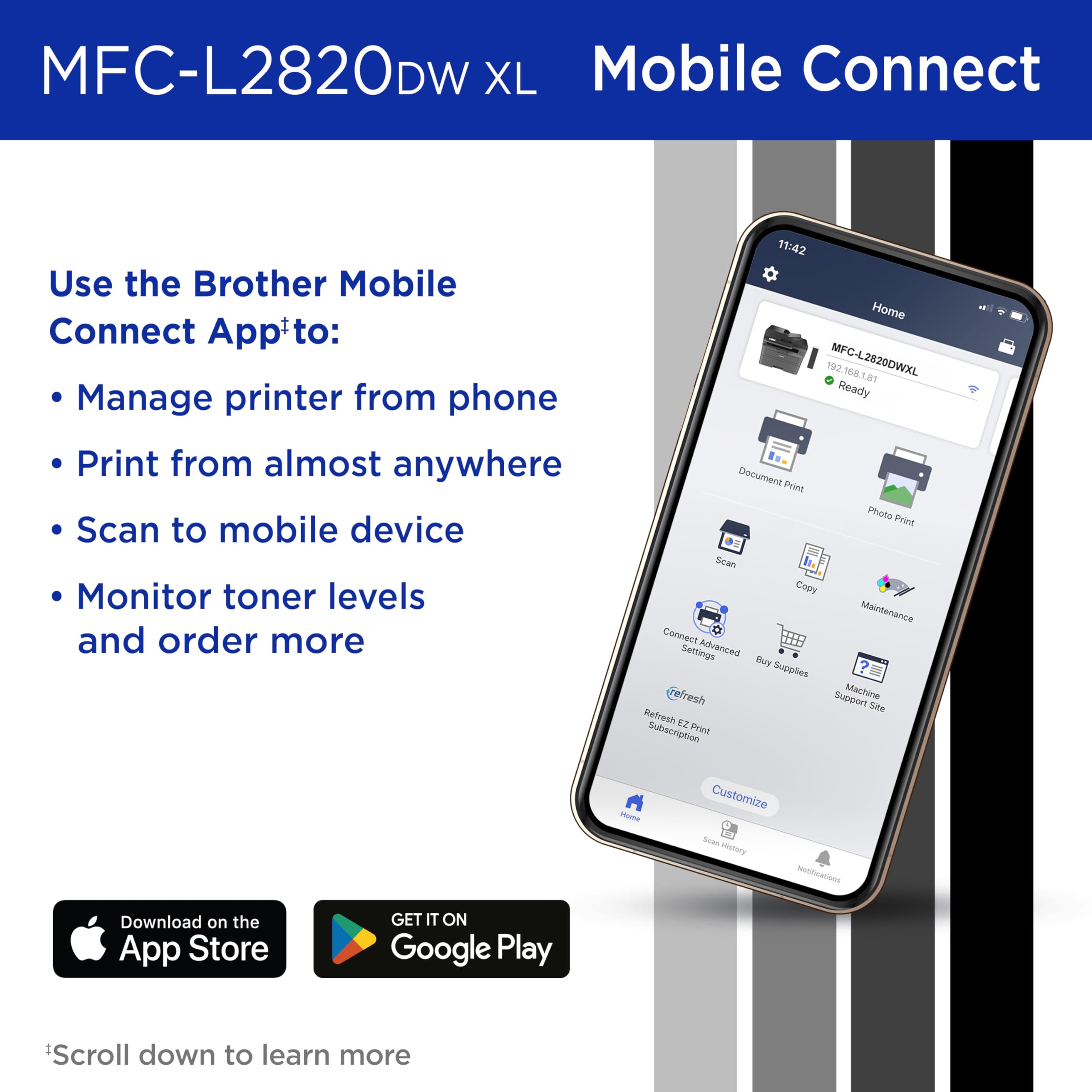
| Compatible Devices | Laptops, PC, Smartphones, Tablets, iPhone |
| Control Method | App |
| Controller Type | Android |
| Customer Reviews | 4.4 4.4 out of 5 stars (780) |
| Date First Available | January 16, 2024 |
| Dual-sided printing | Yes |
| Duplex | Automatic |
| Hardware Interface | Ethernet, USB |
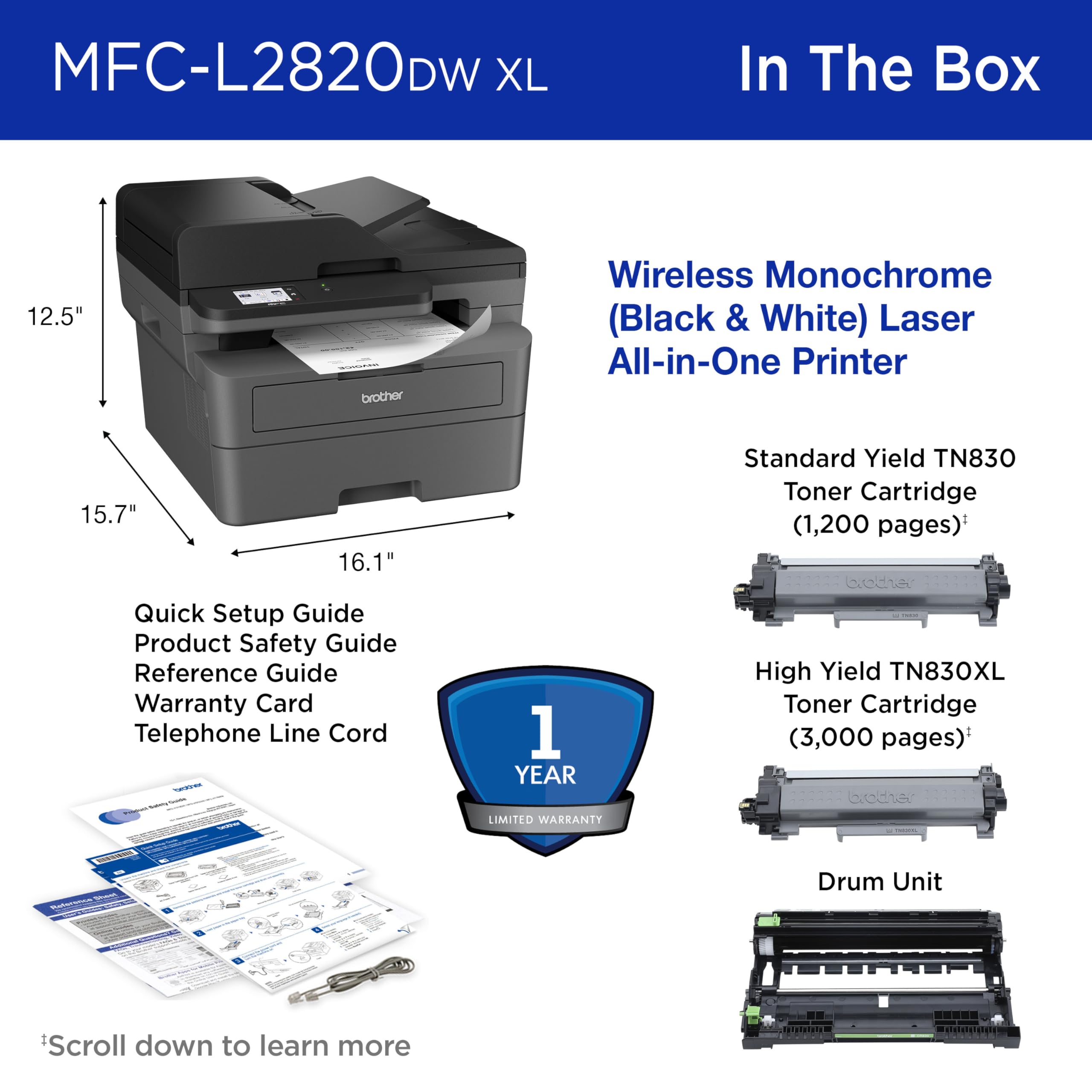
| Included Components | AC Power Cord, Drum Unit, Telephone Line Cord, Toner Cartridges |
| Initial page print time | 8.5 Seconds |
| Ink Color | Black |
| Item Weight | 22.7 pounds |
| Item model number | MFCL2820DWXL |
| Manufacturer | Brother |
| Max Copy Speed (Black & White) | 34 ppm |
| Max Input Sheet Capacity | 250 |
| Max copy resolution black-white | 1200 x 1200 dots_per_inch |
| Maximum Black and White Print Resolution | 1200 x 1200 Dots Per Inch |
| Maximum Media Size | 8.5 x 14 inch |
| Memory Storage Capacity | 64 MB |
| Model Series | MFC-L2820DW |
| Number of Trays | 1 |
| Output sheet capacity | 250 |
| Print media | Envelopes, Paper (plain) |
| Printer Ink Type | laser toner |
| Product Dimensions | 15.7 x 16.1 x 12.5 inches |
| Scanner Type | Flatbed, Sheetfed |
| Sheet Size | Up to 8.5 x 14 |
| Specific Uses For Product | Home, Office |
| Supported Media Sizes | Legal (8.5 x 14 inches) |
| Total USB Ports | 1 |
| UPC | 012502674023 |
| Warranty Type | Limited |
R**Y
Great printer, but set up instructions aren't necessarily as "Eze" as they claim.
After years of struggling with inkjets and wasting more ink than I actually used in printing, I finally gave up and bought a toner-based laserjet. Should have done that years ago, but they were so expensive and inkjets were so cheap. Live and learn. I downloaded the EzeSetup as recommended. The printer worked fine printing internal reports and copying, but wouldn't receive print jobs from the wired network, the wireless network, or the USB plugged directly between the printer and the PC. All print jobs showed being sent then changed to "error". Being one who likes to figure things out myself, I kept banging my head against the printer (didn't affect the printer but gave me a headache). Eventually, I saw a link on a Brother support page to a download of the full package for my printer, complete with all drivers, associated software, everything. After I downloaded and installed that package, the set up went flawlessly. Within a few minutes, I was printing and was very happy!! About my only complaint would be the sounds the printer makes to, I guess, let you know it's received your instructions and is processing them. It's easily turned off or turned down through the display screen, though, so it's easily fixed. The printer is quick, reasonably quiet, and turns out great black & white pages; crisp, clear, and easy to read.
N**K
Simple, Reliable Printer for Everyday Use
The Brother MFC-L2820DW is a great all-in-one printer for black and white printing. It’s fast, easy to set up, and prints sharp documents. Scanning and copying work well too, and it connects to Wi-Fi without issues. If you just need a solid printer for everyday use at home or in a small office, this one works great. It arrived quickly and was packaged well.
K**D
Another great Brother product
Replaced my 19 year old MFC 7840W that served me so well for all those years with this unit. I thought it might be harder to set up than before based on some reviews but I thought it was super easy. I just plugged it in, selected my wifi/input the password, placed the toner cartridge and paper into the machine and it was ready to go. I also downloaded the Brother App just in case I wanted to scan something. I didn't sign up for the toner monitoring/replacement plan. I wouldn't have bought this unit if I had to use something like that like with some manufacturers. The printer shows up on my network fine. Prints look great and I just used the manual feed and that worked fine. There's videos online that show the whole setup process in the event you need it.
M**Y
Excellent quality
Nice printer! Especially at the price point I bought it for. Does everything I need, and prints beautifully. Only downside is that it’s a bit noisy, but for the savings and quality I’m good with it. Have used HP for many, many years, but their prices are climbing and they won’t let you use non-HP toner any longer. I refuse to pay $80 for a toner cartridge! Brother allows non-Brother toner cartridges and still works great.
J**N
great price
great product works well
G**6
Silly, Exasperating, Pitiful Excuse for a Printer
Several years ago I switched from Brother printers to Canon. This piece of junk reminds me why. When I needed to replace the Canon that had served me quite well for 6 yrs (prior Canon lasted 5), it was for cosmetic reasons; printer still worked. This time Canons with features I need were all too large and heavy. So I took a chance on Brother. How bad could it be, right? Answer: VERY bad. My main requirement for a printer, besides the obvious, is an ADF. Other lasers I saw with that feature were bulky and heavy. The Brother came and no wonder it was so light. It looked and felt like a toy. I'd say it performed like a toy, but it would have to improve to garner that much credit. First, who the #!%$&* thought it would be a good idea to design a printer that requires user to go in BACK of the printer to clear a paper jam?! Every office I've ever worked in, every home office I've ever had, printers are against a wall. I have yet to see one sitting in the middle of a room. For certain types of jams, I have to pull printer out about a foot or so, turn printer around, then clear the jam. WHY MUST I REPEATEDLY HAVE TO "RECOVER" WIRELESS CONNECTION? No such thing as a quick print job--at least not the first print job of the day. I never turn off the printer, but do turn off my PC every night. Next day, every day, I have to go into printer settings, choose "Recover WLAN," wait about 5-10 minutes for document to print. I've learned to fix breakfast while it warms up, wakes up, or whatever it's doing all that time. Those are the biggies. More minor annoyances: Screen doesn't stay lit. Very strange defaults, some of which I still don't know how to disable or change--assuming that's even possible. I've used printers for 25+ years. I've had Epson, HP, Canon; Canon being best, but all were ready to go once set up--and stayed ready till they gave out. My 1998 printers were better than this Brother. Okay, so will it print from my phone or tablet? Yes, both. But that doesn't make up for its many inadequacies. Scan? Yes. Adequate I suppose. Fax? I've had no reason to try that. Obviously, I DO NOT RECOMMEND this Brother printer.
E**Y
Second Brother, better than my first. Good features.
My second Brother multifunction laser printer. First one lasted 11 years. The scanner finally developed a defect making it useless for quality scans. This one is improved. Wireless printing is nice, though mobile printing is kludgy. Fine with me, I never use it. Just wanted to try it out and won't be doing it again. Scanning is good. Printing is good. Slightly smaller than my previous model.
B**K
4 and a half stars so far - short term review. I made it print and I made it scan - I am in my sixties and have zero formal computer training. It did take me over an hour to set it up but that's me. This machine would be good for a home office or business in my mind - if you don't need color.
M**E
Had one for years, but it just quit. So I got another one because I really don't like a few other suppliers.
V**I
Got this printer to replace a very old HP that I had to go to and physically connect to all the time (plus it was so old that the drivers were having issues half the time). As we only use laptops and the printer isn't anywhere near where we usually work, I really wanted to get something WiFi enabled so I can just print without having to hook it up and hoping it works without restarting the computer. Didn't realise how much I'd like the connectivity - printing Amazon returns from the phone feels awesome! Also, the scan to email is great as well! Oh and lastly, screw HP with all the subscription and lock down BS. Not going near that company until they stop all that stuff.
H**G
Arrived missing replacement ink cartridge Otherwise a great printer. Easy to set up.
S**T
I was not able to connect to wifi.
Trustpilot
2 weeks ago
1 week ago



