
🚀 Elevate Your Workspace with Triple Display Magic!
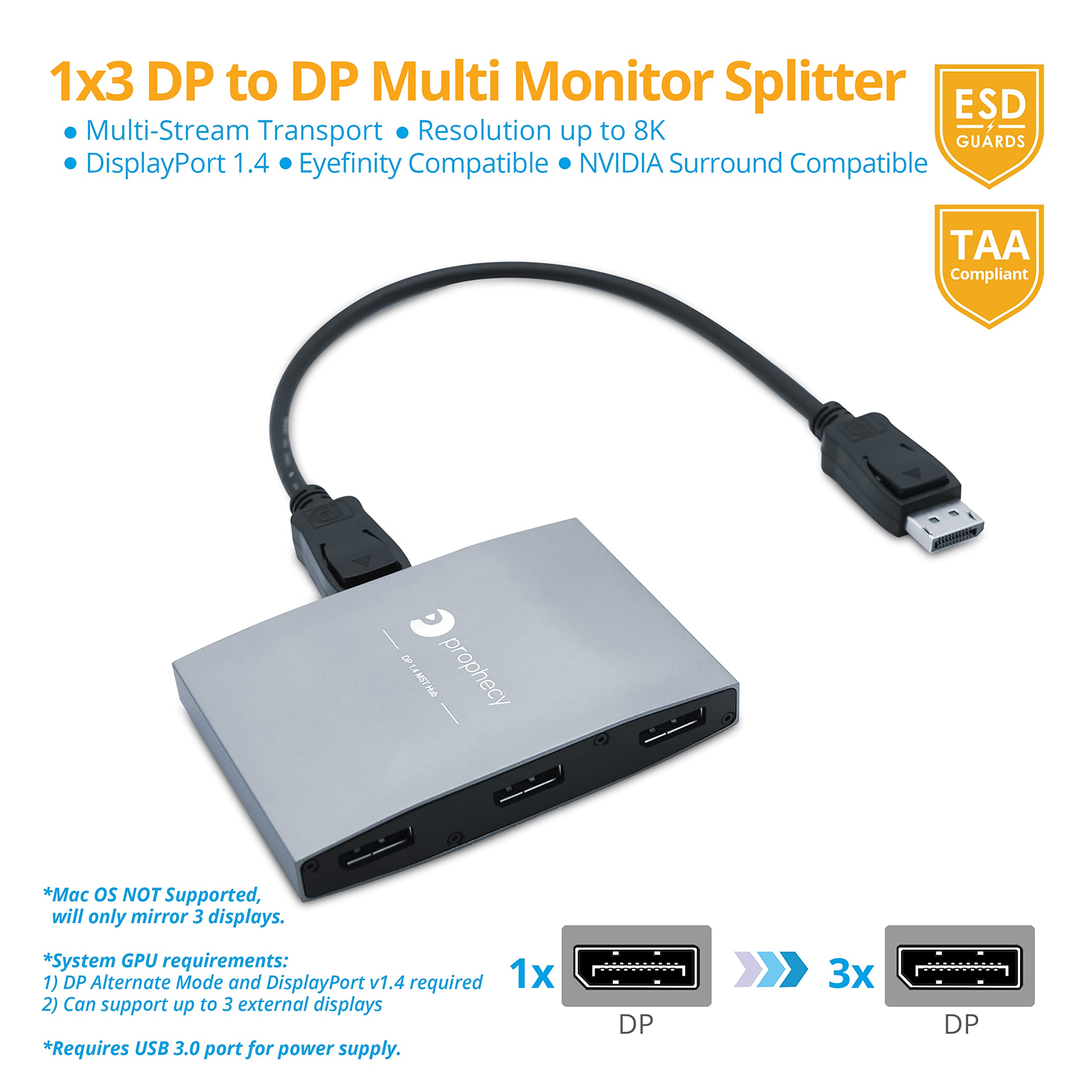
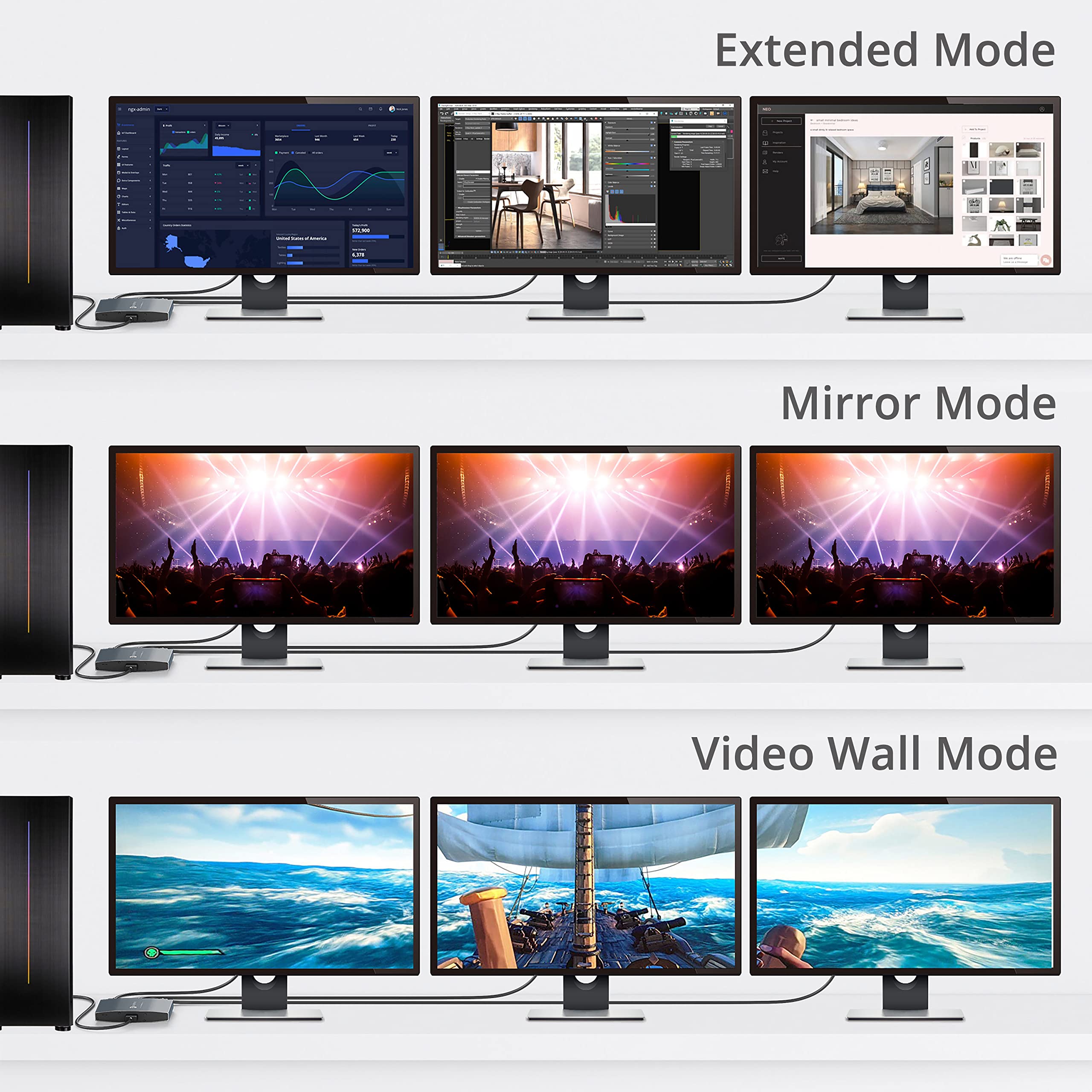
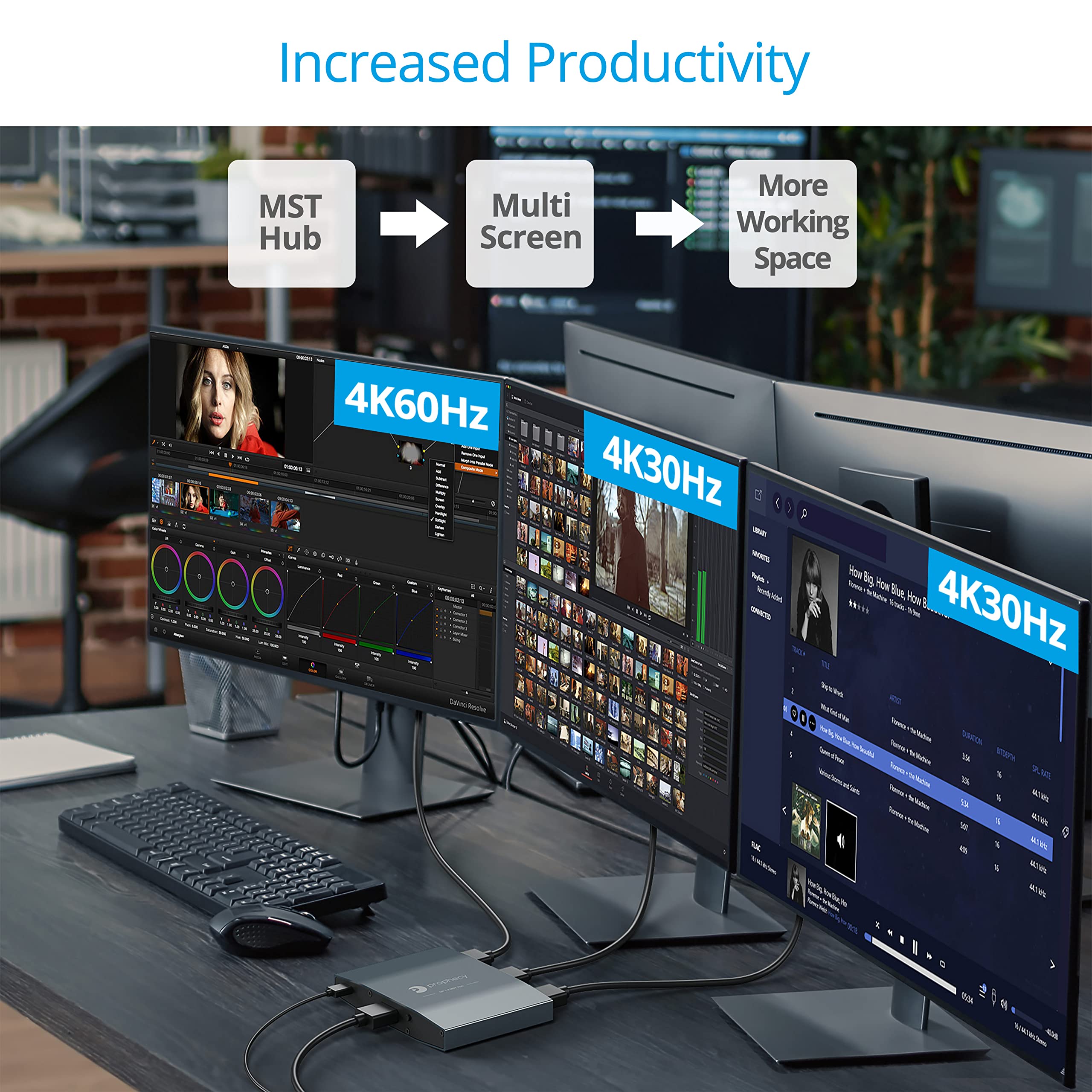
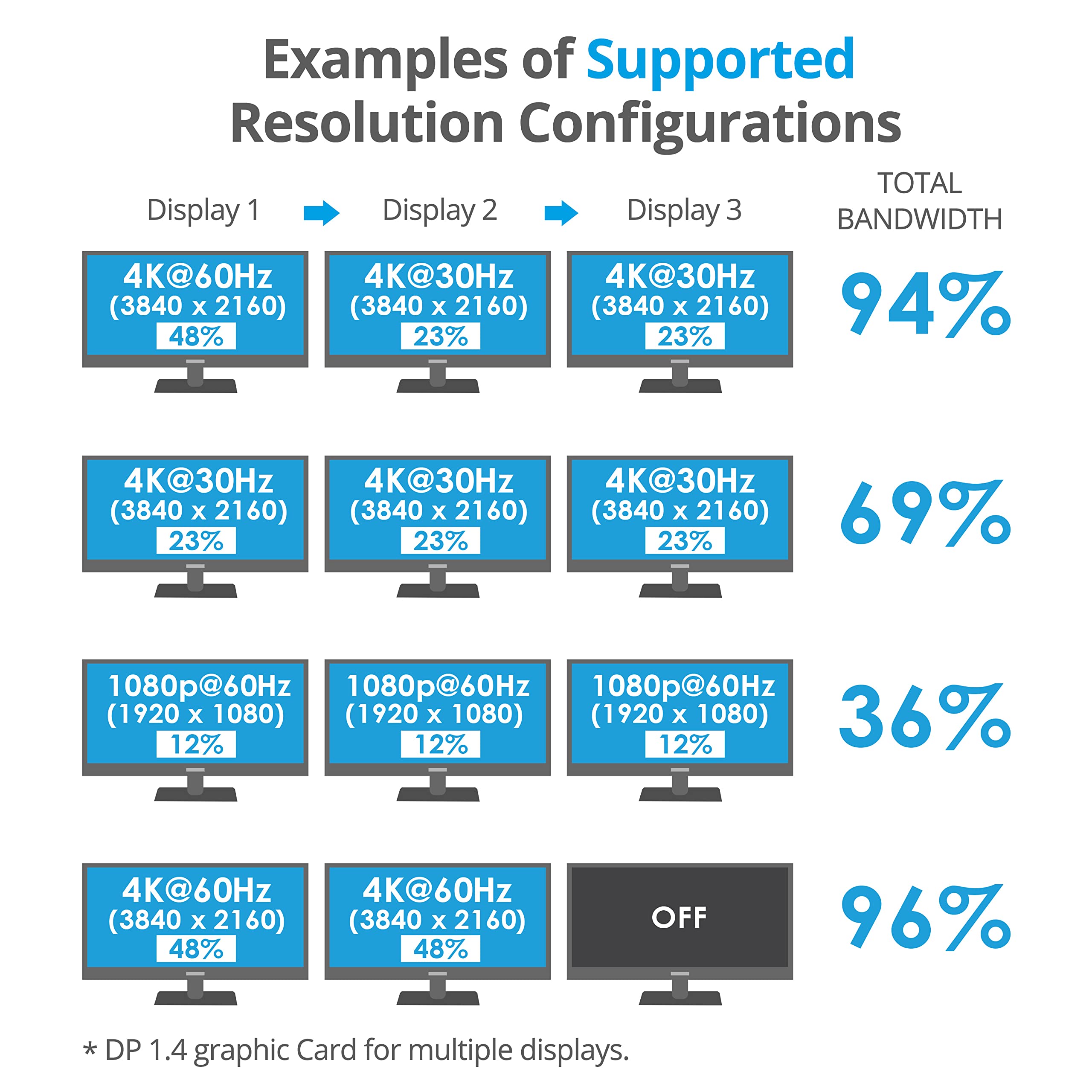
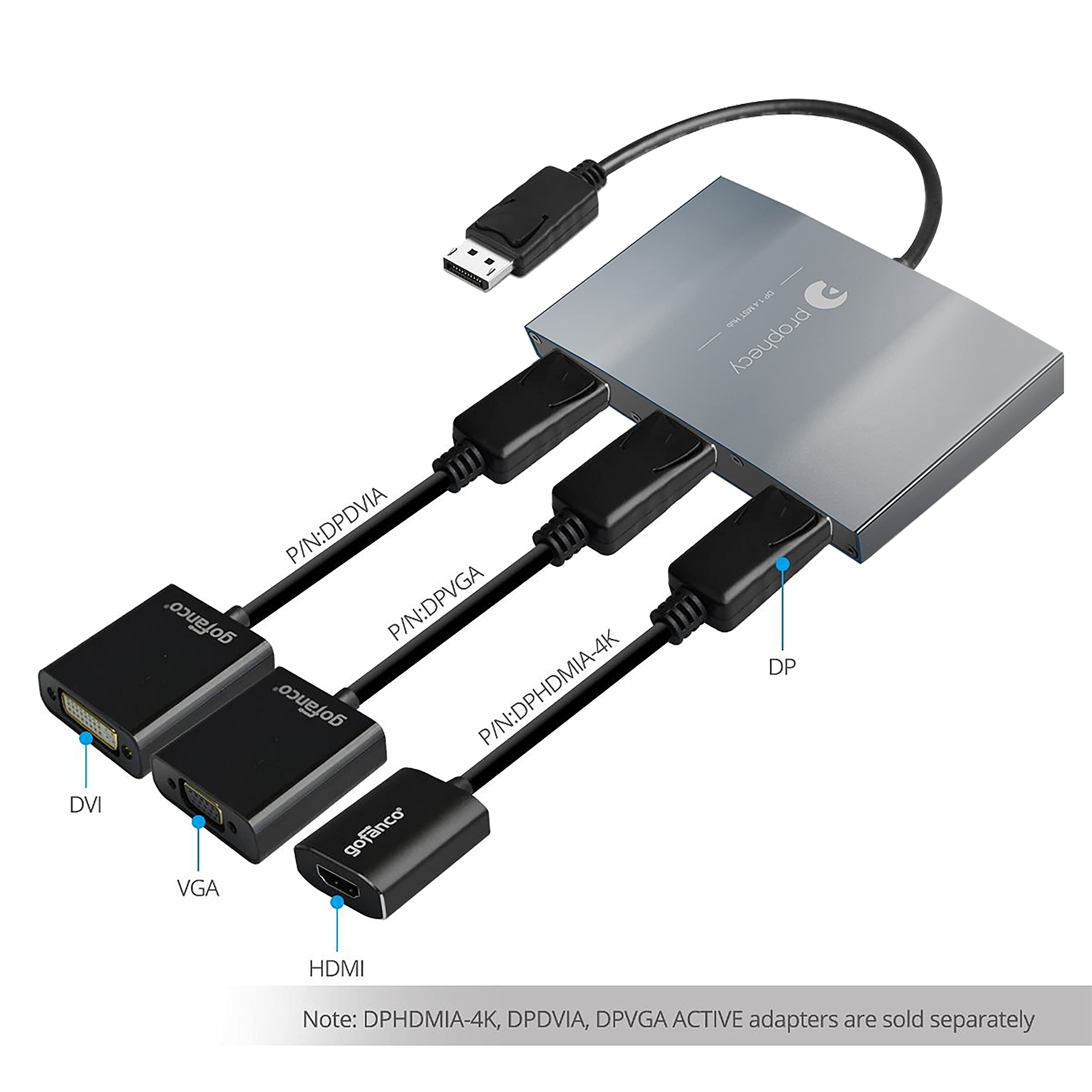
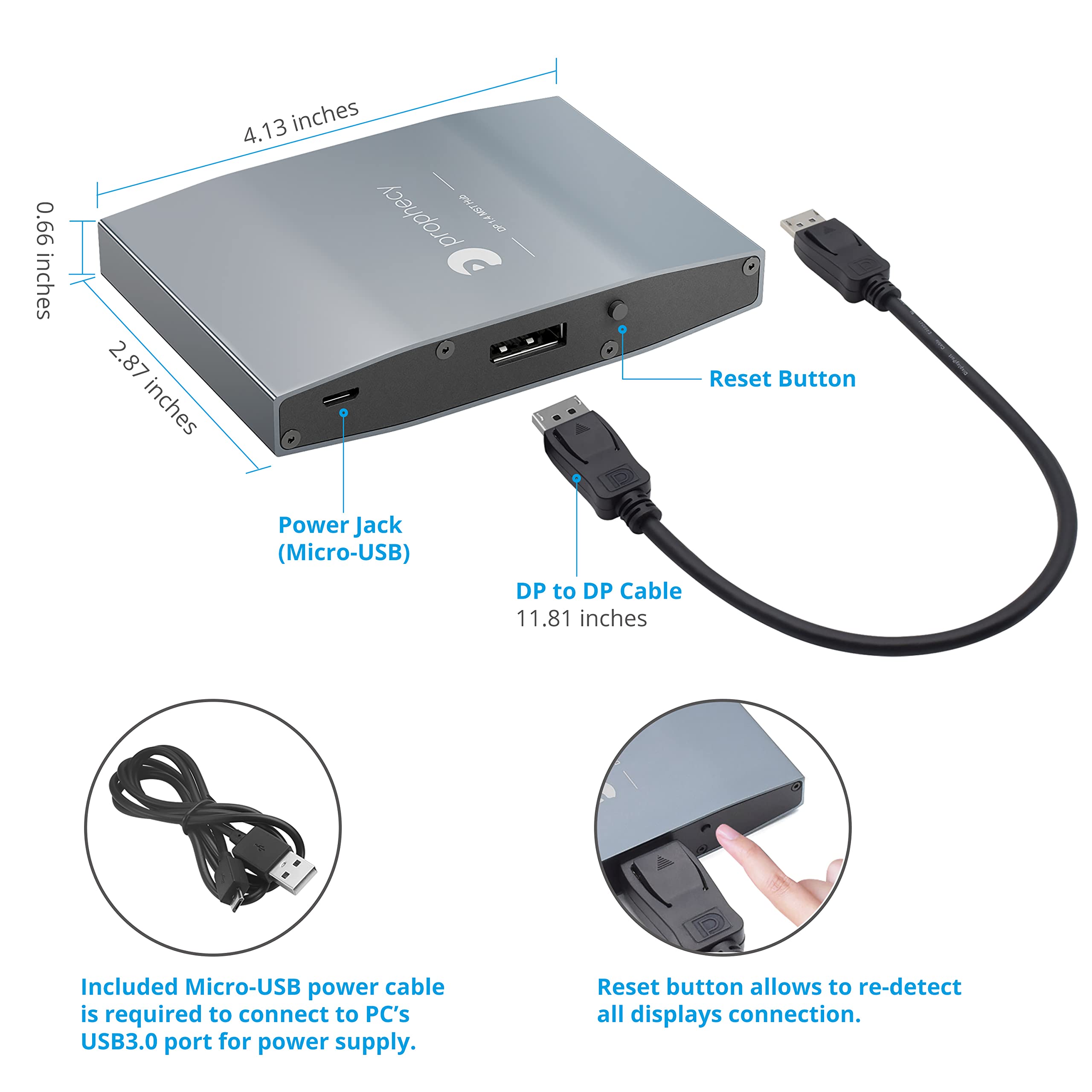
The gofanco Prophecy DisplayPort 1.4 MST Hub allows you to connect three DisplayPort displays to your Windows PC through a single DisplayPort output. With support for high resolutions and advanced features, this hub is perfect for professionals looking to enhance their productivity and multitasking capabilities.
| Number of Items | 1 |
| Unit Count | 1 Count |
| Shape | Round |
| Color | Black |
| Indoor Outdoor Usage | Indoor |
| Specification Met | Taa Compliant |
| Recommended Uses For Product | Extending or mirroring display for computer systems |
| Data Transfer Rate | 32.4 Gigabits Per Second |
| Number of Pins | 20 |
| Connectivity Technology | DisplayPort |
| Connector Gender | Male-to-Female |
| Connector Type Used on Cable | DisplayPort |
| Cable Type | Display Port |
| Compatible Devices | Monitor, PC |
M**R
Just what i needed
I need to add a third monitor to my work computer, this hub did the job . super easy to install and worked right away no installation required the computer detected it right away, and no issues.
A**R
Great product
Just what we needed to hook up 3 screens
D**D
Works with 7900 XT and KVM
This works for two 2560x1440 144hz IPS displays in DisplayPort 1.2 through a KVM. As stated by another reviewer, these adapters seem to work best with AMD graphics cards. Beware - the displays may stay on because the adapter polls the monitors if continuously if the device it's connected to has power cut to it, causing the displays to wake repeatedly.I did get some flickering, but I believe part of this is because of the bandwidth and the length of my cables.
E**.
False details in item description
Did not work with my NVIDIA graphics card as description claimed it would. Filed for amazon return 1 day after receipt of unit.
L**T
Works great
I have 3 monitors I use for work and this makes everything work perfectly.
J**M
It would have been nice to know you cant use this if you're monitors are stacked
It works, I guess. Both monitors are on. But unless you turn on Surround mode (side by side) the second monitor is unusable. It would be nice to advertise that this is ONLY for side by side usage. Have to send it back because I don't use my monitors in surround mode, rendering this useless.
J**Y
You can even daisy chain these
I have two of the 3 port versions (displayport 1.4)I am using a 6900xt with a fiber optical cable to connect the first MST hub.Hub #1 is driving:1. 2x1440p monitors, one is 165hz.2. The second hubHub #2 is driving:2x 1080p monitors.I am surprised this configuration works, I'm also using displayport to HDMI adapters (passive) and they work without issue.
N**R
Did not extend my desktop to 3 different monitors, as advertised
I originally purchased this device because I thought I would be able to extend my desktop and split the signal using my existing DisplayPort video card (2 slots). The video card I initially tried with the Gofanco was originally an NVIDIA NVS 310 Graphics card which has two DisplayPort slots built-in and supports v. 1.2. The splitter recognized the third monitor but could not produce an active signal, so the screen was blank. I could not get this to work no matter how I tried. The support tech for my graphics card said that these types of splitters/extenders are hit and miss based on your operating system and motherboard, especially trying to use just one slot on the card to extend to 3 monitors. Even more so if the card only starts out supporting at most two monitors. But if it supported 3 or more devices you wouldn't have a need for this GoFanco splitter/extender, right?Anyways, if your thinking of getting this to extend your desktop to 3 monitors, just do what I did and get a better video card such as the NVIDIA NVS 510 (or higher) which has 4 miniDP slots (available on Amazon!). I purchased this card and it has 4 miniDP slots built into the card, giving the ability to split or extend to four different monitors without the need for one of these splitter devices which may or may not work. Solved my problem and was not expensive or hard to install, just plug n play. If you're a little unsure about putting a new video card in, there's plenty of help videos and info on YouTube and the internet that can walk you thru it. Just take your time and consult a 5-year-old, if you have one available.If you choose a new video card route (highly recommended) you may need to upgrade your monitor cables afterward, but they sell miniDP to HDMI and miniDP to DP cables and/or various adapters to fit almost any monitor or tv you might throw at it.Anyways, that's my recommendation and I hope it was helpful.I gave the product 2 stars overall mainly because it didn't work as advertised (but partially worked), 5 for pic quality (because it did split into two just fine), 5 for the value, 5 for tech support (even though I never contacted tech support on this issue because it was easier to just upgrade to a better video card. Now I have 4 monitors extended desktop which beats this product, hands down!)
Trustpilot
2 months ago
1 week ago



