

🎥 Capture Every Moment in Stunning 4K — Stream Like a Pro, Anywhere!
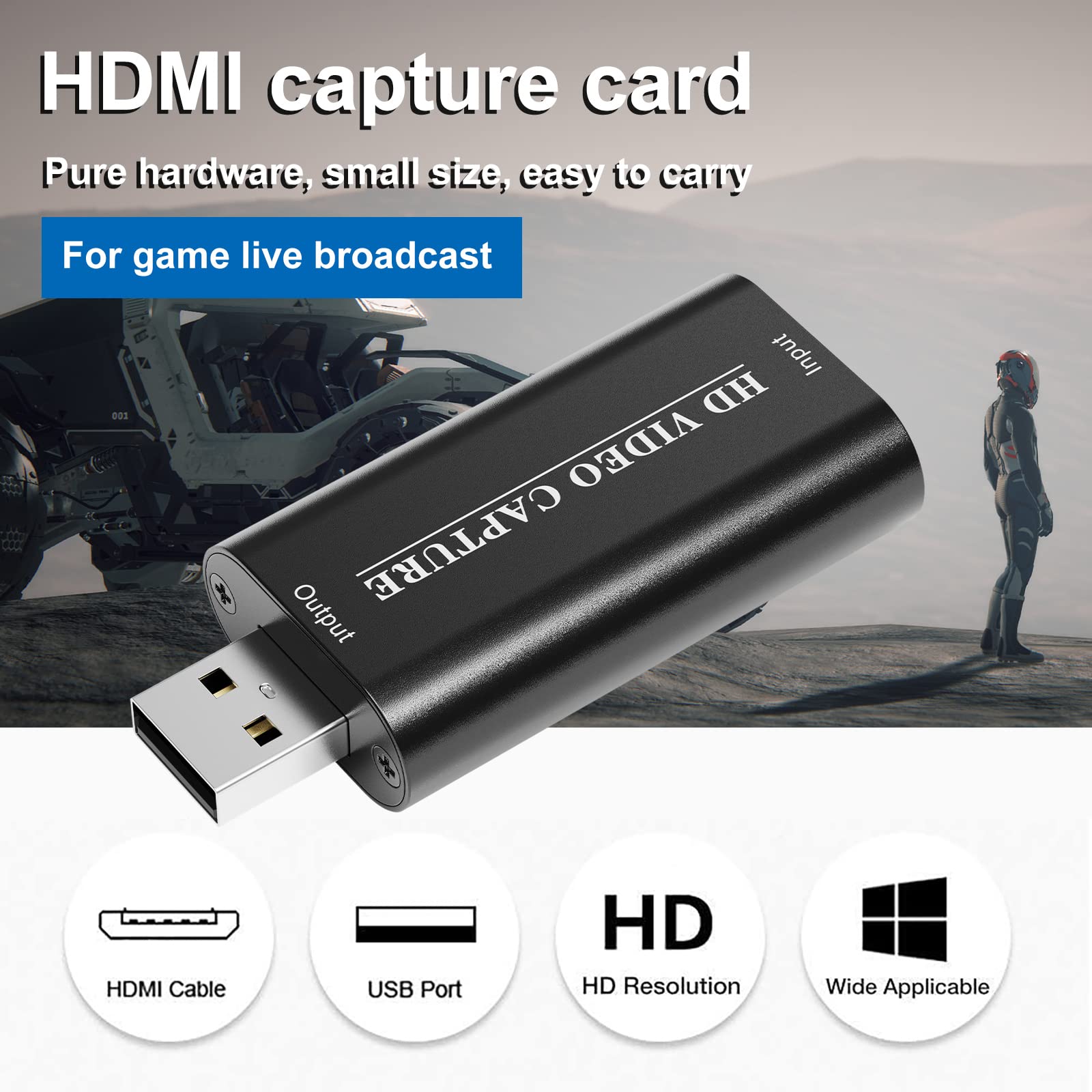
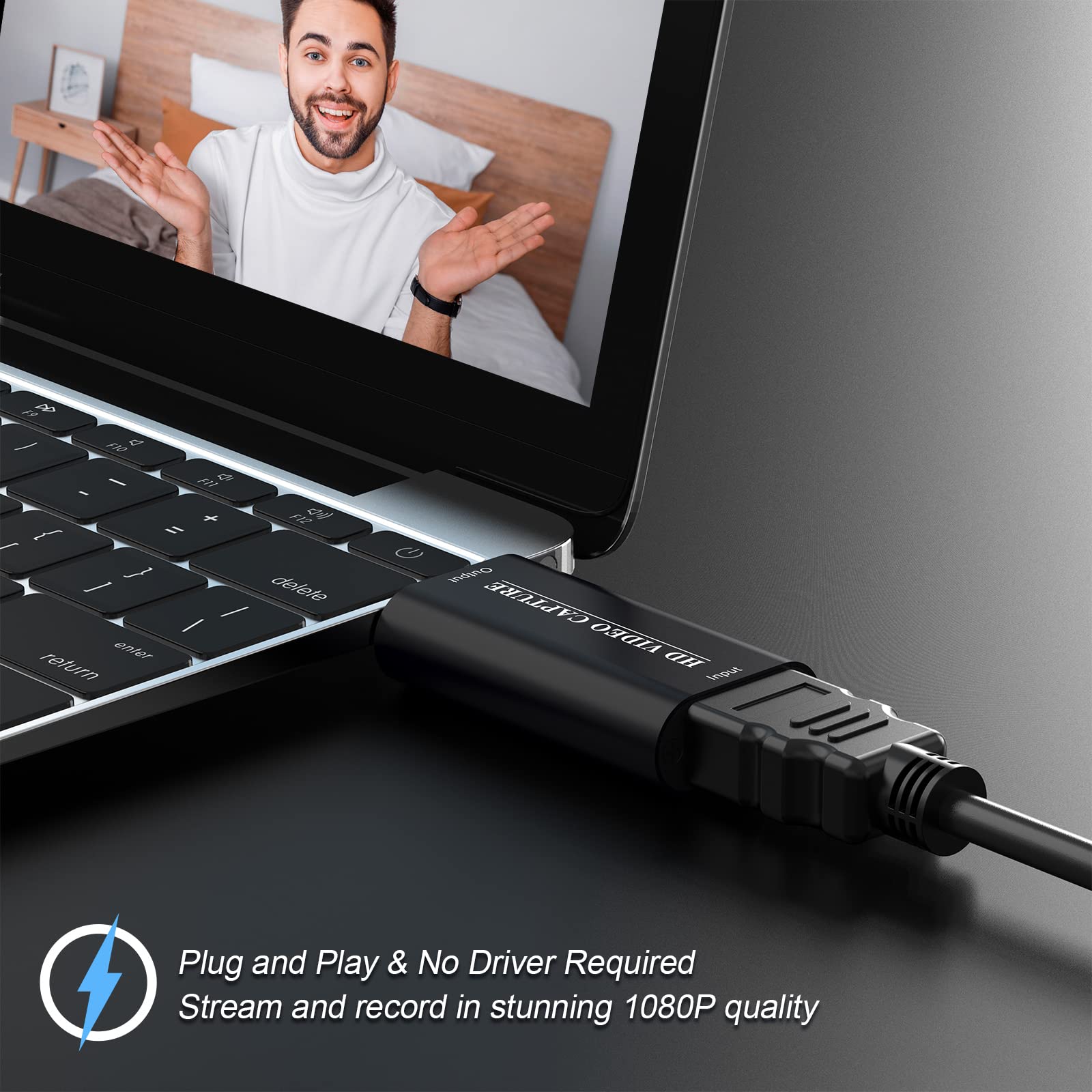
The VIXLW 4K HDMI Video Capture Card delivers lag-free 4K@60Hz video input and 1080p output via USB, supporting Windows, MacOS, Linux, and Android. Featuring plug-and-play convenience, ultra-low latency HDMI, and a durable aluminum alloy design, it’s engineered for seamless live streaming, gaming, and professional video recording on the go.


| Brand | VIXLW |
| Series | V308 |
| Item model number | hdmi usb |
| Operating System | Windows, Linux, PlayStation |
| Item Weight | 1.76 ounces |
| Product Dimensions | 2.48 x 1.06 x 0.51 inches |
| Item Dimensions LxWxH | 2.48 x 1.06 x 0.51 inches |
| Color | brown |
| Manufacturer | FILMSHOP |
| ASIN | B09Y1VSGJ9 |
| Country of Origin | China |
| Date First Available | April 15, 2022 |
C**O
Pleased With The Price and Performance!
The media could not be loaded. I bought this capture card for casually streaming Nintendo Switch gameplay on Discord to my wife and with some tweaking and an HDMI splitter, is perfect for my purposes! This is a great product especially for anyone who just wants to casually share gameplay with friends over Discord or even for entry level streamers who are curious about dipping their toes into streaming gameplay and don't want to risk spending hundreds on a high end card.For the rest of the review I'll go more in depth over my experience setting up the card with OBS and other things I noticed.• Set-Up:-I used OBS studio to stream gameplay, and if you get the capture card on its own, you can only view the gameplay through the preview in OBS, which can have a varying delay depending on the resolution you choose.-To avoid this and have gameplay on two screens (OBS and a separate monitor for example) so that you can look at real time footage from your console without any delay, you would need to buy a separate HDMI splitter that supports 1 In 2 Out Mirroring/Duplicating (1 video source onto 2 displays) which can be found relatively cheap.-Getting this card along with a splitter, configuring OBS's settings, and additional HDMI cables can make for a very convenient and pleasurable streaming experience (This product does NOT come with its own HDMI cables).-If you choose to use the card standalone, the footage quality is still satisfactory but you may experience delays with inputs if you play off the capture card footage alone.-Make sure to not have any speakers or other devices connected to your Switch while capturing footage otherwise the audio might not be picked up. I'm not sure about other consoles but keep it in mind.• Other Notes:-The footage from the capture card does have a slight tint which looks a little more saturated and contrasted than the original game footage, but this can be fixed by applying a filter on OBS to adjust the colors, along with downloading and applying a LUT filter into OBS (I downloaded one from a YouTube video reviewing budget capture cards, but its possible to find one online from another source).-The card does get a bit warm, in my case it's not too concerning but it's something you might want to consider.-The capture card supports 1920x1800 resolution at 30FPS, lowering the resolution it to 1280x720 makes the framerate smoother and still looks fine in my opinion.-Audio seems to be in mono.-I attempted to stream on Twitch and managed to keep a smooth framerate at 1280x720 even with my somewhat lacking PC and decent internet connection. Strongly recommend those interested in higher resolution streaming to have a capable internet speed.-In my case, audio does work and comes through my speakers using the recommended Output Desktop Audio option, but there is a delay.-Changing the audio settings to capture audio directly from the card stops it from coming out my speakers yet the audio is still present in OBS recordings and during streams, without any lag. I just can't hear it in real time.-It is possible to have the audio coming through the speakers and the stream at the same time by using a program like Voicemeeter which controls multiple sound inputs and outputs.The gameplay I included was recorded in OBS using the capture card. My video is capped at 30 FPS but the capture card does record 1280x720 in 60FPS. I showcase the original footage alongside footage with my OBS filters for each resolution (again, you can find a free LUT online for capture cards if you want to achieve similar results).Overall I'm very pleased with the performance and quality of the capture card, especially for the price, and I would strongly recommend a good set up in order to get the most out of it. Again this is great for casually streaming to friends on discord or for first timers curious about streaming without wanting to take a budget risk. Great product!
B**3
Works great!
Works great! Was using it to capture video for my switch, but now I'm using it to use my old laptop as a second monitor.
R**N
FUNCIONA
PARA LO QUE LO NECESITO CUBRE MIS NECESIDADES
S**H
Incredible.
USB 2.0 "webcam" that stuffs HDMI frames into MJPEG. Hard to even come close to beating the price on this thing. Crushes reds and blacks, has JPEG compression artifacts, but does the job so much cheaper than anything else that none of that comes close to mattering.
D**.
NOT WORTH IT
The media could not be loaded. Delay is so bad it makes the game unplayable. Don’t waste your money on this. I got it for my switch so I could stream it, but it’s so delayed it’s unplayable, streaming or not. Save up for a decent one. Not worth it.
S**N
Good Product
Working perfectly.
K**P
Best for recording not good for streaming
This is a decent product I’ll say that.Although there is a huge lag when trying to stream. I’d say about 2-4 seconds behind and I notice some coloration issues.When recording a video for publishing later I notice it’s perfect for the job because you don’t have to worry about the latency issues.Pros: great for just recordingCheap and reliableCons: not for streamingAnd som coloration issues
R**N
RJ
Excellent!
Trustpilot
3 weeks ago
2 months ago



