
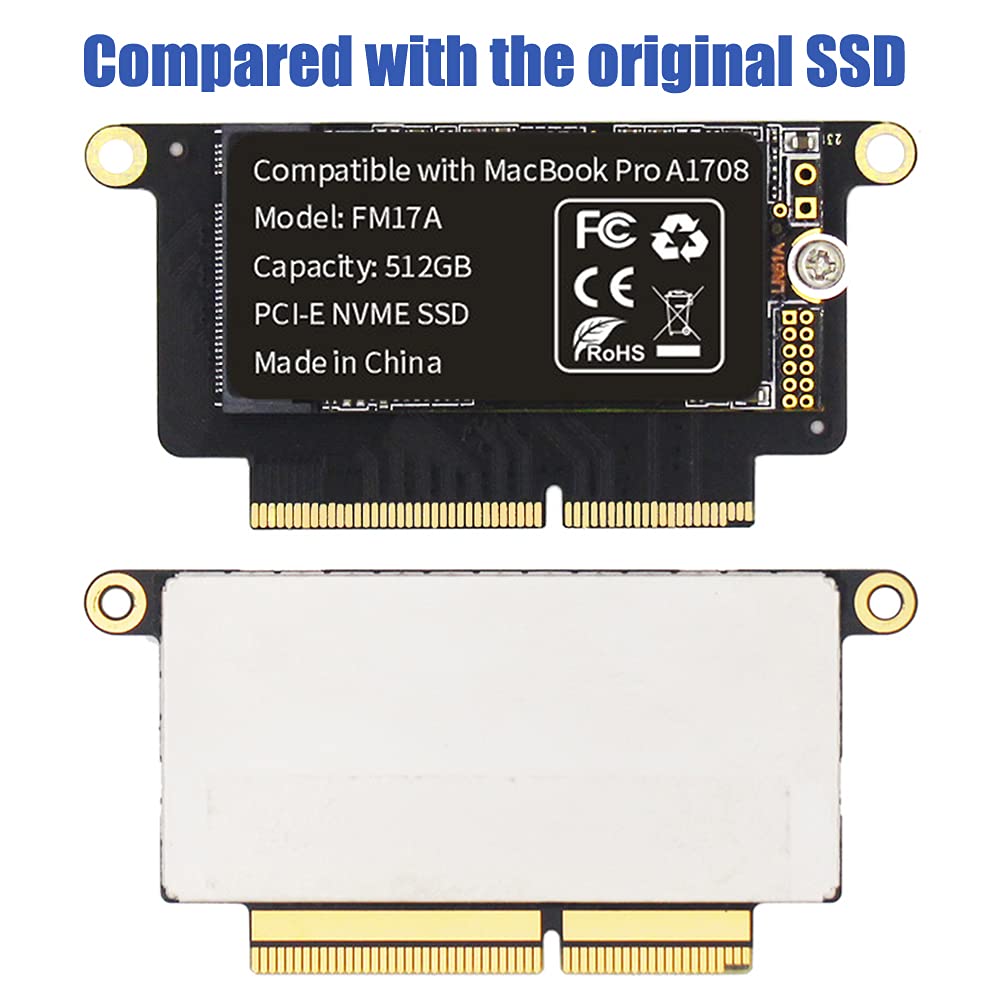


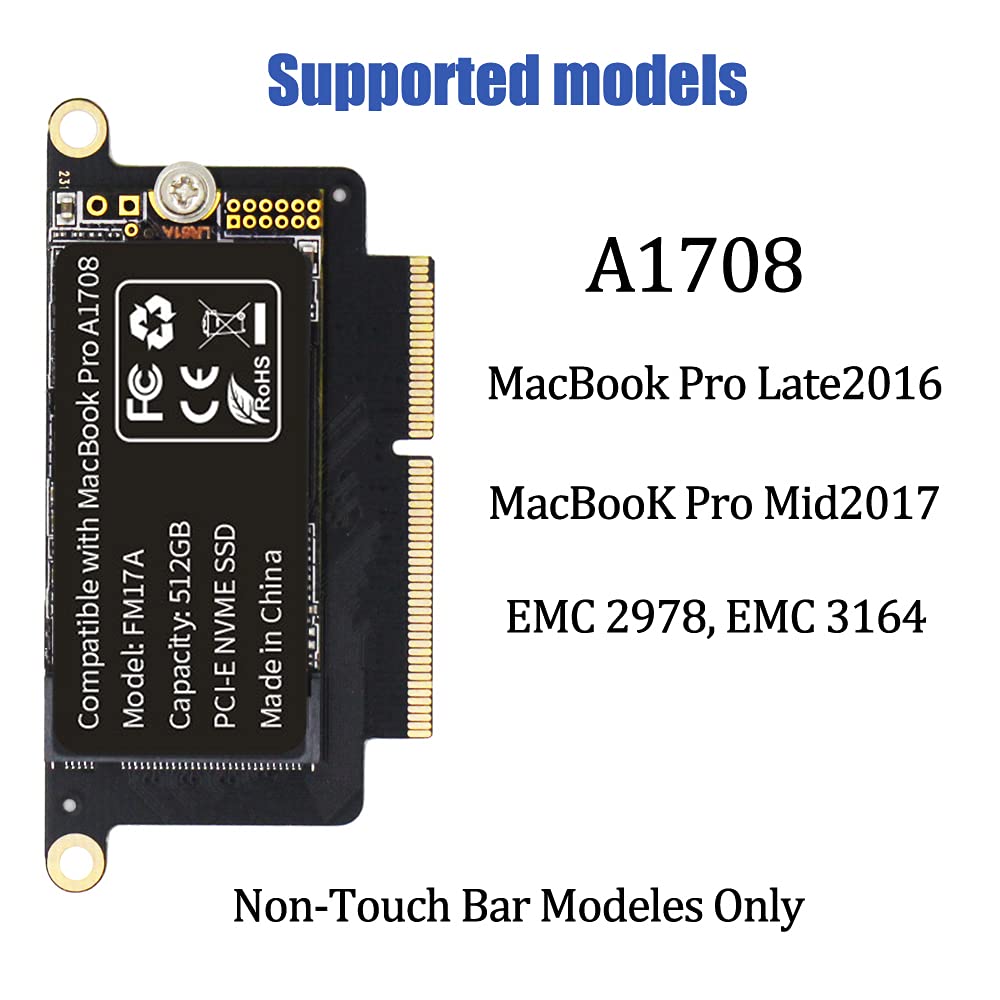


🚀 Upgrade Your MacBook Pro Storage Game — Don’t Get Left Behind!
The FLEANE FM17A 512GB PCIe 3.0x4 NVMe SSD is a high-performance, MacBook Pro Retina A1708 (2016-2017) compatible storage upgrade. Featuring ultra-fast 3D TLC NAND flash memory with read speeds up to 1950MB/s and write speeds up to 1500MB/s, it quadruples your storage capacity while maintaining seamless macOS compatibility. The package includes a pre-installed Catalina SSD, a USB bootable installer for Big Sur, precision tools, and a USB-C adapter, empowering tech-savvy users to perform a professional DIY upgrade backed by a 3-year warranty.
| ASIN | B099NDLWYM |
| Best Sellers Rank | #571 in Internal Solid State Drives |
| Brand | FLEANE |
| Customer Reviews | 4.4 4.4 out of 5 stars (119) |
| Date First Available | July 16, 2021 |
| Flash Memory Size | 512 GB |
| Hard Drive | 512 GB Solid State Drive |
| Hard Drive Interface | Solid State |
| Hardware Platform | Mac |
| Item Dimensions LxWxH | 2.48 x 1.22 x 0.18 inches |
| Item Weight | 1.83 ounces |
| Item model number | FM17A |
| Manufacturer | FLEANE |
| Product Dimensions | 2.48 x 1.22 x 0.18 inches |
| Series | FM17A |
T**N
Awesome upgrade but not for the faint at heart!
Let me preface this with that fact that I have a degree in IT and a lot of experience getting inside computers, so take that how you will. I make no guarantees about these instructions, this was just based on my experience. I have a Macbook that only had 256 GB of space, but performs very well otherwise, so I wanted room. I never liked having to use an auxiliary external because then it's tethered and limited, and uses one of the two precious USB C ports. I found this on Amazon and it had come down in price so I decided to give it a go. The kit contains all the tools you need to open up the Macbook and perform the SDD swap. Here are a few notes. First, I'd recommend using disposable gloves (latex or vinyl) to prevent getting any oil or transferring static charge to the components. Second, I had to really (gently) work the back cover loose to get it off, and it almost felt like I was going to break it, but it DID come off when I lifted and wiggled it. If you have a shower hook suction cup handy, I'd recommend using that on the back as opposed to prying up the back with a tool. Then you can slide your fingers under and gently rock side to side to remove it. Third, the instructions say to disconnect the battery before removing the screws and SSD. There's an image of it, but it's not super clear what you have to do. Carefully remove the protective layer above the battery connector, and then gently slide the battery connector cable out. This is also a good thing not to touch with bare fingers. It looks more delicate than it is, but use caution with this. The rest of the install and putting everything back together was very smooth. Then it was time to flip it over and boot it up. The kit contained a USB boot drive along with an adapter (USB C to USB A) to boot up the machine. However, when I booted it up and attempted to use that, it told me it couldn't install. I am not exactly sure what order what went on but ultimately it booted into Catalina, and I was able to update it online to Ventura with a couple of reboots. From there, I was able to connect my Time Machine external, go into Applications->Utilities->Migration Assistant and use the backup drive to restore all my files, applications and settings. I did all that Saturday evening and used it much of the day yesterday, and it's performing like a champ! Now I have 4x the space I originally did, and for not much cost either. The kit is complete, I have a few new tools and the USB C to USB A adapter is also a useful component. All in all I'd highly recommend this to anyone comfortable opening up and working on a Macbook, and if you've never done that before, this is not a bad place to start if you need more space.
J**O
Super easy to install!
Excellent, follow the steps and youll be upgrading the storage capacity of your mac in a couple of minutes! If you are knowledgeable of tech this should be a piece of cake! Value for money guaranteed.
T**P
1TB FLEANE NVME SSD on Apple A1708 (16-17)
FLEANE FM17A 1TB PCIE 3.0x4 NVME 3D NAND TLC Flash SSD for MacBook Pro Retina A1708 (2016-2017) Included DIY Tools (1TB) I just installed it, I am running 13.7.7 Ventura and needed more disk space these are the steps I used and they worked for me. On my old SSD I had already installed Ventura with all updates and used timemachine backup to a USB disk. the original OS on the A1708 did not support booting the technology used by the new SSD. Ventura installs the new booting environment. The instrucctios do not mention that on the left and right sides there is a MB pin and on the metal back a prong that hold with 6 screws the back on. The pictures accurately depict the motion the back must take to be removed. I found no easy way to make this happen. I used a thin plastic card and a plastic prybar to lift the back a few mm and slide the back about an 1/8 inch which released the back. Exchannging the parts was streigh forward. The software took the longest but was easy. The system had no problem booting the SSD. I did the login stuff. I ran timemachine to get back to ventura and my data. now I am typing this review.
E**O
Bricked right at Ventura OS install
For whatever reason this SSD just stopped working right after I tried installing Ventura OSX. Disk utility no longer recognized it, not even on the command line “diskutil list” execution. Installed it only back in September 2022. Didn’t even make it a year.
C**R
Saved me from buying new computer
I cannot recommend this product enough. My SSD on my 2017 MacBook died and my computer was unusable. Rather than buying a new computer I found this SSD and made the replacement myself. Saved me several hundred dollars! The directions included with the product were not very clear, however, there are plenty of YouTube videos. It is an easy replacement.
S**S
Works great in newer MacBook Pro
Was concerned because there were no reviews on this product, but ordered it, installed it in just a few simple steps—without the need for any intermediate adapter—and it's working perfectly! Four times the storage and really simple to complete. I installed it in my mid-2017 MacBook Pro. Also, it comes with MacOS 12 Monterey installed. There was no need to use the included USB drive, although the included USB to USB-C (Thunderbolt) adapter really came in handy, since the two I ordered along with this order did not work. Altogether very pleased with the purchase. (Note: This review is for the 1TB drive, although it appears to be posted in reviews for other-sized drives as well.)
D**E
Works great!
Works great! Tools included. Thumb drive with OS Monterey also included. Install was a breeze. Very happy with the result. MacBook Pro is much faster with the extra HD space.
I**X
Comes with tools and a Macos instalation usb!
Okay so the product its relly good, it comes with all the tools you will need for the installation. IT COMES WITH MACOS PREINSTALLED (Catalina). Dont make the same mistake as me if you dont want to upgrade it.XD The usb comes with macOS Big Sur and a usb to tipe-c Dongle. Overall a really nice Product!
G**M
Nice upgrade as per price
O**R
Excelente SSD para la Mac, funciona perfecto, al principio tuve problemas con la instalación, pero la respuesta y atención del vendedor fue excelente, y resolvió mi problema, recomiendo el producto al 100%.
C**N
pude aumentar la capacidad de mi DD
Y**N
i am happy with the device, in apple they asked 300 pounds, i did myself quite straigtforward
N**N
Preloaded Mac OS!!! Brilliant! Plug and play ! Saved a lot of time. Easy to install!
Trustpilot
1 day ago
2 weeks ago



