






❄️ Cool your rig, not your vibe — ultra-slim, ultra-quiet, ultra-ready.
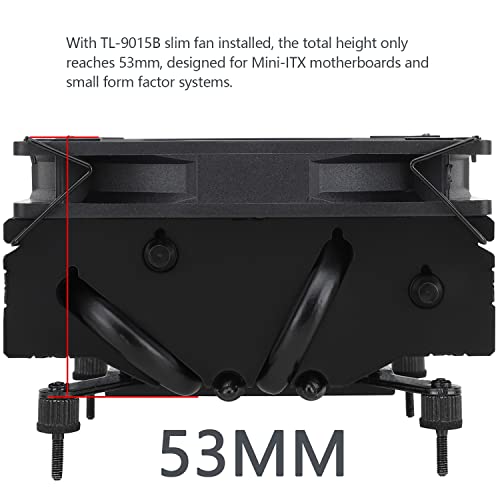
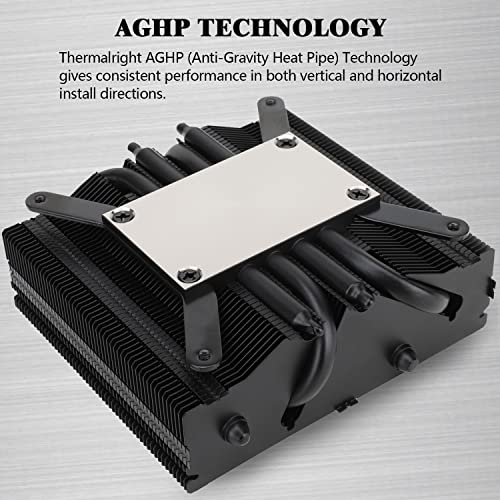
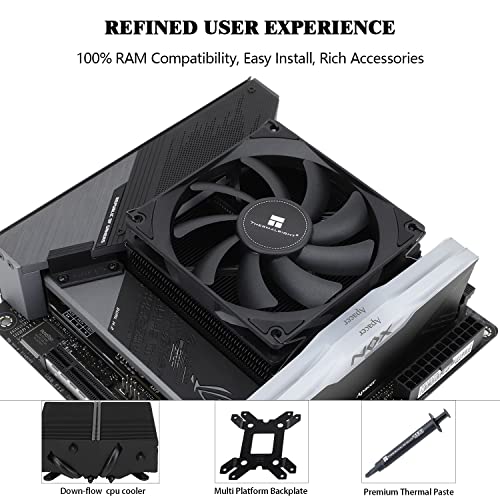
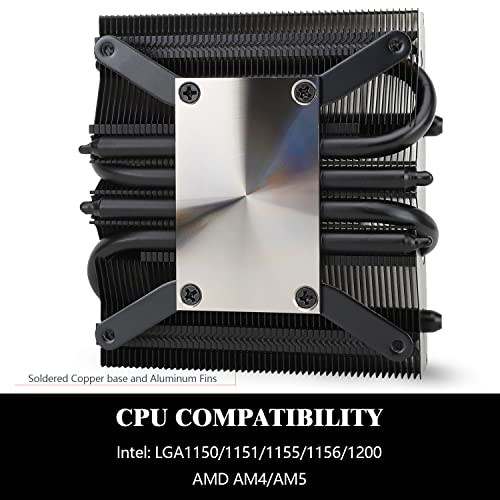
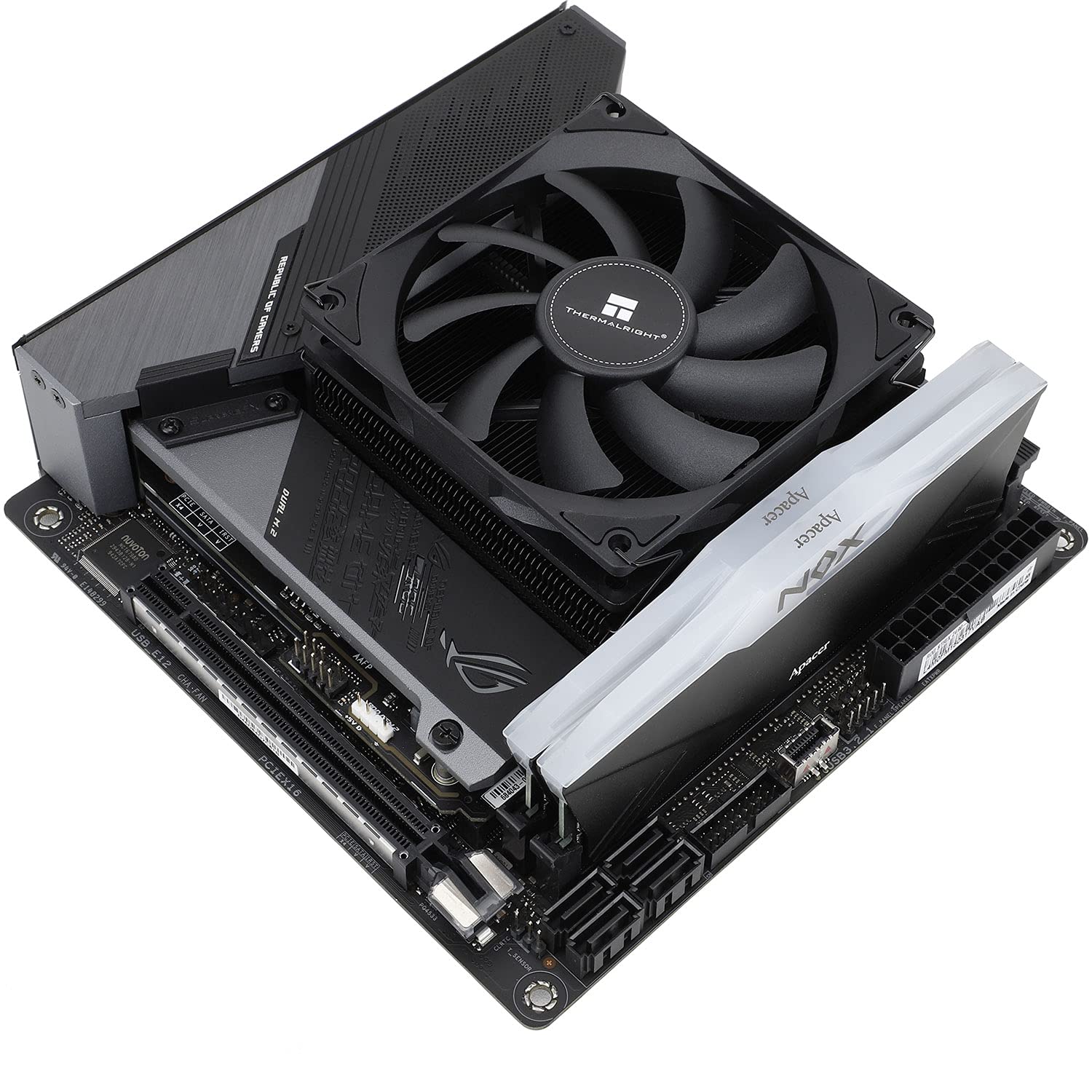
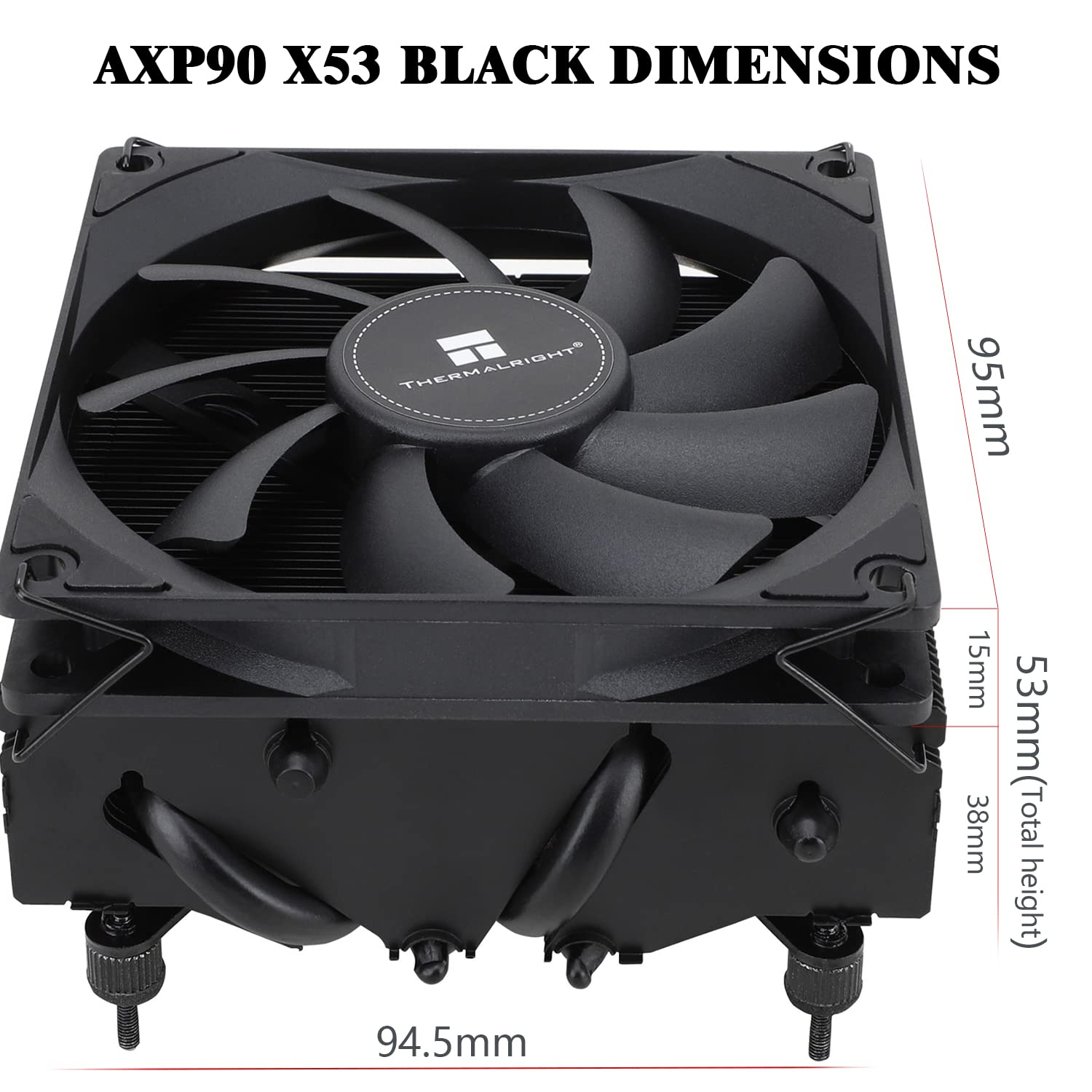
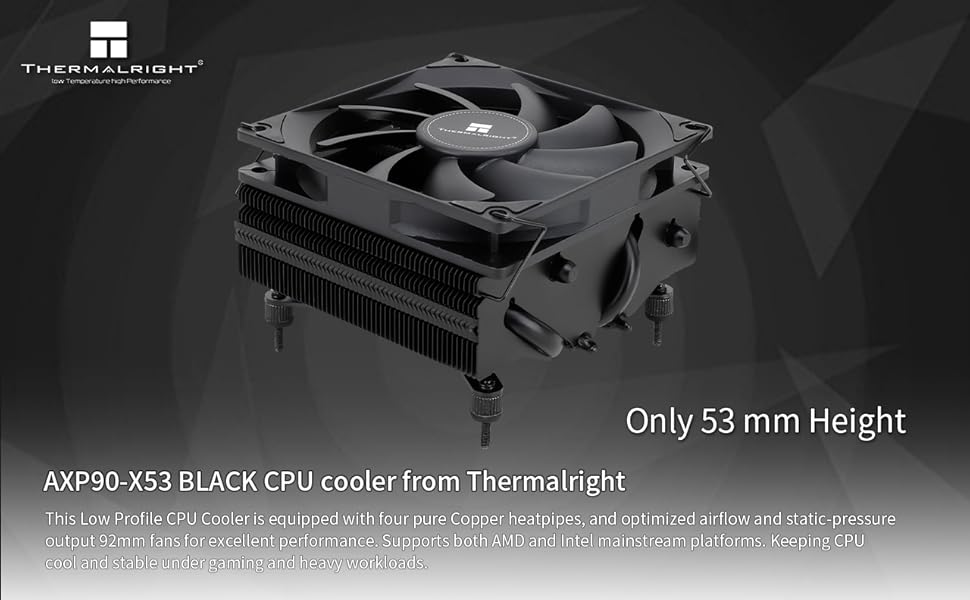
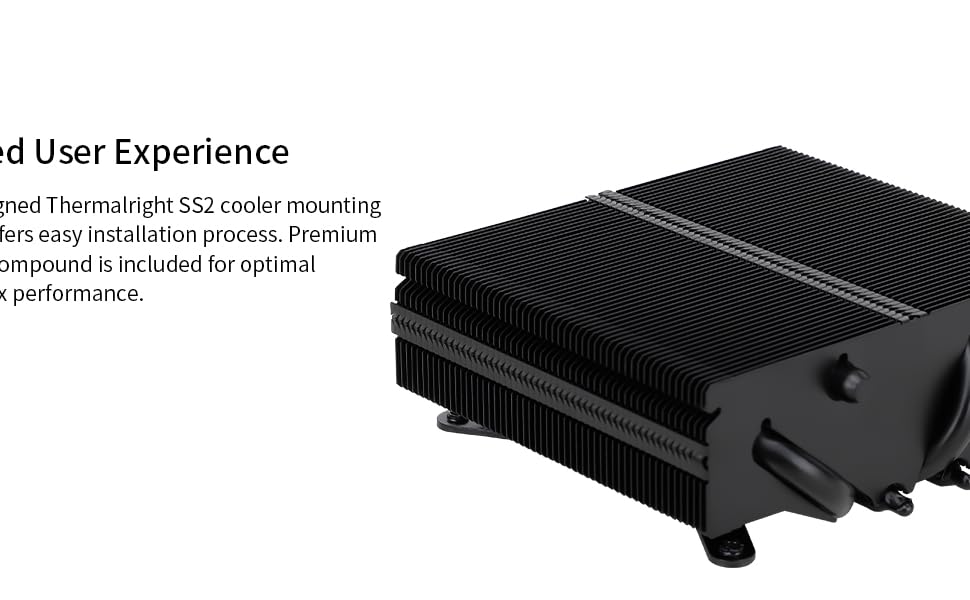
The Thermalright AXP90-X53 is a premium low-profile ITX CPU air cooler featuring a 53mm height design ideal for compact builds. Equipped with advanced AGHP heatpipe technology and a 92mm PWM fan, it delivers efficient cooling with a maximum airflow of 42.58 CFM while maintaining whisper-quiet operation at 22.4 dBA. Compatible with a wide range of Intel and AMD sockets, it includes thermal paste and mounting hardware for easy installation, making it the go-to cooler for professionals seeking powerful performance in small form factors.



| ASIN | B0C1TSZJX9 |
| Air Flow Capacity | 42.58 Cubic Feet Per Minute |
| Best Sellers Rank | #68 in Computer CPU Cooling Fans |
| Brand | Thermalright |
| Compatible Devices | Desktop |
| Cooling Method | Air |
| Date First Available | April 8, 2023 |
| Item Weight | 1.23 pounds |
| Item model number | AXP90-X53 BLACK |
| Manufacturer | Thermalright |
| Material | Aluminum |
| Maximum Rotational Speed | 2700 RPM |
| Noise Level | 22.4 Decibels |
| Number of Items | 1 |
| Power Connector Type | 4-Pin |
| Product Dimensions | 3.74"L x 2.09"W x 3.72"H |
| UPC | 710421183113 |
| Voltage | 12 Volts (DC) |
| Wattage | 2 watts |
M**0
Good performing small air cooler
I bought this to cool an i5 8400 in an older HP Pavilion case with awful airflow (a self-inflicted sleeper build wound), and for such a low-wattage CPU in an otherwise obnoxiously warm case it does a pretty solid job and solidifies its position as one of the best budget coolers on the market. With a very lazy fan curve it's able to keep things plenty cool while being significantly quieter than the Intel stock cooler. The grey color scheme fits well in a build like mine, but in a normal build you may want to spring for the more expensive black or white variants. Installation isn't too bad once you read the instructions and figure out you were doing it incorrectly, though if it's your first time installing a cooler like this you may struggle a little bit.
C**S
The little cooler that could
TL;DR keeps 7800X3D nice and cool, has not reached 90c, but gets close... Pretty great for my sleeper build, I bought a matching 80mm fan to complete the look. The mounting is a little weird though, I'm sure there's a better way, but I can't think of one that doesn't include a mild redesign of the cooler. Make sure the nuts are evenly twisted down on the back-side or you'll wind up tilting the cpu in the socket, leading to missing RAM channels, weird IO bugginess, boot failures, etc. They also don't seem to bottom out, so be careful as it might damage the socket, but I'm not sure. Figuring out the sweet spot for tightness took a little trial and error, but after 4 or 5 adjustments, I got the system booted with full EXPO enabled. I ran some benchmarks and my 7800X3D scores pretty normally compared to other 7800X3D chips out there, meaning the cooler is not only doing its job, it's doing its job well. It's very quiet and fits well in the case.
K**N
Efficient but a bit noisy.
For a low profile fan it works great, looks great in the case. I used the included backplate on my motherboard not the one that came with the cooler. It's cooling a 9700x and at stock settings in a stress test it kept the CPU temp around 70 degrees. My only complaint is the little fan is definitely on the noisey side so I adjusted the fan curve and now when gaming it's barely audible and still keeps my CPU in the low to mid 80s, still comfortably below the 95 degree throttle temp.
K**S
Perfect!
I wanted a low profile, affordable cpu cooler that also happens to be white for my matx build. For some reason, white parts are marked up astronomically but not this one. It’s attractive, whisper quiet, and it works very well. I’m a complete beginner and I was able to install it because the instructions were so clear. The choices that were made to make it so universal were clear and easy to navigate. If you’re like me and are working toward an all white build, the center logo was just a sticker and it was very easy to remove and the cables were also a very bright white.
S**S
Nice upgrade from 47mm cooler to this 53mm
Moved to this from the ID-Cooling IS47. My build is a Fractal Terra using the Strix B650E-I board and a 7800x3D. I figured I was able to squeeze a bit larger of a cooler in my case after using the 47mm for several months. I've seen lower idle temps by about 3-6 C and in games specifically, quite a measurable difference. For instance in Kingdom Come Deliverance 2 at max settings at 4k, I was getting to around the thermal limit I had set for my cpu of 80C when using the previous 47mm cooler. Now that I am using this Thermalright 53mm cooler, I'm seeing temps stable around the 73-77 C mark. I haven't checked if I'm able to push more fps with these lower temps but I imagine so. Either way, I am very pleased with the 5ish degree headroom I am working with on this cooler. This cooler was incredibly easy to get setup onto my computer as well. All I had to do was take off the LGA1700 brackets that are pre-installed on the backplate of the coooler and fasten the AM5 ones. After that, it was just a matter of dropping the screws in and tightening the thumsbscrews on the backside of the motherboard and I was good to go.
L**E
Works splendid with HP pavilion gaming prebuilt
Using this in a HP pavilion prebuilt (TG-01 model) and it’s running amazing on a Ryzen 3500x - I don’t thinks it’s exceeded 75 degrees. Best part was it was compatible with the HP prebuilt out the box, I didn’t have to remove the backplate
P**S
outstanding air cooler for lower power cpus.
So I picked up a 12th gen core i3 12100F. I didn't get a stock cooler with it so I needed one. The price of this bad boy is so low that why bother spending the money on a stock cooler? They're cheap as, but lets be honest, for $20 wouldn't you want the most cooler for the money? I installed redhat 8 on it, installed stress-ng and hammered the crap out of this build for 3hrs and the temps never got over 55c. Color me a believer. Granted this is a 58w tdp cpu. At max boost, 89w. Running it flat out for 3hrs, I was stressing the whole system, cpu, gpu, IO, system memory and it never broke a sweat. For low power builds I mean, no brainer. I have 240mm AIO's on my higher power systems and they keep things nice and cool but that was overkill for this little ITX build. I'm planning to build another one of these little mighty little systems and I will purchase another one of these coolers, no question.
R**D
Fan went rattlely. Cools good.
It works really well at cooling my i7 6700k inside a small Silverstone SG-13 mini itx case. Only issue is that a couple days ago, the fan on it started making this terrible rattling noise, no matter how fast or slow it spins and it’s been driving me crazy. Unfortunately, the return period ended. So I don’t know if I can get a replacement sent out. It really does work well, but it just has a bad fan. My cpu when under 100% load never went above 80 degrees Celsius. And stays even cool when gaming in cpu intensive games like cyber punk.
G**S
Very nice case
M**N
I got this for a NAS case where it only just fits with a 14700K which boosts well above the coolers rating of 155W to 253W. The fact its pure copper seems to do an excellent job of allowing it to still turbo boost to the full 5.5Ghz for short periods, only thermal throttling if there is a prelonged load. Though worth noting, even a single core at 60W will thermal throttle, because Intel push those cores so hard on default settings, under-volting may help but not risking stability issues on my home server. Its actually less of a problem on multi-threaded loads as the power is dissipated over the whole chip. This is exactly what I needed as I have some PHP scripts that generates thumbnails on-demand to save disk space, rather than keeping permanent copies. As its only 100 images per page, its able to finish all thumbnails before saturating the coppers heat load, and being copper it dissipates that heat in seconds so the next page load still goes full power again. So while it may not get full performance out of the CPU in all scenarios (again, its not designed for such a beastly CPU), it really punches above its weight for my use-case. I'm actually curious if replacing the fan with something of higher airflow might prevent the throttling entirely. NOTE: I did use the Thermalright 1700 socket contact frame too, just to try to get the best thermal transfer. But this cooler clamps down quite tightly with 4 screws from under the motherboard so it may not have been necessary.
M**S
Cooler excelente, cumpre o que compromete! Só não esperem pra usar a pasta térmica que vem com ele, a minha veio igual chiclete quando entra em contato com a água, duro.
V**C
a small note if your memory be blocked, you can move the fan
م**ي
سيئة جدا ولا انصح فيها ابدا خربت في ثلاثه اشهر
Trustpilot
2 months ago
1 month ago



