


🖥️ Elevate your screen game — mount it your way, every day!
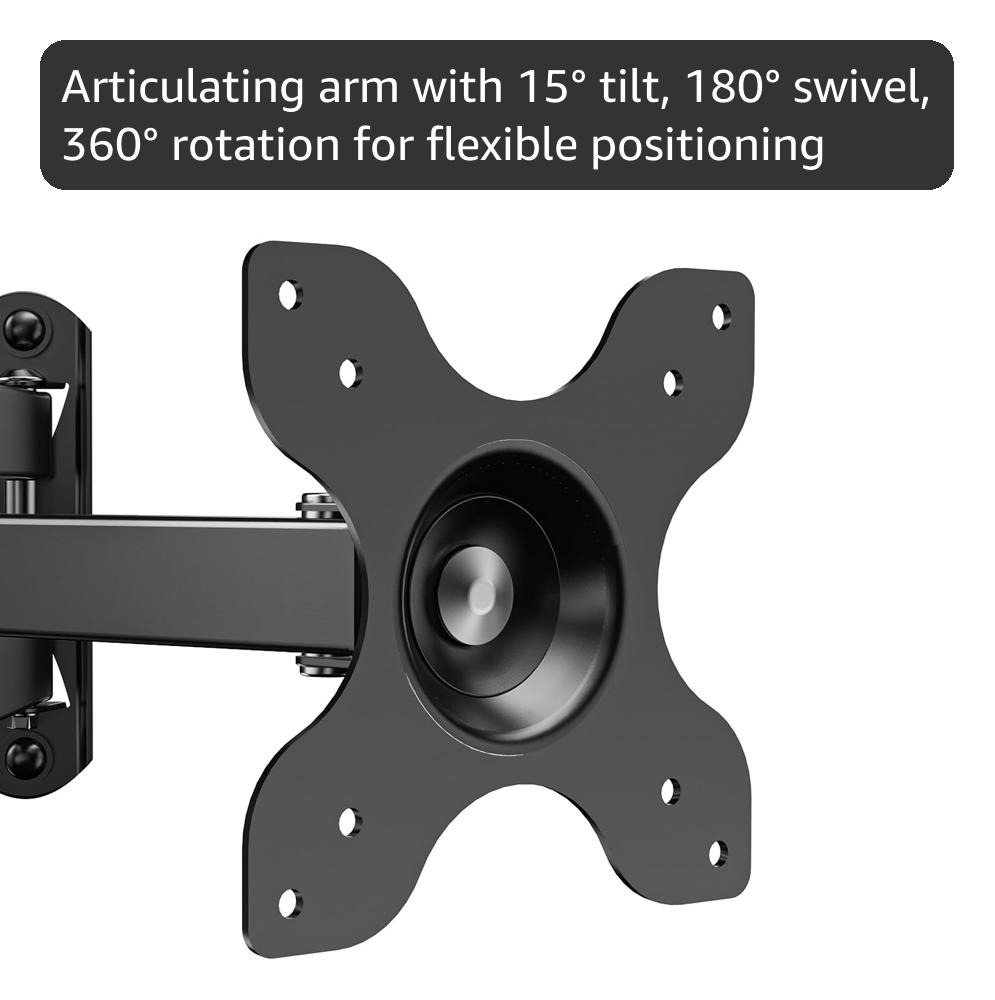
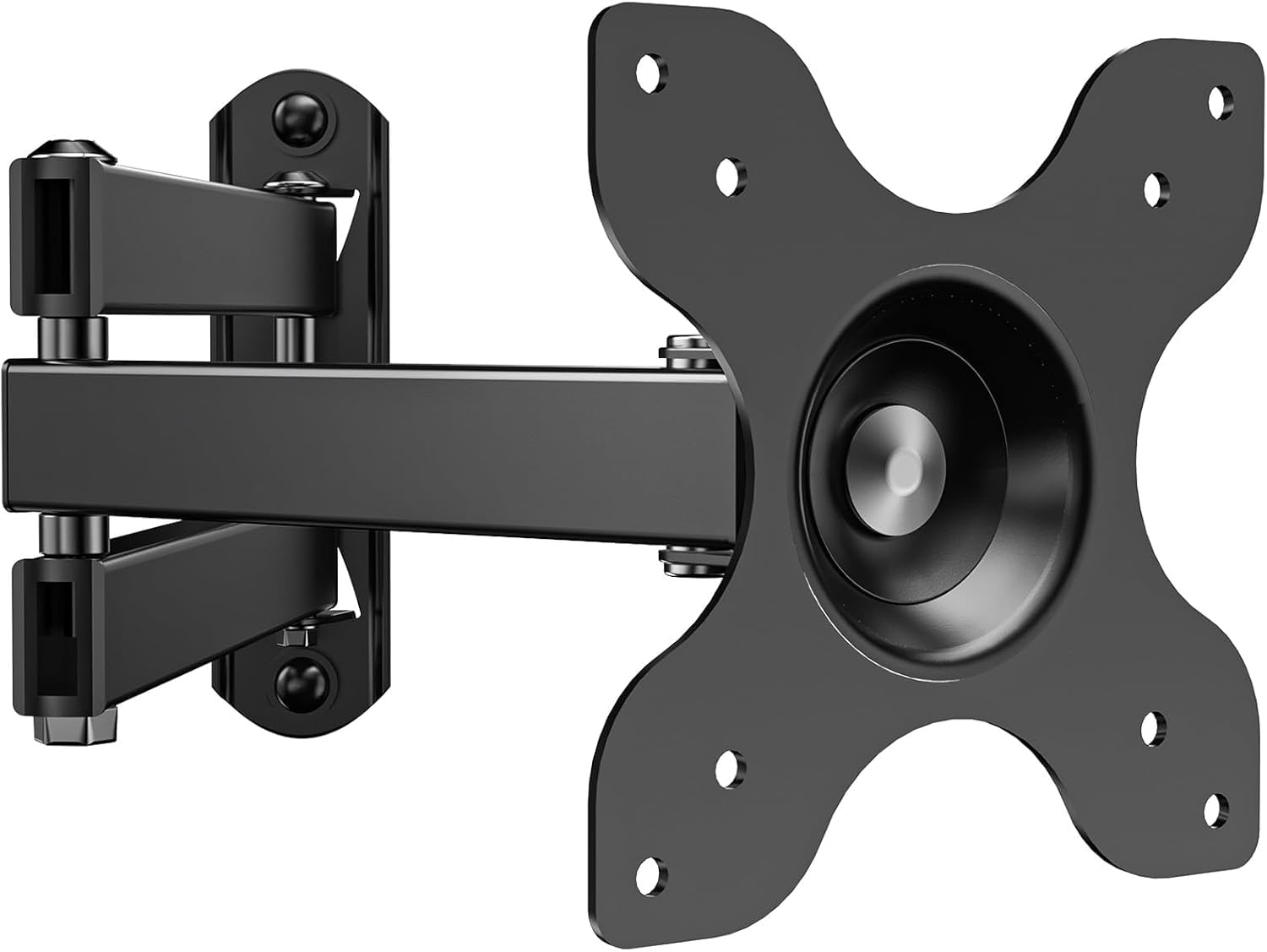
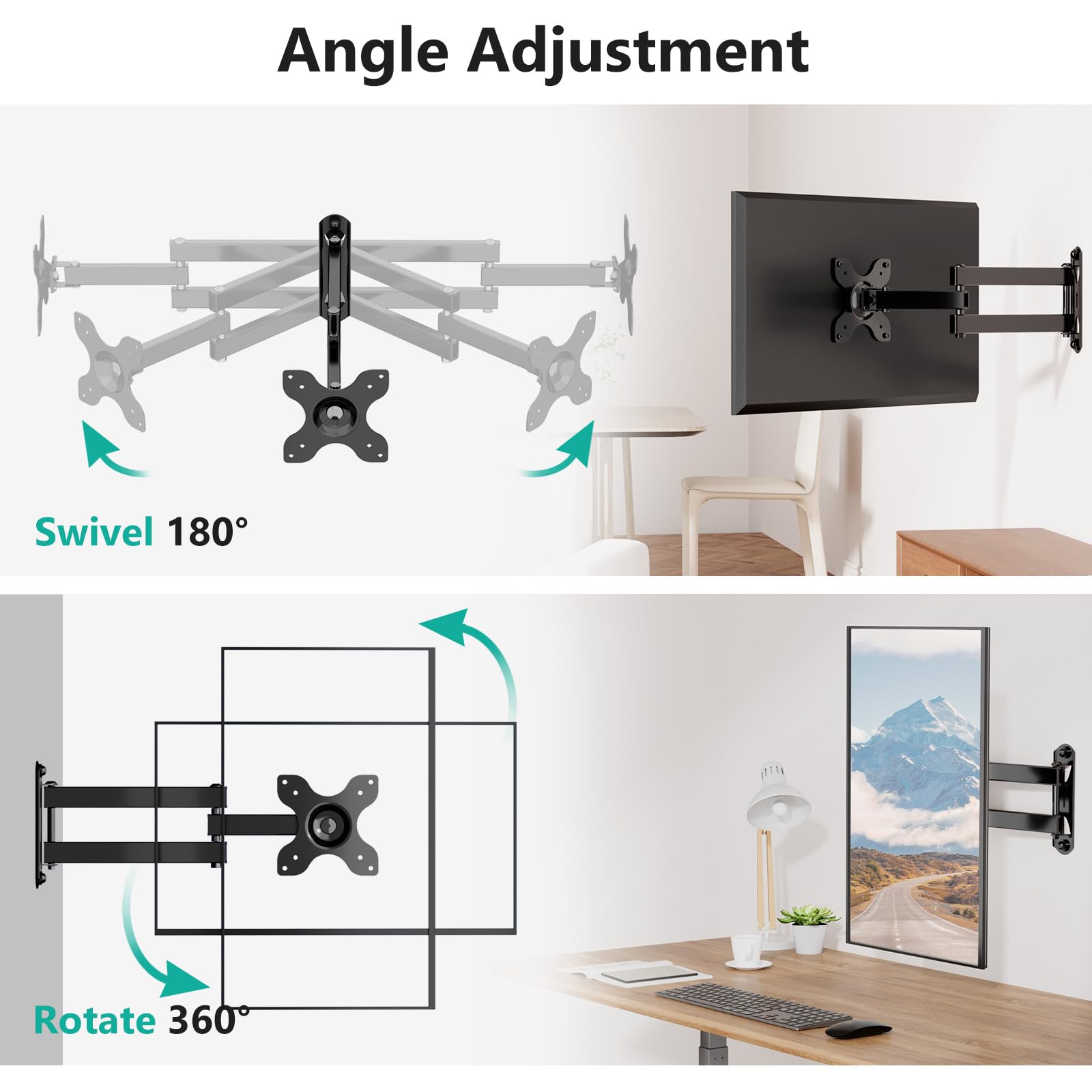
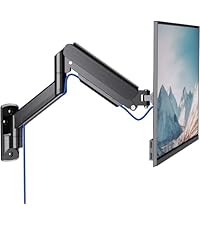
The WALI TV Wall Mount (model 1330LM) is a robust, full-motion articulating arm designed for 13 to 32 inch flat panel TVs up to 33 lbs. It offers ±15° tilt, 180° swivel, and 360° rotation, extending 15 inches from the wall and retracting to 2 inches for space efficiency. Compatible with VESA 75x75mm and 100x100mm mounts, it installs easily on wood studs, brick, or concrete walls. Crafted from durable metal and backed by a 10-year warranty, it’s a versatile, reliable solution for modern living and workspaces.





| ASIN | B01BCUM766 |
| Best Sellers Rank | #517 in Electronics ( See Top 100 in Electronics ) #19 in TV Wall & Ceiling Mounts |
| Brand | WALI |
| Built-In Media | Monitor Stand |
| Color | Black |
| Compatible Devices | Television |
| Customer Reviews | 4.5 out of 5 stars 23,820 Reviews |
| Enclosure Material | Metal |
| Global Trade Identification Number | 00811278020498 |
| Item Height | 2 inches |
| Item Type Name | TV Ceiling & Wall Mounts |
| Item Weight | 2 Pounds |
| Manufacturer | WALI |
| Material | Metal |
| Maximum Tilt Angle | 15 Degrees |
| Maximum-Supported Screen Size | 32 Inches |
| Minimum-Supported Screen Size | 13 Inches |
| Mounting Type | Wall Mount |
| Movement Type | Articulating |
| UPC | 811278020498 |
| Unit Count | 1.0 Count |
| Warranty Description | 10 Years Warranty |
B**S
Good all in one mount.
If you want a solid, versatile, and reasonably priced wall mount that gives you flexibility in positioning and a clean wall-mount look, the WALI Full Motion mount is a very good choice. It strikes a nice balance of price → performance → flexibility. It feels like a good heavy-duty option — works well for my large TV in an unusual mounting situation. It also installs easy with the right tools and bolts and is very stable.
A**C
It does tilt....
For being one of the cheapest mounts I found, it is quite strong and does everything advertised. It does tilt, it's just not something you can adjust on the fly. Once you set the tilt amount it's a pain to change it. The rest of the installation was fine. I only had a 3/16 drill bit which made it much more difficult. I had to wiggle the drill bit until the hole was big enough for the screws and still had a hard time screwing them into the wall. I would not recommend using a 1/4" bit though, the screws might get loose and the whole thing could fall off. I would also not recommend mounting this on drywall alone. You definitely want to find a wooden stud. Don't take the risk of your TV falling off the wall and taking a chunk of drywall with it! How to set the tilt: in the center of the part of the mount that attaches to the monitor there is a hex nut. Loosen this nut with the tool provided. Now that little nut piece can slide around a little dome on the mount which allows you to adjust the tilting angle. Try to keep it centered vertically (left/right tilt and rotation can all be adjusted afterwards and on the fly). If you move the nut piece up the dome, the monitor will be tilted up and if you put it lower on the dome the monitor will be tilted down. When the angle seems good, tighten the nut back up. I'll try to add a video. The installation of the monitor was actually easier than with another mount I have because you don't have to hold the monitor /TV in place while you screw it into the mount. Just attach the wall arm to the wall and the TV mount to the TV and then you can set them together with an easy little latch and it will stay in place while you add the last screws to keep them secure. I did it all by myself and I'm just an average woman.
T**.
Solid VESA TV mount for smaller TVs.
This is a fairly easy wall mount to set up. As long as you are able to find a nice sturdy stud in the wall, there really isnt a problem. You need to make sure that the tv you are hanging on this is small enough, this is not for large TVs, although would probably hold something heavier than its rated for, as long as you mount it properly. You need to make sure you mount it where you want it because it will be slightly left of where you mount it due to the way that the mount works. If you are mounting it to be looked at straight forward youll have to adjust it a little bit. Its a VESA mount so should mount on just about anything. Nice range of motion and holds the TV as well as you want it to. You can also use this for computer monitors, however, if you are doing a double monitor setup, it will take some trial and error to get the monitor in an arrangement that you want. Easy to use.
K**I
Solid mount. Adjusts easily. Great for the price.
I bought this for my RV. It is compact, solid and has a wide range of motion, allowing me to adjust it so it can be seen from multiple locations, or swung out of the way. The only issue is that it can't be adjusted so the screen is at 90 degrees. It is always slightly tilted, which is not a problem, since I mounted it up high.
M**N
Perfect for a home office
This worked perfectly for our home office. We have small kids and were worried about one of them bumping into the desk and knocking over the monitor. This mount has alleviated that issue and helped further baby-proof our house. It was cost effective and easy to install. It allows for great range of motion and it sturdy, level, and saves space while looking great.
A**R
Have/Borrow muscle to install but great product
Excellent product and incredible price! One word of caution, however. The holes for the tiny screws that lock the mounting plate to the arm are not sufficiently tapped. I'm big and strong and handy with tools and car/home repair and, that being said, still had to push my screwdriver as hard as I could while turning to advance the screws into the holes. I even had to use the longer screws as a quick "tap" to clean up the holes before I could then insert the small locking screws. Anyone who isn't strong or determined may need to borrow a friend to finish the install (until the company addresses this quibble). Other than that, I was very impressed with the price, quality and adjustability. Also, pro installation tips: rub the threads of the stud bolts on bar soap before installation to reduce entry friction; use a large wrench or a power impact driver (go slowly if you use an impact driver); and do not overtighten against the wall (or risk breaking the head off of your screw or damaging the wall or product).
C**Y
Perfect value
Worked great for my 20” monitor hooked up to security cameras. Needed to get this up off my desk, so I tried out this mount. It comes with the appropriate hardware and is a solid unit. It feels secure, tilts, moves in and out/etc. I bet this won’t be the only one of these I buy.
R**R
Fantastic budget monitor mount.
I quite like this mount as an inexpensive, single stud option for mounting small monitors. I originally bought this to mount a Dell 24" monitor over a desk in my bedroom, and it worked well enough that when I needed another mount for an old Alienware monitor I was setting up for my kids, I purchased another. The construction seems more than sufficient for the size of monitor you're likely to mount. I have used it with my Dell monitor for several years without issue. I do not typically use the rotation or articulation features on a day-to-day basis, but when needed I have not noticed any issue with them. The rotation feature is firm enough out-of-the-box that it does not need adjustment and holds the monitor stable without droop. The center of the VESA mount is approx 3 inches from the stud mount when folded "flat". The height of the mount itself Both my monitors had a 100x100 VESA pattern and this fit each without issue. IIRC, I used the hardware included with the monitor to mount the adapter, and then there are suitable lag screws and fixing bolts included with the product for mounting. Two nice-to-have features: first, the bottom bolt hole is a wide oval, allowing some adjustment to ensure level mounting. Due to the rotation on the attachment itself, perfect leveling isn't necessary, but I appreciate that the product allows me to get as close to perfect as possible. Second, I find the attachment system to be decently designed -- you attach the monitor via the metal spider, which then hangs on the articulating arm via a few study tabs, and is fixed in place with two small bolts at the bottom. It's one of the simpler systems I've seen, and feels reliably stable even before you add the bolts. That said, you'll want to make sure you mount the base such that the tabs are pointing upwards (you could feasibly "make it work" with them pointing downwards, but honestly better to take off and remount if you've made this mistake to prevent possibly dropping your monitor during installation/removal). You will put some nice-sized holes in your stud with this monitor, but it feels like a reasonable size for the lag screws was chosen -- not oversized but large enough to inspire confidence. I have not needed to move either mount that I've installed, so hard to speak about bolt quality, but I had no issues installing them with power tools that had appropriate torque settings and the right socket size. I would strongly consider this stand for future mounting needs unless I had some kind of specific use case not met by it.
Trustpilot
3 days ago
2 weeks ago



