

Desert Online General Trading LLC
Dubai, United Arab Emirates
Desert Online General Trading LLC
Dubai, United Arab Emirates


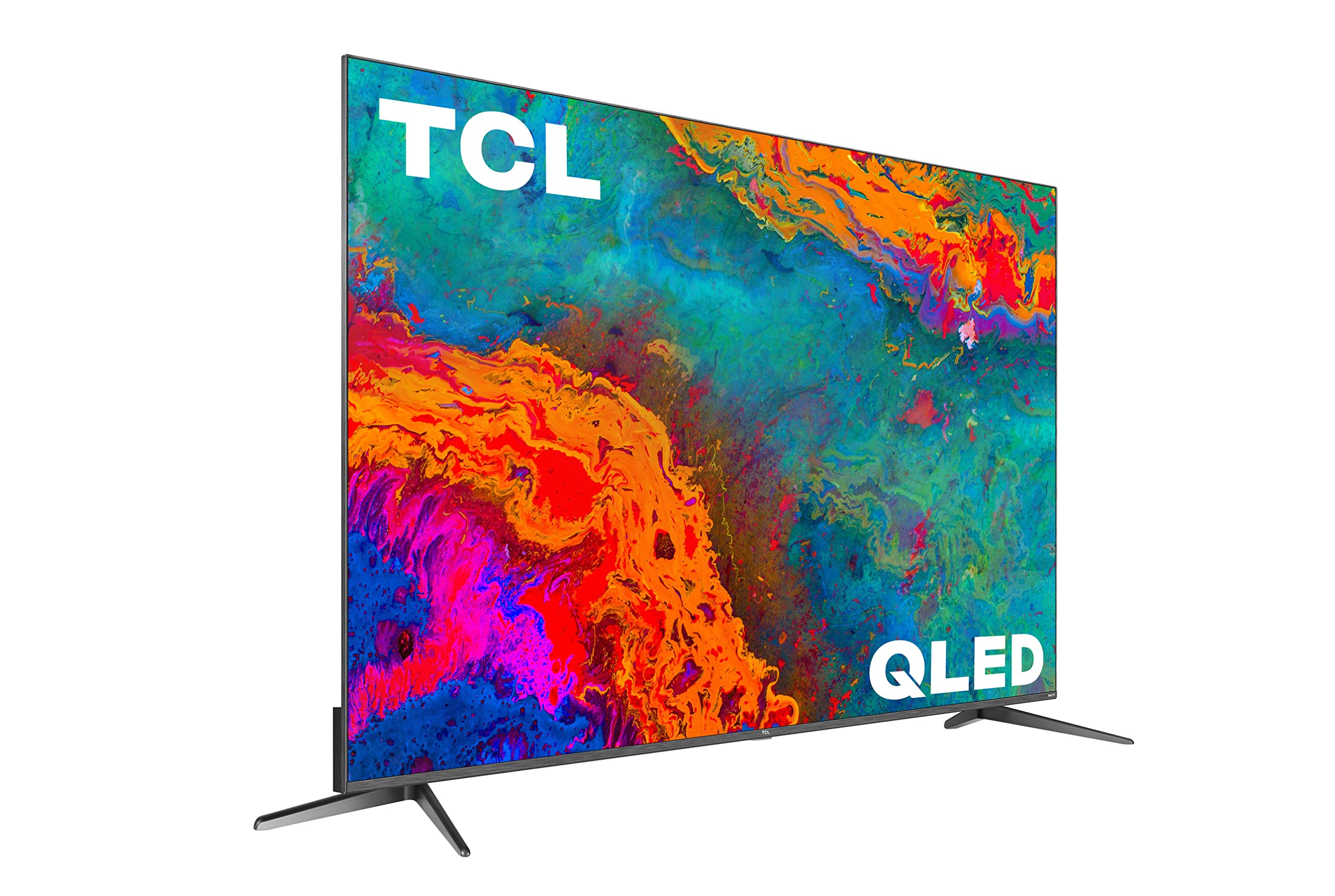

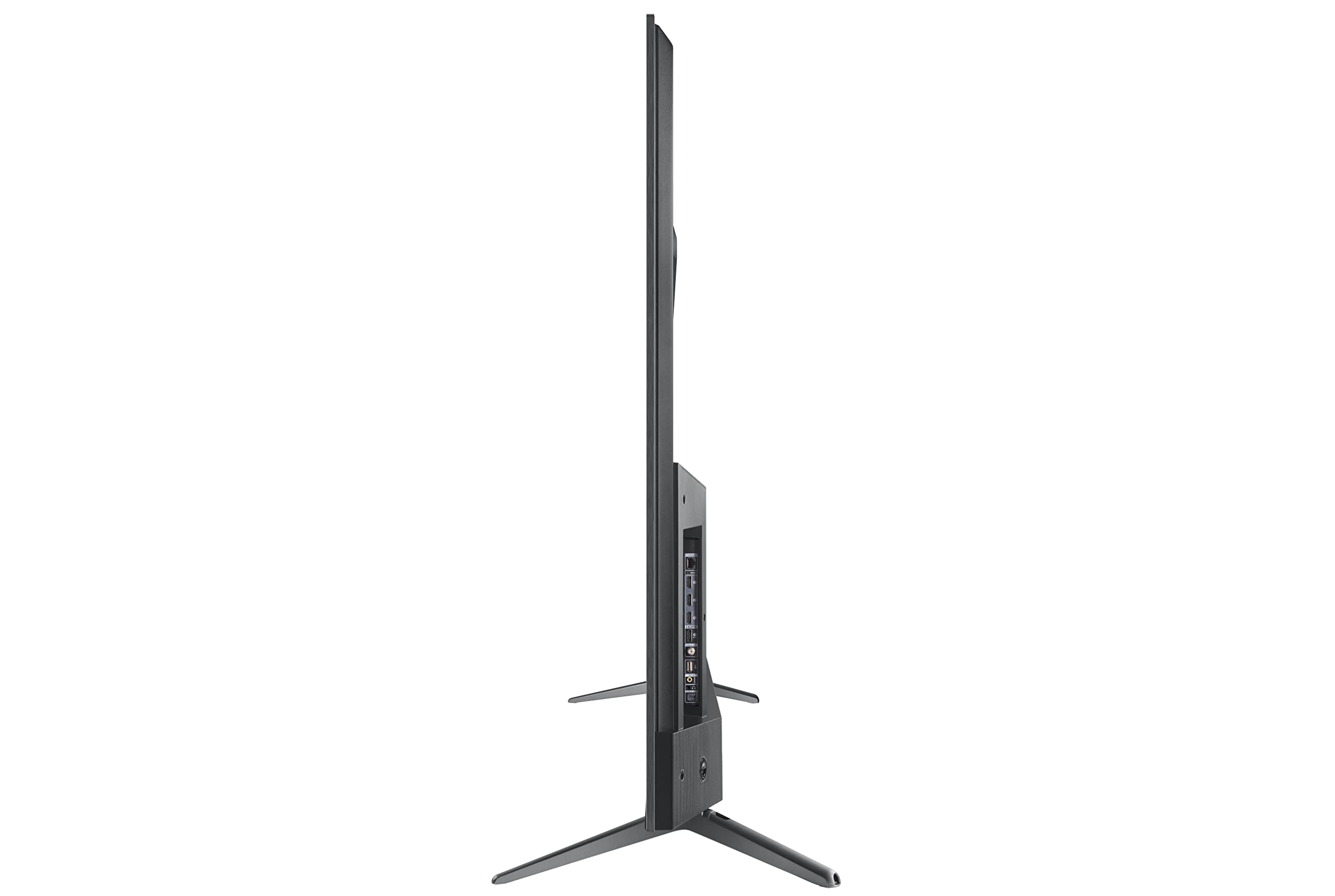

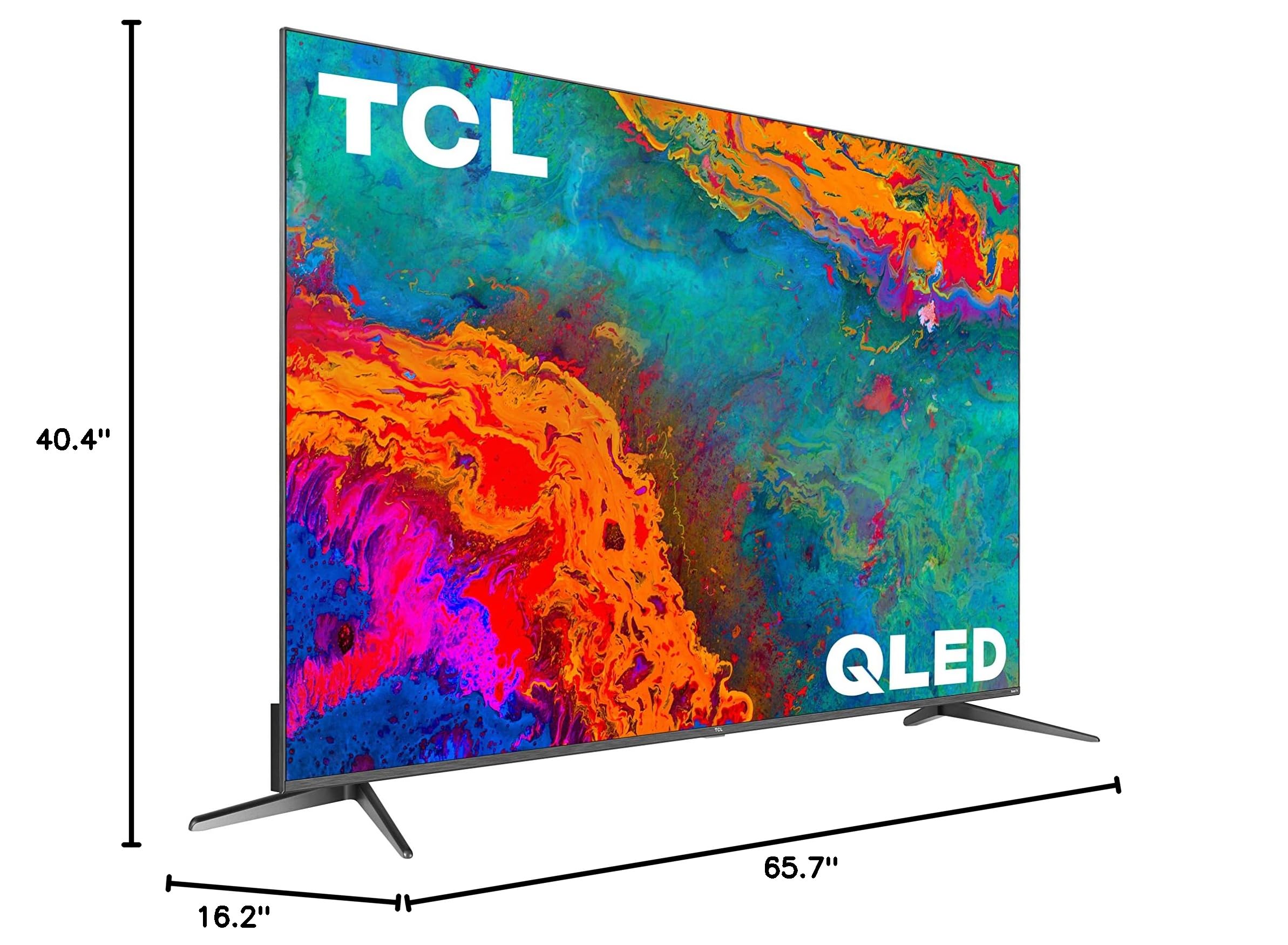
🔥 Elevate your home theater game with TCL’s 75" QLED powerhouse!
The TCL 75S535 75-inch 5-Series QLED Smart TV combines Dolby Vision HDR and Quantum Dot technology for breathtaking 4K picture quality. Featuring Roku’s intuitive platform, Auto Game Mode for gamers, and voice control compatibility, it’s designed to deliver premium entertainment with effortless usability and vibrant visuals.


| Brand Name | TCL |
| Item Weight | 97 pounds |
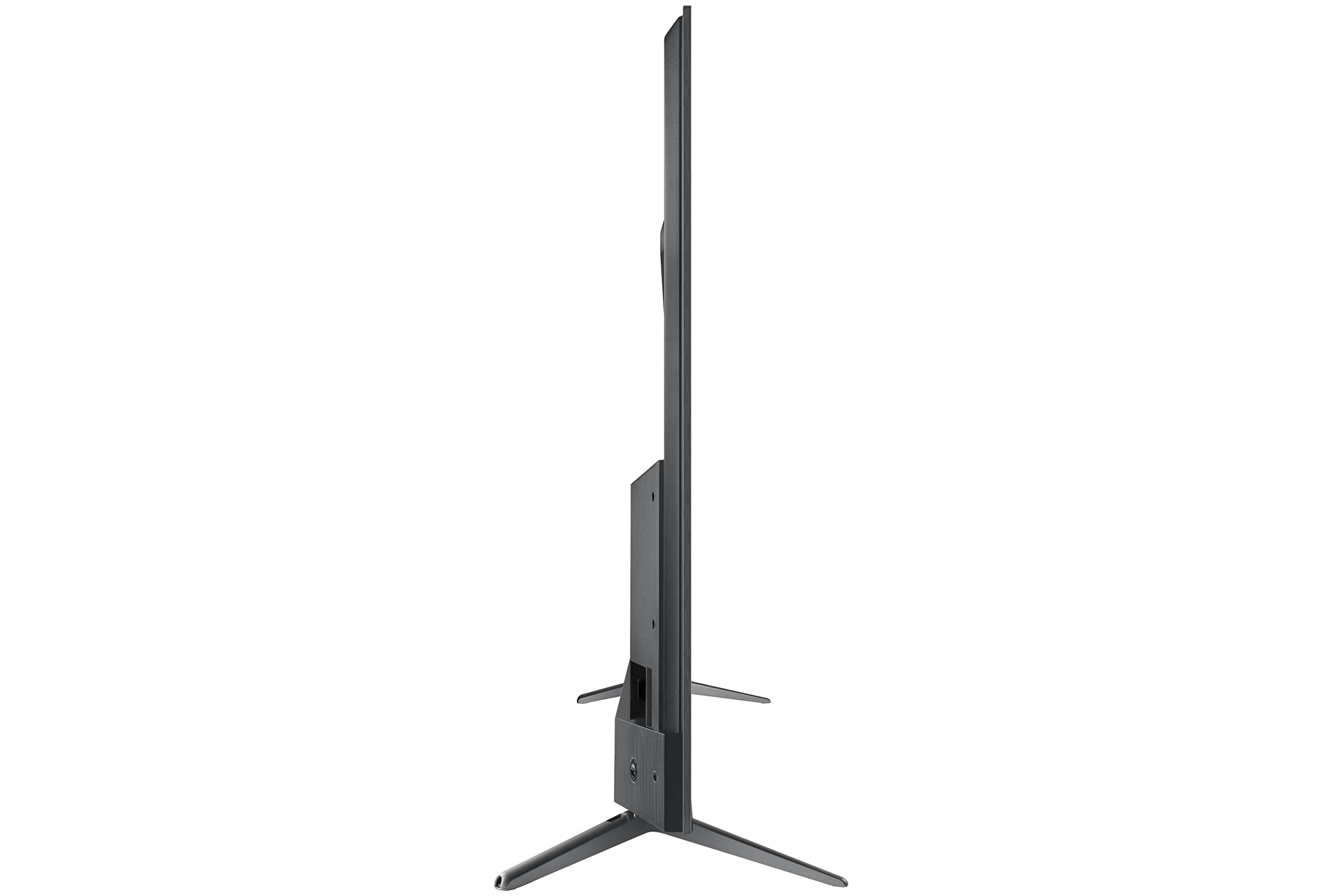
| Product Dimensions | 16.2 x 65.7 x 40.4 inches |
| Item model number | 75S535 |
| Color Name | Black |
| Special Features | Auto Game Mode; Easy Voice Control works with Siri, Alexa, and Hey Google, HDR Pro Pack featuring Dolby Vision; Contrast Control Zone Technology; AiPQ Engine with Smart HDR, Smart 4K Upscaling and Smart Contrast |
| Item Weight | 97 Pounds |
| Standing screen display size | 75 Inches |
| Aspect Ratio | 16:9 |
| Wattage | 75 watts |
B**S
No regrets
This tv replaced an ancient Sharp Aquos, but even so, to see how much the tech has improved is incredible. With a solid color and titles you can see anomalies, but since I like to watch actual video, it's fine by me. Couldn't beat the price. Not fond of small remotes like the one included, but it works well enough. Contrary to YT reviewers recommendations, I prefer the screen to be a little darker with the power saving since it's easier on my eyes. It's going on a year since I bought it and haven't had any problems. Bought a pair of blu-tooth speakers to bring the sound up to par with the screen.
T**O
Nice TV - with issues
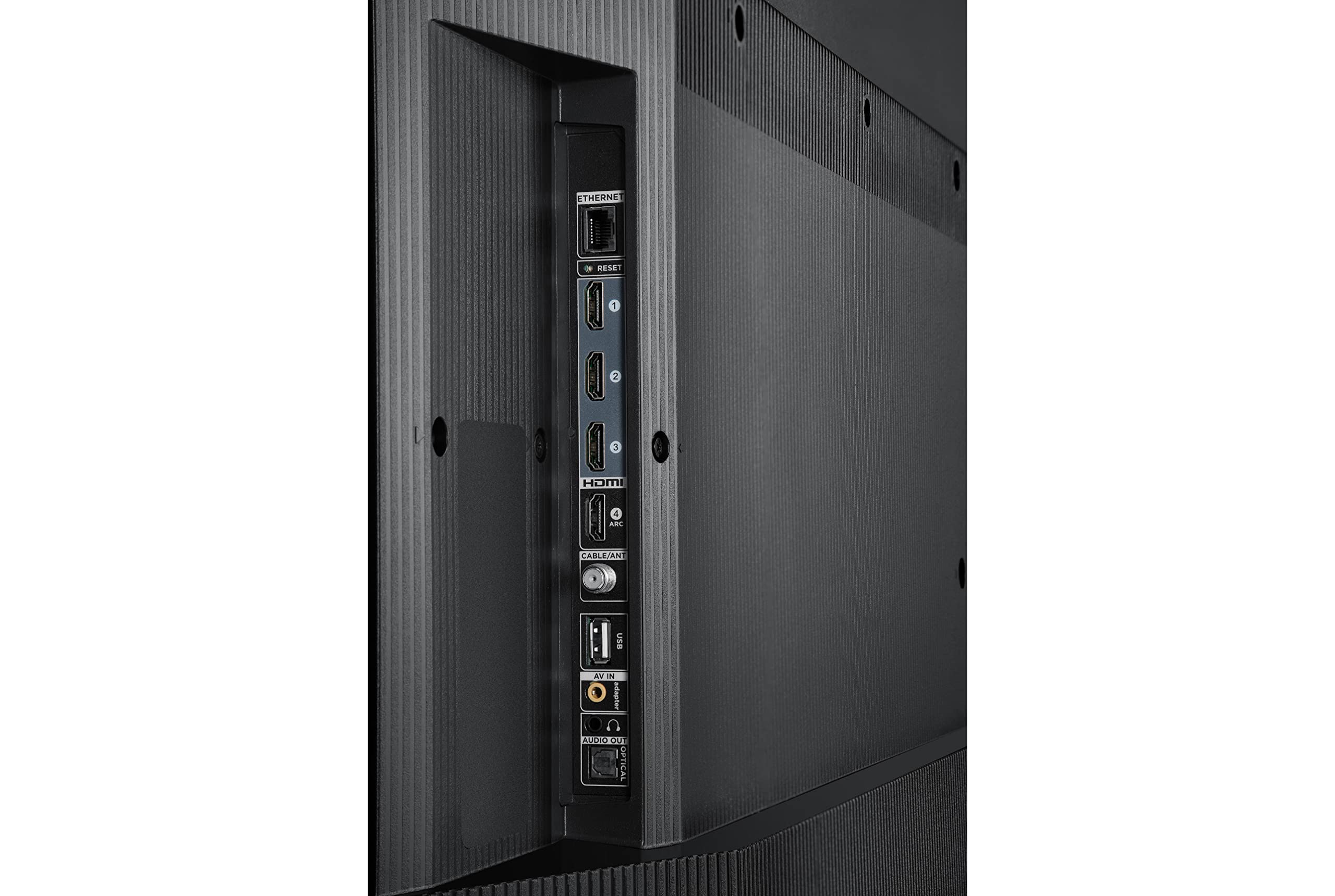
Good:Picture looks really nice3 HDMI ports + 1 HDMI ARC and CEC for hooking up a soundbarworks great with my xbox one x (if you have a Series-X then you would want at least a 6-Series TV or better)Roku app/streaming service selection - 3 out of 4 of my local news stations have apps on Roku (good for local news and weather) they are not on any other platform that I know ofBad:The picture looks great but it is a bit too dark in the dark areas and you really can't do anything about it. The HDR does this - looks like someone added some black around the edges of all the objects and a slightly darker look overall.Maybe its me but I see no improvement between this QLED and the previous 5-Series LED TV, in fact, the older LED may have had a slightly better (brighter) picture.What I dislike very much about this TV:The remote has 4 very large buttons for specific paid streaming services - completely useless if you don't subscribe to all 4 of them. But its much worse than that because, picture this: you're in an online co-op (far cry 6, etc.) or fps (COD, etc.) and suddenly you are suddenly, without warning, no longer in the game but watching a loading screen for Apple + Streaming service you don't even have. Or maybe you don't play games but you are watching an exciting movie right in a vital scene you are suddenly in a HULU loading screen instead. Need I say more? The buttons are very easily pressed accidentally. Unfortunately, the TCL/Roku TV is a device that comes with advertising not just in the home screen but also built into the physical buttons. So my advice to TCL is allow the customer to disable the buttons in the settings or at the very least, offer customers the option to order a remote without the paid advertiser buttons so they can have a better TV viewing experience.General Impression:My previous TV was a 2017 TCL Roku 55 inch 5-Series. I loved it (except hated the paid advertising buttons on the remote). The screen got broke due to a careless accident is the only reason it was replaced. I decided on this TCL that's 4 years newer and 25 percent more expensive and I prefer the picture on the old one better. It was not QLED - it was only LED but a slightly brighter and better picture. This one is still pretty good though and I do like it - just see very little difference and don't interpret it as an improvement.The 5-Series TV case now has a brushed silver along the edges. The previous 5-Series TV had a round power button on the lower right that lit white when off and was off when the TV was on. I liked it. Now there is a wide light in the middle that flashes every time you press a key on the remote. It is as bright as a night-light at night but you can turn it off in the settings so its not on all the time you are watching TV but the light will still light momentarily when you push a button on the remote. (good to indicate the button press was received by the TV because some times the button presses don't result in any action - the TV must be doing other things of its own priority. The power button is now located in the back and doubles as a d-pad type selector button for menu selections.Despite any negatives I've mentioned, its a nice TV for the price and I'm happy with it.Purchase and Delivery by Amazon went great - very happy with the experience.Update after 5 months: Really nice picture, really nice sound with my hdmi-arc soundbar, really nice selection of apps, including apps for local network TV news. Marred by the fact that sometimes the TV does not respond to button presses on the remote (yes I know its the type of remote you have to point exactly at the receiver on the bottom of the TV) and either its a few seconds freeze or else I need to unplug the TV and plug it back in before it will respond. Also the fact that sometimes when I turn the TV on the screen brightly flashes rapidly on and off for a few seconds - the whole screen - then automatically goes into an app or input at random without any user input. I find this behavior very bizarre and disturbing when it happens - and it did not start until I've had it for a few months. Also the fact that the 4 large paid advertising buttons are very sensitive and easy to hit accidentally, so I am taken out of my movie/show and then thrown into another app suddenly or into an app I don't pay for so it just sits on a sign-up page. Man do I hate that. I have also had times where I see vertical lines top-to-bottom on the screen or image burn-in look to it but when I go into another app or turn it off and on again the lines are gone. Because of this I don't know how long this TV will last because it gives the feeling it could just die any time I turn it on now. Because of these issues I have to lower my rating from 4 stars down to 2. I doubt I will take a chance on another TCL TV in the future. My advice - stay away from this model.
R**E
Are you looking for TV and Soundbar integration? This one has it!
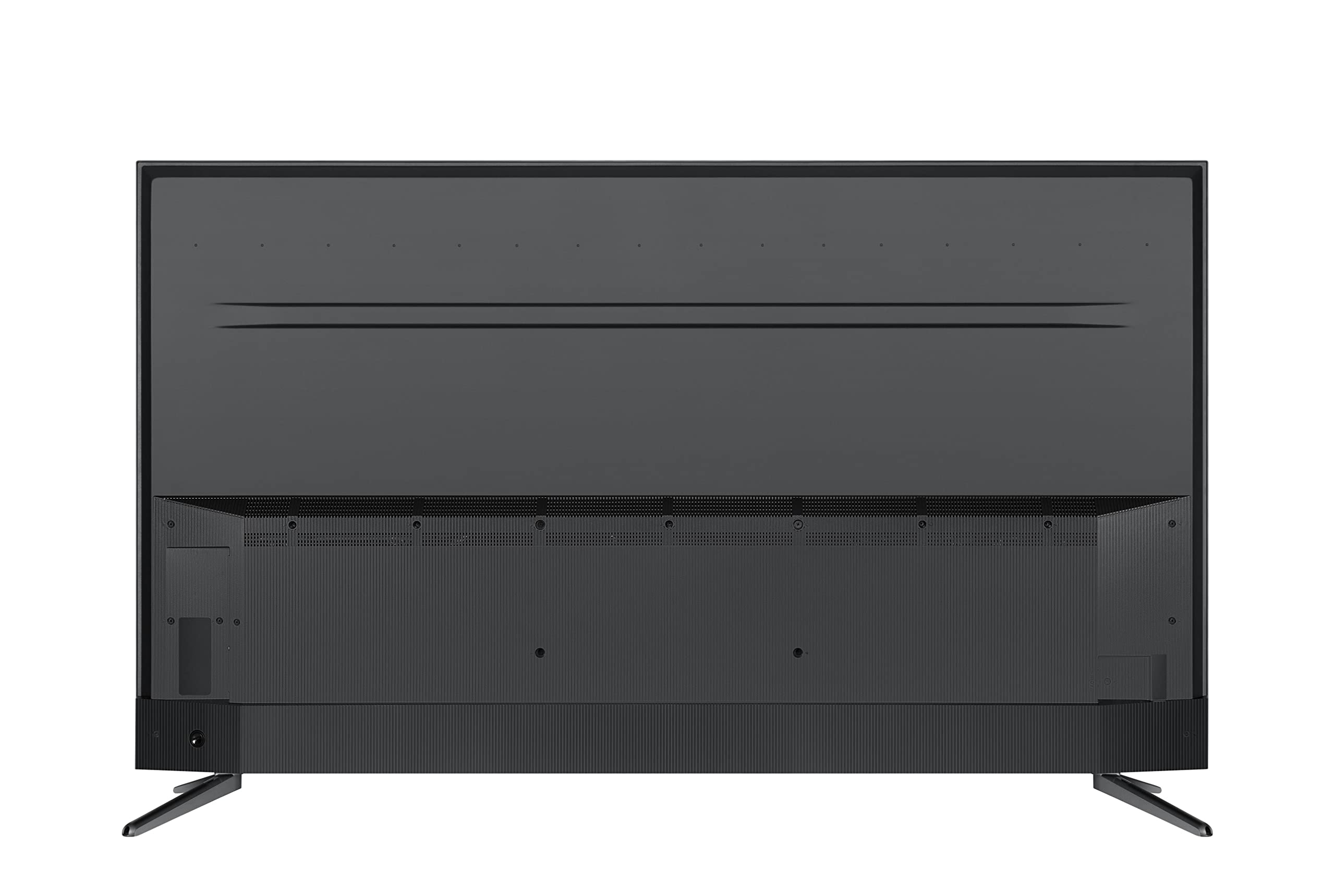
I may update this review in a few weeks, but I wanted to review a couple of key features that I was looking for when I opted to purchase this setup for those that are looking.My List: 1. Specs - Big screen size, mountable on wall, bold color - Check, check, check. I've got 2 other TCLs (32", 55") and this one is identical in all aspects. If you're looking for an budget TV that outperforms it's price tag, this is hard to beat. I'd get it again. 2. Physical Features - Wall mountable, light enough for me to lift (I'm a big guy but I was able to mount it myself), ethernet and/or wireless (has both)I already had a wall mount, plus ports behind the TV for cables and ethernet (wired through attic) so it plugged in neatly and hides wires easily behind. Ethernet set up was automatic and first start up updated the software without my intervention. Perfect! 3. Software Features - Roku apps, easy input switching to Satellite or Live TV, other apps I use. Check. I love the Roku TV as the main home screen. I can add Xbox or Satellite TV or Cable or Live TV as inputs from the 3-4 HDMI connections and it's as easy as launching the input, like you would to launch Netflix, to switch to that input. I have DirecTV as well and on my prior TV you had to hold the bottom right enter button down on the newer DTV remotes to pop up the inputs menu, arrow up to the right one and then click it. Easily 10+ seconds of annoyance. Now it's a Roku remote arrow over and hit OK. It even previews the screen in the button window prior to hitting it. Nice extra. Now we get to my big 2 important wants and there is a hit and a miss (but it's not TCL's fault). 4. Integration with a Sound Bar, fewer remotes - check, check again. I bought this with the advertised Alto 7.1 on Amazon and it works great with the ARC HDMI #4 input on the back of the TV. You have to use that specific input and my TCL automatically sensed it and sync'd to it. Now when you click the volume on your Roku TV Remote, it doesn't do the built in audio volume, instead it raises/lowers the Soundbar volume - One Volume! This soundbar also comes with a subwoofer that wirelessly pairs with the bar so you plug in the soundbar to power, HDMI to TV, mount it on the wall, plug the subwoofer in to a lower outlet behind your entertainment center, set the subwoofer off to the side and you're all set with very few wires. I would add that mounting the soundbar was pretty dang easy as it came with a life sized paper template to mark where you quickly drill molly sized holes, put in screws, and hang the sound bar. Minutes at most unless you're like me and want to level the heck out of everything. Then a few more minutes. Ok, so what was the miss? Because I have DirecTV, even with the cool single Roku TV remote controlling both Roku and soundbar (down from 2 remotes to 1 there!), I have to use the satellite remote to control DirecTV when I switch to that input. In the past, you could program your DirecTV. TCL was not listed on the brands of TVs, I've tried with several of the codes based on internet posts and none worked for me and this TV. So I have to keep the Roku remote handy for volume while on satellite. I blame DirecTV for not setting up a code but maybe one day they'll have one. If someone knows the right code for the non-Genie DirecTV + TCL 65" TV, post it in the questions, I'll watch for it. As I use other features I may update.
Trustpilot
4 days ago
1 month ago