Some deliveries may take a little longer than usual due to regional shipping conditions.

DOWNLOAD THE APP


Customer Services
Copyright © 2025 Desertcart Holdings Limited
DOWNLOAD THE APP
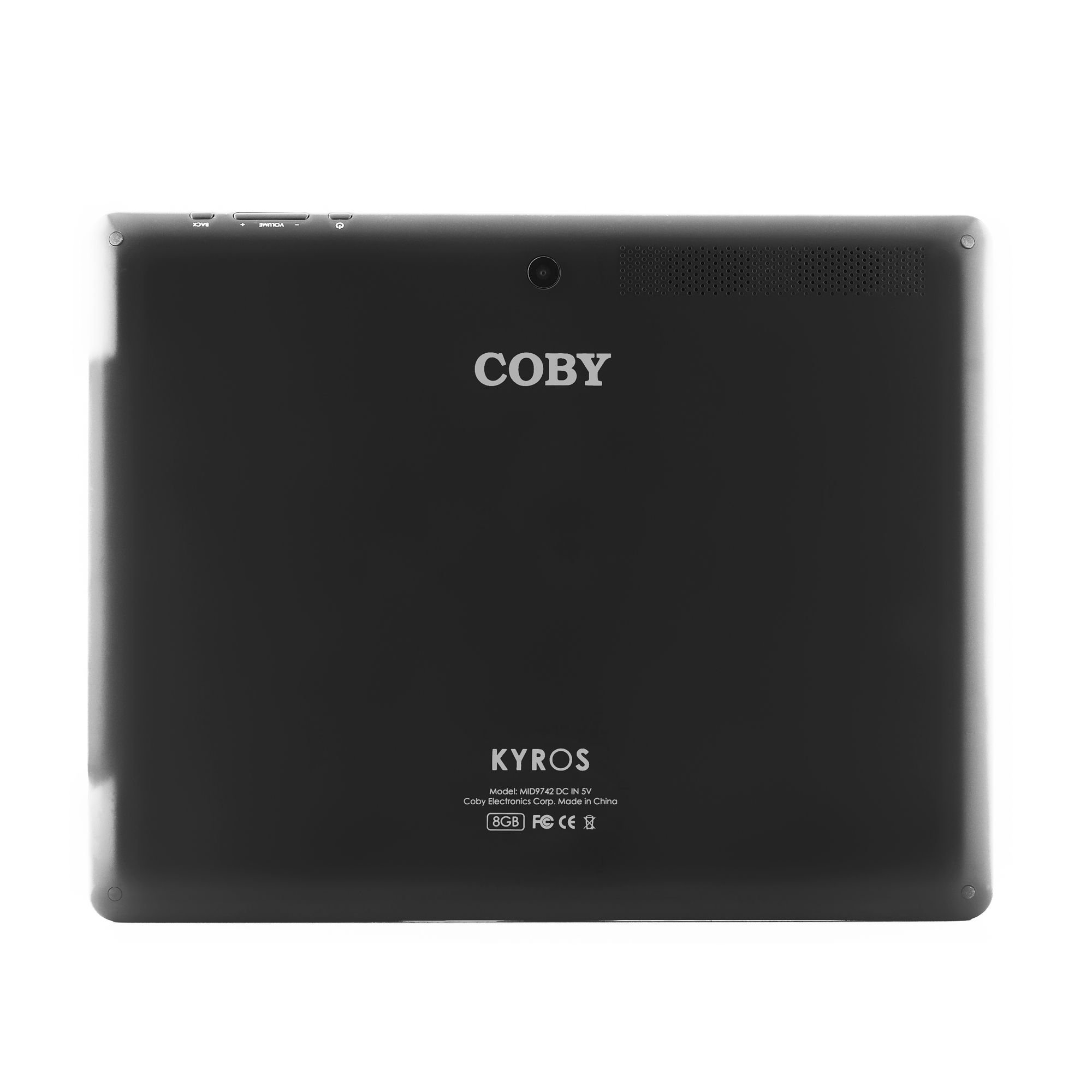

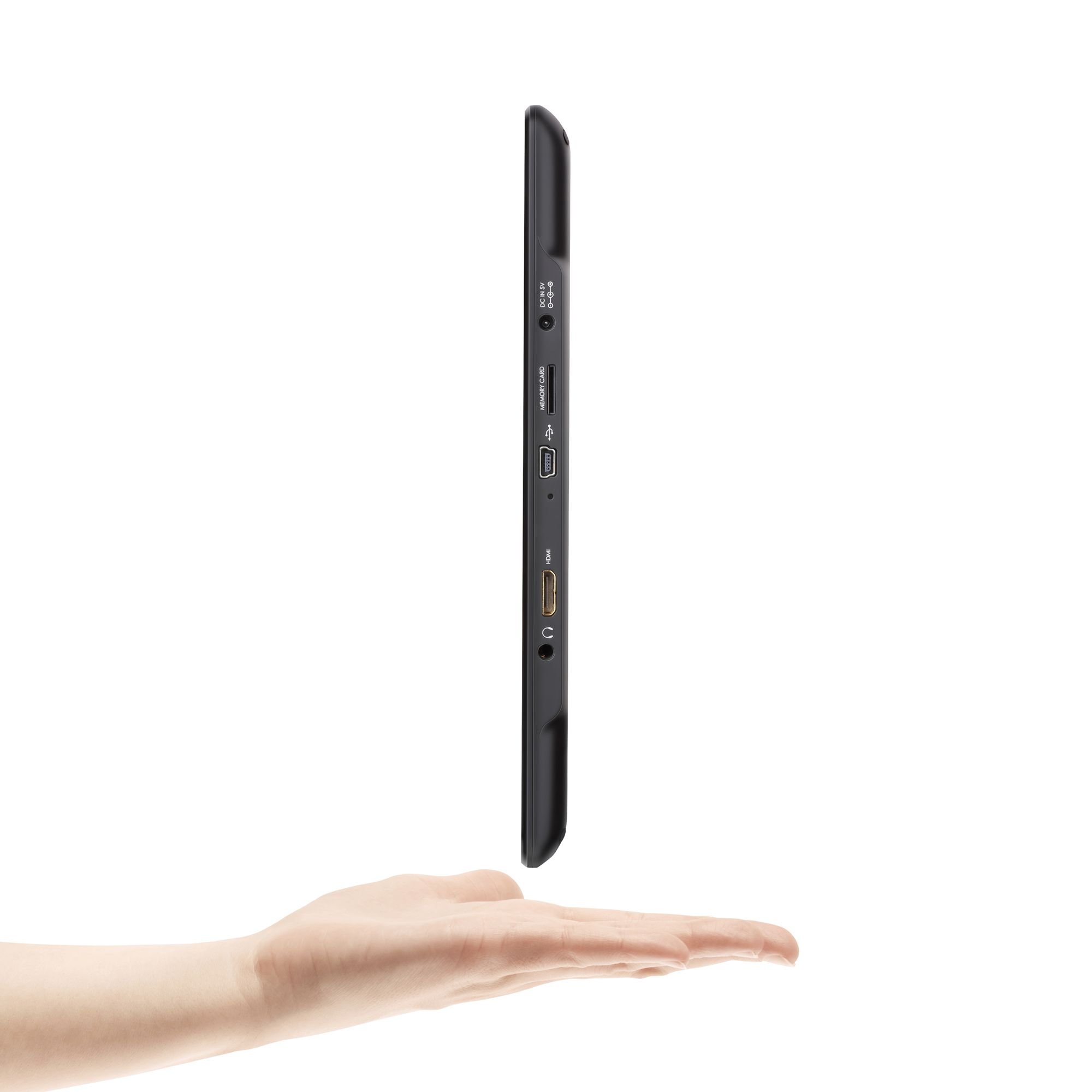
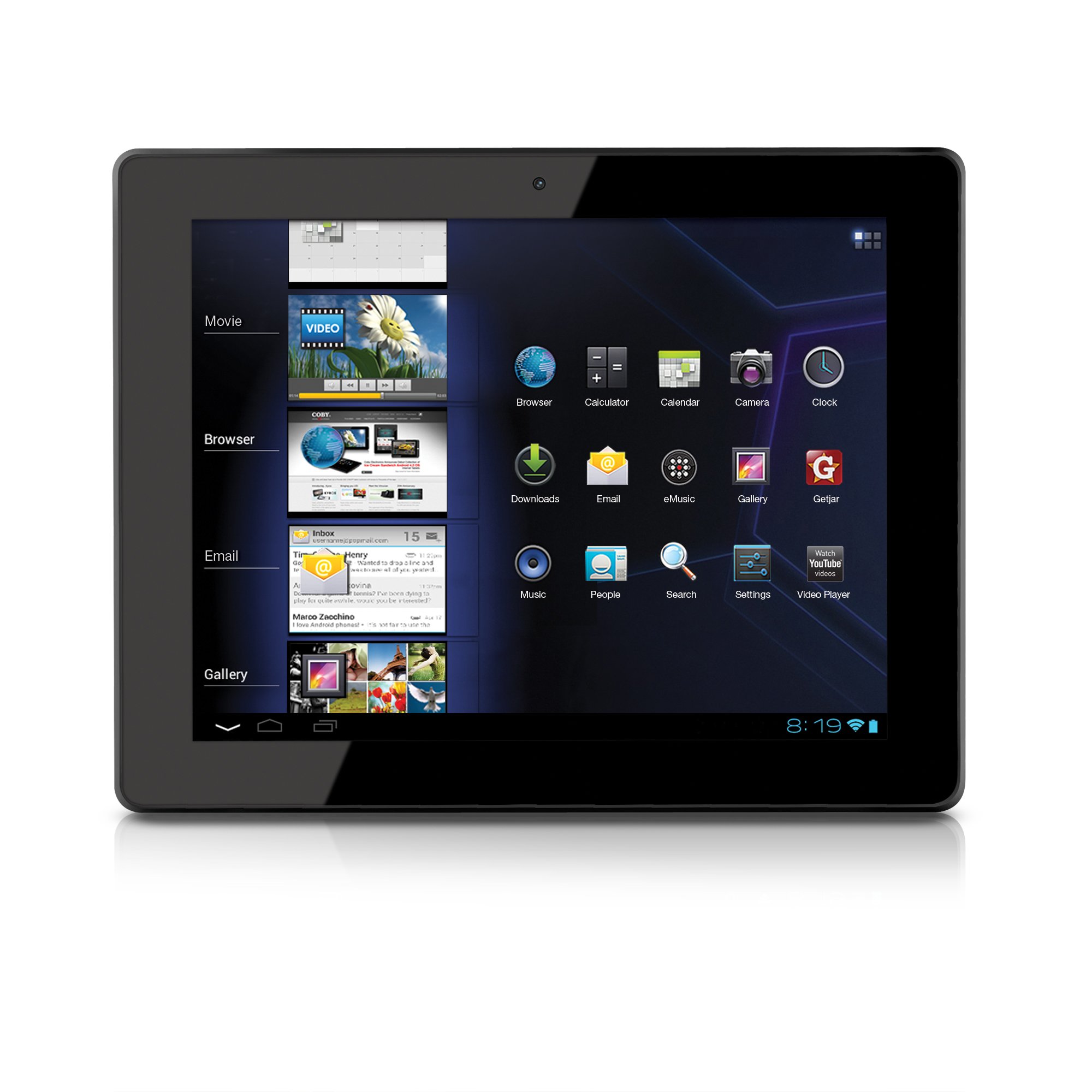
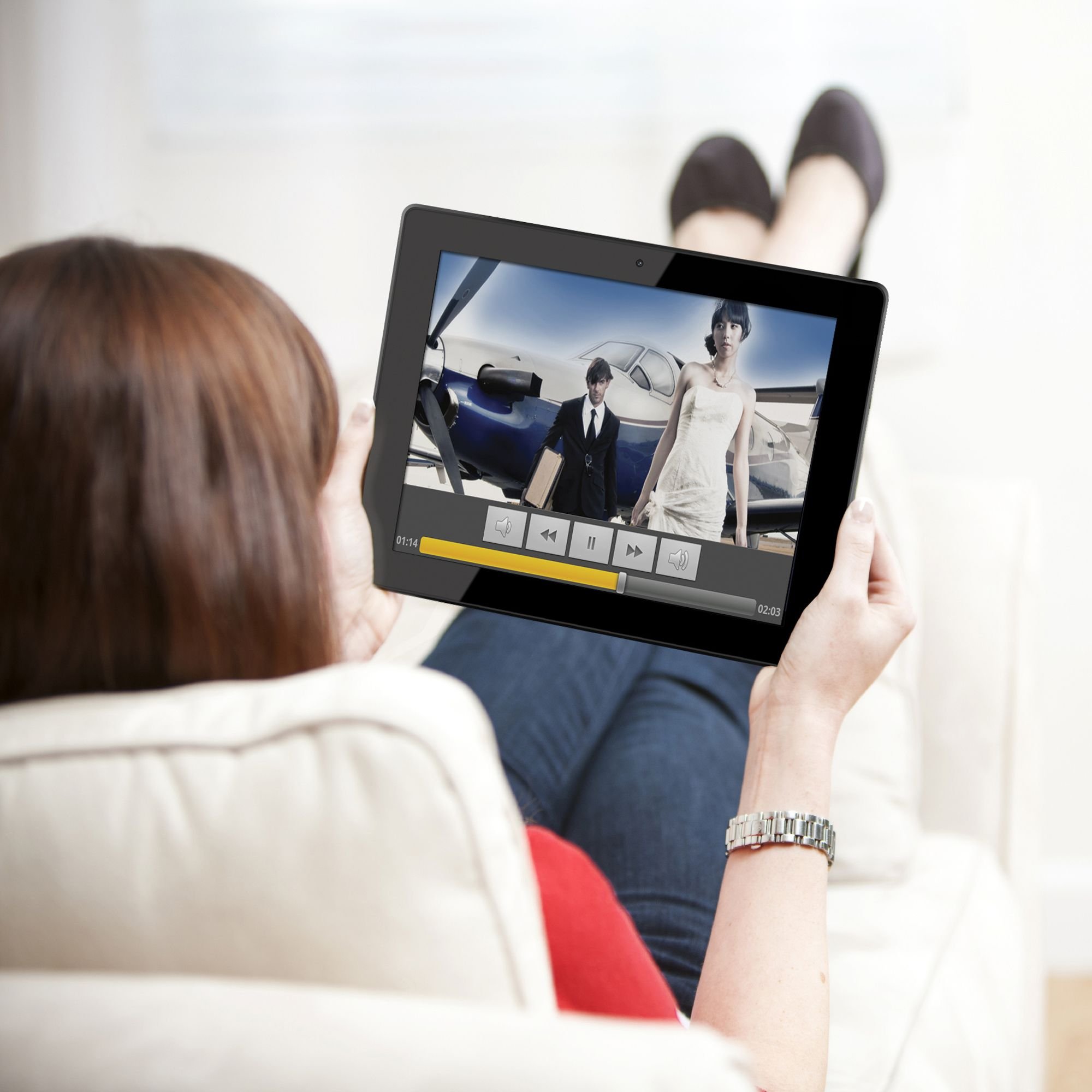


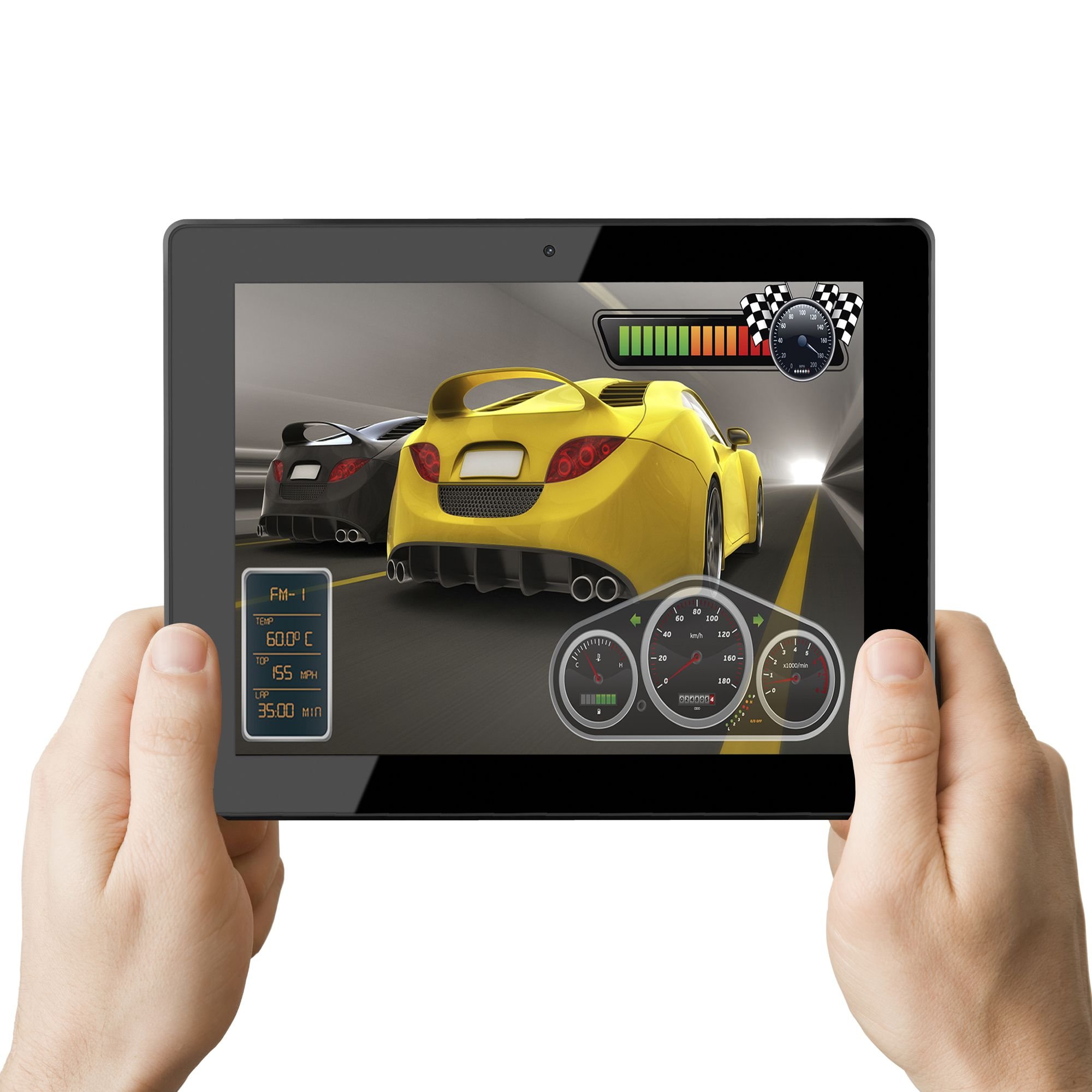
🚀 Elevate your digital lifestyle with the Coby Kyros – where productivity meets play!
The Coby Kyros MID9742-8 is a sleek 9.7-inch Android 4.0 tablet featuring a capacitive multi-touch display with 1024x768 resolution, powered by a 1 GHz processor and 1GB RAM for smooth multitasking. It offers 8GB internal storage expandable via microSD up to 32GB, built-in Wi-Fi (802.11 b/g/n), HDMI output for 1080p HD video streaming, and a 2MP rear camera. Lightweight and portable, it supports thousands of apps from the GetJar marketplace, making it an ideal device for entertainment, productivity, and staying connected on the move.
| ASIN | B0075W8TEA |
| Age Range Description | Adult |
| Aspect Ratio | 4:3 |
| Battery Average Life | 10 Hours |
| Battery Cell Type | Lithium Polymer |
| Brand | Coby |
| Built-In Media | 1 x Android Tablet |
| CPU Model Number | MID9742-8 |
| Camera Description | Front |
| Cellular Technology | 4G |
| Color | Black |
| Compatible Devices | Laptop |
| Connectivity Technology | Wireless |
| Customer Reviews | 3.8 out of 5 stars 177 Reviews |
| Display Resolution Maximum | 1024 x 768 Pixels |
| Display Type | LED |
| Front Photo Sensor Resolution | 2 MP |
| Generation | 4th Generation |
| Global Trade Identification Number | 00716829774212 |
| Graphics Coprocessor | No Information |
| Graphics Description | Integrated |
| Hardware Interface | HDMI, SDHC, USB, USB 2.0 |
| Human-Interface Input | Touchscreen |
| Item Height | 7.4 inches |
| Item Weight | 1 Pounds |
| Manufacturer | Coby |
| Memory Slots Available | 1 |
| Memory Storage Capacity | 8 GB |
| Model Name | Kryos |
| Model Number | MID9742-8 |
| Model Year | 2012 |
| Native Resolution | 1024 x 768 |
| Operating System | Android 4.0 Ice Cream Sandwich |
| Other Special Features of the Product | Lightweight |
| Photo Sensor Resolution | 5 MP |
| Processor Brand | Fujitsu |
| Processor Description | Fujitsu (model not specified) |
| Processor Speed | 1 GHz |
| RAM Memory Installed | 8 GB |
| Screen Size | 9.7 Inches |
| Speaker Description | Stereo Speakers |
| Specific Uses For Product | gaming |
| Supported Audio Format | MP3 |
| Total Usb Ports | 1 |
| UPC | 716829774212 |
| Video Capture Resolution | FHD 1080p |
| Video Processor | No Information |
| Warranty Description | 1 Year Parts and Labor |
| Warranty Type | Limited |
| Wireless Compability | 802.11bgn |
| Wireless Technology | Wi-Fi |
E**M
What an upgrade!
Ok, I am DULY impressed. Since I purchased the Coby Kyros MID7015 7-Inch last year, I was so frustrated with its performance. It took me so long just to get it running, just to fiddle with the power button, and so forth... But then, the sky parted and light beamed down.. No, seriously, I found out about this new model. All I can say is: Coby must've locked their engineers in a dungeon with little food and water, and said, "We won't release you 'til you make a better tablet!" Sure enough, THEY DID! This tablet, I guess since the touch screen is a different technology, Capacitative rather than Resistive, it makes for ease of use as well as hypersensitivity - if you want to know what I mean, two fingertips or swiping will make your screen zoom in or fly into another browser or app - once you master it, it's so intuitive, it's not even funny. I can download apps faster, and add more than one email account (couldn't do so or knew how, on the earlier model). Other than the loss of Appslib (boo-hoo:() and Getjar lacking a few choice apps, I must say, I'm enjoying this tablet. Also, a friend, who is visually-impaired, explained that she could navigate it and the resolution for her was large and clear. She did not have to tweak the settings! All in all, for the price, it's entertaining, gets more of what I need done on it, and once you master the swiping, dragging and other tactile taps, it's a gem. Can't wait to see what Coby comes out with next.
S**P
bought for our kids instead of DS
First of all, we`re not new technology pros. We never owned a tablet before and had to search a lot about this new technology in order to choose a tablet. We had heard the name android maybe a month before we decided to look into this stuff. We bought this tablet instead of a DS for our 7 year old. So it`s mostly for games and reading. We`ve had it for 2 months. We`re very happy with it. We`ve downloaded about 20 kids mostly educational free/lite games and some free e.books and everything works great and we have 126 Mb used for 855 MB free. Why is there only 0.98 GB available for apps ? not sure, but it`s enough for us since we can also use the SDHC card. Some apps can be moved really easily to SDHC card from the tablet directly, some won`t (we try to avoid those, and it`s not so hard). Books go on SDHC card. We only go on the internet to download games or books. We buy our apps and e.books on amazon.com. It takes some time to download, but not sure how much more it takes compared to other tablets. We got a child protection app for 1 $ so our kids wouldn`t be able to go everywhere (does the job it`s supposed to, but not 100% happy with it, for detail, see my comment on it - I gave it a 3 stars : KidsCare - Child Lock ) We also tried to go with the 7 inch 2.3. But not happy with it, we ended shipping it back and bought another 9742. In the end, it`s cheaper than a DS, since the games are MUCH cheaper and still very educational and fun.
L**O
Just OK
I purchased this item because of the price, but now wish I had spent a few more dollars to get a better device. It's "OK", but not great. The touch screen has a tendency to be a bit off, sometimes not responding to the touch, sometimes over-responding. Games tend to lag, and the "skipping" of the touch screen makes play frustrating on some of them. Additionally, the front-facing camera (which I had hoped to use to Skype) only worked for a few days. After that, a "can't connect to camera" error message appeared each time I attempted to active it. A factory reset failed to correct the issue. I am currently awaiting a response from Coby tech support, but have noted after internet searches that this seems to be a fairly common complaint. Beyond that, I would say that GetJar is positively worthless. Installing the Amazon App Store provides access to a reasonable number of apps, but absence of Google Play makes this a much less desirable device. If I had it to do over again, I would wait until I could afford a better device. I don't feel that this one meets my needs or expectations.
J**N
I had such high hopes for this tablet
Ok, mom can't use her computer, so I thought I'd get this for her in hopes that she would be able to use it. It is definitely simpler then the computer (which she has problems turning on), since there is no mouse or separate monitor to worry about, and has a very straightforward UI, so for $200 I felt it was worth a shot. She doesn't need BT (and wouldn't be able to figure out the pairing anyway), so that isn't a problem. Upon unboxing the tablet I was, at first, delighted. It comes with all of the necessary accessories, including earbuds (not really necessary, but nice), screen wipe, protective pouch, and TWO USB cables, one extension, and the other normal. The tablet itself is quite attractive. It is roughly iPad-thin, and roughly iPad-weight. I don't know the exact dimensions, but it feels a lot like a gen1 iPad in your hand. I charged it, as requested, and powered it on. First thing I noticed is that the lighting is uneven along the bottom edge of the display. It is an unfortunate quality issue, but certainly no deal-breaker since it doesn't affect the usability of the device. It is merely unattractive if you pay attention to it. For $200, I can deal with that. If you want an iPad, or a Galaxy Tab, pay for one. I loved ICS. The UI is very nice, although it takes a little getting used to coming from Gingerbread/Cyanogenmod which is what I use on my phone. But, very nice. The cameras (front and rear) are low quality, but work fine. The display size is perfect for mom. I would have got her an Amazon Kindle Fire, but feared it would be too small for her old eyes. HDMI works well, much better than on my DroidX, which (stock anyway) offered only HDMI out of certain videos. After rooting and Romming it, I can mirror anything, but only to the TV, the screen of the droid is blank when doing this. This tablet, on the other hand, allows you to mirror the entire screen, internally and externally, which is very nice. High-quality video is no problem at all. It never stuttered once, even playing an HD video that my DroidX could not seem to handle. I did not test this, but the tablet allows you to plug in (via the short USB extension pigtail that comes in the box) an external keyboard or mouse. Nice! Then the screen started glitching on me. I couldn't swipe, because the screen kept registering taps. No matter how smoothly I swiped/dragged across the screen, I continued to see this intermittent issue, especially when the device was warm. That is kind-of a dealbreaker. Then, I tested the microSD slot. It wouldn't recognize my card. I put the card in the PC - just fine. Put it back in the tablet and it told me it was damaged. Fine, format. Still wouldn't mount. Put it back in the PC - still fine, and not formatted at all - contents still there. What? Tried a different card. Same thing. Sometimes, if you hold your mouth right, it will mount the card. Usually, it will not. Plus, every time I format it, it not only formats the external SD card, but the internal as well. Pictures and all. Nice. Of course, it won't let me copy the pics off of the internal card to the external. Finally I managed to share one with dropbox instead of copying it via the file manager, but this isn't simple or user-friendly to do, since there is no obvious way to share it from within the gallery app. Once when I tried turning it on it told me the battery was dead. Plugged it in, and it said the battery was full? Powered it on and unplugged it, and the battery is, indeed, full. So why wouldn't it recognize that and power on prior to plugging it in? Ok, it doesn't have access to the Google Play market, but you can install the Amazon App Store on it. Not as good, but better than the built-in GetJar app store. And I was looking forward to rooting it and putting the Google Play store on there when I finished testing. Never got that far. ROMming the Coby Gen3: [...] I'm so sad. I really, really wanted this tablet to be good. But, I need more than a pretty chassis. Beauty really is only skin-deep. From a quality-control standpoint, this device is really, really, really really really bad. I just set up the return, and I will never, ever buy anything from Coby again.
R**W
Great for the Price
Just received the Coby Kyros MID 9742. For the money this is one fine tablet. I had Xoom Motorola tablet which was unfortunately lost on my travels. Using the Xoom as the standard, for the money the Kyros is a close and impressive second. A lot of the complaints that I have read are from people who are not exploring the tablet. Indeed it does not have Google play but the Amazon app store and other secondary app stores are easily accessible. The problem about havng to go through a computer to move apps from internal storage to the sd card is very solvable. There is a free app on Amazon app store called "App2SD" I downloaded it; you can move apps seamlessly from the internal to external memory in the blink of an eye. I reccommend the Coby Kyros to anyone on a budget or more improtantly to those who want something that works well without the newest bells and whistles that will be antiquated in less than three months. The truth is as technology progresses 80% of most products--computers, tablets, tv's, and so forth will converge upon a very acceptable and fairly reliable mean. To go much beyond the mean will cost too much for too little benefit except to say "I spent money on the latest and greatest" and of course to pay too little will get you a piece of junk. The Kyros difenitely is at the top of that 80%.
M**N
My first tablet experience thus far.....
The tablet arrived on time. The packaging was intact and secure. The item itself was wrapped in a plastic bag with small air bags around it. Included: Tablet with Power cord, USB 2.0 to mini. Small seperate mini USB also included. Warranty/Registration paperwork. Cleaning cloth $10.00 Coby music card (Definately a bonus.) Instruction booklet Earphones Coby tablet cloth bag. Like every new computer/tablet/droid phone etc. it 'should' be charged fully before using. The battery is built-in to this device so any damage to the unit would have to be take care of by a professional tech. The screen is visible from many angles unlike many screen used on electronics. The touch screen is very responsive and fast; at least to me. Until I get a screen protector I will keep the one it came with on it. The weight is VERY light. There is no setup, it simply boots to the desktop and you can customize it from there. There are some sample audio files on it which do not sound all that great since the speaker is facing away from the user and the volume is down. Desktop orientation is fast as well, no loading circle like I see with my crappy phone. I have shut it down for now and will let it charge. I will write more later. Too often I see the hype; people of all ages want to have the name brand ones which are marked up by at least 300%. I've even see one guy who bought an iPad and another similar sized netbook. SAME stats-took the back off both and priced each tablet. He could get a tablet case, the guts, and build himself a BETTER tablet PC. I have had Coby products in the past and I have never had an issue with them. 9-13-2012 At first I was quite frustrated with the tablet. I managed to find out how to properly upload music and ebooks into the correct folders on the root menu. The manual doesn't say anything about that. The GetJar app #supposed crappy app store# turned out to be not so bad. WHY you ask. Through it I got another app #Google e-Reader# and through it....was able to successfully download the correct Netflix app for Droid 4.0, the icecream thing. It works. I watched Ju-on on it last night. The Amazon App store #app needed# will not let you download any free apps without a credit/debit card on file. I have an Amazon Prime account. Facebook is the only social network I ever use and I don't use it that much. I still have not learned hwo to upload my own videos onto it. Until I find out how this tablet will not fully satisfy my expectations. 9-17-2012 I am still very pleased with this tablet. I still have not found out how to upload videos onto it. I do have some gripes but it isn't with the tablet itself. First, Coby's website shows you various options for tablet accessories and NOWHERE does it have an option to buy. The kit comes iwth a bag #there are bags for the different sizes#, a stylus, and a HD cord which alone costs quite a bit. This allows you to display everything on a HD TV, including NETFLIX. HUGE bonus. The sleeve does an ok job of covering it, but it won't protect it from a fall or a knock. People have been quite curious about it. This tablet is quite close to the same dimension as the iPad 1 and 2. I have scoured a few places and NO Apple product will fit it. The screen protectors have a hole for the camera #bottom on the iPad instead o the side# and a mic which isn't in the same place either. Using an iPad screen protector, even if it fits will leave those holes exposed and that spot will get worn from use and exposure. Amazon's availibility for this model is very limited. I have yet to find a screen protector that will fit and cover the screen. They do have some pretty awesome looking skins #which do NOT protect it# for sale on here. There are other bags as well. Someone must have dropped their brain on the floor on Coby's website. I do not plan on speaking to a foreign call center to obtain one. If ANYONE knows how to upload vidoes to it please let me know how. I know this review iw quite long. Other companies besides Apple have made tablets and many perform as well as if not better in many areas than the iPad. C'mon people! The markup is rediculous. I'd rather have a different tablet than the SAME one everyone else has, but to each his/her own. 9/19/2012 11:10 P.M. CST I've finally found out how to get movies on this unit. It has an 8G internal storage and can take up to 16G. I put a random video on the microSD card AFTER converting it to .mp4. To play the video one must, open the GALLERY and choose it from the EXTERNAL storage. It plays through the default player. Now, I have learned much of this with lots of time spent and trial and error. There might be apps out there for playing any video. I would save the 8G for apps, updates, books, etc what you want on the tablet with some room for filling. I managed to get a 16G microSD card for $20. Again, it will not support anything larger than 16G. Again, I hope this has helped anyone who has bought this model. I do not know if this works the same for the other models of varying sizes. This is what I-myself have found that works. I will not take responsibility if anyone's unit becomes damaged from trying. I had to search various forums and websites while crossing fingers and hoping mine wouldn't blow up in my face. Good luck to all! 9/22/2012 This tablet keeps me amazed. Right now I'm watching 'Coma' part one. Not from the internet but from a copy I got from a friend. I simply drag-n-dropped it onto the external micro SD and opened it from the GALLERY menu. Looks exactly like TV. I have noticed that the internet lags at times when surfing, but other times it is quite fast. If the audio was recorded at a low volume then it will play back that way on a device. Some videos have louder playback while others do not. I also recieved my case for it, which is meant for an HP Touchpad. It fits fine, except for a few exceptions. The corners on the right side poke out just a tiny bit and all ports/buttons are covered, except for the volume and BACK button. Since I could not insert the tablet to make sure any case I found online would work, it was a gamble. I have not found out how to install Google Play I have loaded some other Google apps through other apps including GetJar. UPDATE! 10-30-2012 I've learned much since I bought this. I am an Amazon Prime member and have been since 2004. I ordered the Fire HD 7" and it blows this thing away. The Kyros is ok for doing maybe 2 things at once. I have sideloaded other apps to make it operate faster than the original web browser. The size is good for personal home use, and I've found that my Fire is better for travel. My 6yr old nephew uses it, plays games, draws, does math, etc. Ultimately, you get what you pay for. Most cheap tablets can't compete with the better/higher priced ones. If anyone reading this is an Amazon Prime member then the Fire HD #any size# would be the best bet. From the tech specs alone, the Fire it close if not better in many areas than the overpriced/hyped iPad. The Kyros is a good beginner tablet and I paid Q$190.00 for mine. The expansion slot on it allowed me to get #$15 for 16G SDHD card# to upgrade the storage space. It is very hard to find accessories, screen protectors, and a case for the Kyros. I haven't been able to find one on Amazon that fits it yet. Good, cheap beginner tablet or for younger kids.
D**T
You get what you pay for.
I bought my Coby Kyros tables 5 weeks ago. First thing I noticed was that the screen would go haywire. The lower right hand of the screen was sensing touch, and the setup would popup. It takes about 10 minutes for the unit to warm up, then everything is fine. After about an hour use, the unit will not respond to touch. ie the touch screen is crappy. The unit works fine around 25 to 38 deg C, or around 75 to 80 F. It takes forever to get the unit to stop responding to low temperature sensitive lower right of the screen. I rotate the unit 90 degrees, and confirmed that the unit is defective in the lower right. Because the touch area follows the bottom right corner. I bought a case to help speed up the warmup time. Power on, keep it in the case for 5 minutes, and it is about ready to use. Like most people reported, no support for Adobe Flash. Sad sad. Google Play is not supported, so you have limited apps available on Getjar. I mainly use this for reading books, which works fine. Surfing internet is annoying, because it defaults to "mobile" site. The unit is capable of handling full websites, minus the flash. Camera is junk. I use the voice only option of Skype, while traveling. Would I buy this again? Maybe...
M**D
Can't believe everything you read
Aug 29, 2012 I'm electronic engineer I bought 2 COBYs one for me and one for my wife took them out of the box started charging them. While they were charging I fired them up and logged them into our home net work system with no problem. Really easy without looking at a book, played around with each one of them for an hour or more and they worked great. Yes I realize we have only had them for a few hours, however what I have been able to do with each one meets my approval. I don't like reading biased reports. My wife's COBY is the 7 inch and my is the 9.7 1) Does not look cheap nor feel cheap (no more then my $400 smart phone) 2) Touch screen works great (works just as good as my touch screen computer) 3) Speed is good (just as fast as my computer) Will update if things change Aug 31, 2012 No change have logged in 23 hours still working great. It has preformed great.
Trustpilot
2 weeks ago
2 months ago