

Desert Online General Trading LLC
Dubai, United Arab Emirates
Desert Online General Trading LLC
Dubai, United Arab Emirates


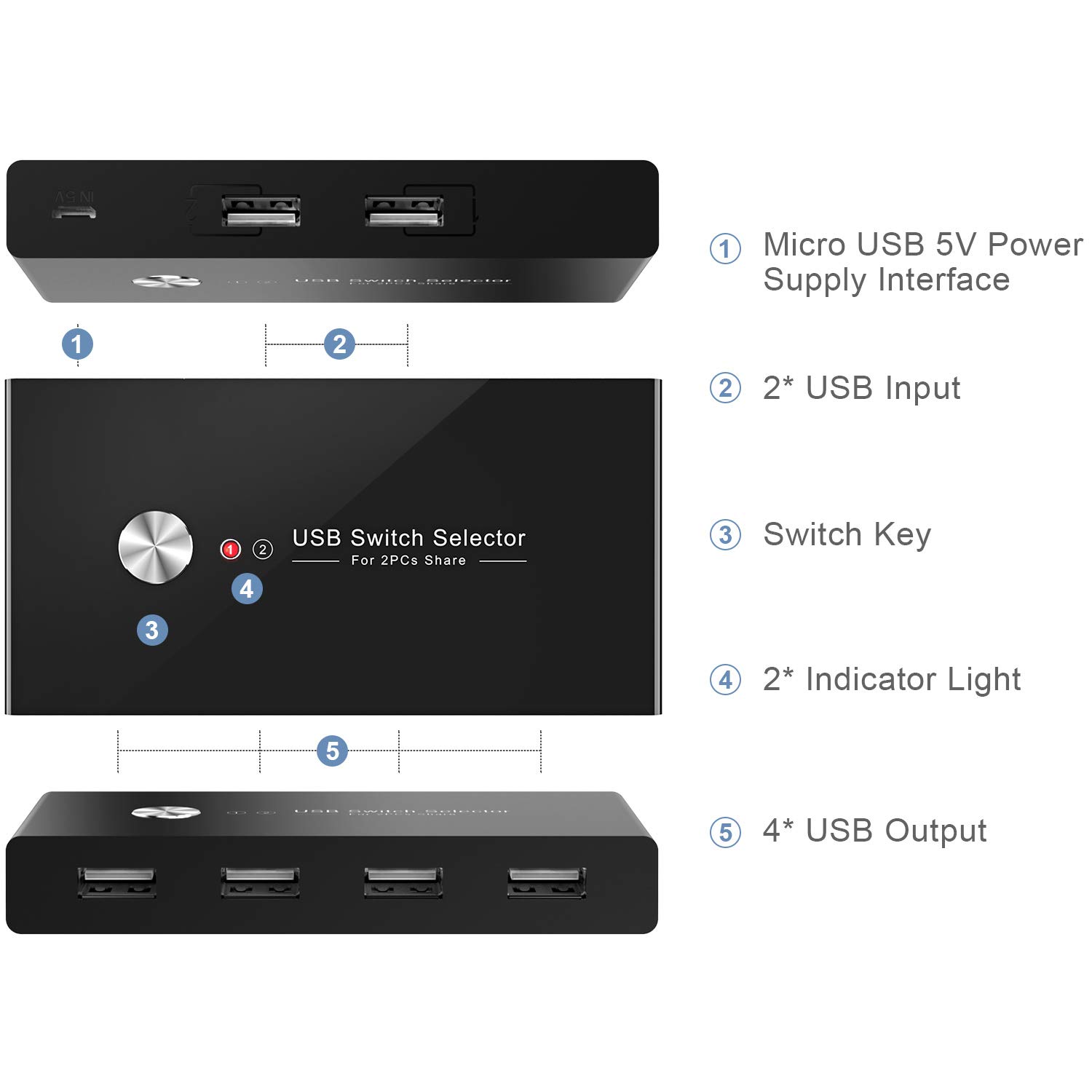

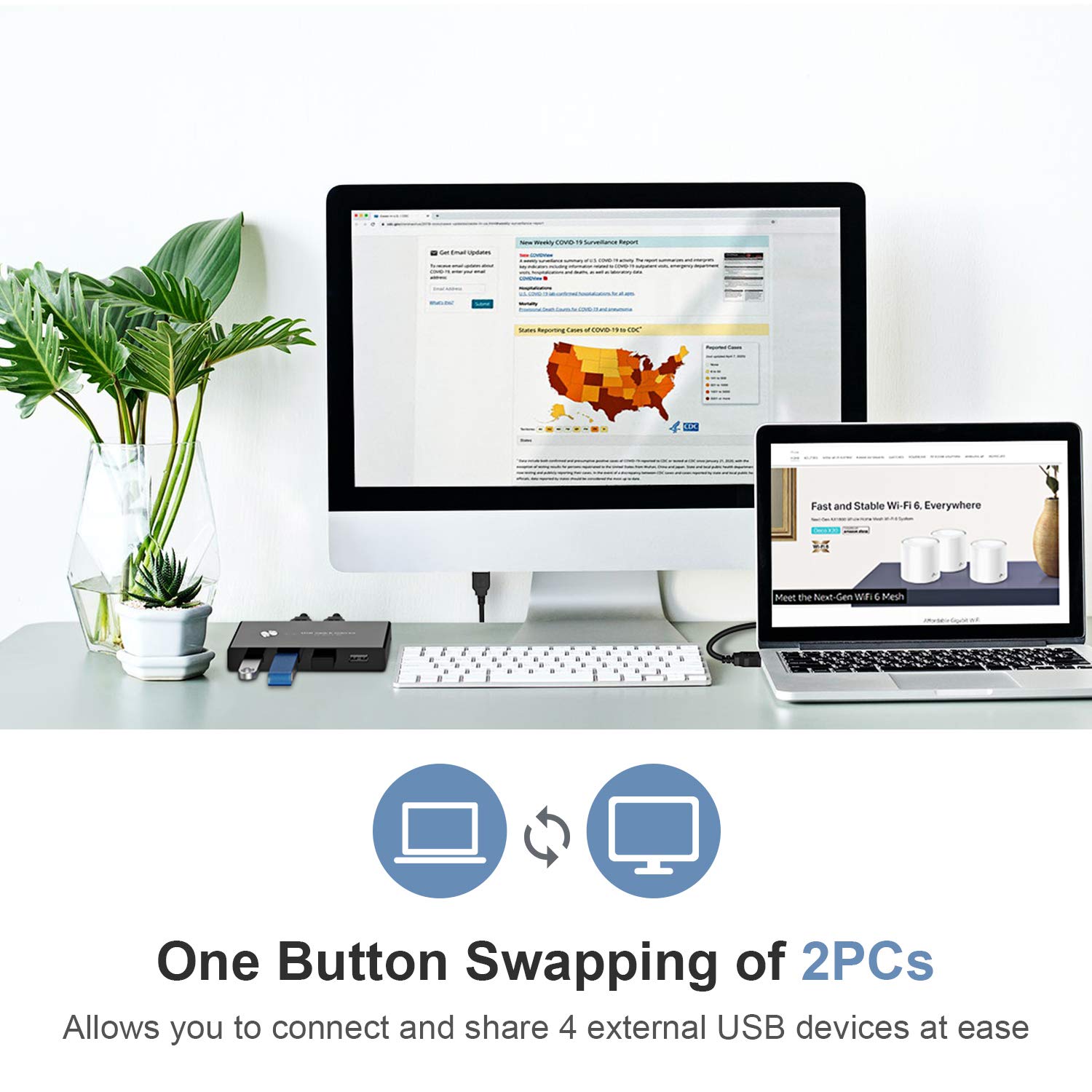

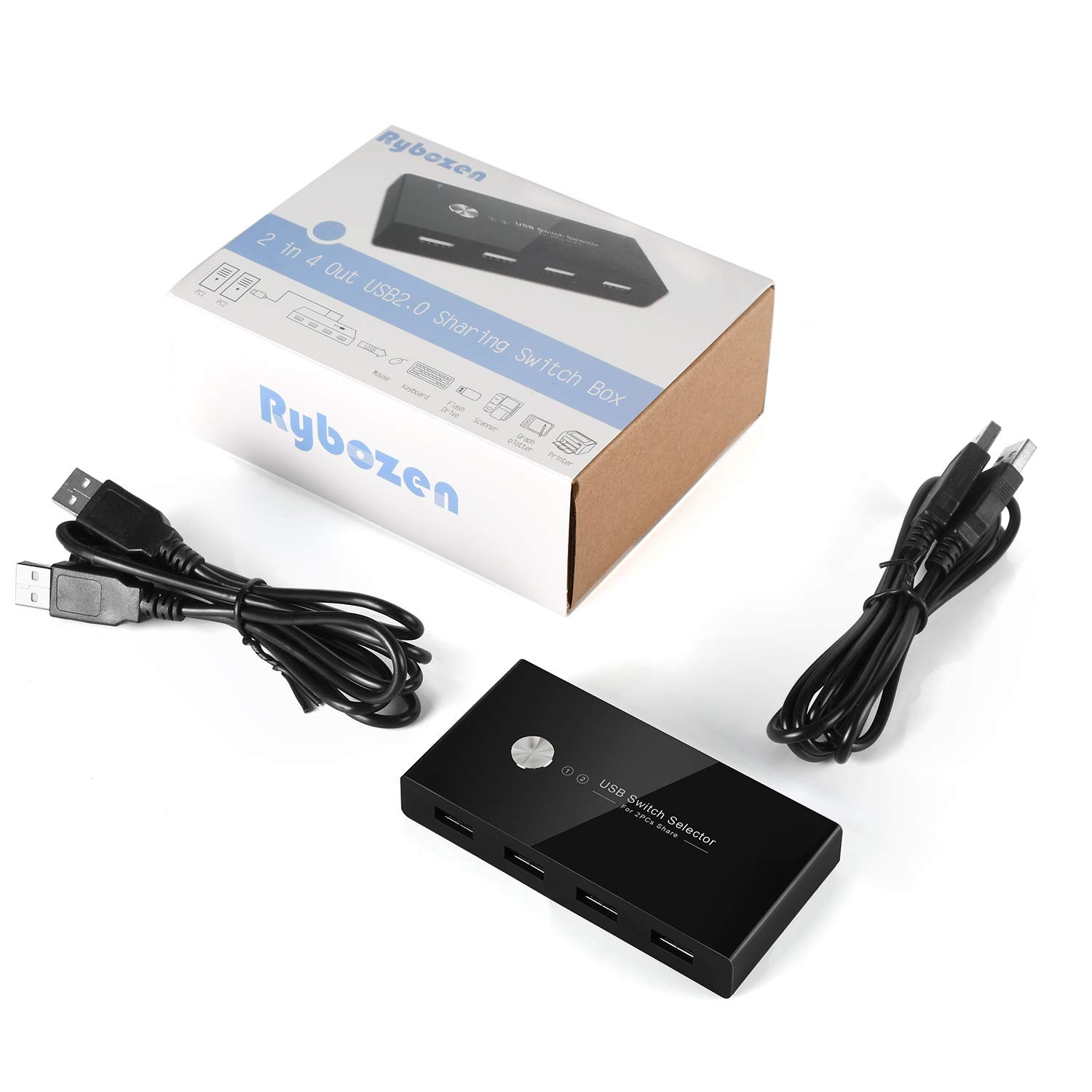
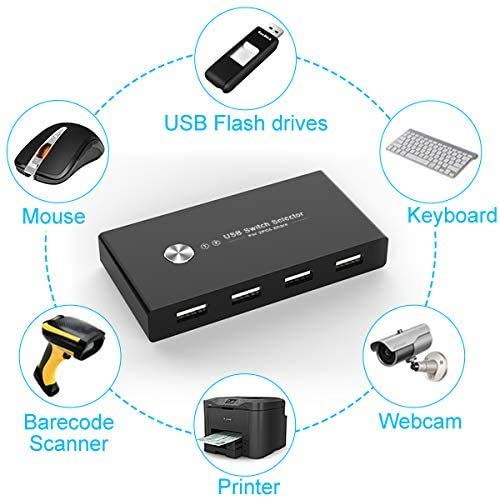
🔄 Simplify your workspace—switch smarter, not harder!
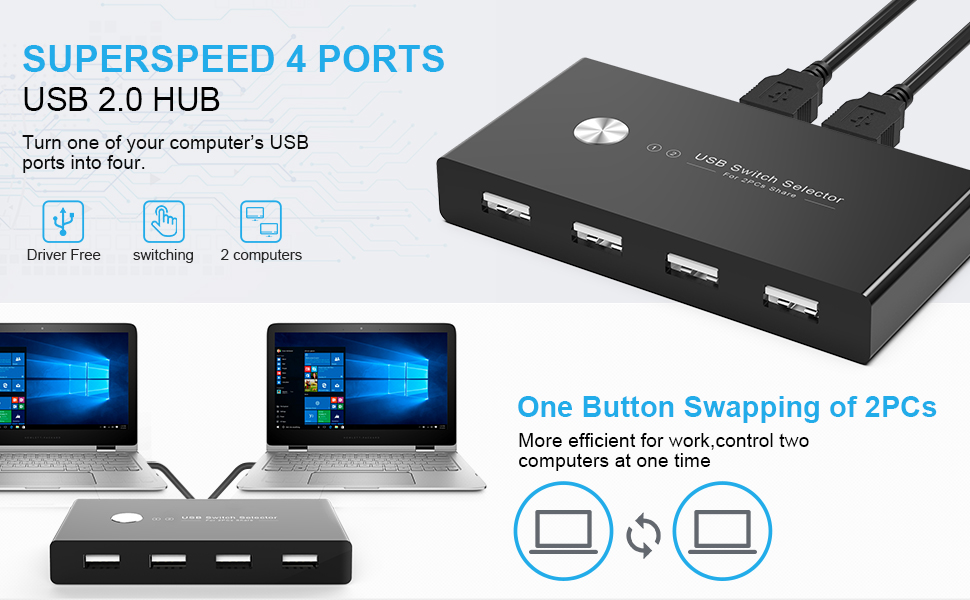
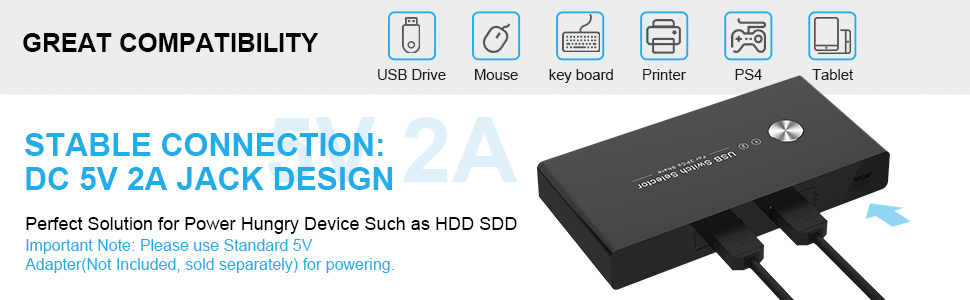
The Rybozen USB 2.0 Switch Selector enables seamless sharing of up to 4 USB peripherals between 2 computers with a single button press. Featuring broad OS compatibility, LED status indicators, and a compact design, it eliminates cable swapping and complex setups. Perfect for multitasking professionals seeking streamlined device management backed by a 3-year warranty.


| Manufacturer | Rybozen |
| Part number | U308 |
| Item Weight | 60.3 g |
| Item model number | U308 |
| Size | medium |
| Colour | USB 2.0 |
| Style | USB Switch |
| Shape | rectangle |
| Wattage | 5 watts |
| Item Package Quantity | 1 |
| Light source | LED |
| Switch Type | 2-way |
| Included components | USB Switch |
| Batteries included? | No |
| Batteries Required? | No |
D**F
Cheap, cheerful, does the job.
Fantastic gadget. Since lockdown I've been working from home and needed a way to swap between two Microsoft Surfaces. One mine, one my work's. This does it effortlessly. A doddle to set up and control. 4 USB ports so I have keyboard, wireless mouse dongle, USB stick and external hard drive. One silver button swaps between 1 and 2 (discretely lit by a red LED, not glaring blue like my HDMI switch) and within a few seconds I have control of the other device. Then I press my HDMI switch and the monitor pops over too. Insanely happy for £20. Saves so much time swapping cables. The box is slightly rattly and on occasion if you move it, the USB connection does reacquire itself so maybe there's a dry joint but I've blu takked it to my monitor stand so it stays put. It'll do for me.
J**1
Instant switching! Fantastic and just work.
If you're like me and you work from home from a work laptop but want to switch over to your PC in the evenings, then this is the device you want. I am sure theres loads of them on the martket but this specific device works exactly how I wanted it to. There is no software, nothing, you plug it all up and boom, you're done.The only gripe I would say is that when you have a lot of devices plugged in, the device can lift off the ground. This happened to me due to the thick cable of my keyboard but it's mitigated by shifting it around.If you want a device that INSTANTLY swaps the USB from one device to another, this is it.
D**J
Neat compact KVM switch
Great little budget KVM switch. Was £25.99 now £14.99, I couldn’t resist. With COVID 19 and having to work from home, my company provided a nice compact Lenovo PC, I already had a nice compact Dell. I didn’t want to have 2 mouse & keyboard, nor did I want to purchase an additional webcam or usb headphones. So I gambled with this product.Very easy to setup you simply plug a usb cable to each of your computers (usb cables provided) and then with the four usb devices you’d decide what you want to share. I decided on wired a Keyboard, a wireless mouse (using usb dongle) a webcam and a usb Jabra headset. All of which worked perfectly on both devices.The only problem I found and this could simply be me. If both devices are in sleep mode, the last device you connected to will wake on a press of the keyboard, however if I switch to the other pc in sleep mode it doesn’t work (I have to manually press the power button) but once it out of sleep mode it’s seamlessly switches between each computer.
D**M
Buy a soldering iron too
Initially I was very happy with this switch - it did exactly what I wanted it to, letting me share my keyboard and mouse between two computers.Unfortunately, after a few months I suffered the same problem as many other reviewers - the keyboard kept disconnecting and I would hear the Windows 'USB detached' and 'USB connected' noises.Eventually I decided to investigate. The photo shows the inside of this unit, which actually looks like quite a high quality PCB - but unfortunately the way it's been assembled is not so good.If you look at the soldering on the USB sockets, you can see the problem... There's a saying that "less is more" when soldering, but this does appear to have been taken to extreme with this unit, and the sockets appear to be attached to the PCB with a large dose of wishful thinking and not much else, which is a problem as there's no other mechanical strain relief.The upshot is that after a few uses, the leads come away from the board, and you get constant disconnects or strange behaviour.I have had a go at re-soldering and all seems good for now - but unfortunately, without proper soldering of these connectors the life span of these units is likely to be weeks.
E**T
Fantastic Producs
This is the first time I've reviewed anything on Amazon but I felt I had to. This is a brilliant product. Simple, compact, does exactly what you'd want it to do effortlessly. It's a fantastic and budget bit of kit. Highly recommended.
D**Z
Not suitable for webcam, and not great if you want less stuff on top of your desk
This is great for sharing keyboard & mouse across 2 systems, with the one annoyance being the need to press a button every time I switch devices. Having to press the button means I need to place this thing on my desk, rather than keep it hidden under my desk. So while it solves the need for an extra keyboard/mouse on my desk, it hasn't solved the need for more crap on my desk with cables running to it because I can't hide this under my desk -- unless I want to crouch down and hit the button every time.And most notably, this seemed to work fine with my HD webcam sharing between the devices, but within a day or so, the webcam started behaving erratically and glitching out in meetings. I tried resetting the device, un-plugging and re-plugging the cam, etc. But it didn't help. Eventually I bypassed this device and went direct into one of my two systems and the problem went away. So for some reason this thing doesn't pass through video very well.Back to the hunt for an ideal solution, but at least for now this is an improvement over what I had with 2 kbd/mouse setup.
I**N
KVM for home working
I've been using the KVM for a week or two now. I've had no issues whatsoever with its operation. I have my screens, keyboard, mouse and camera connected, with no issues to report.The setup does take a bit of thought, especially getting the correct cables for screens, but once drawn on paper, it was quite easy in the end.The little cabled remote switch for the KVM itself means the actual device can reside out of sight, once connections have been made.All in all, good value.
I**R
Malfunctioning after 9 months
The product worked well for some time but lately has become unstable. It is constantly disconnecting and I am getting error messages that the device is malfunctioning. If I try different usb cables or usb ports, it does not change the issues I am experiencing.I have noticed that the product description stated a 3 year warranty is in place for this product, and so I have contacted the company and requested for a replacement.Hopefully this can be resolved - I will change my review when this issue is fixed.
Trustpilot
3 weeks ago
2 months ago