We remain fully operational. Our teams are working around the clock to ensure your deliveries continue safely.

DOWNLOAD THE APP


Customer Services
Copyright © 2025 Desertcart Holdings Limited
DOWNLOAD THE APP
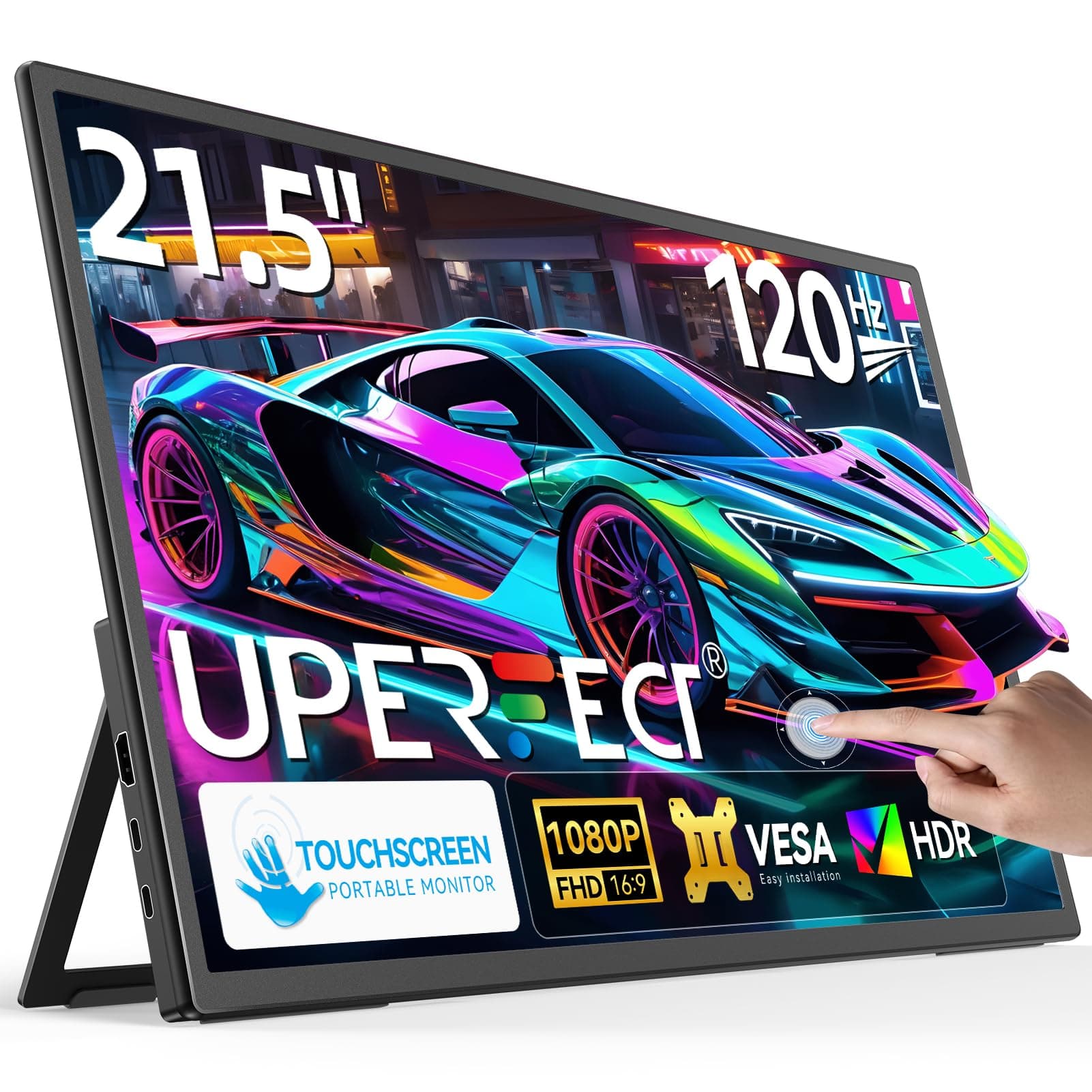
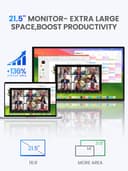
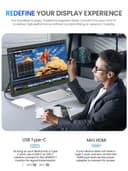

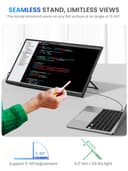
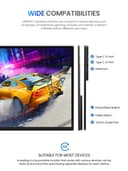
🚀 Elevate your workspace anywhere with UPERFECT clarity and style!
The UPERFECT Portable Monitor is a 15.6-inch Full HD IPS display featuring a 1200:1 contrast ratio and dual USB-C plus mini HDMI ports for versatile connectivity. Designed for professionals on the move, it offers a matte anti-glare screen, a built-in kickstand, VESA mount compatibility, and a sleek, lightweight frameless design. Ideal for multitasking, creative work, or immersive entertainment, it delivers vibrant visuals and flexible setup options without adding bulk to your travel gear.


| ASIN | B0DPCKGH5N |
| Adaptive Sync | FreeSync |
| Aspect Ratio | 16:9 |
| Brand Name | UPERFECT |
| Colour | Black |
| Colour Gamut Value | 100 |
| Compatible Devices | Camera, Desktop, Gaming Console, Laptop, Smartphone |
| Contrast Ratio | 1500:1 |
| Customer Reviews | 4.0 4.0 out of 5 stars (17) |
| Display Technology | LED |
| Display Type | LED |
| Hardware Connectivity | HDMI, USB 3.1 Type C |
| Has Color Screen | Yes |
| Image Brightness | 350 |
| Is Electric | Yes |
| Item Dimensions D x W x H | 1.3D x 49.5W x 29H centimetres |
| Item Weight | 3.81 Kilograms |
| Manufacturer | UPERFECT |
| Maximum Display Resolution | 1920 x 1080 Pixels |
| Model Name | 215E02 |
| Model Number | 215E02 |
| Mounting Type | Desk Mount |
| Native Resolution | 1920x1080 |
| Network Connectivity Technology | HDMI, USB Type C |
| Picture Quality Enhancement Technology | Eye care |
| Product Features | Built-In Speakers |
| Refresh Rate | 120 Hz |
| Resolution | FHD 1080p |
| Response Time | 1 Milliseconds |
| Screen Finish Type | Glossy |
| Screen Size | 21.5 Inches |
| Shape | widescreen |
| Specific Uses For Product | Business |
| Total HDMI Port | 1 |
| Total USB 3.0 Ports | 2 |
| Total USB Ports | 2 |
| Total Video Out Ports | 3 |
| Viewing Angle | 178 Degrees |
| Warranty Type | Limited warranty |
A**R
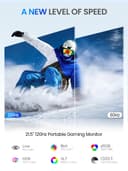
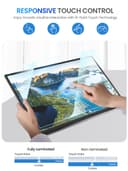
As a frequent road warrior and avid gamer, I needed a portable monitor for both work and play. The UPERFECT 21.5" 120Hz Portable Touch Monitor has been a solid addition to my setup, thanks to its size, vibrant color representation, high refresh rate, and responsive touchscreen. Portability and Design: Despite its larger size, the monitor remains quite thin. The built-in stand is sturdy, with a controlled resistance mechanism and a smooth snap closure, allowing for stable positioning from 0 to 90 degrees without the need for external accessories. This design choice addresses common issues found in other portable monitors that rely on less stable magnetic cases. Display Quality: The 1080P IPS Glossy 10-bit display delivers vibrant colors and sharp details. With 10-bit color depth, the monitor can produce over a billion colors, resulting in smoother color gradients and more accurate shading compared to the standard 8-bit displays found in many portable monitors. This makes it especially beneficial for content creators, gamers, and media consumers who appreciate lifelike visuals without noticeable color banding. The 120Hz refresh rate ensures fluid motion, making it ideal for fast-paced gaming, video playback, and responsive touchscreen inputs. Brightness levels are more than sufficient for use in a car, by a window, even on sunny days. Though, outdoor visibility may be challenging due to the glossy finish. With colors this vibrant, the display rivals OLEDs, especially considering their burn-in issues. I can leave this monitor on all day without concern. The IPS panel delivers deep blacks similar to my other OLED monitor, and the edge-to-edge glass design eliminates a raised frame, making touch interactions feel seamless and uninterrupted. Touch Capabilities: The precise 10-point multi-touch functionality makes this monitor perfect for both work and play. The main reason I get a touchscreen monitor is for touch-based games and photo editing, where direct interaction improves precision and control. The frameless glass panel provides a seamless experience for swiping, tapping, and fine-tuning details in creative software. It’s also great for a showroom-style setup in the kitchen for catching the morning news while making breakfast or pulling up ingredient lists with an interactive touch. Connectivity: The monitor offers versatile connectivity options, including dual HDMI and USB-C inputs, making it easy to integrate with a variety of devices such as laptops, gaming consoles, and smartphones. I was able to connect my Samsung Z Fold6 and Lenovo Legion Go without any issues. However, keep in mind that Samsung Dex is limited to 60Hz, even though the screen itself supports 120Hz. Using a single USB-C cable from your device to the monitor for both video and power, combined with power pass-through from the monitor to charge your device, enables a clean, one-cable setup. This eliminates the need for extra hubs or adapters, keeping your workspace clutter-free while ensuring your device stays powered. The inclusion of full-size HDMI ports, rather than mini HDMI, is a welcome feature—it not only eliminates the need for specialized cables but is also more durable in the long run. UPERFECT includes two USB-C to USB-C cables, one USB-A to USB-C cable, a full-size HDMI cable, and a 30W power adapter—a generous addition, as 30W ensures reliable power delivery. I also use 15" and 16" portable monitors, which are great for café work but still feel too small for meaningful productivity. At 21.5 inches, this monitor offers ample screen real estate while remaining thin and portable enough for use in a car. Thanks to its slim bezels, it feels compact despite its size. Plus, the ability to power it via a power bank enhances its portability even further. Tips: Adjust the Refresh Rate: You may need to manually set the monitor to 120Hz by going to Display Settings > Advanced Display > Choose a refresh rate and switching from 100Hz to 120Hz. Touchscreen Menu Navigation: The monitor lets you navigate its menu via touch, minimizing the need for physical buttons. The toggle wheel is surprisingly satisfying—larger than the one on my 16" portable monitor, with excellent feedback. If traditional monitor menus frustrate you, these features make adjustments much faster and more convenient. Quick Brightness Adjustment: Push the toggle wheel down, then adjust. Quick Volume Adjustment: Push the wheel switch up, then adjust. A one-cable setup works best with devices that draw less power. For example, the Samsung Galaxy Z Fold6 was able to draw around 2.1A from the monitor’s power pass-through, which is sufficient for maintaining charge during use. However, for power-hungry devices like the Lenovo Legion Go or Asus ROG Ally, a dedicated power source directly to the device is recommended for optimal charging. Considerations: The built-in speakers are a convenient addition but may not provide an immersive audio experience. However, they sound noticeably better than the speakers on the Lenovo Legion Go. For higher-quality audio, external speakers or headphones (via the 3.5mm jack or Bluetooth from your device) are recommended. Additionally, when powered through a single USB-C connection without an external power source, the monitor’s brightness may be limited. This isn't really a con, but more of a personal preference. I’d love to see a 2K resolution. While I don’t notice individual pixels up close, I feel like 2K would give me more room to work when scaling. Right now, I have the scale set to 125%, even though it’s recommended to be at 100%. So, maybe I don’t need 2K, but I still want it! I've been using this monitor as a flat table setup, and it works perfectly for photo editing, touch-based gaming, or watching movies and playing music without distractions, while having another monitor in vertical mode for multitasking. The edge-to-edge glass design makes touch interactions smooth, and the 10-bit display with deep blacks brings out vibrant colors. The 120Hz refresh rate keeps everything responsive, making it feel natural for navigation. With USB-C power pass-through, it also keeps my device charged without extra cables, keeping the setup clean and practical.
A**R
I've been using this high refresh rate touchscreen monitor for about a couple month now, and it's genuinely become one of those upgrades that just makes computing more pleasant across the board. For gaming, the difference the higher refresh rate makes is definitely noticeable. Everything feels incredibly smooth, especially in faster-paced games. Actions feel more responsive, and quick camera pans or fast-moving objects are significantly clearer – no more distracting motion blur. It doesn't magically make me a better player, but it sure makes the experience feel more fluid and immersive, which is a big plus. Beyond gaming, the biggest daily win for me is how comfortable it is on the eyes. I spend long hours working (spreadsheets, coding, documents) and then unwind with some games or browsing. Even after a full day, I haven't experienced the usual eye strain or fatigue I used to get with my old screen. The colors look balanced and natural, not overly saturated or harsh, and the overall image just feels... easier to look at for extended periods. It's a subtle thing, but hugely appreciated when you're staring at a screen all day. The touchscreen aspect has turned out to be more useful than I anticipated. It's not something I use constantly, but for specific tasks, it's fantastic. Quickly scrolling through long webpages or documents with a swipe feels intuitive. Zooming in on maps or images is instant and precise. I even find myself using it for little things like dismissing notifications or pausing a video when my hands are messy (like snacking!) without needing to grab the mouse. It feels responsive and accurate – no lag or missed taps. A couple of other little things: The stand is sturdy and allows for easy height/tilt adjustment, which is great for finding that perfect ergonomic position. The bezels are reasonably thin, giving it a clean, modern look on my desk. Setup was straightforward – plug and play. Honestly, it's the combination of the smooth high refresh rate (great for both work fluidity and gaming), the genuinely comfortable viewing experience, and the surprisingly handy touch functionality that makes this monitor feel like a really solid, well-rounded upgrade. It hasn't blown my mind with flashy gimmicks, but it has consistently made my daily computer use more enjoyable and less fatiguing. Very satisfied.
L**E
This monitor seems nice. The only problem is that the listing nowhere mentions that the touch feature only works with a USB-C connection. It mentioned that the connection is through USB-C or HDMI. That's critical information that should be in bold. I may still be able to use it if I install a Thunderbolt port on my desktop, but it would be an inconvenience. Why didn't I return the monitor? Bad experience with a refund. The last time I returned an expensive monitor, Amazon sent me a refund for another cheaper item I didn't return, and calling customer service was a nightmare.
L**X
This is lightweight, has a slim design, and the specs support my needs. The product did not come with any mounting bolts and I have not found any bolts that will fit this very thin design- so the VESA mounting holes are pointless. That is why I bought this ridiculously expensive monitor since other lightweight, slim designed monitors did not include a mounting option. The touchscreen doesn't work as intended. If I touch the screen, every attached monitor reacts in the same manner (I touch ALL the screens). That's pointless and dangerous. It doesn't power on when the computer comes out of sleep mode and I have to put the computer back to sleep or unplug the monitors from the docking station to remind it to execute the power-on function. The color and pixels are good and I really appreciate the lightweight and thin design, but that only handles 30% of my needs. My primary needs is that it turns on when prompted, my secondary need is that I can use the touchscreen to zoom/scroll and easily bounce between screens to compare data without having to swing the mouse cursor between all the screens. The colors on the map look great but I have to swing the mouse cursor past other windows too often. My third need is that I could mount this as I have limited flat surface space in my work area. My fourth needs was for a lightweight and thin design- also because of limited space and weight capacity of my workspace. This need was partially met, since it takes up more space that I can afford to give it due to it not actually being mountable. I paid for touchscreen and didn't get it. I don't have the box so I can't return it.
R**D
Solid product. Clean display. I use this product for remote work as I travel to different regional offices, and in my vehicle as a traveling office. I would definitely recommend this product. If you are traveling by plane, I would consider a smaller option than the 21.5" as it's a bit large for carry on, but I would recommend sticking with the Uperfect brand. I had some questions and the customer support is top notch. They are very quick to respond, and very helpful.
Trustpilot
2 weeks ago
2 weeks ago