๐ Elevate your graphics game with powerhouse portability!
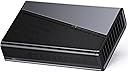
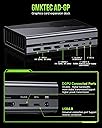
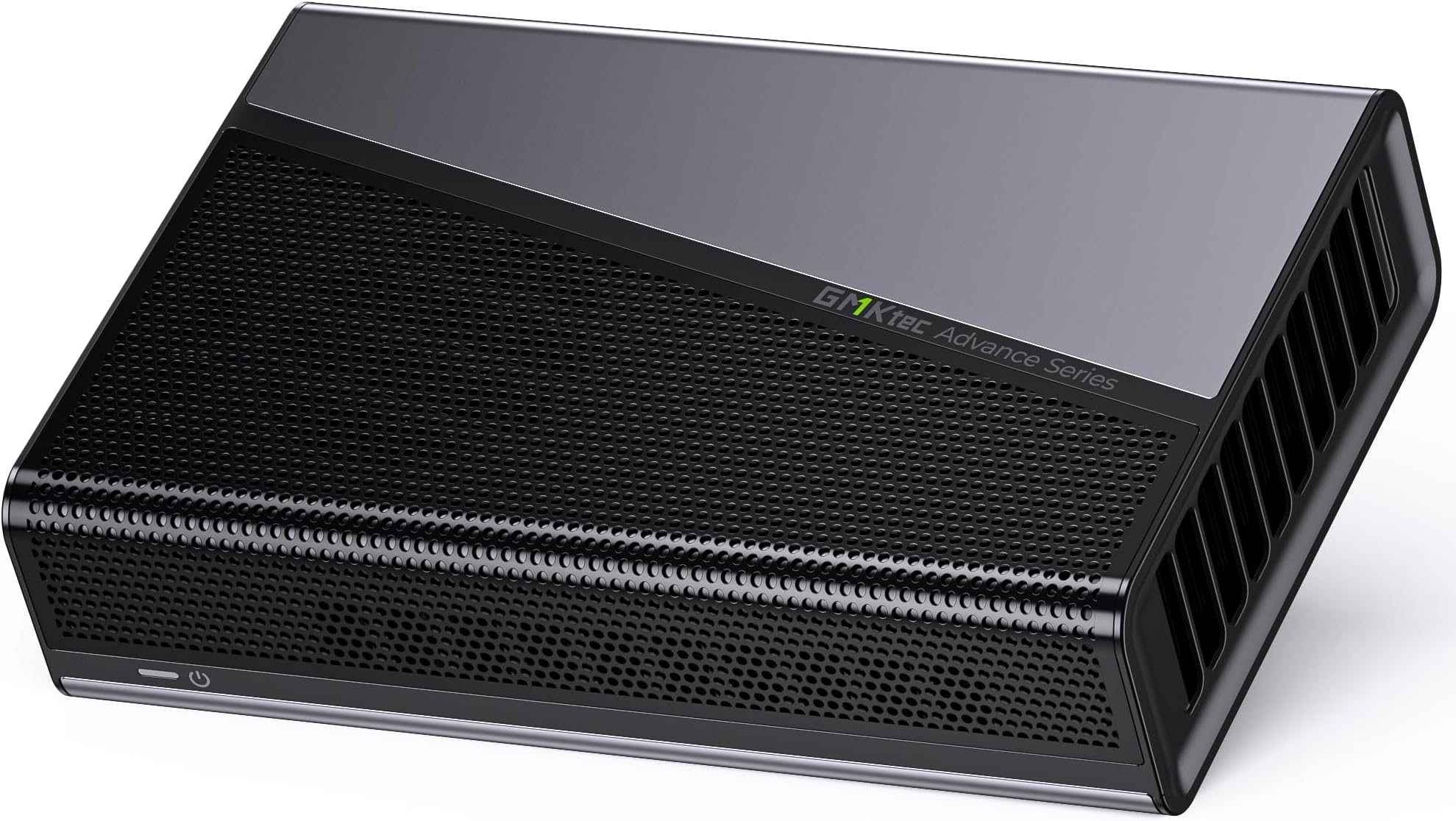
The GMKtec AD-GP1 is a cutting-edge external GPU docking station featuring the AMD Radeon 7600M XT with 8GB GDDR6 memory. It supports quad 8K@60Hz displays via HDMI2.1 and DisplayPort 2.0, and offers ultra-fast connectivity through Oculink and USB4 ports with up to 40Gbps bandwidth. Compact and lightweight, itโs designed for seamless compatibility with Mini PCs, laptops, and handheld consoles, delivering a premium graphics boost wherever you go.


| ASIN | B0DTP9MCQY |
| Aspect Ratio | 16:9 |
| Box Contents | GMKtec AD-GP1 eGPU Slot, Oculink Cable, Power Supply Adapter (20V 12A 240W), Type C Cable |
| Brand | GMKtec |
| Brand Name | GMKtec |
| CPU Model Number | AD-GP1 |
| Colour | black |
| Compatible Devices | Desktop (with USB4/Oculink Ports), Handheld Consoles (with USB4/Oculink Ports) Legion Go, Rog Ally X, Laptop (with USB4/Oculink Ports) (does not support Mac OS), Mini PC (with USB4/Oculink Ports) |
| Customer Reviews | 4.2 out of 5 stars 106 Reviews |
| Graphics Card Description | AMD Radeon 7600M XT with GDRR6 8G graphics memory |
| Graphics Card Interface | PCI-Express x16 |
| Graphics Co Processor | AMD Radeon 7600M XT |
| Graphics Coprocessor | AMD Radeon 7600M XT |
| Graphics Description | AMD Radeon 7600M XT with GDRR6 8G graphics memory |
| Graphics RAM Size | 8 GB |
| Graphics Ram Type | GDDR6 |
| Hardware Interface | DisplayPort, HDMI |
| Human Interface Types | Keyboard, Mouse |
| Included Components | GMKtec AD-GP1 eGPU Slot, Oculink Cable, Power Supply Adapter (20V 12A 240W), Type C Cable |
| Item Dimensions | 16.4 x 11 x 4 Centimeters |
| Manufacturer | Shenzhenshi Jimokekejiyouxiangongsi |
| Maximum Display Resolution | 7680x4320 Pixels |
| Model Name | Radeon 7600M XT |
| Model Number | AD-GP1 |
| Native Resolution | 7680 x 4320 |
| Network Connectivity Technology | USB, DisplayPort, HDMI, Oculink |
| Personal Computer Design Type | Mini PC |
| Personal computer design type | Mini PC |
| Scanner Resolution | 3840 x 2160 |
| Total HDMI Port | 2 |
| Total USB Ports | 1 |
| Total Video Out Ports | 4 |
| Unit Count | 1.0 Count |
| Video Output | HDMI, DisplayPort |
| Video Output Interface | DisplayPort, HDMI |
| Video Processor | AMD |
G**Z
Gran opciรณn para mejorar tu laptop o miniPC
Buena calidad del producto, excelente tamaรฑo, y gran empaquรฉ. Muy satisfecho
M**O
Great option if your device is compatible
It runs graphics demanding tasks really well.
N**U
Amazing eGPU! Please read review if you're stuck on how to use it!
I had to return to this review because it was super long and I of course closed the window by accident.. UGH! I wish Amazon auto-saved your drafts.. Or even had drafts.. Anyway. There are a few things that you'll need to know when you get your eGPU. It doesn't come with a manual. It's fine. It doesn't need one. What it does require, however, is the ability to know how to plug something into your computer. That simple! You'll see two cords, an Oculink Cord and a USB 4 cord. Which one do you use? Depends, does your computer/laptop have an Oculink port? (It would be labeled 'Oculink'. If so, you use the Oculink cord. If it doesn't, use the USB cord). You plugged it in. Okay, so now what? Open your Adrenalin program. You should see a new update. Install it, and reboot. While it reboots, think outside of the box, but logically! If you're using a Desktop, go ahead and unplug your Monitor's HDMI from your computer to you eGPU (Since I *believe* the HDMI connects to the video card in your PC anyway, so logic states that it should connect to the video card within your eGPU). This step will save you an extra reboot and stress, because by doing this, you've just made your eGPU your Primary Graphics and your previous graphics driver your Secondary. Well done! Performance-wise, I've included a video of me playing Hogwart's Legacy. As you can see, the graphics are crisp, lag-free (I am also using a Sandisk SSD as well, which I highly recommend!) and clean. Functionally, it works as intended, bringing a crisper, more vibrant quality to your gaming experience. However, one caveat - When it comes to newer games, like Inzoi, you may still experience some lag. When I purchase that game, I'll include another video in order to show my experience with that one. Because this comes with an AMD Radeon RX 7600M XT graphics card built in, I feel like the value of the item is incomparable, because, to my knowledge, most other eGPU's don't come with graphics cards, just the units. So that in itself should be a clear indicator that this device is something great. When it comes to the noise level, there *is* some noise, but it's barely noticeable, and I have excellent hearing. All things considered, you should be very happy with this device, and I am sure you too will rate this the 5 stars it deserves.
D**U
A Very Decent EGPU Capable of Most Graphic/Video Works
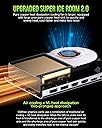
I received the AD-GP1 two days ago. Hookup was simple and easy, and the small form of the unit made it comfortably paired with the K8 Plus (also a nice product of GMKtec) on my desk. It would be better if the OcuLink interface of the K8 Plus were in the back of the unit instead of in the front. That would align with the back-placed OcuLink interface of the AD-GP1 rather than having the OcuLink cable awkwardly laid out on my desk (see picture of my setup). I donโt use computer to play games, so I wonโt review the egpu in terms of how well it runs computer games. Besides, there are already tons of reviews in that regard on the internet. What I use the egpu for is photo and video editing. So let me just focus on how well it does its job in this regard. My setup is K8 Plus (Ryzen 7 8845HS, 64G ram, 1+1T SSD) with LG 4k monitor, running Lightroom v14, Photoshop 2024.1, Topaz Photo AI 3, Topaz Video AI 6, DaVinci Resolve Studio 19 and Shotcut 25.03. My K8 Plus handles routine photo editing jobs on Lightroom and Photoshop without hiccups, but it struggles a bit if it is to create a super large panorama from dozens of large photos, or to use AI models for detail recovery and upscaling. Particularly when Topaz Photo AI plugin is involved to do multiple enhancements. With the AD-GP1 connected, such jobs are piece of cake. Productivity is significantly boosted. It is somewhat a different story when it comes to video editing. The K8 Plus basically has no problem handling light works such as combining clips or creating slideshows with little additional editing. But when video enhancements such as upscaling, detail recovery or enhancement, color grading and special effects are involved, the integrated Radeon 780M is screaming for help. For example, upscaling a 1920x1080 video clip to 4k would take 10 or more times the length of the clip (about 2-4 fps). When the AD-GP1 is hooked up, and with proper setting change on DaVinci (choose OpenCL for GPU processing mode), the processing speed of simple HD clip jobs can run up to 500 fps (but Shotcut appears unable to utilize the power of the AD-GP1 even when paralelling processing is set). For a job of HD to 4K upscaling plus 2x slow motion (a job the K8 Plus can hardly do), the processing speed can run up to 120 fps. The speed is doubled if the job is downscaling. However, running AI-based jobs on Topaz Video AI seems beyond the power of the AD-GP1. It achieves a speed of only 2-4 fps in a job of 2x upscaling and detail recovery on a 1920x1080 clip. Maybe itโs because Topaz Video AI is too demanding, and I should look for a better program to do the jobs. In summary, the AD-GP1 significantly boosts the productivity of all of my photo editing jobs and medium-load video editing jobs. I highly recommend it if it is to be used for such jobs, in conjunction with a similar PC/mini pc. P.S. The unit is generally quiet on photo editing work, but its fan is clearly audible and GPU temperature can go up to 75 celcius when it is fully loaded in video editing.
K**R
Works Great and Easy to Install
Works great and easy to install. To set up, just plug into your laptop, reboot, wait for the drivers to download, and then you're all set. With this graphics card and enclosure, I can now download and play PC games off Steam on my HP laptop which I wasn't able to run before.
Trustpilot
2 months ago
1 month ago