Buy anything from 5,000+ international stores. One checkout price. No surprise fees. Join 2M+ shoppers on Desertcart.
Desertcart purchases this item on your behalf and handles shipping, customs, and support to France.
🚀 Elevate Your Internet Experience!
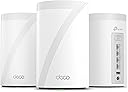
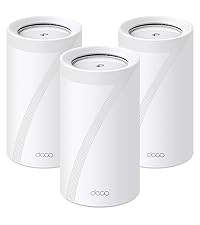
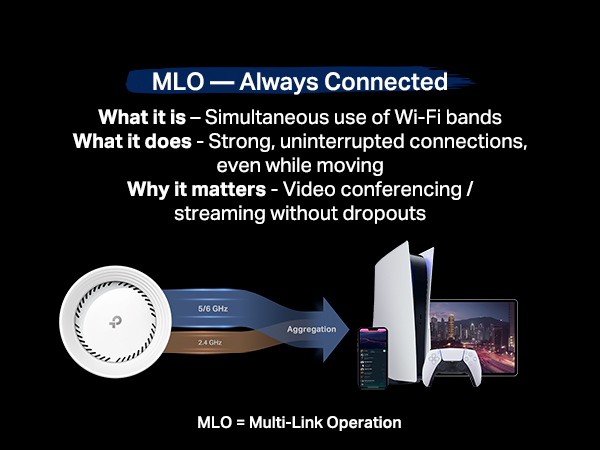
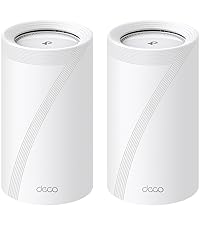
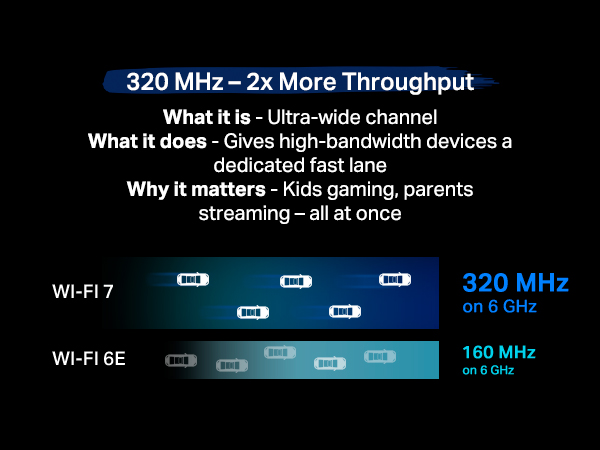
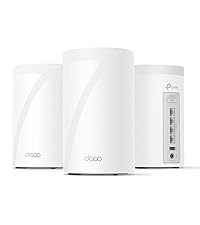
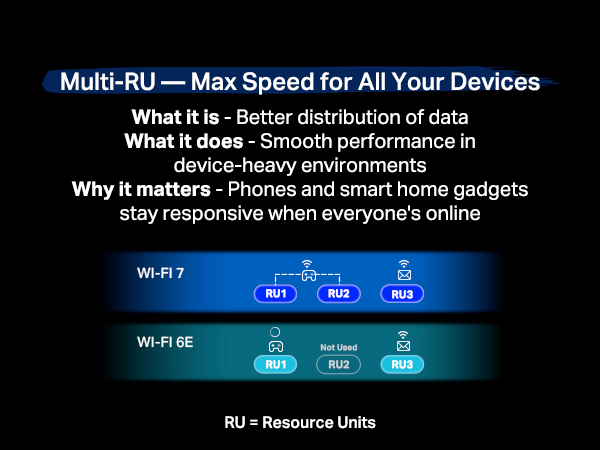
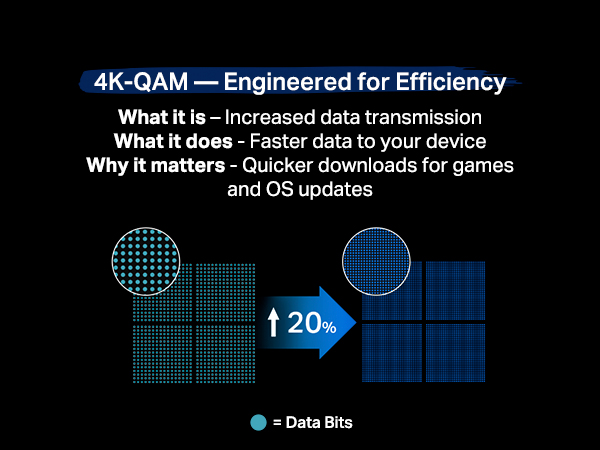
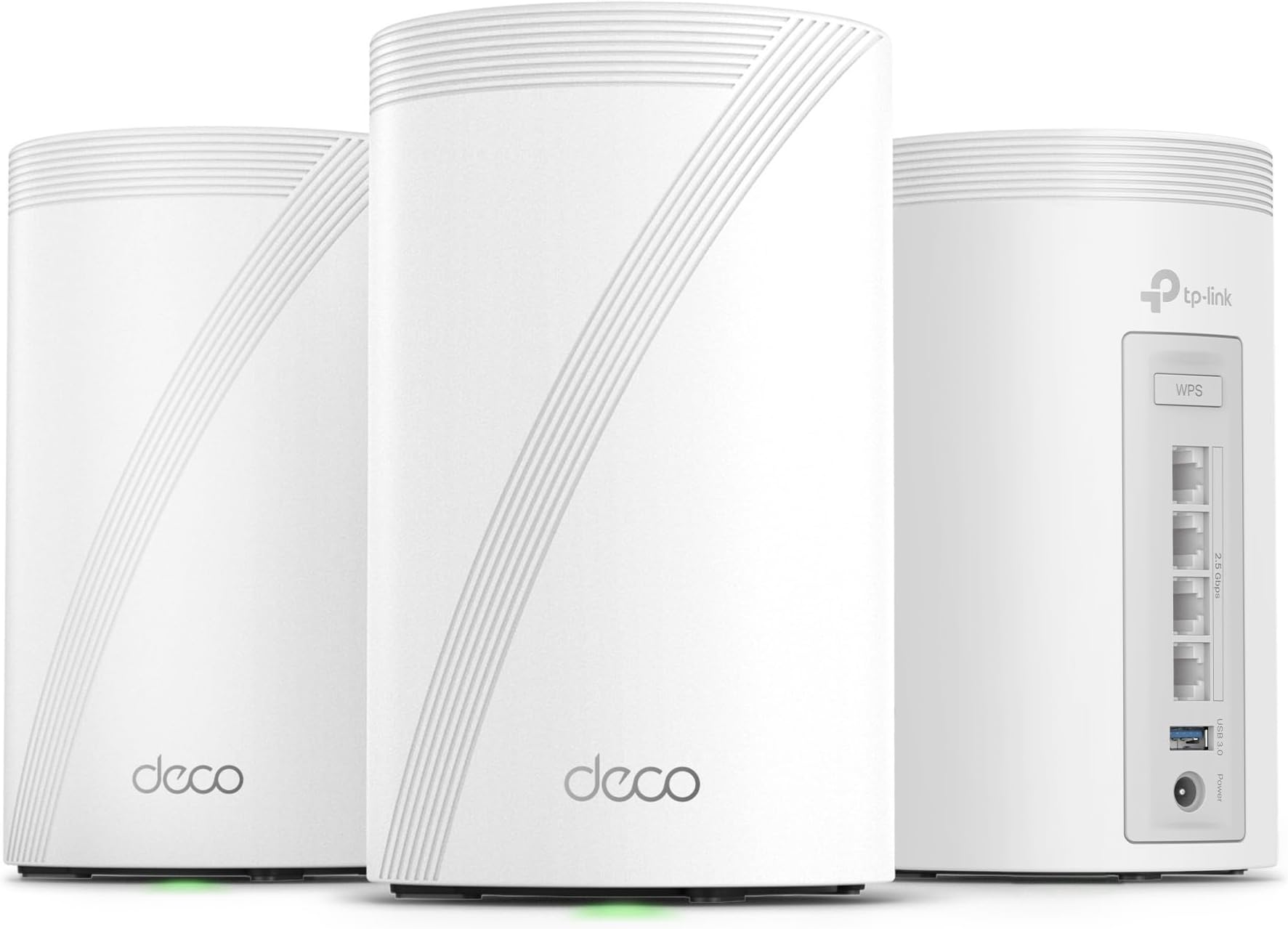
The TP-Link Tri-Band WiFi 7 BE10000 Whole Home Mesh System (Deco BE63) is a state-of-the-art networking solution designed to deliver ultra-fast speeds of up to 10 Gbps across a vast coverage area of 7,600 sq.ft. With advanced features like AI-driven roaming, robust security protocols, and extensive device compatibility, this system ensures seamless connectivity for over 200 devices, making it perfect for modern smart homes.


| ASIN | B0CN8QLS4K |
| Best Sellers Rank | #4,087 in Computers ( See Top 100 in Computers ) #14 in Whole Home & Mesh Wi-Fi Systems |
| Customer reviews | 4.2 4.2 out of 5 stars (814) |
| Item model number | Deco BE63(3-Pack) |
| Label | TP-Link |
| Manufacturer | TP-Link |
| Product Dimensions | 10.74 x 10.74 x 17.6 cm; 2.26 kg |
M**.
Awesome
Love these things. I set these up as a mesh system for the ground floor, which doesn't have any router signal. Just connect one of them by Ethernet, then let the rest repeat off of that. You'll get great coverage for the entire ground floor. Also, setup is super easy as TP-Link has a great app for this. Thinking of buying another pack just to extend coverage even more.
M**S
Top tier mesh system, for a reasonable price
Easy to set up, app connects quickly, and the speeds are top notch. Probably the best option for the price.
ع**د
ممتاز
P**.
Tp Link Deco 7 is amazing. It is very simple to setup via the deco app. It took me less then 15 mins. Switching between the networks and other deco's is seemless and works great. Very easy to use and connect devices. Signal is so strong and speeds are amazing. I now get signal all the way in mh backyard and down the driveway. This was definetly a good imvestment.
R**K
Goodbye EERO! We have been EERO users since 2024 when our ISP (Frontier) sent us a “free” EERO 6 PRO for a $10 shipping fee. It was easy to setup and we got good, not great, performance. About 140 Mbps down and 50 Mbps up on a 500/500 system. Compared to the router it replaced we were happy. I run a home network with android phones/apple Ipads, windows computers ( 5 on W11, 1 on W10 ) , a Linux computer and 3 TVs . The EERO was easy to set up and easy to add additional nodes. Connections were never a problem with the EERO. The TVs would often buffer when we watched YouTube-TV. The android phone app used to control the EEROs has problems. The status screen, used to show the health of your EERO nodes, is terribly unreliable. Often it will show EERO nodes that are unplugged as online. We called EERO support and spent several hours debugging this problem. I had android 11 at the time but my son had android 16 and both showed the same error. EERO support wrote a ticket on this problem but we have noticed no improvement in the app since. In Feb 26, I noticed Frontier had been charging us $7/month for the “free” EERO. We called and they took it of the account and required that we ship the “free” EERO PRO 6 back to them – which we did. We were using EERO 6 non-pro nodes on our system for some time. The EERO PRO 6 ran so hot we were a little afraid of it. In mid March 26 we noticed Amazon had a EERO 7 PRO on sale for $199. We ordered that and connected it to our system. As always, it was super easy to add a new node with the EERO app. The EERO PRO 7 was getting 370 Mbps/170Mbps which seemed like a huge upgrade! We noticed in the status it was connecting on the 6Ghz network to our intel and AMD boxes. This was great! On the Linux host, it connected and did 350/320. Wow, awesome! The joy did not last long, however. Later in the day, on the intel computer I was seeing 120 / 57 again. I found it was back on the 5 GHz band. If I disconnected and reconnected. It reconnected and we were back on the 6Ghz band with great performance. Later in the day it had gone back to the 5 Ghz band along with disappointing performance. It appears the EERO are coded to go after the strongest signal even if a good signal on a super performance band is available. I read a review online of the TP-LINK DECO B3 10000. The review indicated you could set a per-device preference of the band to use for the connection. EERO does not have this! I felt this might be just what I needed. The router arrived later in the day thanks to prime! We installed the 3 node TP-LINK DECO B3 10000 in the same locations as 3 of our existing EERO nodes. The TP-LINK app is not as easy to use to install the system as the EERO app. After a couple of failed attempts we got it to install. Yea! Once you have the first node set up it is really easy to add the additional nodes. The app does let you customize the network to use for each device. Excellent! I checked the intel windows box again. It was hitting 430/420 on WiFi. Wow! Damn! We had not seen that performance before with EERO, ever! The other WiFi devices where showing good performance too. The LG/TCL TVs are no longer buffering on YouTube-TV. All of our phones were on the 6Ghz band. There was one big exception to this joy! The UBUNTU Linux 24.04 node wold not connect to the TP-LINK DECO. I suspect it was a problem with WPA3 protocol DECO uses! We tried all sorts of things but it would never work. Edit: We were able to show that it was related to WPA3 Simultaneous Authentication of Equals (SAE) or more commonly WPA Personal. We reenabled the eero 7 which uses wpa/wpa2 protocols for all bands. It connected. The TP-LINK DECO is set to only use WPA3 SAE for the 6 Ghz band. We set the preference for the device to connect any band in the DECO app as opposed to 6 Ghz. It connected immediately on the less efficient 5 Ghz band. End Edit: Wait, there are 4 Ethernet ports on the back of each TP-LINK DECO node. There is a network node ( EERO and TP-LINK) right by the Linux computer. Let me try that. It worked! The Linux box was hitting 480/470 with the Ethernet connection. The intel box, which is right next to the Linux box, hits over 500/500 when hooked up to the Ethernet cables from TP-LINK DECO. We have let it run for a couple days to see if there are gotchas. None so far. We have the winner. We are done with EERO. We are shipping the EERO PRO 7 back to Amazon tomorrow.
A**N
Final Update 2-May-2025: Okay I have grown to hate this mesh system and I seriously don't see myself purchasing another TP-Link device ever again! I suspected that the price point was good to be true and I was 100% correct. This mesh system is a hot mess and a great compilation of "unstability". It is constantly dropping connections to the Internet (it's not the ISP as they equipment remains up and running when the TP-Link is experiencing problems). This in no way compares to some of the other brands. This was supposed to be an upgrade from my two node Asus Wi-Fi 6E mesh system but now I see that was in a completely different class to this piece of junk.. Further Update: The tech support finally admitted that it was a FW issue and released a beta FW for me to upload manually and check. After successfully flashing the FW with the beta version the mesh remained up for me to confirm the new FW and that it was pushed to all three nodes. I then tried activating the VPN and encountered the same problem. I was able to deactivate the VPN but it brought my entire network is down as none of my clients remained connected to the WiFi for longer than a minute or two and they couldn't access the internet. This experience calls to question if the beta FW they gave me was properly tested suggesting that there is a lack of a proper quality assurance process. Fortunately I have a technical background so I was able to download and revert to a prior FW version, disable auto update and restore my network and get the VPN working again. I will try to exchange this mesh system but rest assured I never want to see the name TP-Link ever again!! This was truly an atrocious experience and am appalled that companies actually treat their customers in this manner and still expect to be in business.. Update after 1 month: This has to be one if the absolutely worst purchases I have ever made!! This excuse for a mesh system spends more time down than up. The VPN via my NORD subscription simply stopped working and the techs wasted my time troubleshooting when it is obvious that the issue is the router and not NORD itself as the same config works in the OpenVPN client for Windows. Every day I wake up I discover yet another reason to dislike this piece of junk.. I WILL NEVER BUY TP-LINK AGAIN AND WILL NEVER RECOMMEND THEM!! ========================= Original Review: Pros: 1. Setup is very intuitive (great App). 2. Great performance in terms of speed (wired/wireless backhaul). Cons: 1. iOT network is pointless as it's on the same VLAN (false sense of security). 2. The Guess network is pointless as it's on the same VLAN (false sense of security). 3. You cannot isolate devices on the guest network. 4. The VLAN option is tied to IPTV functionality (extremely poor design for a solution at this price point). 5. Extremely limited feature set overall 6. Not very stable and specific clients can periodically fail to connect for whatever reason until the device is rebooted. You get the feeling that it's a beta product because these same devices work fine on other routers.. At the end of the day this is a residential device! This is not a corporate or soho classified device. There is no basic firewall, there is no comprehensive DHCP reservation functionality, etc. If you are looking for a robust, secure and feature rich solution look elsewhere - this is NOT the solution.. Also, all of a sudden, the VPN no longer works with no change in configuration. Support was useless as he kept telling me that the issue was with Nord and hence never really listened.. Meanwhile the exact same config file works on an Asus router with no issues.. I cannot recommend this mesh set. It's simply not a quality product!
B**T
I’m very satisfied with the product itself. Performance is excellent, setup is easy, and the coverage is solid. The only thing that makes me hesitate is the price volatility. I’ve seen better deals elsewhere, which makes me question whether I should return it and rebuy at a lower price. Great product, but the pricing strategy definitely makes it a bit stressful to purchase.
Trustpilot
1 month ago
1 week ago