We remain fully operational. Our teams are working around the clock to ensure your deliveries continue safely.
DOWNLOAD THE APP


Customer Services
Copyright © 2025 Desertcart Holdings Limited
DOWNLOAD THE APP
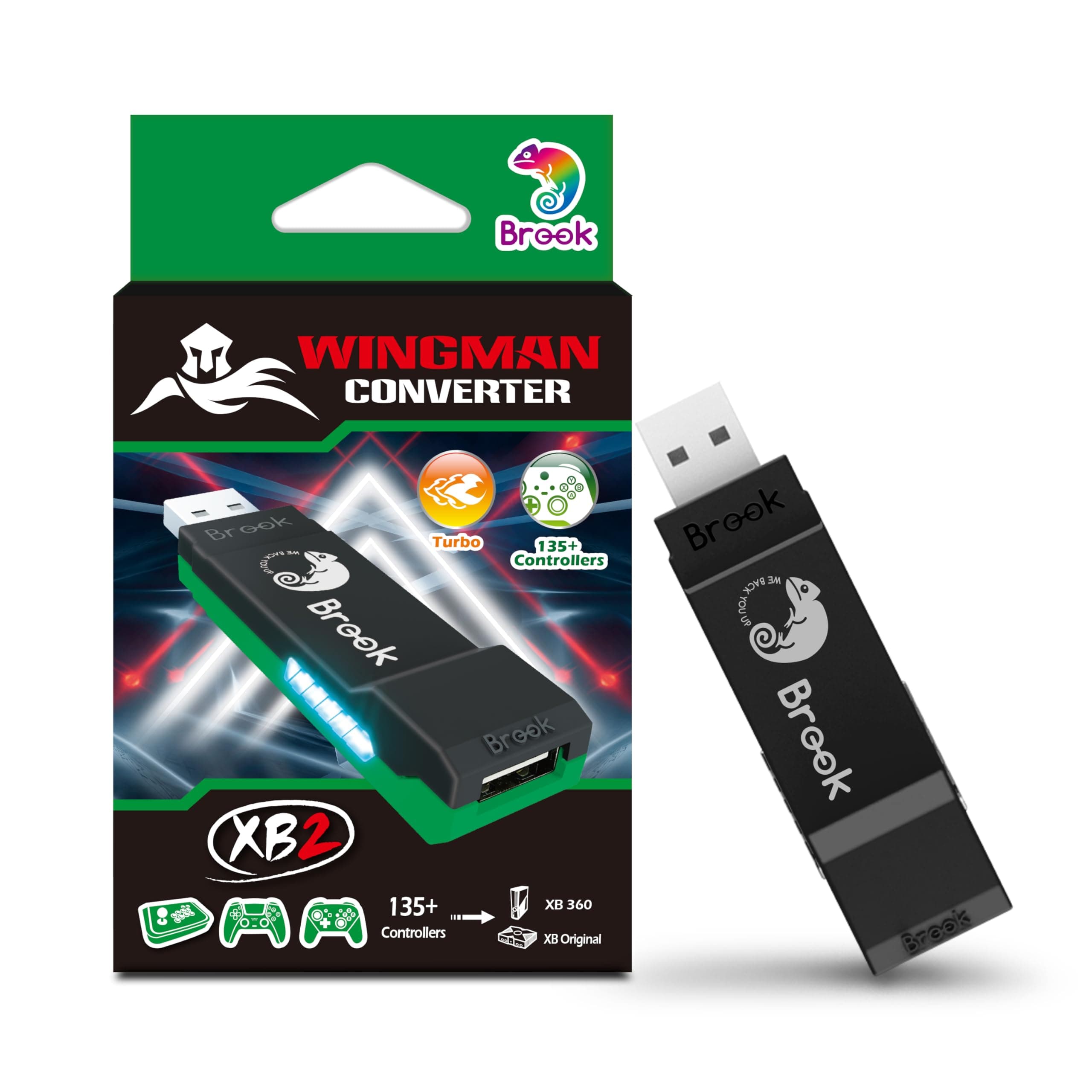
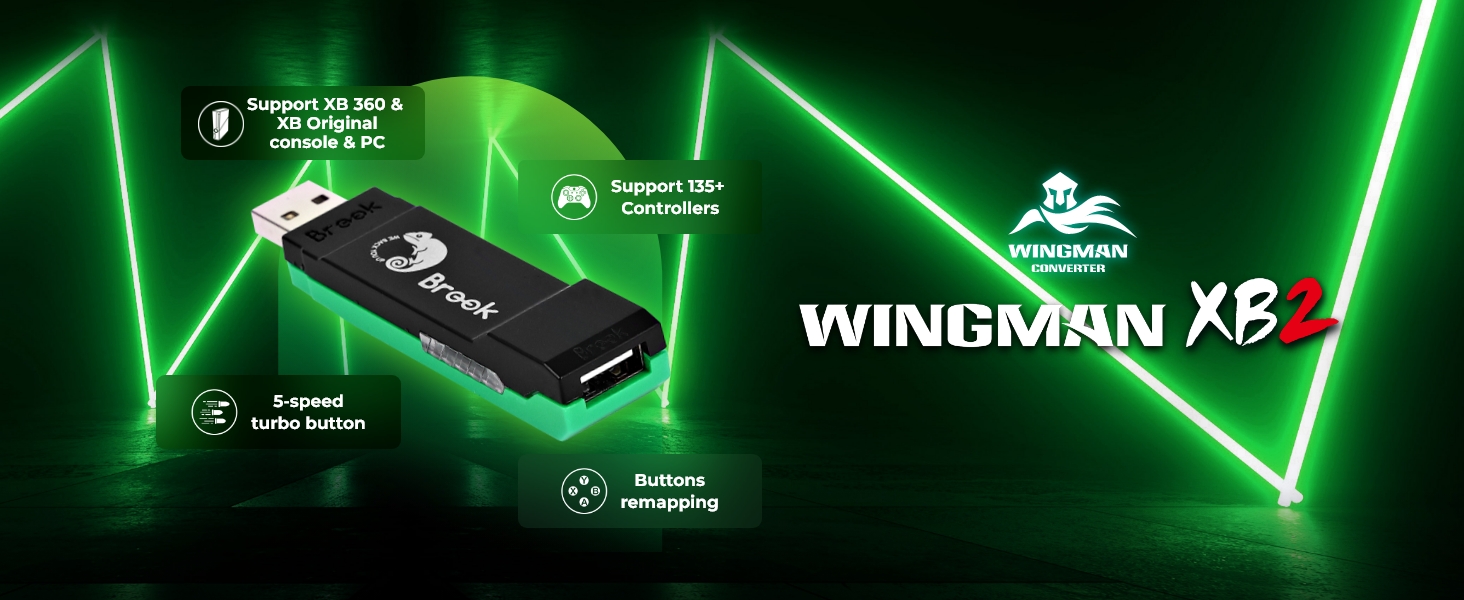
🎯 Level up your legacy gaming with Wingman XB 2 — the ultimate wireless adapter for pros who refuse to compromise.
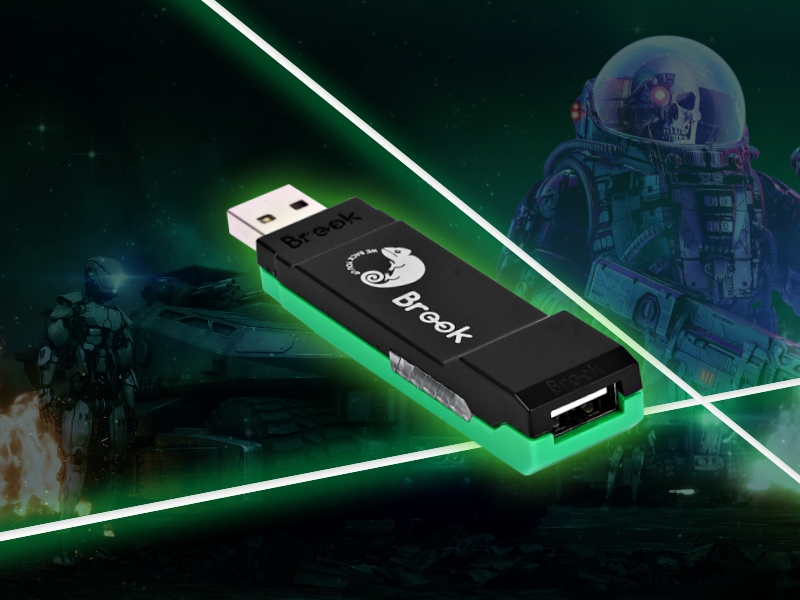
The Brook Wingman XB 2 is a compact, matte-finished wireless controller adapter that bridges Xbox Series, Xbox One, PS, and Switch Pro controllers with legacy Xbox consoles and PC. Featuring adjustable turbo levels, customizable button remapping, and lag-free wireless connectivity, it empowers gamers to modernize their classic setups with seamless cross-platform compatibility and precision control.






| ASIN | B0BJ6M9JPD |
| Best Sellers Rank | 15,215 in PC & Video Games ( See Top 100 in PC & Video Games ) 19 in Xbox 360 Adapters |
| Brand Name | Brook |
| Colour | Black |
| Compatible Devices | Gaming Console |
| Connector Type | USB |
| Country of Origin | China |
| Current Rating | 0.5 Amps |
| Customer Reviews | 4.2 4.2 out of 5 stars (725) |
| Input Voltage | 12 Volts |
| Item Dimensions | 7.7 x 2 x 1.3 centimetres |
| Item Weight | 13.4 Grams |
| Manufacturer | Brook |
| Model Number | Wingman XB2 |
| Nominal Power | 6 Watts |
| Number of Items | 1 |
| Number of Ports | 1 |
| Package Quantity | 1 |
| Power Plug Type | No Plug |
| Product Finish Type | Matte |
| Specific Uses For Product | PC, Video Game Console |
| Unit Count | 1.0 Count |
| Warranty Type | Limited |
L**N
Playing games on the Xbox 360 with a Xbox Series controller is pure bliss.
Title says it all really. Being able to use current gen controller's on "old/retro" console's is a game changer. Especially when its almost impossible nowadays to buy decent 3rd party controller's, or original controller's that don't have any issue's after all this time through wear & tear. So easy to use too... *Connect the Wingman XB2 device to your PC, Download Brooke's software updater from they're site & update if needed. (Will most likely already have the latest update on the device when you get it, At least mine did anyway. But it wont hurt to check for update's with fixes) *Connect the Wingman XB2 device to your OG Xbox/Xbox 360 console & power it on. *Press & hold the 2 side button's on the Wingman XB2 until it start's flashing. *Press & hold the sync button on your controller until it start's flashing. *Within a few second's, Its connected. Great success. Highly recommend this device for your old OG Xbox & Xbox 360 console's!!! Love it!!!
F**G
Extremely useful
It’s very easy to use and extremely useful, especially if you got used to a certain controller and you don’t fancy using a controller that is tied to a console than this is definitely for you, the only drawback is when your controller does disconnected you you like to play your games with wireless controller then you might have to re-establish the connection with your controller it’s very easy done but if you want to avoid this, I recommend getting yourself a nice cable and keeping your controller plugged in
L**.
Absolutely amazing
I've had this product since 30 June, 2023, since then i have been using a ps4 controller to binge play many of my old 360 games, i have yet to see any issues, no connectivity issues, no issues with multiple inputs or input lag, I've tried knockoff controllers, "refurbished" controllers, all of them have their issues, i was at a dead end until i found this product, absolutely flawless, for me it's like playing a ps4 title on a 360, would strongly recommend for someone looking to bring new life back to their older consoles with gammy controllers, I'm currently ordering a second wingman so i can play splitscreen with friends
M**L
Xbox owners be careful
This review is not a negative against the product or supplier... Both were good... However, Microsoft have recently updated their consoles to restrict the use of 3rd party accessories... So this works intermittently... I found that if you play for an extended amount of time, you will get a "blue screen" warning you that you are using a non supported device... You can remove the USB from the Xbox and plug back in, and that allows you to carry on... Not a good long term fix, but does allow you to carry on temporarily... Will be a 1st class product again once Microsoft update to allow this to work (if they do that is)... I clgave it a 4 star rating as it's not the products fault and will work perfectly if not using on a Microsoft console
A**Y
STEER CLEAR - I LOST 50 EURO ON THIS AND ZERO RESPONSE FROM GAME GEAR
Bought this for my teenage son. When he set it up on x box an on-screen message popped up saying he would only be able to use it for 30 days. It did not work after 30 days. I emailed Game Gear's support address but got NO RESPONSE WHATSOEVER. 50 euro DOWN THE DRAIN. Thanks for taking my money and running, Game Gear. BTW I am being forced to give a 1-star review here because it seems I can't submit without giving at least one star. But I really want to give ZERO STARS.
K**S
Absolutely brilliant piece of kit
Had my Series X controller working wirelessly to play on the Xbox 360 within 30 seconds. Playing the old WWE Smackdown games with an up to date controller is absolutely brilliant and I couldn't be happier with the product. Would be better if instructions were in English but it's a minor issue. I found what I needed to get set up on YouTube. Overall an absolutely excellent product. 5 stars from me.
S**Y
Ps5 Controller with Xbox series x
Wow works seamlessly does what it says on the box now using a P5 controller with my Xbox series x easy to connect watch the you tube video amazing
M**I
Loses connection, overpriced
Using with og xbox and xbone controller. It works with the official MS controller but doesn't work with knock off xbone controllers. Doesn't even pair. When paired (official xbone controller only), it often loses connectivity and if you're playing a retro game like street fighter, you're dead. It comes back after about 10 seconds but, by then, my game is ruined.
G**D
I bought this over two years ago so I could use a King Kong Pro 2 controller, which is officially made for Nintendo Switch I think, while playing my Xbox Series X. It has worked perfectly except for needing to restart the Xbox when the game I’m playing gets an update. A minor inconvenience for being able to use a controller with hall effect sensing joysticks and never have stick drift again. I recently upgraded to the King Kong Pro 3 controller and it works just as well. I sure went through a lot of Xbox controllers before I figured this out.
G**I
Funciona perfeitamente!
S**I
Visto la mancanza di controller validi per rigiocare a vecchi giochi (nel mio caso Forza Motorsport 2, 3 e 4) questo adattatore risolve il problema permettendoti di giocare con il controller della Xbox One. Connessione Wireless immediata e senza nessun bisogno di aggiornare fimware.
H**.
يشغل يد نينتندو على الاكس بوكس امر جدا جميل 👌
M**A
Good
Trustpilot
3 weeks ago
3 weeks ago