We remain fully operational. Our teams are working around the clock to ensure your deliveries continue safely.

DOWNLOAD THE APP


Customer Services
Copyright © 2025 Desertcart Holdings Limited
DOWNLOAD THE APP
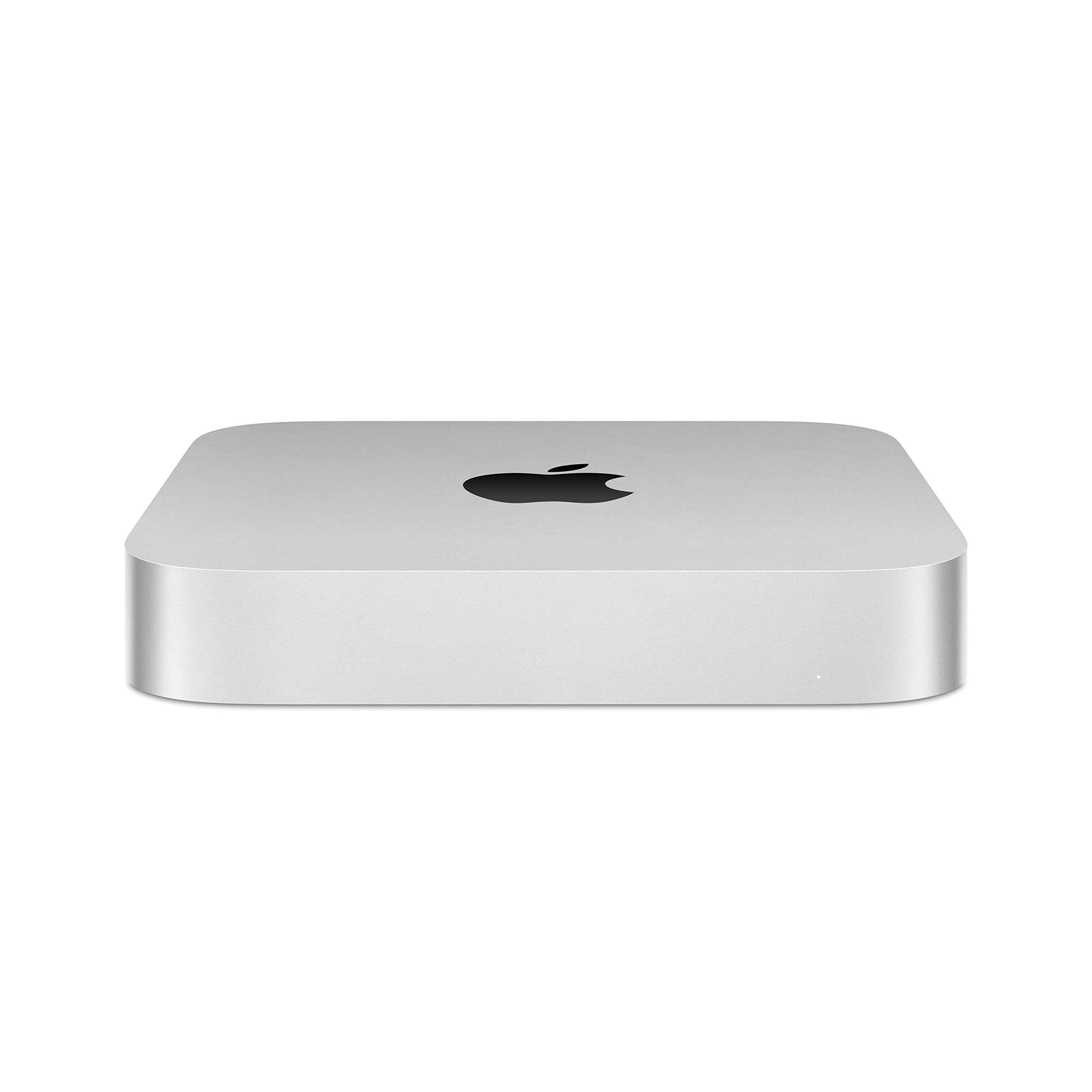
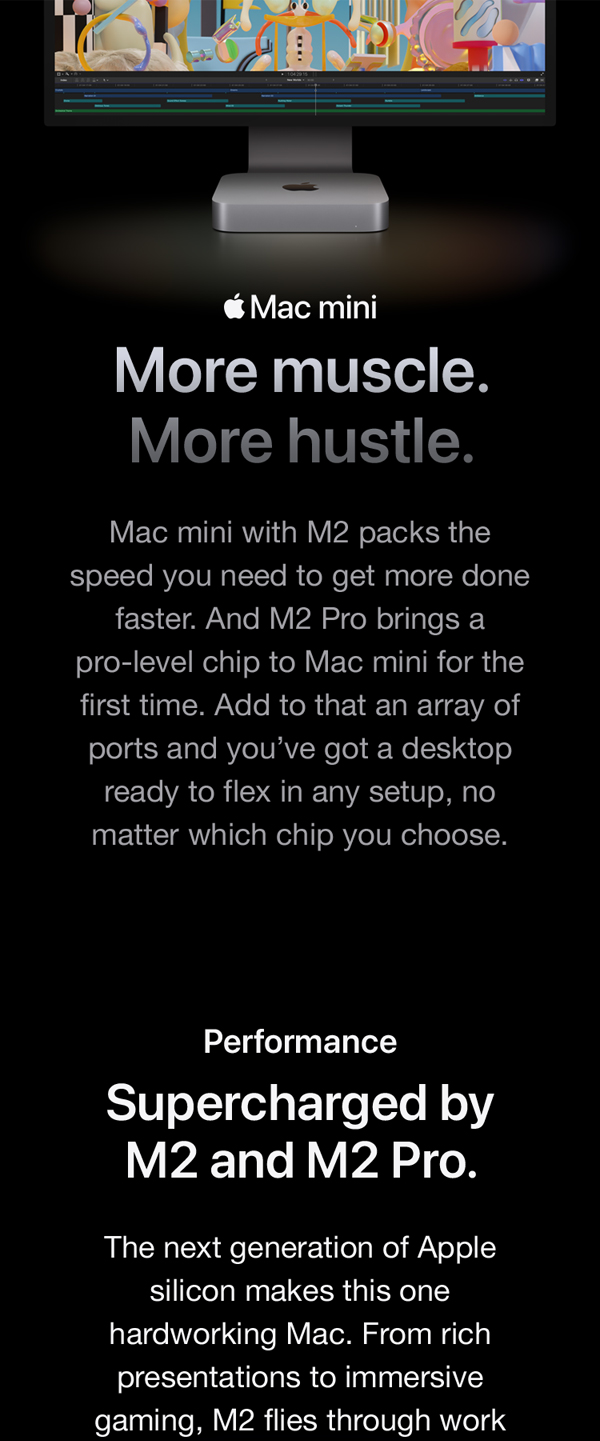
🚀 Power meets precision — Mac mini redefines your desktop hustle.
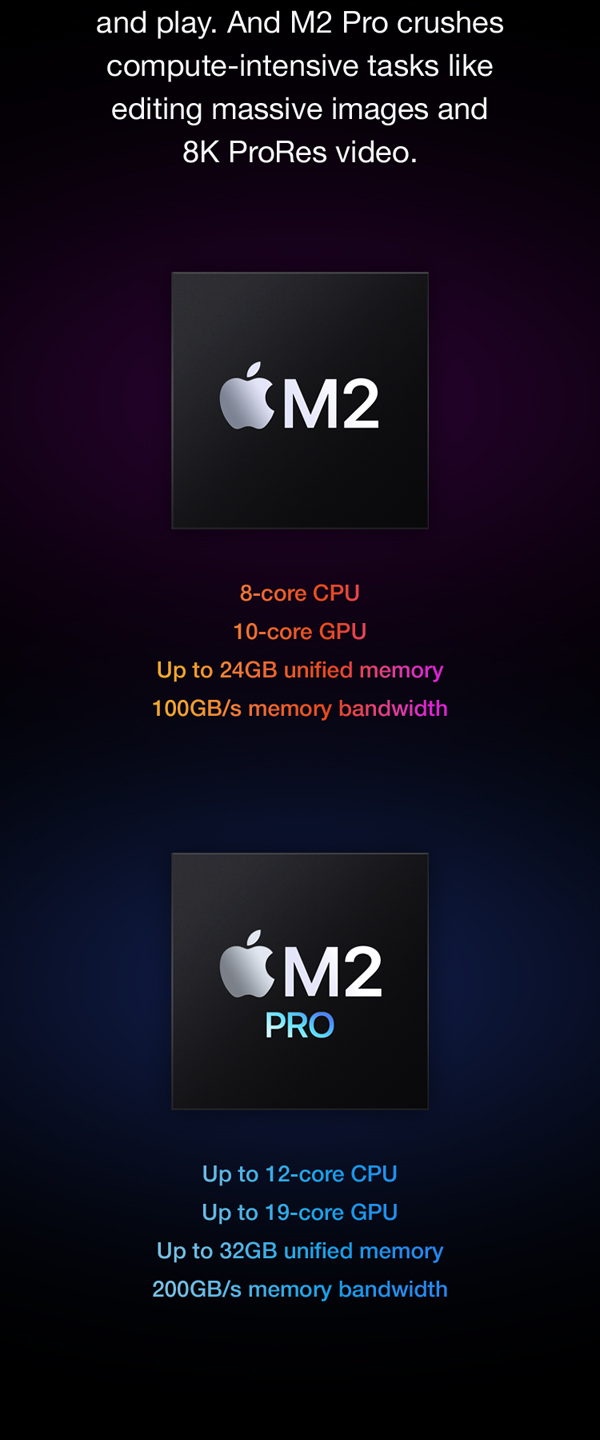
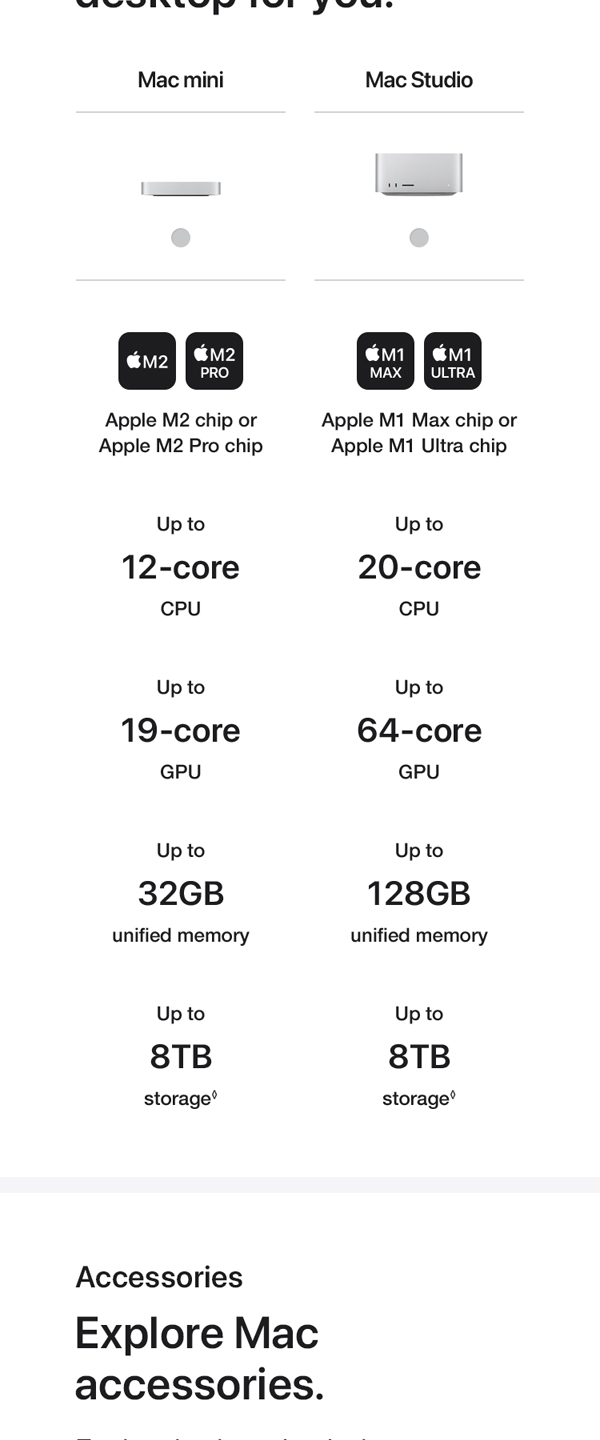
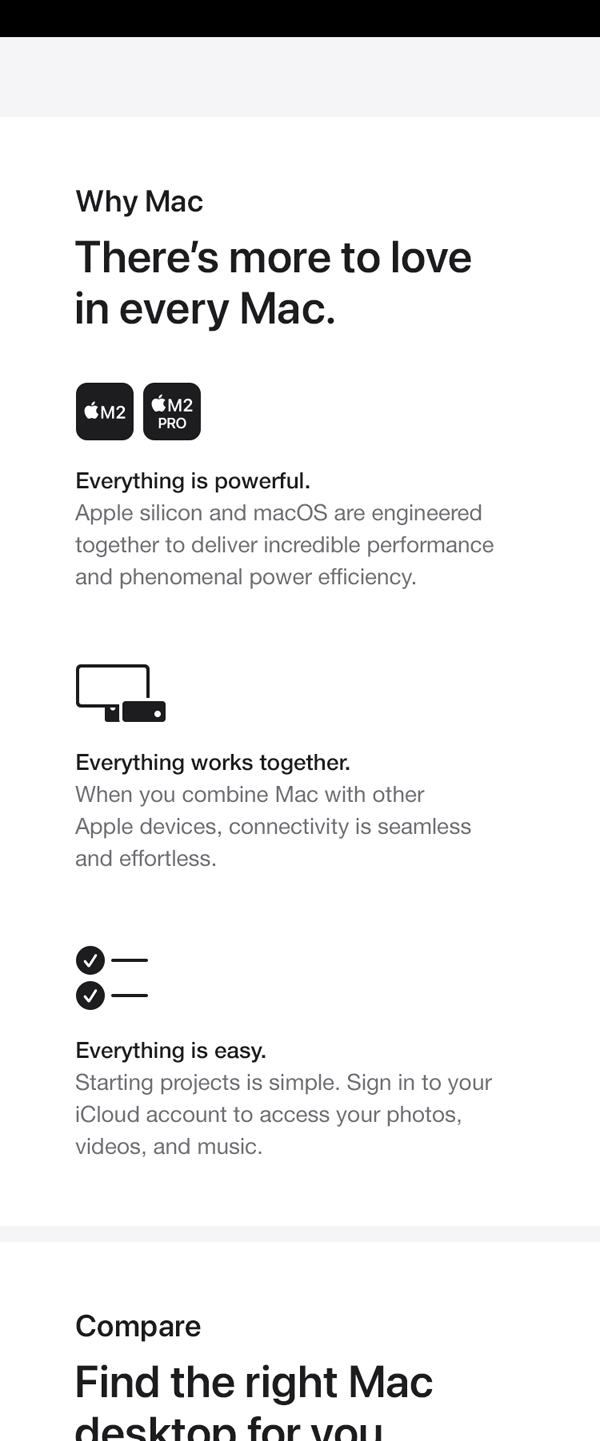
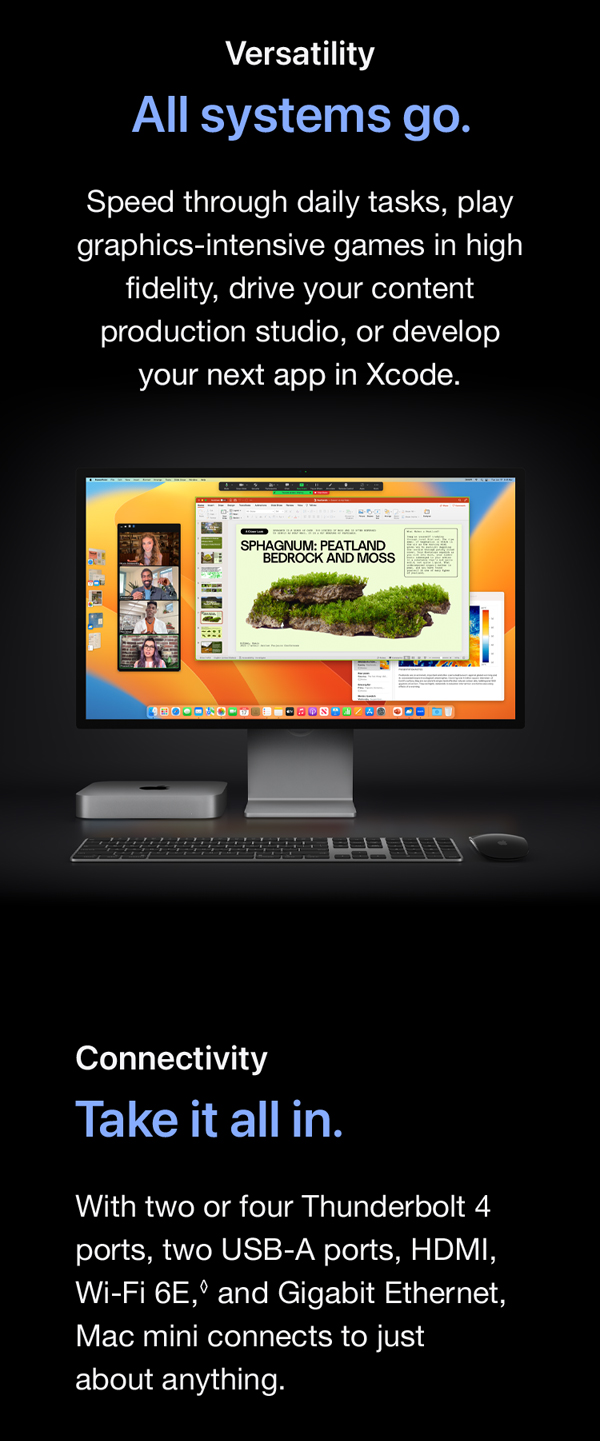
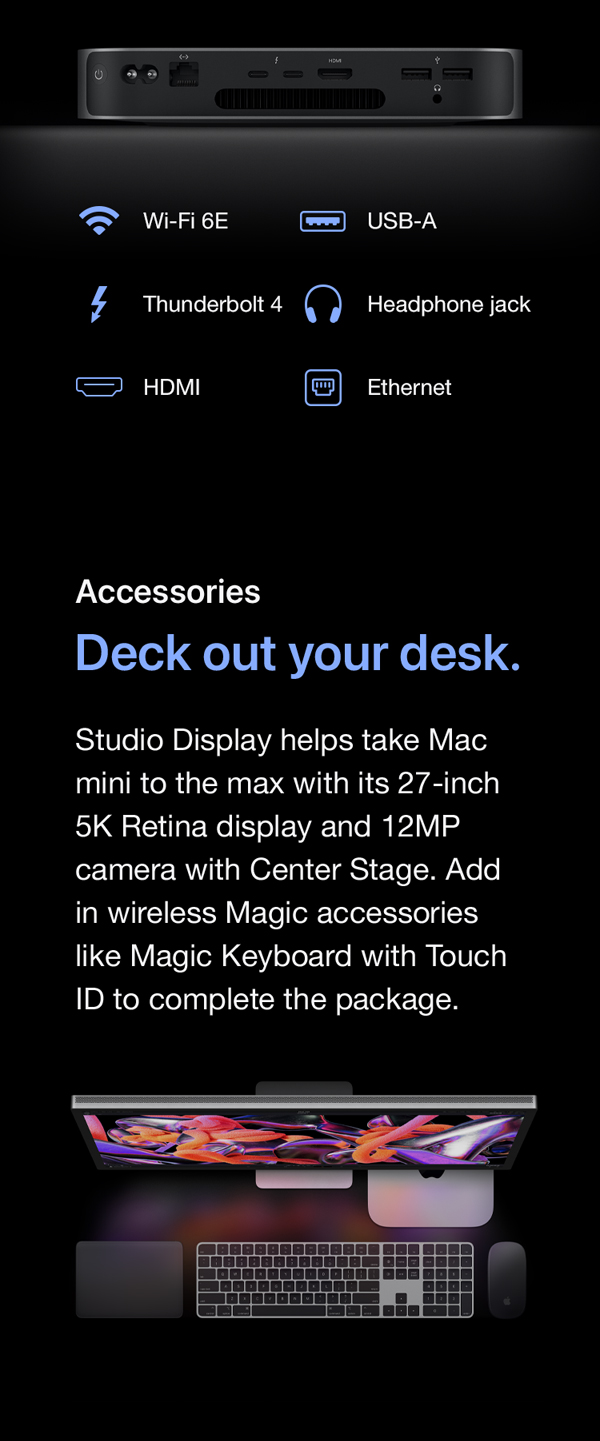
The 2023 Mac mini with Apple’s M2 Pro chip delivers a powerhouse 10-core CPU and 16-core GPU, backed by 16GB unified memory and 512GB SSD storage. Designed for professionals who demand speed and versatility, it offers extensive connectivity options including Thunderbolt 4 and Wi-Fi 6E, all packed into a sleek, compact chassis. Perfect for creative multitasking, pro workflows, and seamless integration with your Apple ecosystem.
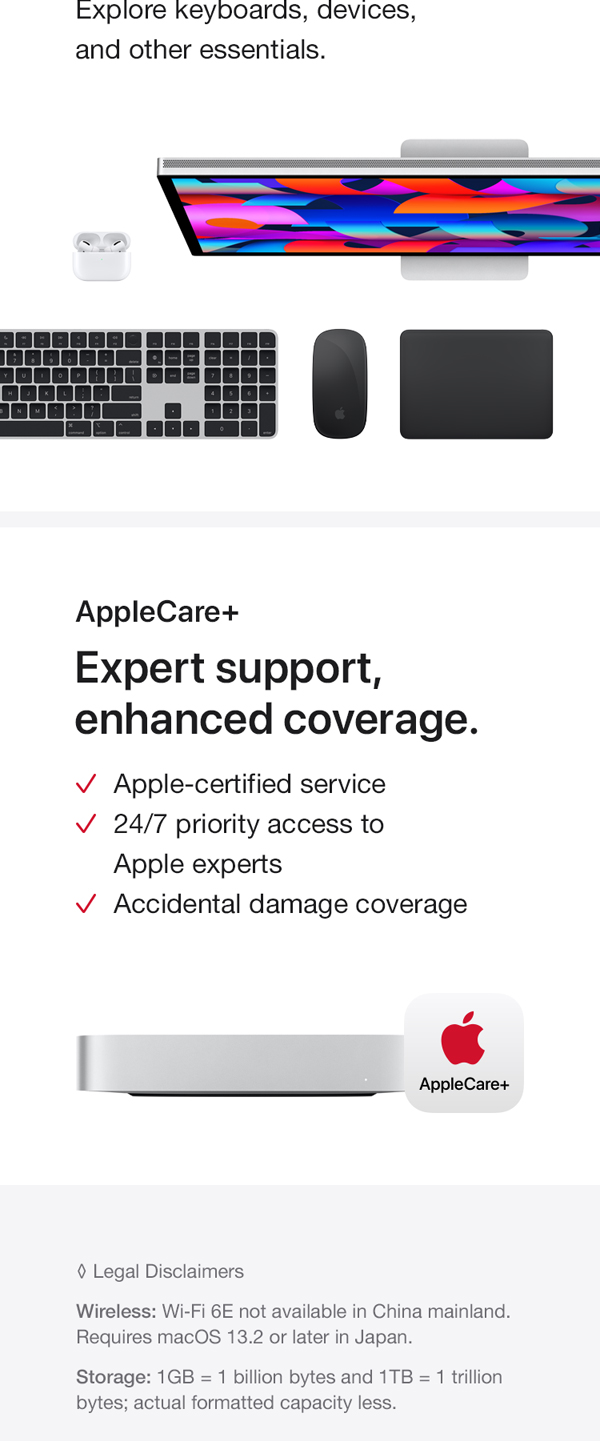
| ASIN | B0BSHFS6XX |
| Batteries | 1 Lithium Metal batteries required. (included) |
| Date First Available | January 17, 2023 |
| Item Weight | 2.82 pounds |
| Item model number | MNH73LL/A |
| Manufacturer | Apple |
| Product Dimensions | 7.76 x 7.76 x 1.41 inches |
W**S
OMG! Apple did it again.
I recently upgraded to the Mac mini, and I'm absolutely blown away by its performance and functionality. As an avid Apple user, I had high expectations, and this compact powerhouse exceeded them in every aspect. Let me share with you why it deserves all the praise it's been receiving. First off, let's talk about performance. The integration of Apple's M2 chip has taken the Mac mini to a whole new level. It's lightning-fast, handling even the most demanding tasks with ease. Whether I'm tackling intensive creative projects or juggling multiple applications simultaneously, the Mac mini delivers seamless performance without breaking a sweat. Beyond its impressive performance, the design of the Mac mini is sleek and elegant. It fits seamlessly into any workspace, occupying minimal space while still exuding sophistication. The attention to detail in its craftsmanship is evident, making it a pleasure to have on my desk. Connectivity options are another highlight of the Mac mini. With Thunderbolt 4 and USB 4 ports, I have lightning-fast data transfer speeds and a wide range of peripheral connections at my disposal. Whether I need to hook up multiple displays, external storage devices, or other accessories, the Mac mini offers unparalleled versatility. Finally, I appreciate Apple's dedication to sustainability with the eco-conscious design of the Mac mini. It's made with recyclable materials and energy-efficient components, reducing its environmental footprint. As someone who values sustainability, this aligns perfectly with my values. In terms of recommendations, I recommend an Apple keyboard (unless you have another high-class product) with this computer. It helps a lot for a good quality of typing. Also, beware that if you want to use it for programs requiring more graphic card power (such as data mining), M2 may not give you what you are looking for, or at least, you may need some upgrades to get the best out of it. In conclusion, the Mac mini is a true game-changer in the world of computing. Its exceptional performance, sleek design, extensive connectivity options, user-friendly interface, and commitment to sustainability make it a standout choice for professionals and tech enthusiasts alike. I wholeheartedly give it a solid five stars and highly recommend it to anyone in search of a remarkable computing experience.
T**.
Put my old iMac To Shame.
You never realize how slow and old your old iMac is until you get a new one a years later. My old iMac was getting to reach it's maximum storage limit and the startup and processing were slower. In came the new iMac (which I chose the most memory and storage space possible) and the start up and processor speed were waaay quocker than the old one. If you have a lot of USB cords for many devices which would normally connect to the iMac, I would strongly suggest getting a USB extension strip as there are only a few slots for such. I also purchased a stand to place my iMac vertically to save space and to have better access. My older iMac had a CD/DVD player in it -- the new one does not. The power button is now located next to all of the ports. They also have outlets for a microphone and corded headphone using the ⅞" male plug jacks. Apple puts out great computer products. If all you need to do is to replace the computer part of your setup (aka keeping your current separate monitors) for basic computing (not neccessarily full-blown gaming or web-designing) this is the Apple model to go with and is worth the price vs. Windows-based PCs.
A**.
Awesome Mac
Switched over from a windows laptop and if your like me and tired of the wacky and useless updates from windows that makes you trying to find your programs all over again because windows rearranged them then this Apple Mac mini is for you. It’s budget friendly and yet provides sooo much. I had been thinking of switching to Apple since I have an all other Apple devices and never complained about them. You will need a monitor but can pick up a non Apple monitor for $100 or less and pairs with wireless keyboard and mouse. Does not have to be all Apple devices to pair with Mac mini. I use Logitech and works flawless. Mac mini Turns on quickly and the operating system is amazing. I can run a bunch of programs and windows all at once and never slows down. Stays cool however this is more of a business use not a gaming use so I can’t really comment on how the graphic are. I do use a gaming monitor and picture is crystal clear and refresh rate is very good. Overall I’m and very very happy I got this Mac mini and would buy another one in the future but Apple can run for many years.
D**T
Great little computer
This little computer is perfect for the home office. I have both Mac PCs and Windows PCs. The Mac is always my go to PC. Not only is it easy to use. It also come with great software that will handle 90% of tasks that the average person needs; from common office tasks, media (audio, video, photo) processing and content creation without spending an extra dime on software. However, there are some tasks where a specific software is required and only available for Windows PCs. If that is the case, then the Mac Mini may not be what you want. The Mac Mini stood out for me based on its low price and small foot print. I traveled with a Macbook Pro but for the home, I need a bigger screen (mine is connected to a 34", 4K LG monitor) and so the Mac Mini is the perfect choice balancing price and performance. I chose the cheapest Mac Mini as it suits my needs. If your need required more processing power/RAM/storage; there are several options that you can choose in the Mac Mini line. They have enough ports to connect to 2 monitors, USB drives/webcam. If you don't already have a bluetooth keyboard and mouse, you will need to add them to the system price. Please note that the amount of RAM and storage can't be upgraded by the end user, especially the RAM upgrade. Storage limitation is easier to fix. You can add a high capacity external HD/SSD based on your needs and financial situation. I hope this little bit of advise is helpful.
Trustpilot
1 month ago
2 weeks ago