🎥 Elevate your creative command center — control, customize, conquer!
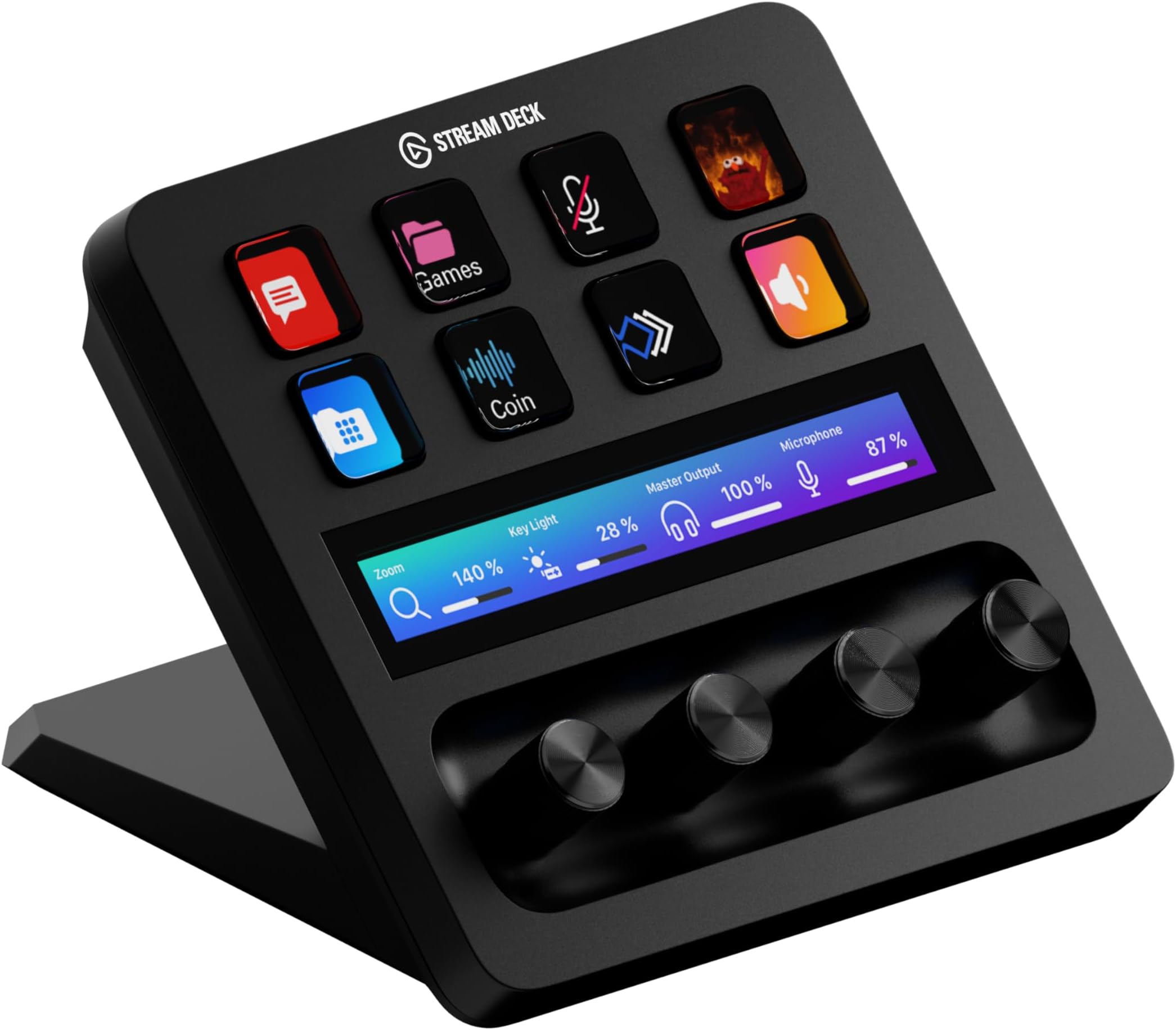
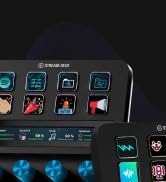
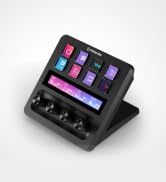
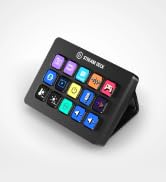
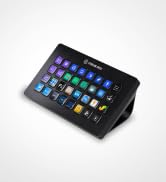
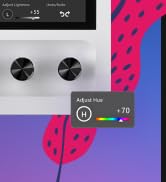
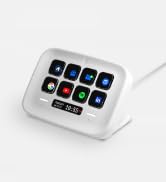
The Elgato Stream Deck+ is a premium, fully customizable production console featuring 8 LCD keys, a touch strip, and rotary dials designed for content creators and professionals. Compatible with Mac and PC, it integrates seamlessly with popular streaming and editing software, enabling multi-action automation and smart profiles to optimize workflow efficiency. Its tactile controls and sleek design make it an essential tool for streamers, video editors, and studio producers seeking precision and speed.


| ASIN | B0BJL8SJ59 |
| Batteries | 1 Lithium Ion batteries required. |
| Colour | Black |
| Compatible Devices | Laptop, PC |
| Customer Reviews | 4.5 4.5 out of 5 stars (4,008) |
| Date First Available | 15 Nov. 2022 |
| Item Weight | 470 g |
| Item model number | 20GBD9901 |
| Material Type | Gummi, Kunststoff |
| Number of Keyboard Keys | 8 |
| Operating System | Windows 10 |
| Power Source | Corded Electric |
| Product Dimensions | 13.8 x 14 x 11 cm; 470 g |
| Size | Stream Deck + |
| Voltage | 1 Volts |
K**N
Top Quality
The Elgato Stream Deck + in White is an absolute upgrade for anyone who wants more intuitive control over their workflow. The build quality is top-notch as always solid, premium, and the white finish looks stunning on a clean desk setup. The combination of customizable buttons, touch strip, and rotary dials makes it incredibly versatile. Assigning actions is super easy through the Elgato software, and the dials are surprisingly useful for adjusting volume, switching scenes, or controlling lighting with real-time precision. Everything feels smooth and responsive. What I really appreciate is how well it integrates with OBS, audio mixers, and productivity apps. Whether you're streaming, video editing, or just want quick shortcuts for daily tasks, it adds genuine efficiency. A bit pricey, yes but you can feel where the money goes. If you want both functionality and aesthetics, this is one of the best tools you can put on your desk. Highly recommended.
J**T
Really great tool, helped speed up my workflow. It feels robust and easy to setup!
Benefits for Video Editing: Efficiency: Video editors can dramatically speed up their workflow by assigning common tasks to the Stream Deck+ buttons and dials, cutting down the time spent navigating menus or remembering keyboard shortcuts. Tactile Feedback: The physical buttons and dials provide a satisfying tactile experience that keyboard shortcuts lack. This allows editors to focus more on their project and less on hunting for commands or settings. Multi-functionality: The ability to customize each key and dial for specific software allows editors to create highly specialized setups, saving time and ensuring that all necessary tools are readily available. Enhanced Focus: By centralizing control on a single device, editors can maintain focus on the creative aspects of video production without being distracted by software navigation. Conclusion: The Elgato Stream Deck+ is a valuable asset for video editors, offering a high degree of customization and control. Its integration with popular editing software, combined with its tactile input options, makes it a powerful tool to enhance workflow, save time, and improve precision in editing tasks. Whether you're an amateur or a professional, the Stream Deck+ can significantly elevate your editing efficiency and creativity.
A**O
A beautifully engineered, well made product
A beautifully engineered product. The rotary encoders are solid and precise and the touchscreen works very well. To really get the best out of the Streamdeck range, you should augment Elgato's own software with the free open source Bitfocus Companion product. This adds enormous power and flexibility to these products and overcomes many of the issues that others have reported. It works alongside Elgato's own software and allows you to do amazing things like define separate actions for rotating the encoders left or right, provides feedback so that the button states always reflect the active state on the controlled device, and many other things, including live VU meters back from a Yamaha mixing desk.
I**E
Really useful just for PC usage
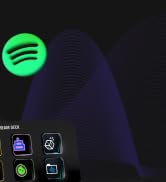
I don’t really use this for software like photoshop etc. But I do have several profiles and find it to be very useful for average computing tasks. So far I use it for spotify, to change vol, song, pause etc. Discord, to mute, deafen, and change vol of specific people with especially erratic microphone volumes. Some video games like MMOs to swap class at the touch of a button. And to change my own microphone on the fly. All these basic things that may require an alt tab or fiddling with an application. It streamlines the process of using other programs. Its not really affordable and definitely a luxury item, for what it does it could be much cheaper. However it is a very beautiful and sturdy piece of machine, and also has a vast amount of readily made plugins and support which make it reliable. These things make it worth it in my opinion over something much cheaper. The small screens make it seem so much more refined. I was debating going for the XL with all the buttons but I’m glad i went for this, the dials are very useful and since you can make endless profiles, you can in theory have endless buttons macroed and its not nearly as large. You’d simply see more on the XL. But you have swipe features on the dial version which makes it even easier to use.
I**U
Great add on for VR Flight Sim
Had this a few months and use it mainly in Flight Sim 2024. I was a little sceptical regarding the limited number of buttons and would I use the knobs? Both proved to be groundless concerns. You do need to plan your screens to maximise efficiently, but, that probably is a good thing, as the end result will be better. The knobs have been very useful in VR to move around the cockpit - left -right, closer - further and up and down. The ability to click on the knob(s) provides me with a quick method to recentre my view in VR. The lower display is a good aid to memory and again within the flight sim I have a knob set to scroll thru the cockpit panels and as I do so the panel number appears on the screen. Essential? No, but nice touch. Oh, and talking of nice touches the wallpaper feature ( if you pick the right image, I would suggest an abstract ) is cool. So for myself its been good but your milage may vary.
L**Z
Perfect for any gamer
Bought as a present for my partner and he loves it, he has found it extremely easy to set up and use. It has great customisability and works greta either way his pc set up
G**R
Really well made and useful product
A great piece of equipment for controlling many things on my PC or Mac. Not just for stream controls but great for productivity and even smart home controls like Home Assistant.
W**.
This thing slams. It really reflects the learned experience of the first gen stream decks, with the kinds of things people wanted to do with them, and what other types of input (beyond just buttons with dynamic labels) could better support those functions. Even with fewer buttons, this can do way more than your classic 15 button stream deck, and it does it more efficiently. Take the example of media controls. Previously you'd need buttons for play/pause, back, forward, volume up, volume down, mute/unmute. Now you need *zero* buttons -- you have a knob for volume (a way better experience than buttons), which you can push in to mute/unmute, and you have another knob for back/forward, which can be pushed to play/pause. And on top of that you have the display above each button, which is more spacious than a button for showing information, and can be touch-tapped for an extra function. Another thing I used my class stream deck for was to start timers. But it could only count up. On this, the time and date display (something a single touch zone is spacious enough to accommodate all at once) doubles as a count-down timer, if you turn the knob under it. That's another several buttons from my old stream deck layout replaced by one thing that takes up zero buttons. Also it's not for nothing that you can navigate between pages by swiping, which avoids the need for the forward and back buttons. 2 more buttons you don't need! The Stream Deck at its core is really about UI efficiency, and this takes that to another level.
D**P
Llegó muy rápido, fue vendido por un externo (VENTROTEC). Grabé incluso video de la apertura de la bolsa para evitar problemas con relación al producto, pero fue el correcto, nuevo y al 100. Llevo un par de semanas de uso y ha mejorado la parte de mis clases (cambié de un streamdeck de 15 botones), pues me permite tener los botones que más ocupo, a mejor disposición, más grandes, con knobs específicos para mi micrófono y mis lámparas, lo que me permite encender todo y cambiar rápidamente (aún no lo uso con XLR diferentes al Wave, para probar la fusión con otra interfaz).
D**R
Das Elgato Stream Deck+ ist eine echte Bereicherung für jeden, der regelmäßig streamt, Videos produziert oder mit kreativen Tools arbeitet. Die Kombination aus individuell belegbaren LCD-Tasten, Touch-Display und Drehreglern eröffnet deutlich mehr Möglichkeiten als klassische Shortcut-Controller. Besonders die Drehregler sind im Alltag extrem praktisch – etwa zur Lautstärkeregelung einzelner Audiokanäle oder für präzise Einstellungen in Programmen wie OBS oder der Adobe Creative Suite. Die Verarbeitung ist hochwertig, das Gerät wirkt robust und steht stabil auf dem Schreibtisch. Die Einrichtung ist dank der übersichtlichen Software unkompliziert und die Integration vieler gängiger Anwendungen funktioniert reibungslos. Insgesamt ein durchdachtes, vielseitiges Tool mit echtem Mehrwert im Workflow.
A**E
This has been one of my best purchase in 2025, I bought this primarily for my MSFS and have enjoyed using it too for other apps. Fully customizable buttons, touchscreen and dials a must have for productivity and gaming enthusiasts.
B**D
Ett mycket uppskattat komplement till mina övriga Stream Deck's! Jag gillar att jag kan styra ljud ut och in i min dator på ett enkelt sätt. Jag överväger att köpa ett till! Det är ett väldigt smidigt och bra komplement till min mixer när jag digitaliserar mina gamla VHS-videos och lägger på ljud och en speakerröst. Att det har många möjligheter till att underlätta mitt arbete, vid datorn, är suveränt. De programmerbara tangenterna är bara så fantastiskt bra. Det var ett bra val för att jag använder det dagligen till andra saker också. Det är ett av mina bästa inköp!
Trustpilot
2 weeks ago
3 weeks ago