


Buy anything from 5,000+ international stores. One checkout price. No surprise fees. Join 2M+ shoppers on Desertcart.
Desertcart purchases this item on your behalf and handles shipping, customs, and support to France.
🖋️ Power your productivity with precision and style—because your ideas deserve the best.
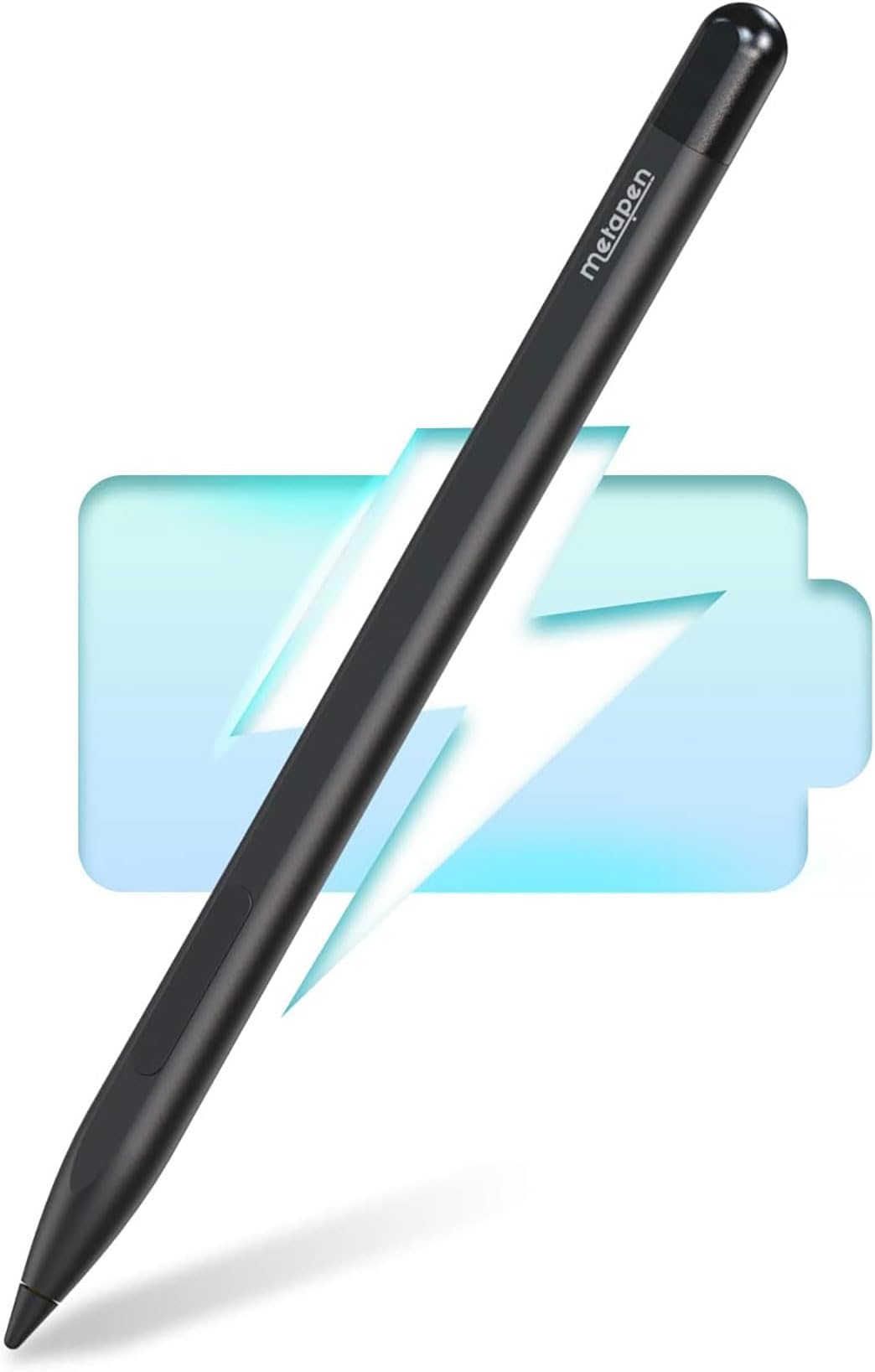
The Metapen Stylus Pen M1 is a high-performance digital pen designed for Microsoft Surface and select other devices, featuring rapid 40-minute Type-C charging, an impressive 75-day standby battery life, and 1024 levels of pressure sensitivity. Its advanced cone-shaped tip and ergonomic aluminum body ensure smooth, precise writing and drawing, while palm rejection and strong magnetic attachment enhance usability. Ideal for professionals, students, and creators seeking a reliable, stylish, and long-lasting stylus.


| ASIN | B0B1CS1XK2 |
| Are Batteries Included | Yes |
| Are Batteries Required | Yes |
| Battery Average Life Standby | 300 Hours |
| Battery Description | Lithium-Ion Polymer, Lithium-Ion |
| Best Sellers Rank | #2,008 in Cell Phones & Accessories ( See Top 100 in Cell Phones & Accessories ) #43 in Styluses |
| Brand | metapen |
| Charging Time | 40 minutes |
| Color | Classic Black |
| Compatible Devices | Tablets, Laptops |
| Compatible Tablet Computer Models | HP 7 Plus, HP Pro 8, Kobo Elipsa 2E, Kobo Libra Colour, Kobo Sage, Microsoft Surface 3, Microsoft Surface Duo, Microsoft Surface Go, Microsoft Surface Pro 11, Microsoft Surface Pro 3, Microsoft Surface Pro 8, Sony Tablet S |
| Customer Reviews | 4.4 out of 5 stars 5,563 Reviews |
| Enclosure Material | Aluminum |
| Item Weight | 12 Grams |
| Manufacturer | metapen |
| Material | Aluminum |
| Mfr Part Number | ME-MPP712 |
| Minimum Required Operating System Version | Windows 10 |
| Model Number | ME-MPP712 |
| Number of Batteries | 1 Lithium Metal batteries required. (included) |
| Pressure Sensitivity | 1024 Levels |
| Unit Count | 1.0 Count |
O**A
Works but slips off the holder easy.
Overall great stylus for my Surface. The main difference is the eraser which requires you to press the side button as opposed to using the other end (like the original pen). The stylus is a bit thin for the Surface cover I use and easily falls off in my backpack after a short walk. I suggest getting a padding sleeve (the ones for writing) or wrap some tape around it to make it a bit thicker.
S**E
Affordable and Responsive Stylus That Works Great with Surface Pro
I picked up the Metapen Stylus Pen M1 to use with my Microsoft Surface Pro, and it’s been a pleasant surprise! The pen feels comfortable in my hand and offers smooth, precise writing and drawing. The pressure sensitivity is decent for the price, making it great for note-taking, sketching, and general navigation. It pairs easily with the Surface Pro without any lag or connectivity issues. While it doesn’t have all the premium features of the official Surface Pen, this stylus offers fantastic value and gets the job done well. If you want a budget-friendly alternative that still performs, I’d recommend giving this one a try!
W**H
Works great with my Microsoft Surface Duo 1
This works great with my Surface Duo 1-an obsolete device that I am having a hard time giving up. Only a fraction of the cost of the Surface Slim pen from Microsoft. As responsive and functional as the original pen that i got with Surface Duo. Would have been 5 stars had it been magnetic enough to attach firmly to the Surface Duo device.
S**S
Great stylus for a Surface tablet
This was only my second stylus after having my first work for almost 6 years. Charging is quick and the pen is so light. I have charged it once and still going. It writes great and connected immediately.
I**N
Perfect quality product
Works perfect. Fits my needs for the surface pro 4 1724. Slick apperance and touch sensitive
M**S
Nice Pen for Price
I loved that it instantly connected to my Kobo. Battery life is very long. I only wish the buttons were a little higher for how I grip a pencil. Highlights and writes seamlessly.
C**E
Highly recommend the Metapen for Kobo Libre devices!
I’ve been using it for a few weeks and very pleased with the MetaPens performance. There’s been no hiccups or glitching happening either. I would highly recommend this stylus especially for a Kobo Libre. Performance is great!
S**A
Unfortunately Very bad..
I bought the pen after reading reviews, people claim this pen to be great for its price and performance, and It is written that it is compatible with surface pro 11, but the performance it shows on my surface is disgusting. I work with pdf books - if you want to annotate anything on pdf you will struggle with lagging of the pen, it leaves a lot of blank spaces. The pen even made me doubt in my choice of the tablet ,so I started searching for a tablet Apple can offer, but working with a pen on my daughter's iPad 10th gen I understood that the problem isn't a tablet, the problem is in pen 🤦🏻♀️ I even did a re search about the programs that would increase the performance of the pen, as a result all my pdfs are being opened by onenote, but still the pen continues lagging. I even changed the top of the pen, but nothing worked. Now I ordered the Metapen M2 hoping that maybe the problem is the difference in pressure. The only reason I gave 1 star - the pen has good exterior design and it is black.
Trustpilot
1 month ago
1 month ago