🔑 Unlock the Future of Security!
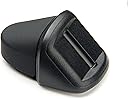
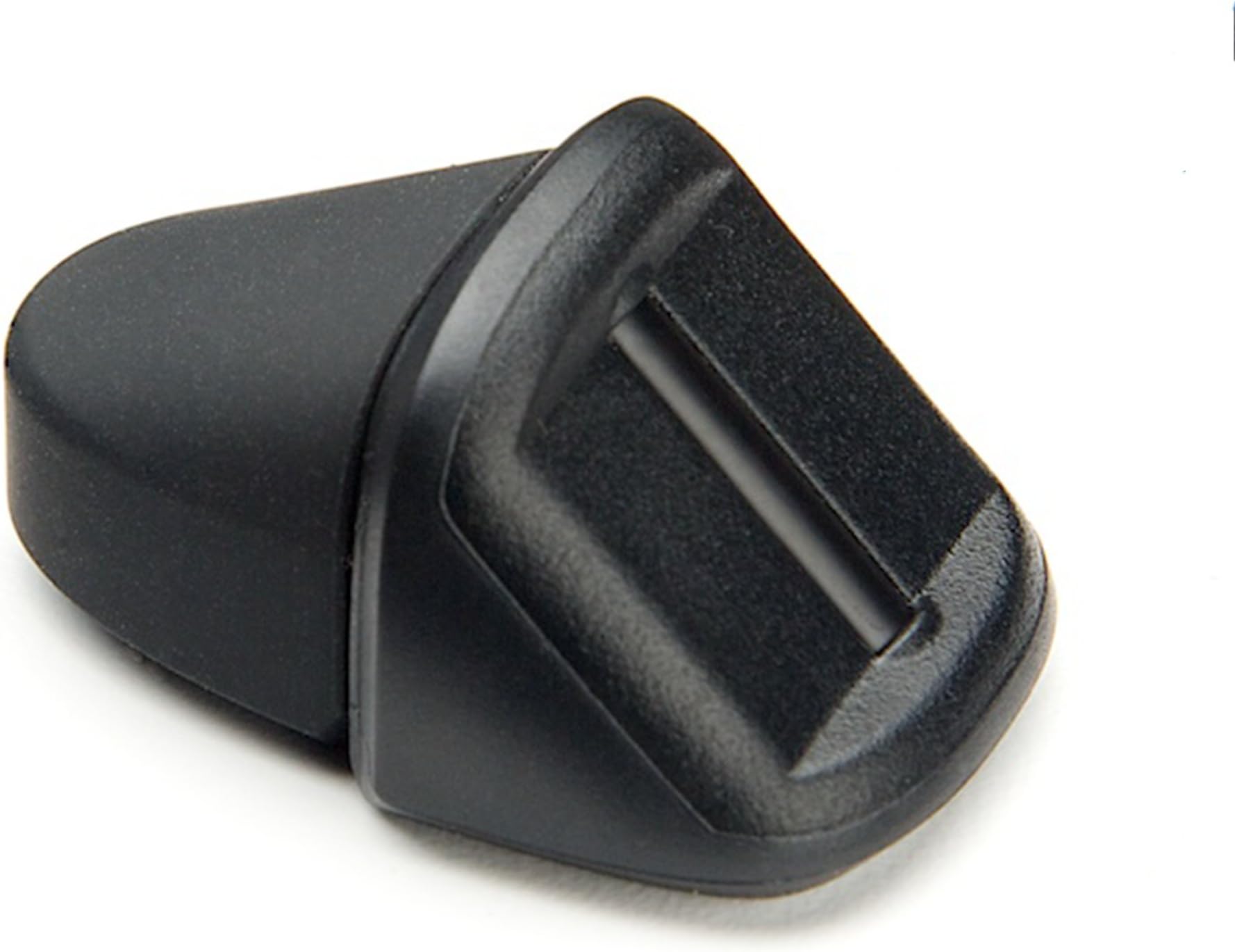
The BIO-key SideSwipe Fingerprint Reader is a compact and durable device that eliminates the need for passwords on Windows 7, 8.1, and 10. It features native support for Windows Hello, ensuring secure authentication for apps and websites. With the purchase, users receive a complimentary download of the OmniPass Consumer Online Password Vault, enhancing their online security. Ideal for both personal and enterprise use, this fingerprint reader is designed for professionals seeking convenience and security.
| ASIN | B01L7Y57VE |
| Best Sellers Rank | #725 in Security & Surveillance Biometrics |
| Customer Reviews | 3.4 3.4 out of 5 stars (40) |
| Date First Available | August 29, 2016 |
| Is Discontinued By Manufacturer | No |
| Item Weight | 0.798 ounces |
| Item model number | HW-3000TRI3 |
| Manufacturer | BIO-key |
| Product Dimensions | 5.5 x 3 x 1 inches |
K**H
Better than expected
I've been using this product for about 5 months so far. It works better than I expected. The laptop I had been using didn't have a native fingerprint reader so I gave this a shot. It reads my fingerprint 99% of the time, backwards and forward. I began using the Dell Latitude 7490 laptops at work which have the built in reader and the native reader only works 50% of the time. The only thing I didn't like at first with this unit was it was a bit bulky looking. One of my laptops has the USB ports lined up right next to each other along with the ethernet port and this is a snug, but usable, fit. I have not used the software that comes available to download.
D**N
If you're running Win 11, don't throw the packaging away. May be needed to return it.
Windows 11Pro, version 25H2: After about 90 minutes of trouble shooting, online tutorials, time spent using command prompts, reviewing Windows services, device manager settings and other things, no joy. Windows still doesn't recognize the device, doesn't show it in device manager. Note that in my version of Windows at least, Biometrics is a hidden setting in device manager. To see it, go to device manager, click on View, scroll down and check 'Show Hidden Devices'. I've tried plugging it directly into a USB port my computer and a USB hub. I'm going to try a few other things but all I can think of are people that will never trouble shoot and wind up returning it. I'm close to that point now but stubborn enough to think I can find a solution. I also carefully followed a trouble shooting guide from BIO-key's website, downloaded their software - among other things. This was intended to replace a Kensington model K64704WW. Just for grins, I uninstalled the Kensington's driver in device manager, restarted Windows, reinserted the reader. It immediately and automatically downloaded and installed the WHQL driver from Windows update.100% painless and fast. The way it should be. I'm only replacing the Kensington now due to the sensor starting to fail after almost 6 years and countless thousands of uses. It still works but intermittently. The advertising for the BIO-key doesn't explicitly state that it's compatible with Windows 11 but BIO-key's website says that it is and provides software for 11. It may be that there are unresolved compatibility issues with Win 11. I guess. Every Windows installation is a bit different so it could also be that security software and/or other settings are preventing my machine from seeing it. I'll update if I find a solution.
T**N
Compact and reliable!
Pros: Compact, reliable, and works with Windows 10 Hello. Far more reliable than the touch version of the same product BIO-key SideTouch Compact Enterprise Level USB Fingerprint Reader for Windows Hello Biometric Sign-in . Cons: High price, and somewhat bulky looking on ultraslim laptops Other thoughts: If you want a fingerprint scanner that will work with restrictive EAS security policies that prevent use of Windows Hello/Login, then try Thumbprint Security USB Reader which maintains its own authentication mechanism.
D**H
High quality, works reliably.
Quality is great, much better than another one I purchased for $25 off Amazon. Works perfectly with Windows Hello. Compatible with RoboForm and enpass. It recognizes my fingerprint on the first try every time.
M**E
Not quite sure
Debated giving this two or less stars, but I'm not sure where the problem lies just yet. Managed to get it working for logon from a locked desktop, but cannot get it to logon after boot. I will keep digging and adjust my rating accordingly.
R**E
was told I could access all my passwords with this ...
was told I could access all my passwords with this,, It doesn't do that,, All this does is secures your computer so only you can turn it on,, Well ,my computer is always on, so really, This is junk.. DONT BUY
A**N
Causes blue screen of death on one computer, works perfectly one my other computer.
One one of my computers, I was unable to get the driver software to install and never got it working in Windows 10. In fact, plugging it into a USB port caused a blue screen of death making the computer crash and reboot. On my HP Specter x360 laptop computer with Windows 10 , this device worked essentially perfectly and almost always logged me on in one swipe of my finger. So, 1 star on one computer, 5 starts on the other computer. So, I bought two of them, but only one is useful.
M**N
Good product
I expected to receive the sideswipe version shown in the picture, but received the non-swipe type. I had never used the non-swipe type, but it works very well and I am satisfied with its performance.
Trustpilot
5 days ago
1 month ago