Desertcart purchases this item on your behalf and handles shipping, customs, and support to France.
🎛️ Elevate your creative flow—never miss a beat with TourBox NEO!
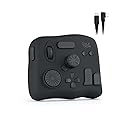
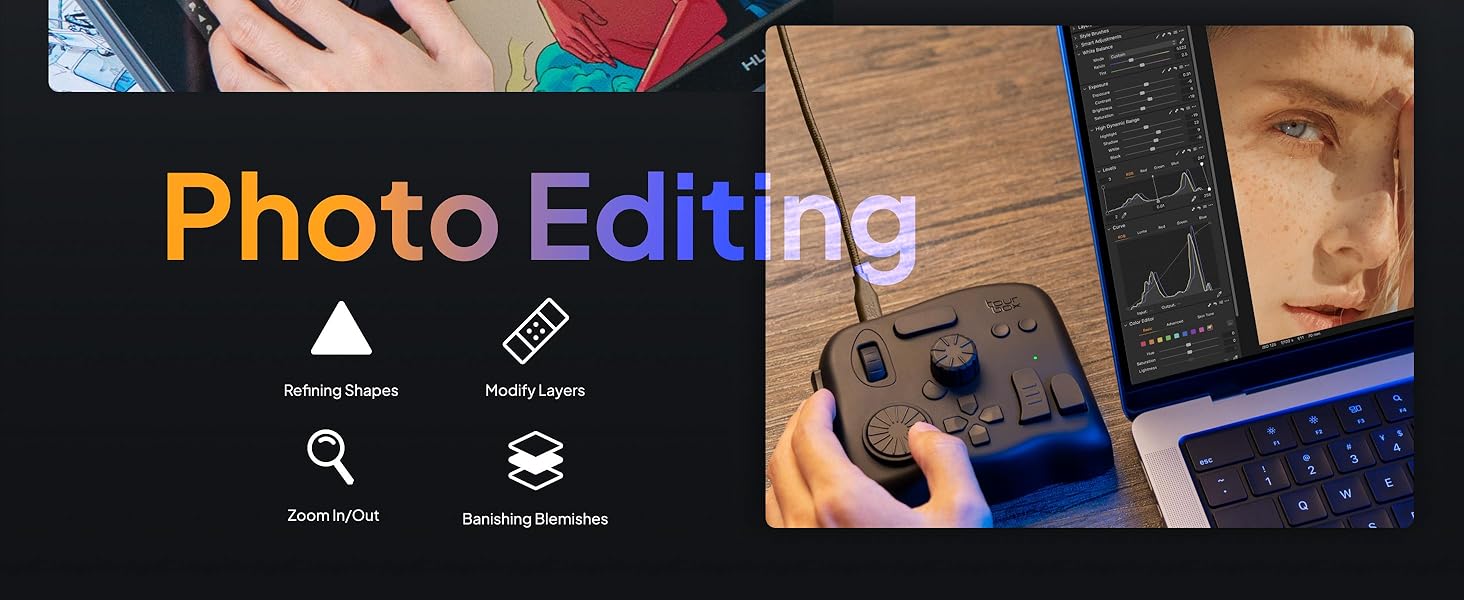
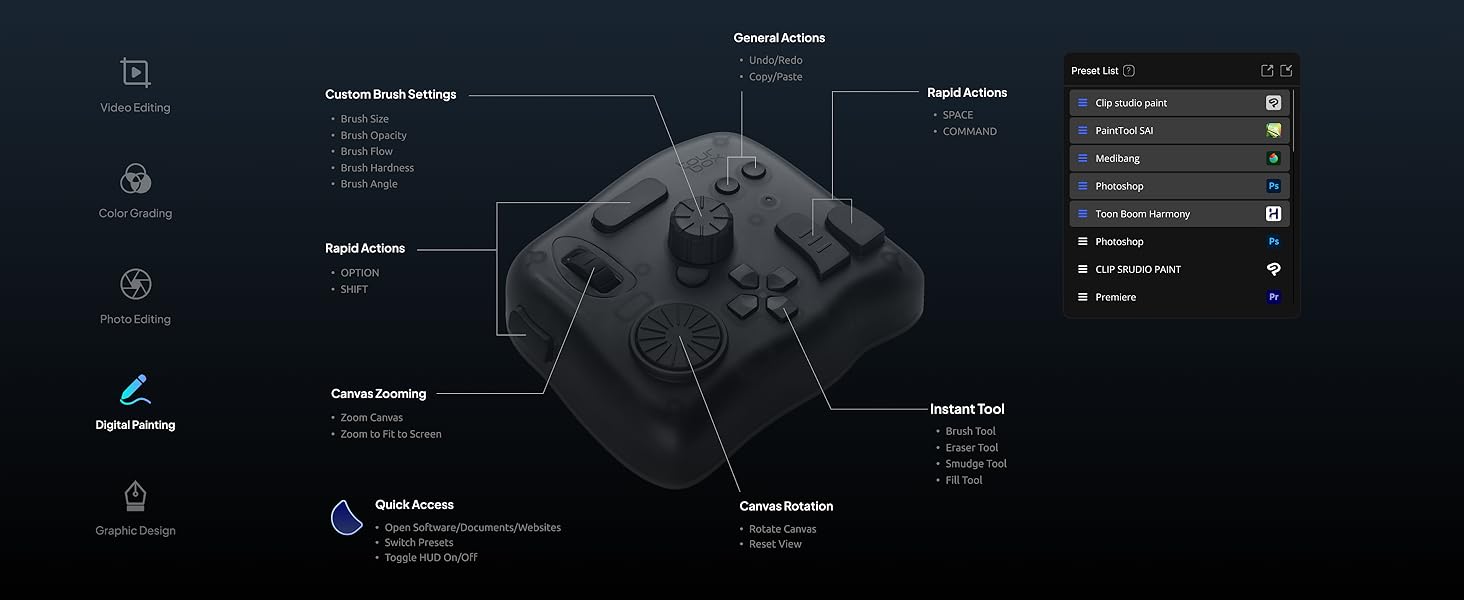
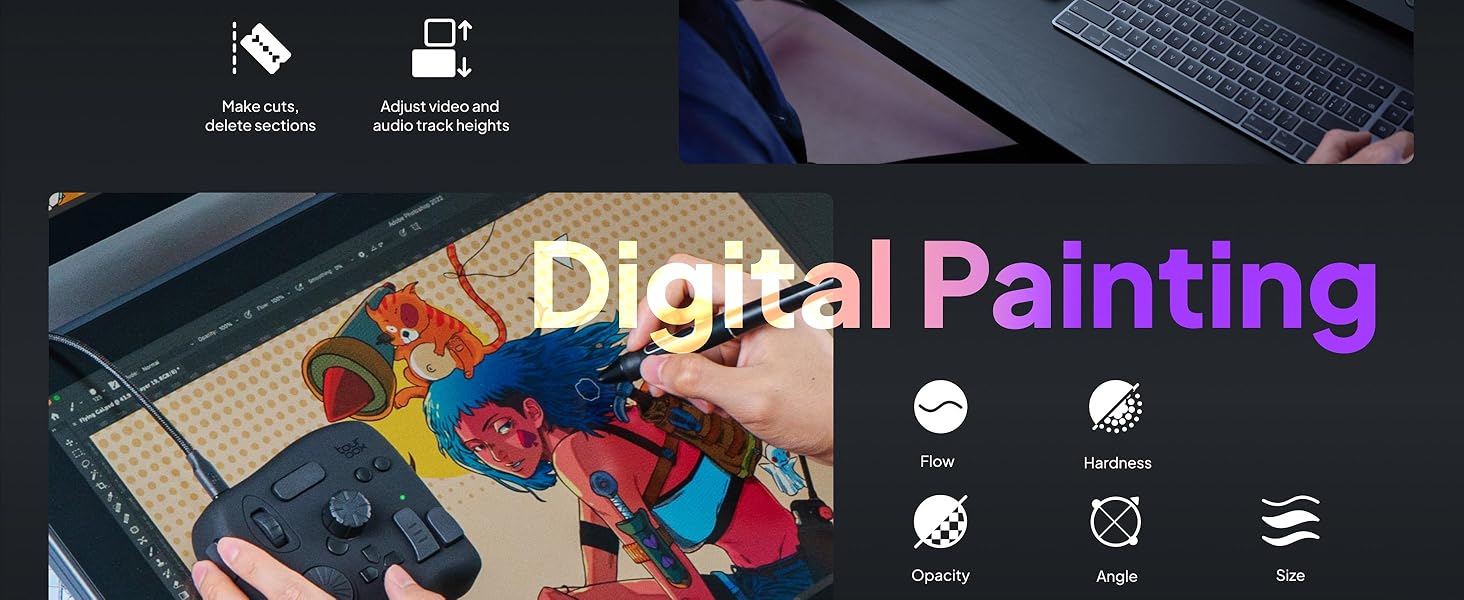
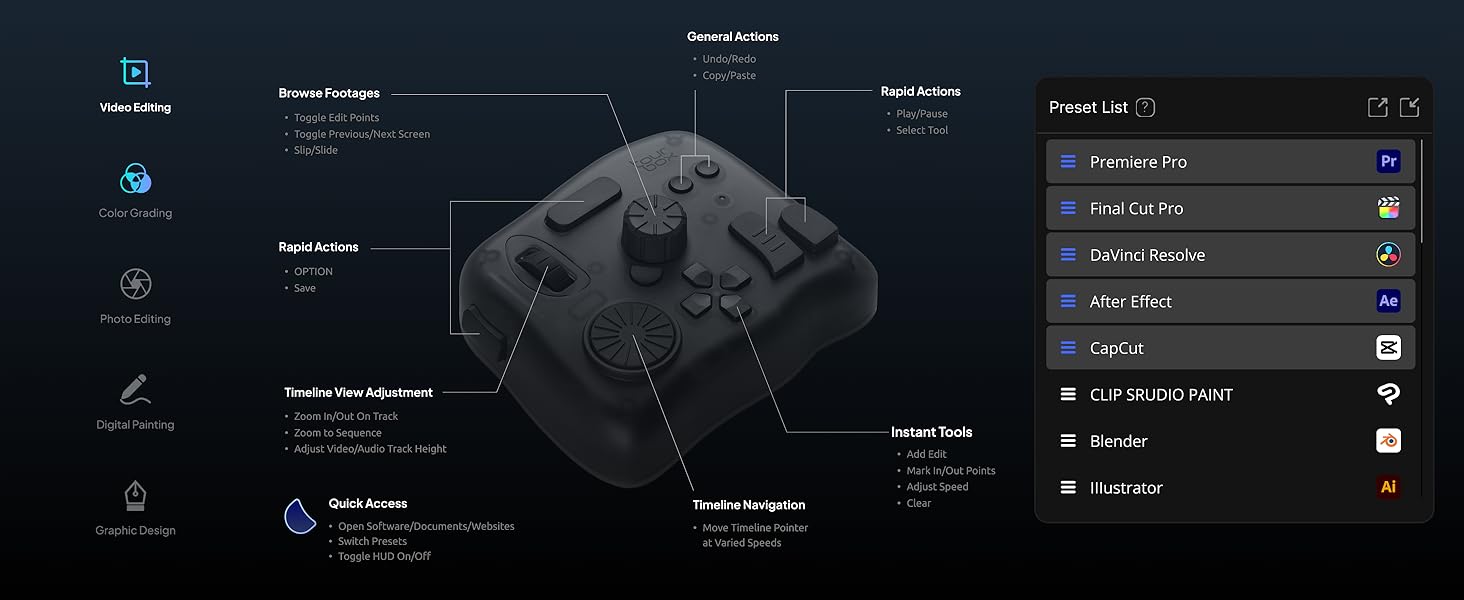
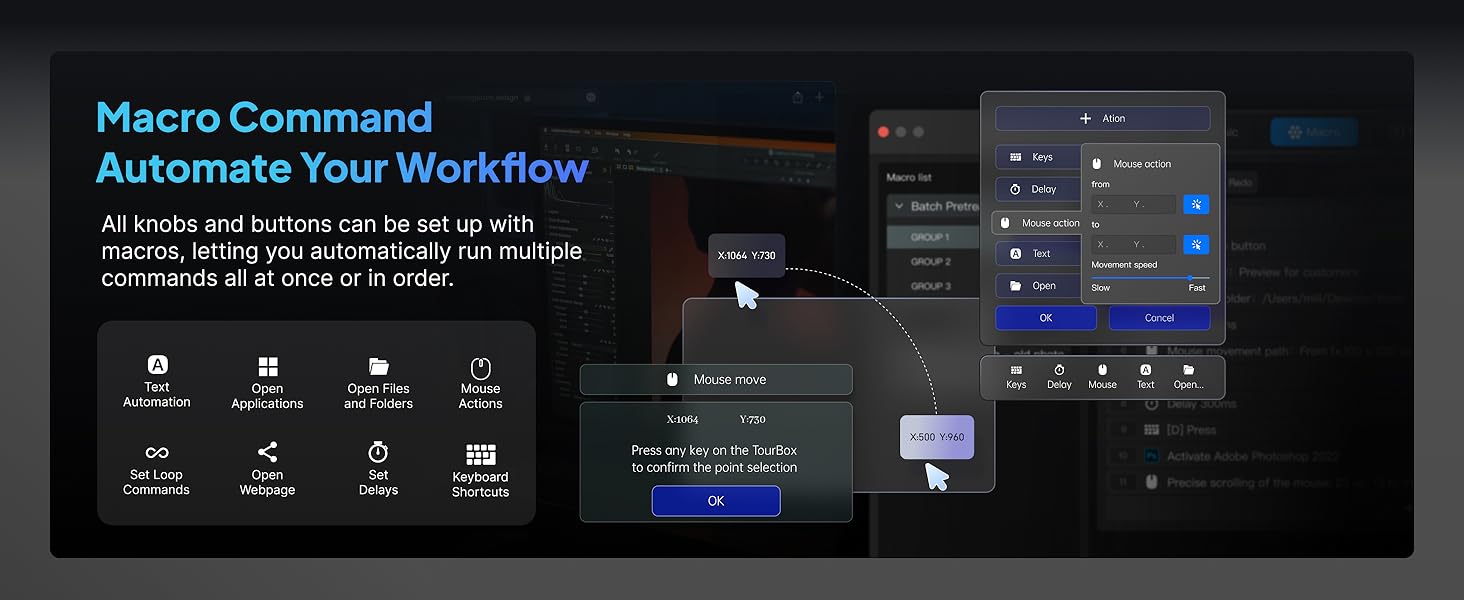
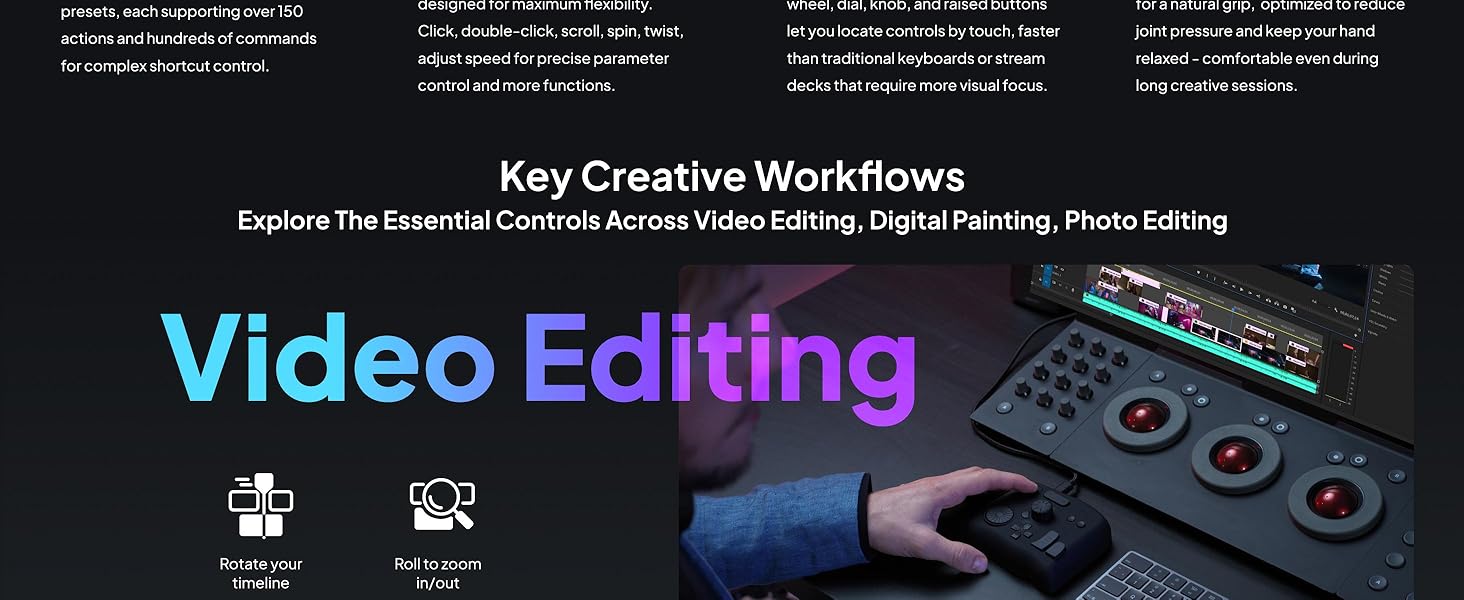
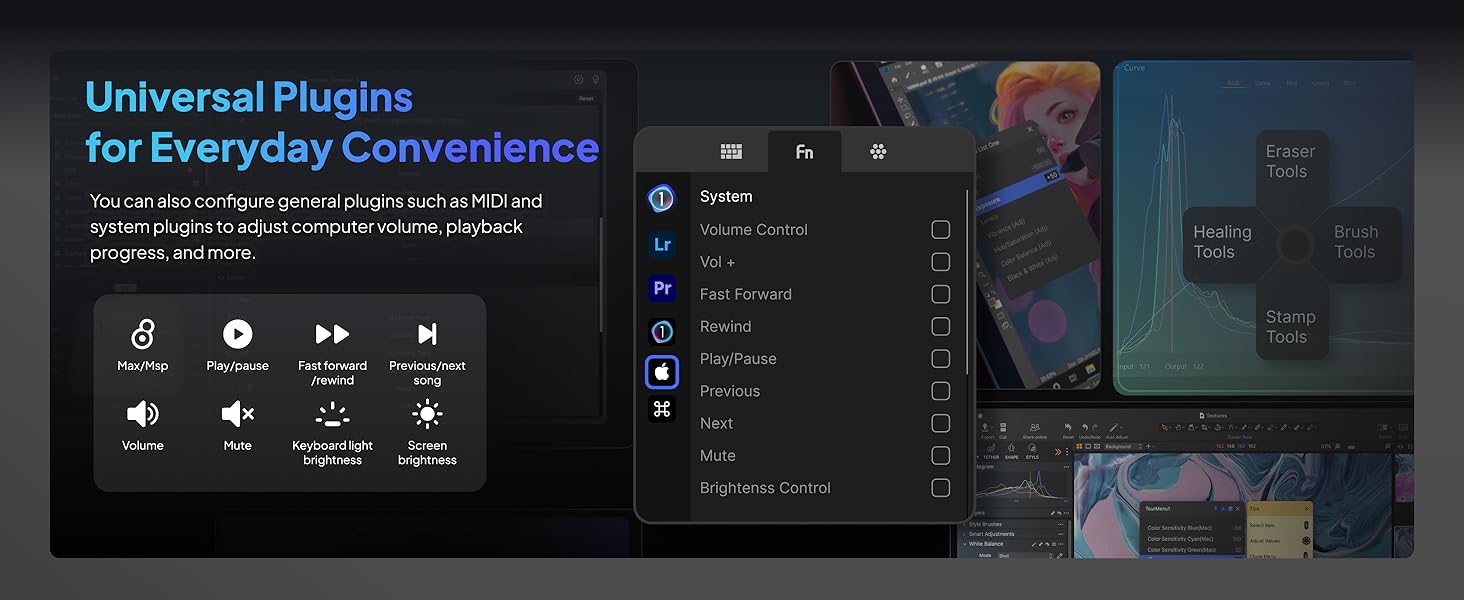
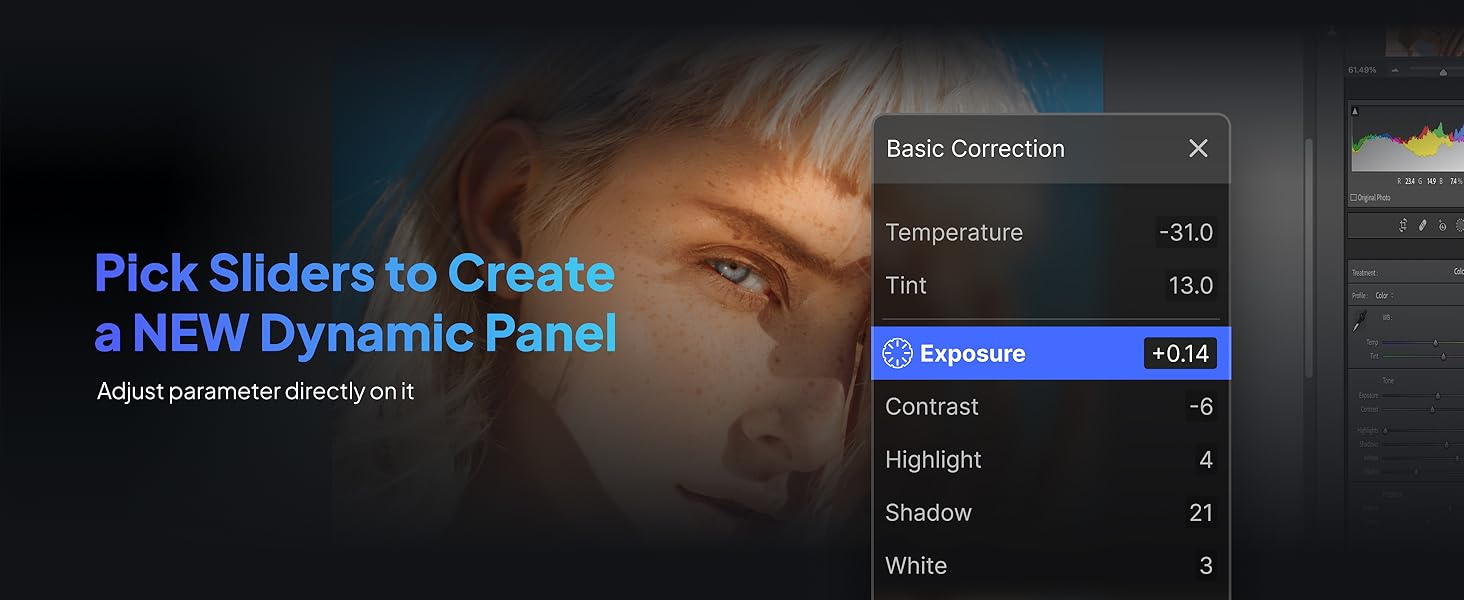
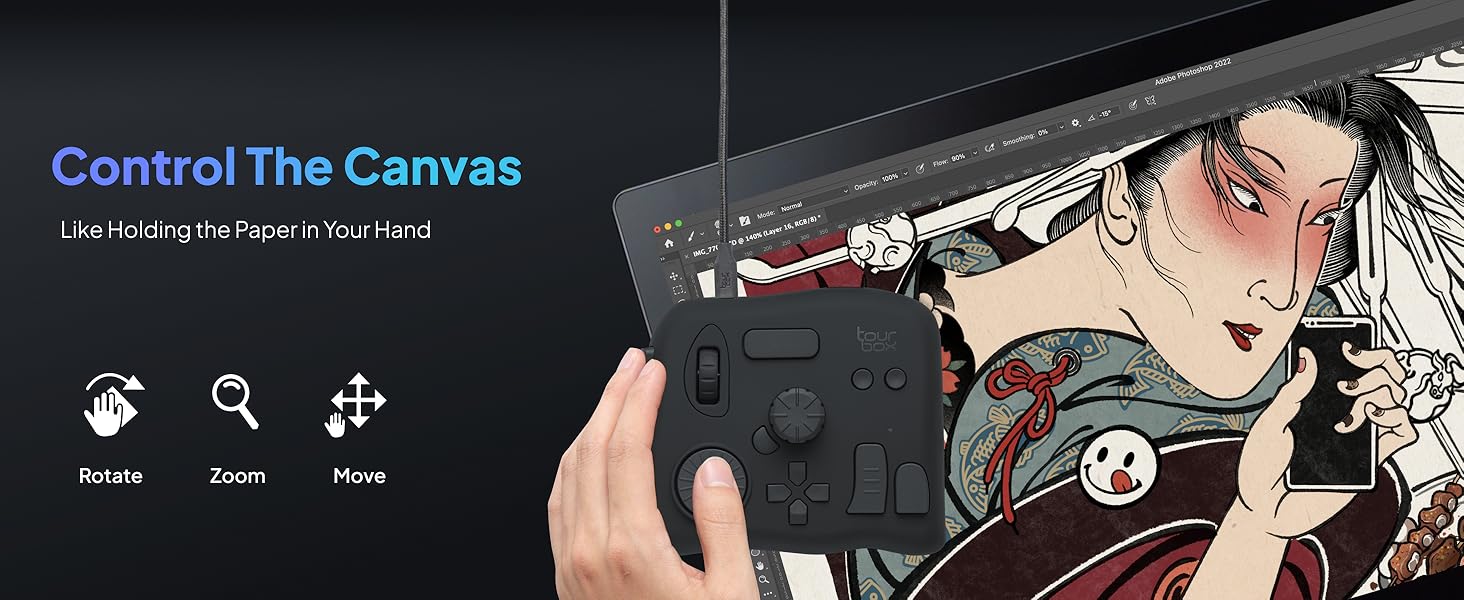
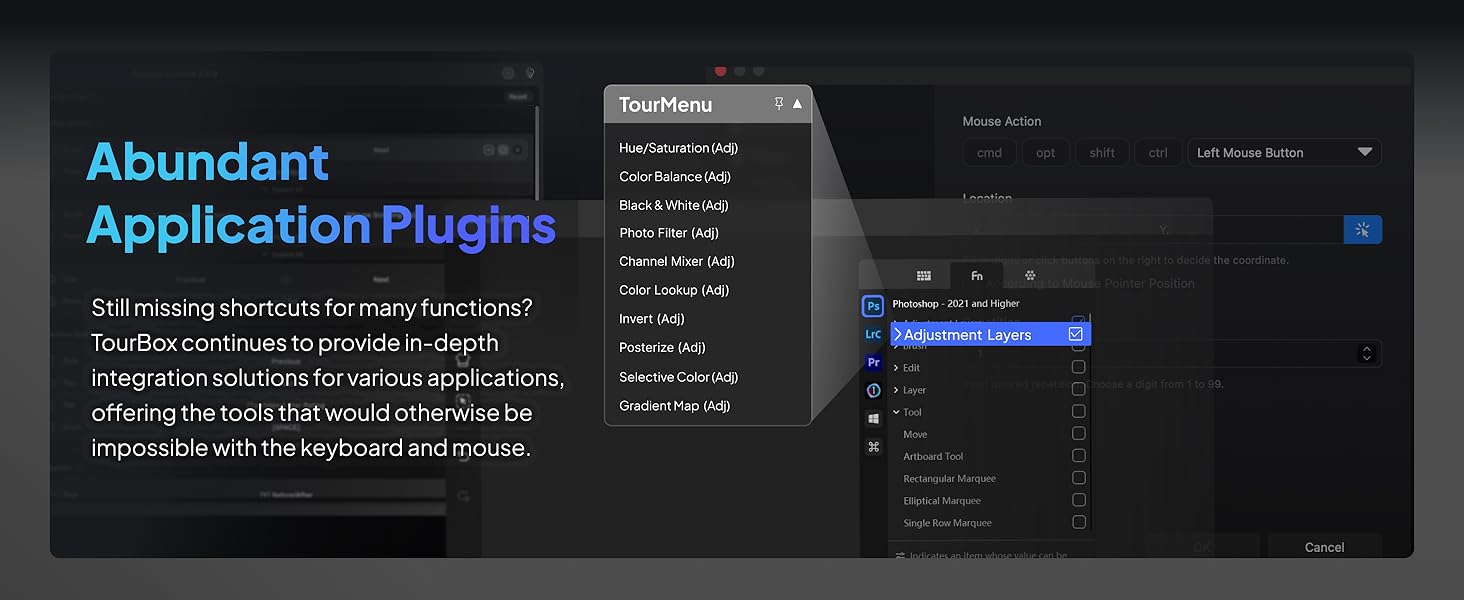
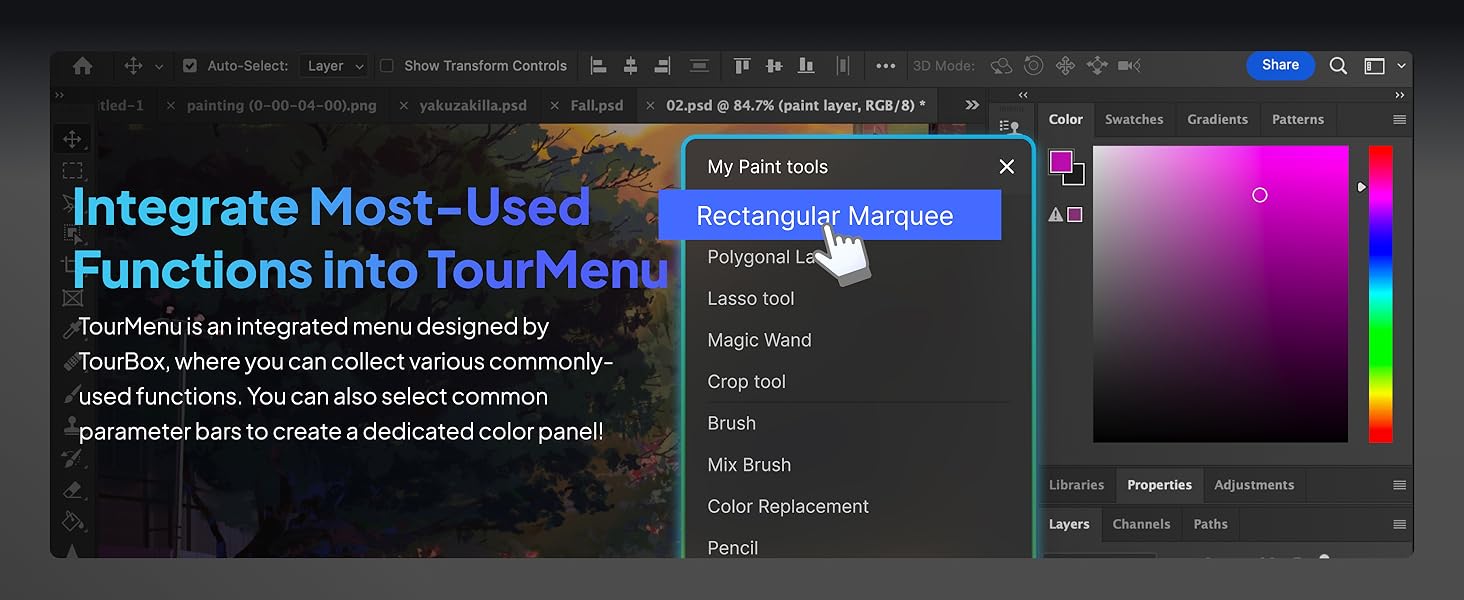
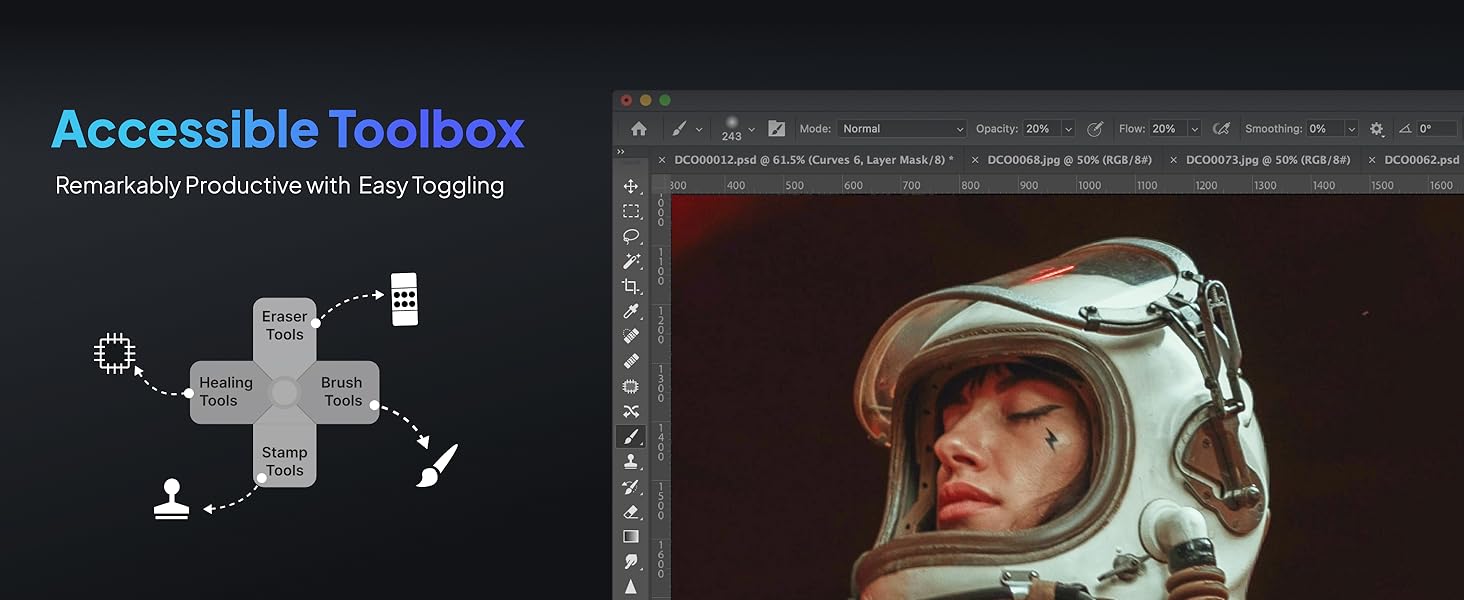
The TourBox NEO is a wired, zero-latency editing controller designed for professional and aspiring creatives. Compatible with macOS and Windows, it offers over 150 programmable commands and native macro support to accelerate workflows in photo editing, illustration, and video production. Its ergonomic design and intuitive controls provide seamless one-handed operation, making it an essential tool for boosting productivity in Adobe CSP, Final Cut Pro, Premiere Pro, and more.


| ASIN | B08HCV1JGB |
| Active Surface Area | The combined area of buttons, dials, scroll wheels, knobs, and function buttons |
| Additional Features | Full customization of complex shortcuts, Native integration & macro support, Over 150 actions & hundreds of commands in 1 preset, Upgrade to a 14-key bigger ergonomic layout, Windows & macOS compatible (USB-C) |
| Best Sellers Rank | #468 in Computer Keyboards |
| Brand | TOUR BOX |
| Built-In Media | Quick Start Guide, TourBox NEO (Device), TourBoxConsole Software, USB Cable |
| Color | Device Only |
| Compatible Devices | Desktop, Laptop, Mac, PC, Win Tablet |
| Connectivity Technology | USB |
| Customer Reviews | 4.5 out of 5 stars 1,013 Reviews |
| Display Type | Digital Analogue |
| Item Dimensions L x W | 3.98"L x 4.57"W |
| Item Weight | 370 g |
| Manufacturer | TourBox Tech Inc. |
| Mfr Part Number | TBG_H_L_N |
| Model Name | NEO |
| Model Number | TourBox NEO AMTBG_H_L_N |
| Number of Items | 1 |
| Operating System | Windows, macOS |
| Special Feature | Full customization of complex shortcuts, Native integration & macro support, Over 150 actions & hundreds of commands in 1 preset, Upgrade to a 14-key bigger ergonomic layout, Windows & macOS compatible (USB-C) Special Feature Full customization of complex shortcuts, Native integration & macro support, Over 150 actions & hundreds of commands in 1 preset, Upgrade to a 14-key bigger ergonomic layout, Windows & macOS compatible (USB-C) See more |
| Specific Uses For Product | Designing, Drawing, Editing |
| Target Audience | Teacher |
| UPC | 860003996218 |
| Unit Count | 1 Count |
| Warranty Description | 1 Year Manufacturer |
N**S
Replaced my old TourBox and this one is much better
I bought a used TourBox Elite on eBay a while back, and I’ve used it ever since when I do digital art. In fact, I chose it over the Neo because I liked the idea of Bluetooth connectivity. Unfortunately, over time the Bluetooth proved to be a little spotty, so I ended up keeping it plugged in with the USB cable anyway. The odd part was that even while connected by USB, it still needed two AA batteries to function. The battery door latch was already a little worn out when I bought it. After plenty of use, it finally broke off the other day, so I decided it was time to replace it. I got the TourBox Neo today, and it solved every problem I had with the Elite. It worked immediately without me having to reinstall anything. The Neo is always connected and ready to go, no pairing issues, no random disconnects, just plug play and start working. It’s also USB-powered, so there are no batteries to worry about. I don’t have to keep spares around or wonder when they’re going to die. As long as my computer is on, so is the TourBox. As a comic artist, the TourBox has become an essential part of my workflow. I mainly use the side and middle knobs for zooming and changing brush sizes, and having those controls under my hand is much faster than reaching for keyboard shortcuts. When I’m working on a long-form project like a whole comic book, those little time savings really add up and help me stay focused on drawing as I tend to remove my keyboard and mainly use the TourBox. I also use it with Final Cut Pro, where the knobs are great for scrubbing through the timeline and speeding up video editing. If you absolutely need wireless, the Elite still has its place. But if you work at a desk like I do, I actually think the Neo is the better buy. It’s less expensive, the wired connection is more reliable, there’s no battery compartment to worry about, and it simply gets out of the way so I can focus on creating. -Nathyn Brendan Masters Night Phoenix Press.
W**T
I love this thing!
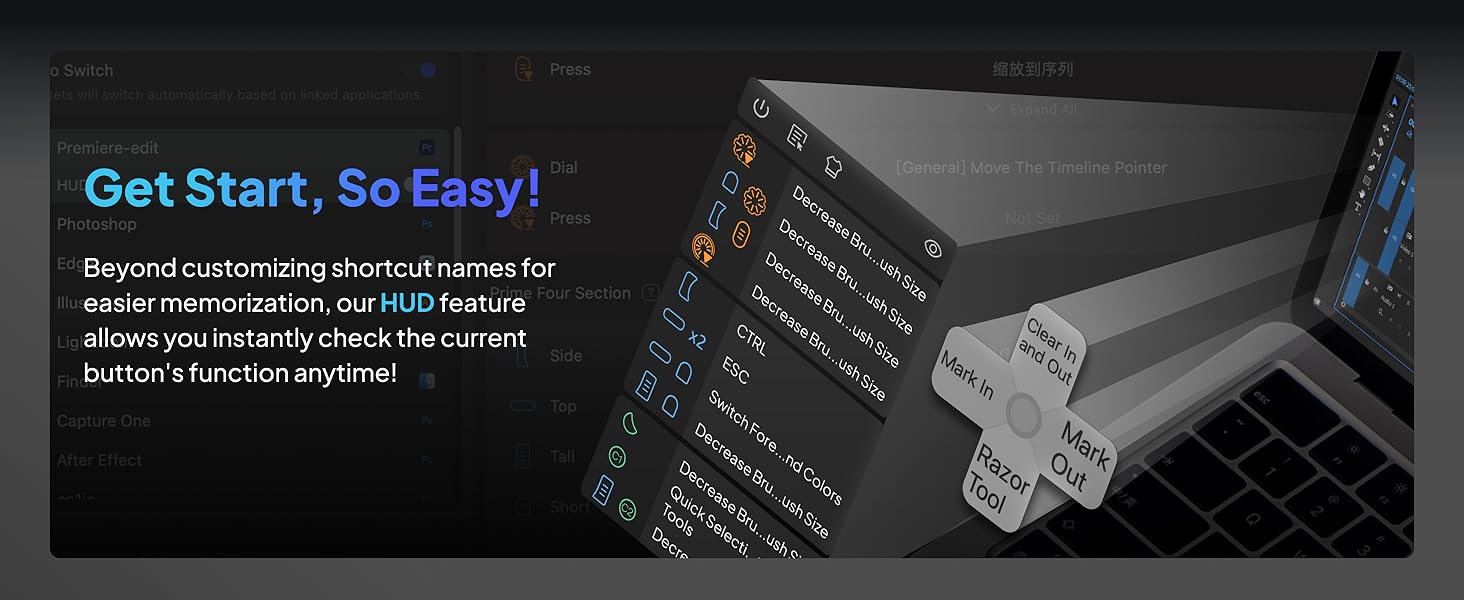
The tourbox is a solid device that helps me save time during video editing in Adobe Premier Pro. Once you get the muscle memory down basic functions like zooming in and out of the time line etc is efficient and effortless. I’m very satisfied with the overall quality of the device, the buttons and wheels functions as you would expect and after thousands of clicks and spins it still operates flawlessly. The software is easy to use and you can edit how you want each button to function or you can just use the pre made button configurations for several of the popular editing programs out there. Yes it came with a pre made setup for Adobe Premier Pro. The soft ware will also place a little widget (clickable area) that emulates the 4 of the buttons on the device. Neat. I love this device, I usually release 5 videos per week on YouTube each of whic are typically 10 to 15 minutes. That’s tons of scrolling, trimming etc I can’t imagine editing without this device. I would purchase another without hesitation if I needed to. The tourbox doesn’t have all the fancy buttons and appearance of some of its competitors devices, I can confirm it won’t make you a cup of coffee, but It will make your work flow more efficient and is a joy to use because it works! I love it!
W**N
Great time saver for video editing
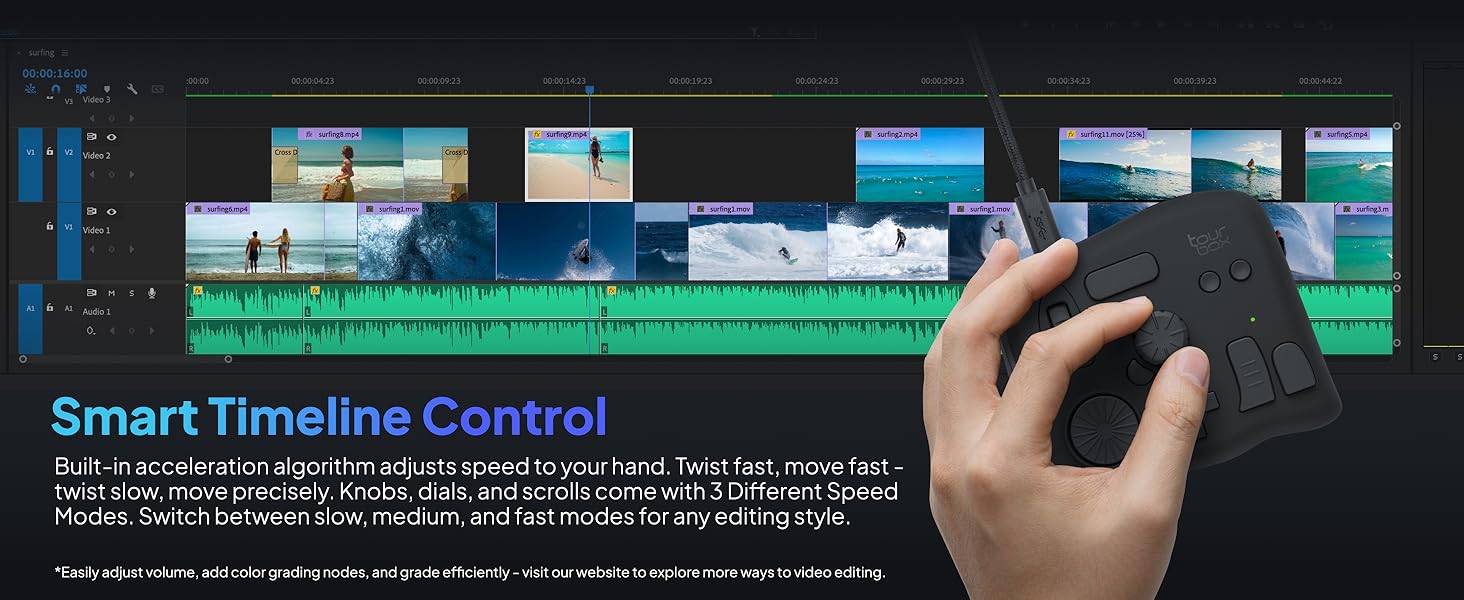
The TourBox didn't have a pre-built profile for CapCut, but it was easy to build one customized how I like it. I probably would have changed the default settings anyway. It works great for video editing, saving many clicks, keystrokes and mouse movements. I love the precision of the wheel for moving frame by frame and how it scrolls proportionately faster as you turn it faster. I also built a profile for editing photos with Luminar Neo. It saves some time, but video editing is where it really shines. It's heavy enough and has rubber feet with decent grip, so it doesn't slide around. It feels very well built. I highly recommend the TourBox for video editing.
A**N
Exactly what I wanted with flaws
first, amazon wanted 3 'features' value for money, I hate how much this costs for what it is, its stupidly expensive, but its realisticly the only thing like it unless you want to roll dice on 30$ china things. ease of use, it took restarting and installing the software upwars 30 times each in total to get it to work, and then it locked the pc up till unplugged, another 30 restarts and installs to get it working and now its fine, this was a nightmare to get working. light weight, light weight is not a feature of this product, it's nice and heavy so where you put it down it stays while using the dial and knob. now, this sees more use outside of art programs than inside, its FAR nicer to use this than my mouse for scrolling websites, zooming in and out, among other commands. the software is very good, it recognizes that you will likely screw up on the dials which way you want things to go, so its a 1 button flip. half a turn of the dial or knob is I believe 16 button presses the bad, the software, when it works its good, had a habit of not seeing the device, despite the computer seeing it. also, you have full mapping for the wheel and for the knob, but there are no modifiers for the dial, which I honestly find weird how that was overlooked. I also wonder why not every key can be modified, take for instance the knob, turning it left and right is one set, then you have 4 more sets with the wide buttons, but pressing the dial only has one hotkey and no modifiers effect it. or the two circle buttons have the buttons below it to modify it, but the one above the knob or on the side don't. the tour button, the one on the side of the knob, that looks like it could easily be modified, is not modifiable. these limits don't bother me too much, as I can compartmentalize what im doing/using the tourbox for into hotkey sets, but I would love to see instead of what I assume being the developers/makers best idea for how the thing will be used and only making hotkeys for that, let me do whatever stupid hotkey set I want. I use this with both right and left hand I could more easily with my right hand use my pinky and hit those circle buttons with the side and top modifier than I can the ones to the right of the dpad. Overall, this is a product that once you use it, there is no going back, and there is for the most part no alternative for. possibly with a touch screen you would have a diminished use for this, but as far as im aware thats only on screens that cost in the neighborhood of 2000$ at the moment.
B**S
I've tried plenty editing controllers, this is the best!
Please accept my apologies in advance for this long review. I have much to say, and I hope it will help you avoid some of my false starts. I’m a big fan of using hardware interfaces (control surfaces) with creative apps like Photoshop and Premier Pro. Making adjustments while focusing on the screen makes editing more enjoyable and much faster. I’ve used several different devices before this Tourbox. In each case, the time savings justified buying the device after a few hours of use. I eventually re-bought a Tourbox ("re-bought" is a mystery that will be solved if you read to the end) after Logitech abruptly announced ending support for their products. Without the announcement, I probably would have continued to use the Loupedeck, but now I’m grateful for the motivation to change! The Tourbox is, by far, the best control surface I’ve used. The controls are less “fiddley” than my Loupedeck Live or, for that matter any of the devices I’ve used. It’s also more compact than either my old Loupedeck+ or even older Behringer X-Touch Mini Universal USB Controller . It can sit comfortably next to my keyboard rather than taking up half my desk. Installation was truly plug-and-play. With the other devices I’ve used, I had to install plug-ins and connectors with many of the apps I was using. With the Tourbox, either they weren’t needed, or it was done for me. All I know is that I could use it with apps like Lightroom, Photoshop, and Adobe Premier Pro immediately after plugging it in. The Tourbox device is both compact, about 4” x 4-1/4” x 1-1/2” and massive, around 3/4 lbs. It sits firmly on its four silicon fee. That is in sharp contrast to my Loupedeck Live , which would slide around almost on its own. An added benefit is that the button/knob placement allows me to use it one-handed, without taking my eyes off the screen. It comes preconfigured with presets for the apps I frequently use. And, I can change any of the controls easily if I choose. For example, I’ve set the same knob to adjust volume and mute with a press across all apps. I’ve also assigned another knob to allow me to jog through audio/video playback or pause/resume with a press, regardless of what app is currently playing the media. By way of history, I’ve been using control surfaces for media content creation for about 15 years. I started “on the cheap” trying to repurpose multi-button mice by programming keyboard shortcuts myself. I soon realized that for media manipulation, some form of variable control, things like knobs or slicers, was needed. Still trying to save money, I bought a Behringer X-Touch Mini Universal USB Controller . It wasn’t bad, and profiles were already developed for some popular applications. My next “move” was to get something purpose-built. So, in 2019 I bought two devices, a Loupedeck+ and, wait for it…, a Tourbox Neo. I was drawn in by the vast swath of knobs and switches provided by the Loupdeck, so I kept it and returned the Tourbox. The Loupdeck+ worked well for a few years, right up until it didn’t. The software started to fail. Also, what started as a set of impressive, dedicated controls became annoying as applications evolved. Next came the Loupedeck Live . I figured that the digital display would allow the device to keep pace with application changes. However, the downsides were a lack of differentiation between controls; I couldn’t operate the thing by touch, and the tiny knobs were a bit too fiddly. I would like to think that I’ve benefited (matured?) from my years of experience. Now I see the (relatively) few buttons/knobs on the Tourbox as a benefit. Each has a unique shape, and I can run everything without taking my eyes off the screen. They also provide a mechanism where the controls, individually or in combination, can perform hundreds of functions. Finally, there is a well-thought-out on-screen display of current control settings if I need a reference. Over time, that need disappears, and you can remove the display anytime.
C**H
A good option in tandem with Wacom tablets!!!!
This is a great product for photo editing. I was looking for loopdeck products with shortcuts i could use with photoshop, On1, Lightrooom for editing images. I ran accross this product an the reviews were good. I have to admit I was a bit sceptic and thought is would be another cheap product. But after researching all my options, this seemed to beed a really good option. This product is made of good quality parts and has a confident feel to its operation. it is very customizable with many options for various SW programs. It works well with the complement of a Wacom tablet. There is a slight learning curve to train your hands to work with these buttons. But the positive feel of the buttons will ensure a short journey for memorizing locations. The unit has enough weight to keep it stable in its position with rubber feet. The Jog wheels are nice and smooth with feedback notches and rubberized surface for a pleasing feel to your hands. Only one complaint that I have is that it is a little thick. If it was a little flatter, It would not be so difficult on your hand after hours of use. Over All... I think this is a great product over many more expensive and more complicated products out there.
M**S
Great with some caveats
Professional editor here: Durable, very responsive, no lag or latency, and the product itself does exactly what is advertised. But does it make you a faster editor? Yes, if you can memorize the buttons lol. It’s fully customizable and I set the buttons to what makes sense for me and although I use it for basic cuts, deletes, and copy/paste… the scroll and zoom function isn’t that great. I find myself using my mouse and keyboard for that because it’s just faster. However, one click for all the stuff I’d otherwise have to move and use (sometimes two hands) my hand for… that’s a win. It’s sped up my workflow for sure.
N**C
In theory, it’s a great Item, lacks customer support
The unit is built well with really good features, the software is a little glitchy and hard to navigate, you can’t really on costumer support, you send a message, you’ll get 1 or 2 responses PER DAY. You’ll need to disable your anti virus to install the software (which is concerning, it may have tracking malware to study your usage for their own purposes in which you don’t have control of and contributes of making your computer more sluggish). I really wish that the software development wasn’t like that because I love the concept of the unit itself.
C**N
Satisfecho con el equipo
Buen producto
E**I
منتج جبار للمحترفين
افظل جهاز تحكمي ومريح عملا هو هذا الجهاز الجبار ، افادني كبرامج الرسم ، اشترها ولا تترددوا
A**9
"TourBox NEO Quick Key Tools: A Helpful Shortcut Device for Creators, but with a Few Cons"
I recently purchased the TourBox NEO Quick Key Tools for Creators and I am blown away by how much it has improved my workflow. With its 14 customizable shortcut keys, I can easily access my most-used tools and functions, saving me time and increasing my productivity. The TourBox NEO also offers over 100 customization options, allowing me to fine-tune the device to fit my specific needs. The software interface is user-friendly and intuitive, making it easy to set up and customize. One of the things I love most about the TourBox NEO is its compact size. It's small enough to fit comfortably on my desk without taking up too much space, but still provides all the functionality I need as a content creator. Overall, I highly recommend the TourBox NEO Quick Key Tools for Creators to anyone looking for a reliable and efficient way to streamline their workflow. It's a game-changer for anyone who wants to work faster and more efficiently. Cons - While the TourBox NEO offers a lot of customization options for creators, there are some cons that potential buyers should be aware of before making a purchase. Firstly, the device can take some time to set up and get used to. The customization options are extensive, but this can also make it overwhelming for some users. The device can also be bulky and take up a significant amount of desk space, which may be an issue for those with limited workspace. Additionally, the TourBox NEO may not be compatible with all software programs, which limits its versatility for certain creators. Some users have also reported issues with the device not functioning properly or disconnecting from the computer. Overall, while the TourBox NEO offers many customization options for creators, it may not be the best fit for everyone. Potential buyers should consider their workspace limitations and software compatibility before making a purchase.
B**Z
Superou minhas expectativas
Comprei o TourBox Neo como uma alternativa mais barata ao SpeedEditor do Davinci Resolve. Mas estava preocupado se ele seria capaz de cumprir bem essa tarefa. E depois que consegui configurá-lo corretamente, ele não só conseguiu, como superou minhas expectativas! Ele é altamente personalizável através do software TourBox Console, permitindo a configuração de atalhos simples (com 4 opções de atuação) e também a combinação de teclas, mas principalmente possibilitando um ajuste fino (com 3 níveis de intensidade do Scroll, do Knob e do Dial), funcionando muito bem no Davinci Resolve, seja para navegar nas Timelines frame a frame ou um para um movimento mais acelerado, e ele consegue fazer isso de maneira fluida e natural. Ele também é capaz de exibir um HUD em overlay exibindo os atalhos configurados caso seja necessário. O tamanho é compacto, e o design é versátil, e o acabamento é agradável, podendo ser utilizado tanto com a mão esquerda quanto com a direita conforme a preferência. Além disso ele tem a vantagem de poder ser utilizado em diversos cenários não se limitando ao programa A, B ou C, e ainda tem a opção de alternar entre perfis automaticamente. Recomendo utilizar com um apoio de pulso para ficar nivelado e mais confortável para longos períodos de uso. Obs: estou utilizando no Win11 v.24H2 e a versão do TourBox Console é a v5.7.4 Pontos Negativos: os cliques não são silenciosos e são um pouco duros, mas nada demais. esse modelo não possui Bluetooth, ficando limitado a utilização com fio.
S**G
Hervorragend geeignet für DCS Flugsimulator
Habe mir das Teil gekauft, weil ich weder an der Tastatur, noch am Hotas Warthog (Joystick/Schubregler) Drehregler habe. Installieren ist problemlos und das Programm öffnet sofort in Deutsch. Die Belegung der Drehregler und Tasten ist simpel und selbsterklärend. Einsatzmöglichkeiten nahezu unbegrenzt: Höhenmesser einstellen, Beleuchtung des Cockpits, Lautstärke der Funkgeräte, Reichweite des Radars etc. Es gibt 3 Einstellungen für die Feinheit Drehregler. Falls man eine feinere oder gröbere Einstellung wünscht. Für die Höhenmesser in der A-10 und Hornet lässt sich der Luftdruck so präzise einstellen. Durch unterschiedliche Formen der Drehregler und Tasten ist das Gerät auch blind zu bedienen. Also ideal geeignet, wenn man den Feind nicht aus den Augen verlieren darf….. Eine ideale Ergänzung zum Elgato Stream Deck!
Trustpilot
3 weeks ago
3 weeks ago