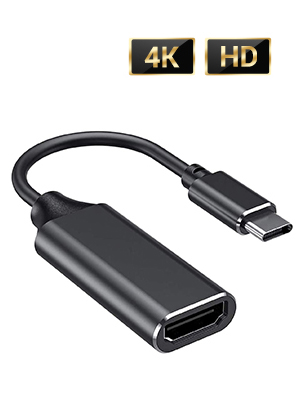
![RayCue USB C to HDMI Adapter 4K, USB Type-C to HDMI Adapter [Thunderbolt 3/4 Compatible] with iPhone 15 Pro/Max, MacBook Pro/Air 2023, iPad Pro, iMac, S23, XPS, Surface and More](https://m.media-amazon.com/images/I/51xc-hYKWsL._AC_SL3840_.jpg)




Buy anything from 5,000+ international stores. One checkout price. No surprise fees. Join 2M+ shoppers on Desertcart.
Desertcart purchases this item on your behalf and handles shipping, customs, and support to France.
๐ Elevate your workspace with crystal-clear 4K โ donโt get left behind!
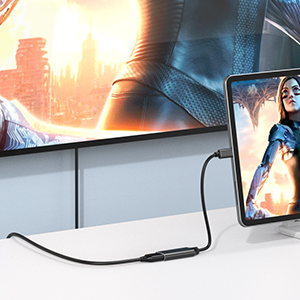
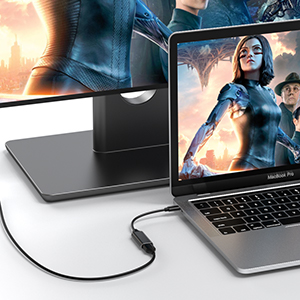
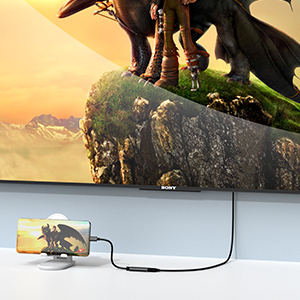
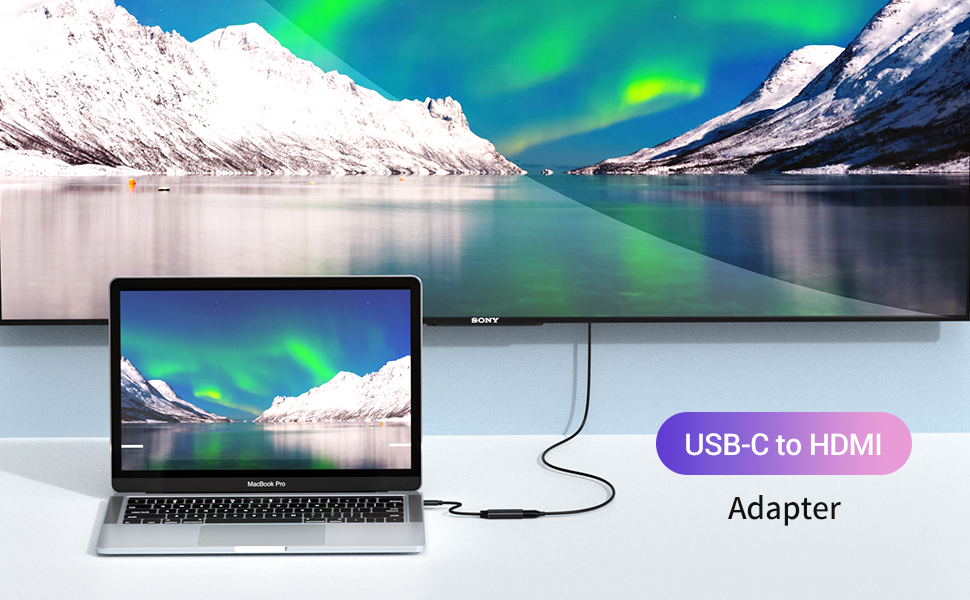
The RayCue USB C to HDMI Adapter delivers sharp 4K UHD visuals at 30Hz with zero lag, supporting Thunderbolt 3/4 devices like the latest MacBook Pro/Air, iPhone 15 Pro, and premium Windows laptops. Its plug-and-play design requires no drivers, housed in a sleek aluminum shell for durability and heat management. Perfect for professionals craving seamless multi-screen productivity or immersive entertainment, backed by an 18-month warranty for peace of mind.


| ASIN | B0871YYNJH |
| Best Sellers Rank | #135 in DVI-HDMI Adapters |
| Brand | RayCue |
| Cable Length | 70.8 Inches |
| Color | 1 pack Black |
| Compatible Devices | Compatible with iPhone 15 Pro / 15 Pro Max, MacBook Pro (Early 2016 and newer), MacBook (Early 2015 and newer), MacBook Air (Late 2018 and newer), iPad Pro (2021 / 2020 / 2018), iMac (Mid 2017 and newer), iMac Pro, Mac Mini (Late 2018 and newer), Microsoft Surface Book 2, Surface Go, Google Chromebook Pixel (2015), Pixelbook, Pixel Slate, Dell Latitude 7373 / 5570 / 5490 / 5400 (2019), XPS 13 / 15 / 17, Samsung Galaxy S23 / S22 / S21 / S20 / S20+ / S20 Ultra / S10e / S10 / S10+ / Note 20 / Note 9, S8 / S8+ / S9 / S9+, HTC 10 / U Ultra / U11 / U11+ / U12+, Asus ZenFone / ROG Phone Compatible Devices Compatible with iPhone 15 Pro / 15 Pro Max, MacBook Pro (Early 2016 and newer), MacBook (Early 2015 and newer), MacBook Air (Late 2018 and newer), iPad Pro (2021 / 2020 / 2018), iMac (Mid 2017 and newer), iMac Pro, Mac Mini (Late 2018 and newer), Microsoft Surface Book 2, Surface Go, Google Chromebook Pixel (2015), Pixelbook, Pixel Slate, Dell Latitude 7373 / 5570 / 5490 / 5400 (2019), XPS 13 / 15 / 17, Samsung Galaxy S23 / S22 / S21 / S20 / S20+ / S20 Ultra / S10e / S10 / S10+ / Note 20 / Note 9, S8 / S8+ / S9 / S9+, HTC 10 / U Ultra / U11 / U11+ / U12+, Asus ZenFone / ROG Phone See more |
| Connector Type | USB C to HDMI Adapter |
| Current Rating | 1 Amps |
| Customer Reviews | 4.4 out of 5 stars 3,989 Reviews |
| Finish | Glossy |
| Item Dimensions | 4.33 x 1.77 x 0.55 inches |
| Item Weight | 0.02 Kilograms |
| Item dimensions L x W x H | 4.33 x 1.77 x 0.55 inches |
| Manufacturer | Raxoon US |
| Mfr Part Number | RayCue |
| Model Number | RayCue |
| Nominal Power | 20 Watts |
| Number of Items | 1 |
| Number of Ports | 1 |
| Package Quantity | 1 |
| Power Plug Type | No Plug |
| Smart Home Compatibility | Not Smart Home Compatible |
| Specific Uses For Product | Display, Monitor, 4K TV, Projector |
| Unit Count | 1.0 Count |
| Warranty Type | Extended |
K**R
Good adapter
Very good adapter works reliably with almost no delay. Perfect for my laptop when I'm gaming on the go.
D**H
Excellent converter!
Works well into converting a USB-C/Thunderbolt port into an HDMI connection. I used this to be able to connect both a MacBook Pro and then an iPad to a projector during a luncheon. We were able to plug and un-plug between both the laptop and the tablet without any issues. The video may have taken a second to register but our projector immediately recognized either source within a few seconds. The build of this unit feels solid. Keep in mind that it does not charge your laptop or mobile device while in use. You may have to get a USB/Thunderbolt hub that can accomplish this if you need to have active power while viewing video content. Recommended.
S**K
Worked Perfectly
A very inexpensive and effective solution when you may have a computer that as limited video output options for viewing the video content on an external monitor. This device effectively provided an alternate way of delivering high quality video to a larger monitor, external to a laptop which had few output connections. The laptop's USB Type C connection was used with this adapter, which converted that protocol to HDMI and the video signal produced was of excellent quality. Totally worth the price.
L**S
Works well, flimsy
This does what it needs to do as I have a MacBook but need the HDMI plug in for school. It is flimsy, so I have to support it if itโs getting dragged down as it will unplug itself.
A**T
Added value to my laptop
This inexpensive adapter allows my 800$ MacBook Air to connect to flatscreen tvs with an HDMI port and play videos through my laptop. Previously all of my friends had been able to play videos on the tv through their laptops, but because I only have USBC outlets on my laptop I hadnโt thought that I could. I had been frustrated by this because it is an expensive laptop after all and you would expect it to be able to do something so basic. I had been contemplating what it would mean to sell this laptop on eBay and get another that had an hdmi port. But it occurred to me one day that they might be something as simple as an adapter, and after a quick search I ordered this. When it arrived I tried it out and now I am one of the cool kids that can play movies on the tv from my laptop.
G**R
The USB C hub does not have enough power pass through
This USB C Model JCA374 hub multiport adapter does not deliver enough upstream charging when used with a Dell XPS13 laptop, and therefore, when one starts the laptop, one gets the message: โYou have plugged in a lower wattage power adapter USB C charging device, or power trough deviceโ, and one needs to press โcontinueโ to start the laptop. This is an inconvenience, but a minor one. More disturbing is the fact that if one plugs a laser printer in the hub, the printing becomes somewhat random: prints some of the time, do not print some of the time: again, I suspect that this is due to a lack of power. My suggestion is to make sure that whatever hub you buy has at least a 100 watts pass through charging port.
R**S
Works finel, simple to use.
My one gripe with these items is that they do not clearly specify which size hdmi plug they match to, and the photos never show the inside of the female side so one can see directly. My monitor is older and came with the large male plug. Happily I had an earlier Apple adapter with the middle sized plug on one end and large female on the other, so I was able to do a double adapter. It was easy to do and works fine, so I'm happy. But it would be nice if the blurbs made these sizes clear.
N**Y
Kind of works
Using Galaxy S10 It's been a week so maybe I can find a way to get this to work better, perhaps some settings on the phone or a different hdmi cable. I've tried with Dex and with "force hdmi mode" it works on some apps better than others. When plugging in, I get the notification on my phone that it can tell its not a genuine Dex product or whatever. Then it works if I don't move the phone a lot because the usb-c on this adapter is too long and not a perfect fit. So if i get it right and don't move the cable there is the really cool desktop environment version of what is really on my phone. It's inspired me to keep trying to make this work or find another product which might work. After turning my phone into a mousepad and going along, it will pop into a dark screen on the tv, as if it is overloaded and needs to refresh but I'm not sure what that is. Both modes, dex and hdmi do this. HDMI is more like a mirror image of what I'm doing on the phone and does go into full screen on the tv when I go into full screen on YouTube or Netflix. Prime video has not worked yet but that might be because the resolution is set high. Probably by setting lower resolutions I can get around it, but every 10 minutes or so while watching a movie or show on full screen, it will go black but the movie will continue rolling and it comes back on, having skipped those few seconds of the movie. My guess is the screen on my phone is turning off and not set to "always on" in the Developer Options. Not sure yet. Haven't tried it yet on any other devices. It will be a good product if I can get it to function without it popping off so easiliy and so often. Tje potential simplicy of just plugging the phone in- and to be honest, not checking the thing while watching a movie-that is all appealing to me.
L**T
Not working properly
After about 1 yar of usage HDMI connection getting disconnected time and again...it is so irritating
C**N
Parfait
Parfait
N**U
io
io
B**T
Great purchase
Does exactly the job I needed. Have a small HP laptop at work and often need a few screens open at once. Easy to fit, great price, connection is solid with no drop out. Works with my laptop perfectly.
T**7
Funktion
Alles gut
Trustpilot
1 day ago
2 weeks ago