

Desertcart purchases this item on your behalf and handles shipping, customs, and support to France.
🔍 Elevate your security game with ultra-clear, smart surveillance that keeps you connected and in control.
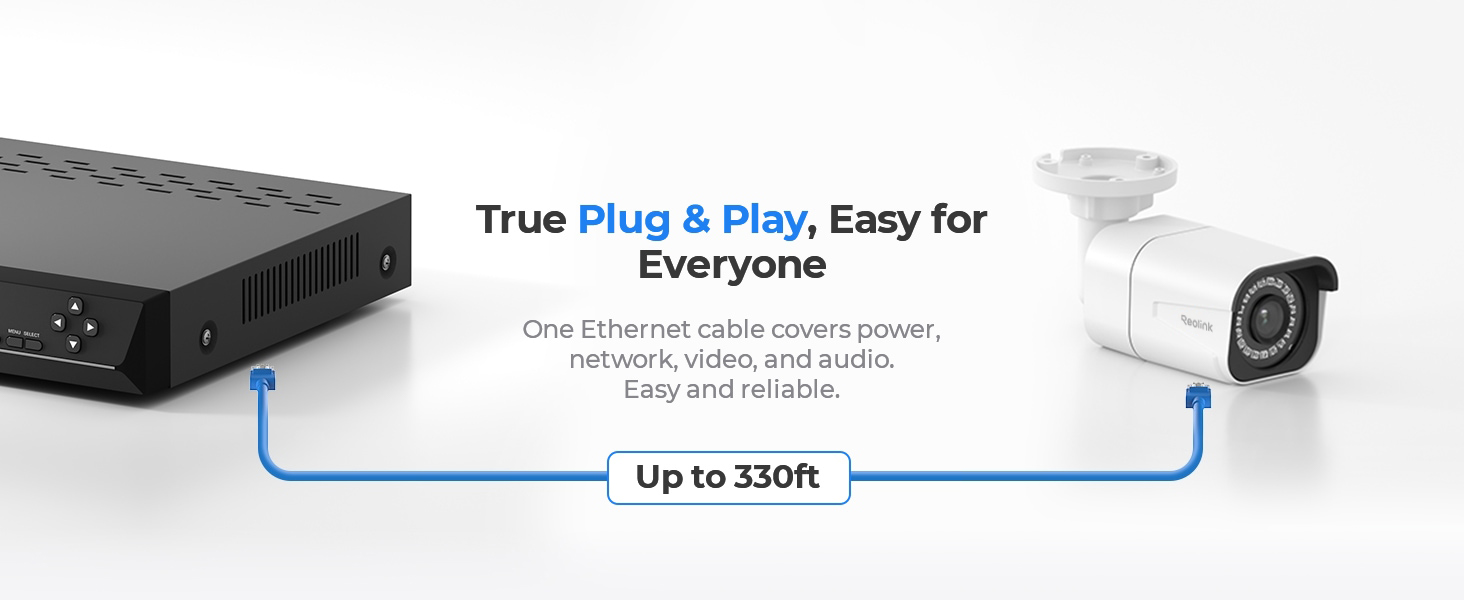
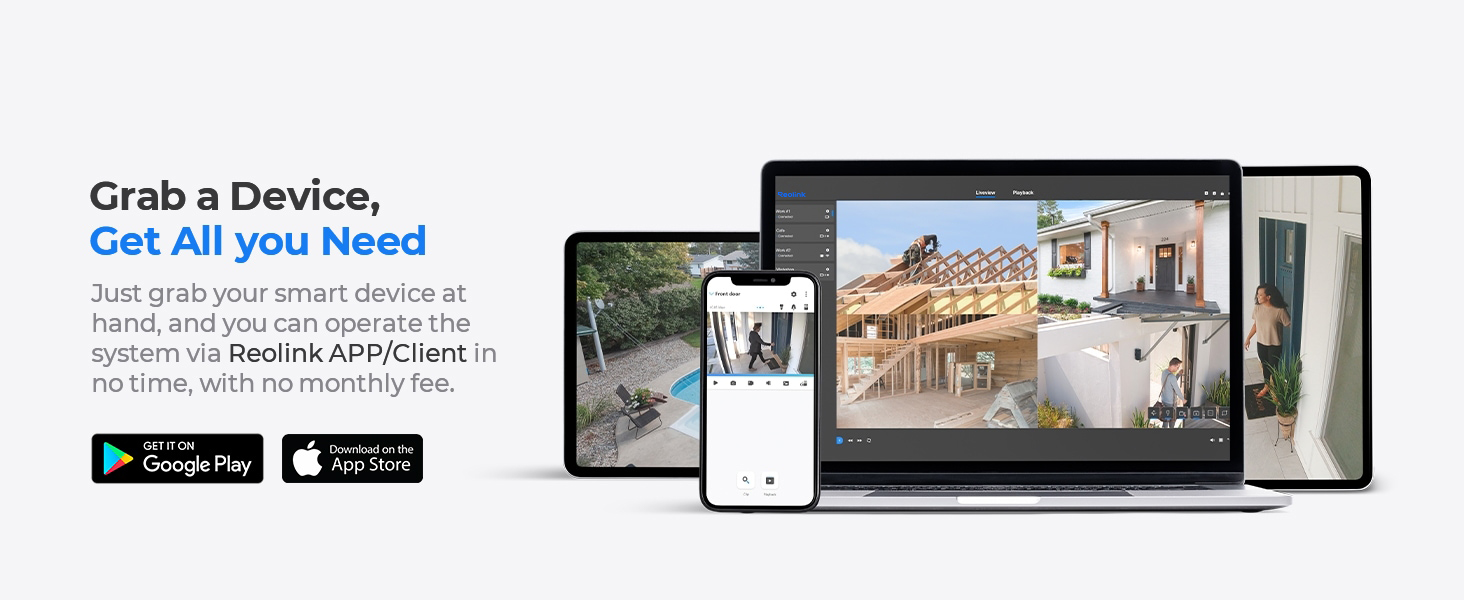
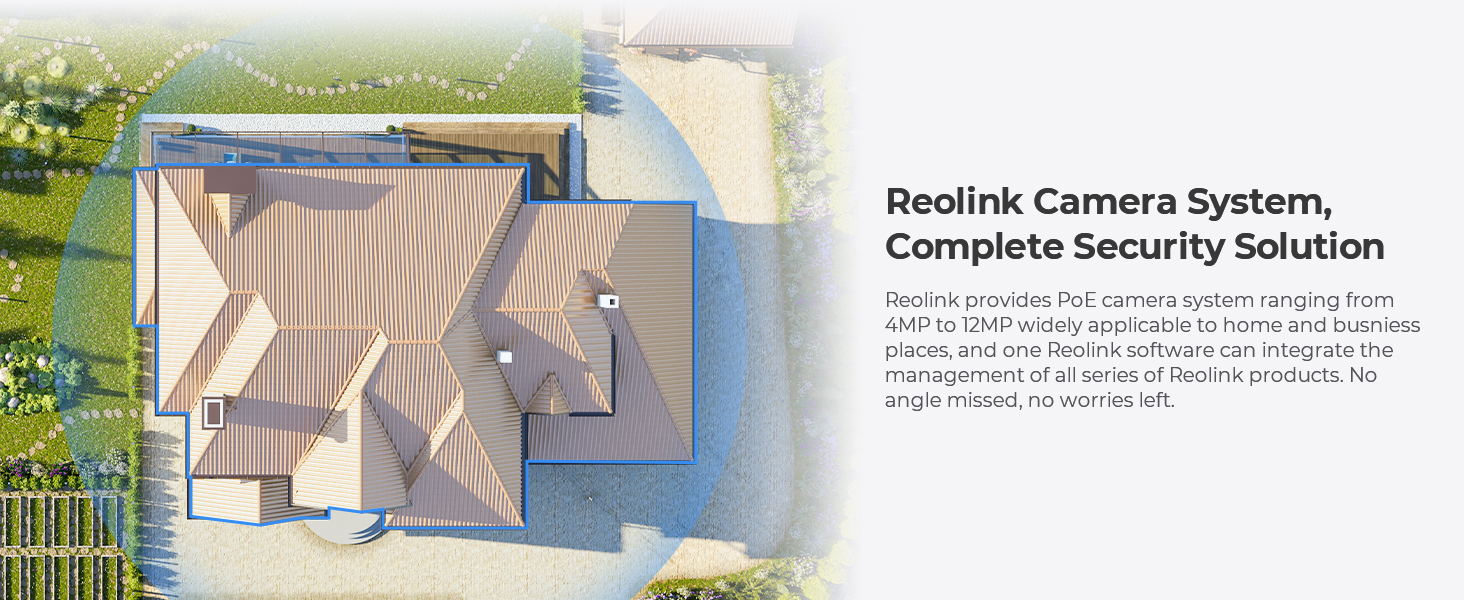
The REOLINK 16CH 4K Security Bullet Camera System delivers professional-grade 8MP Ultra HD video across 8 PoE IP cameras, featuring advanced person and vehicle detection to minimize false alerts. With a robust 4TB HDD for continuous 24/7 recording and a user-friendly plug-and-play PoE setup supporting cable runs up to 330ft, this system offers seamless remote access via the Reolink app on iOS, Android, Windows, and Mac. Designed for comprehensive home or business security, it combines cutting-edge clarity, smart AI detection, and reliable storage in one scalable package.







| ASIN | B082KGF6FX |
| Antenna Location | Home Security |
| Best Sellers Rank | #13 in Surveillance DVR Kits |
| Brand | REOLINK |
| Built-In Media | RLN16-410*1, B800*8, NVR Power Adapter*1, HDMI Cable*1, USB Mouse*1, 1m Network Cable*1, 18m Network Cable*8 |
| Camera Description | Front, Rear |
| Color | White |
| Compatible Devices | Cameras, Laptops, Personal Computers, Smartphones, Tablets |
| Connectivity Technology | Wired |
| Customer Reviews | 4.4 out of 5 stars 1,580 Reviews |
| Frame Rate | Mainstream: 2fps - 20fps, Substream: 4fps - 15fps |
| Hardware Interface | Ethernet, HDMI, USB, VGA, eSATA |
| Item Highlight | 8pcs H.265 PoE IP Cameras Wired with Person Vehicle Detection, 8MP/4K 16CH NVR with 4TB HDD for 24-7 Recording |
| Item Weight | 0.27 g |
| Lens Type | Fixed |
| Manufacturer | Reolink Digital |
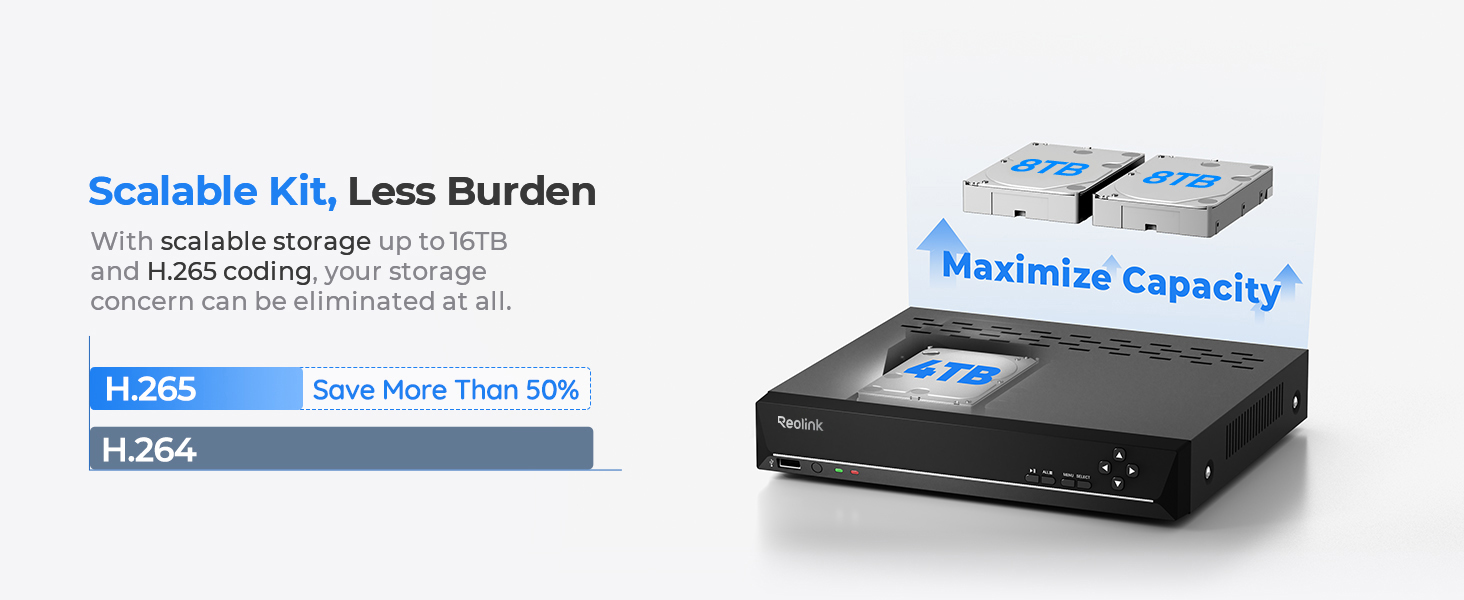
| Memory Storage Capacity | 4 TB |
| Mfr Part Number | RLK16-800B8 |
| Model Number | RLK16-800B8 |
| Night Vision | Night Vision |
| Night Vision Range | 100 feet |
| Number of Channels | 16 |
| Number of Packs | 1 |
| Operating System | iOS, Android, Windows, Mac OS |
| Optical Sensor Technology | CMOS |
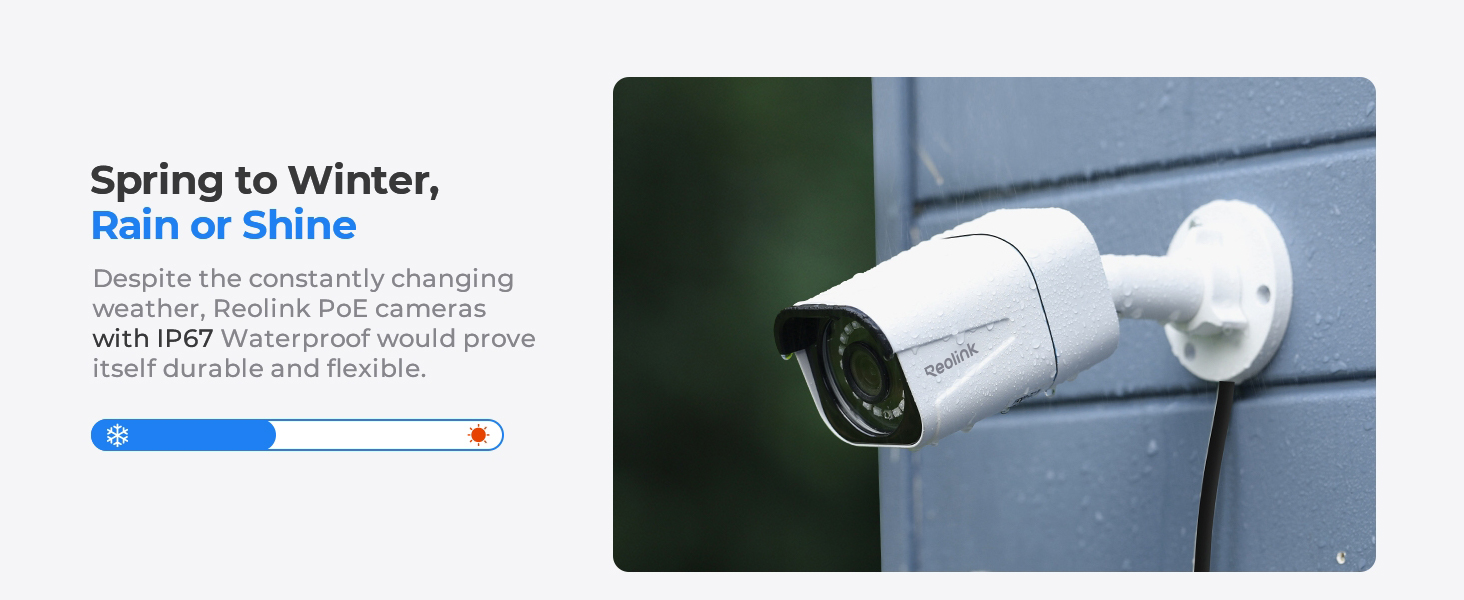
| Other Special Features of the Product | Adjustable, App Control, Easy to install, Human Detection, Weatherproof |
| Power Source | DC |
| Recording Mode | Motion Recording; schedule recording; 24/7 recording |
| Set Name | REOLINK 4K Security Camera System, RLK16-800B8 |
| Signal Format | Digital |
| Total Usb Ports | 2 |
| UPC | 633696952843 |
| Unit Count | 1 Count |
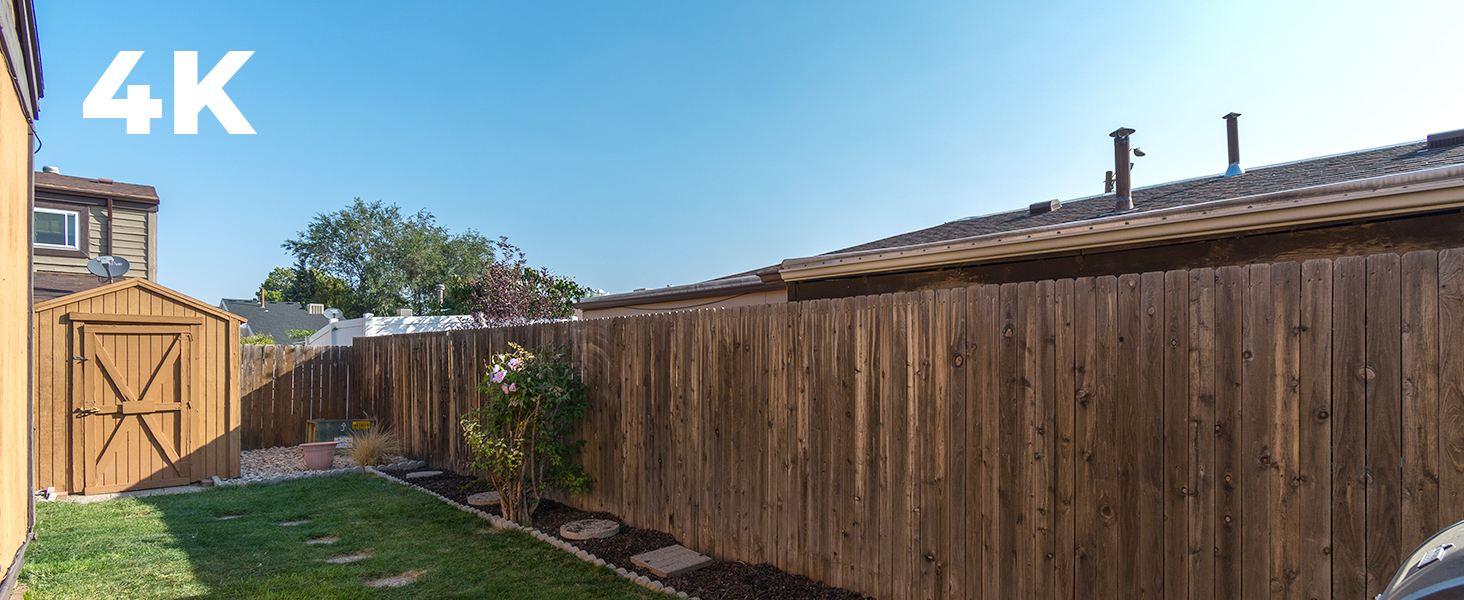
| Video Capture Resolution | 4K 8MP (2560 × 1920) |
| Video Input | RJ45 |
| Viewing Angle | 87 degrees |
R**.
CRAZY easy setup, but does NOT recognize 3rd party cams plugged directly into the NVR. (See Review)
I used to install CCTV sytems for a living. (Many, many moons ago) This system was BY FAR the easiest I have EVER installed in my life! My Lorex system lost its PoE capabilities. In layman's terms, it couldn't power the cameras anymore without an external power supply. So I decided to replace the entire system since my current Lorex system was over six years old. WOW! The entire Reolink system is literally plug-and-play! No BS, no port forwarding to access the unit outside of my home network. I was so happy with the initial setup that I ordered two additional turret cams for inside my home. The result? SAME THING! Plugged them in, connected them to the NVR and BAM- up and running with no further BS needed! I installed the Reolink app on my phone- SAME RESULTS! I installed the app, entered my username and password that I used in my initial setup and BAM! It just worked! IT JUST WORKED! No additional hoops to jump through. No need for an IT degree, no port forwarding, no seperate BS... it JUST WORKED! You don't know how happy this made me! Usually this is the hardest part of setting up a new CCTV network! The only 'CON' that I have is that you cannot connect any other manufacturer's cams directly to the NVR. The NVR is designed to accept only Reolink cams plugged directly into the NVR. I guess this is the drawback for this system being so easily installed and setup. It does not recognize or detect third party cams. HOWEVER, it will accept third party cams if you connect them to a seperate PoE switch. I just bought the popular TP-Link TL-SG105. It's reoughly forty bucks. I can plug my cams into this switch and then run the switch into the Reolink NVR on any cam input and set them up from there. I haven't done so yet. I am working on this setup tomorrow to add a few PTZ cams that I have. I will update how that fares out. The user interface for settings and playback are VERY user friendly. Unlike most all of the systems that I've used before, Reolink actually put a lot of effort into their settings and playback and it shows. I am so happy with it! This system my seem a little high priced compared to others on the market, but take it from me; sometimes you get what you pay for and this system DELIVERS!
S**E
Excellent System
Reolink 16 cameras nvr poe system is excellent. This system was chosen because it had good reviews, slightly better than the competition. The part number for the system was RLK16-810B8-A. It includes a 16 channel box, 3 Tbyte hard drive, 8 POE cameras, part number RLC-810A, some misc cables and hardware. I purchased three additional cameras, a single point and zoom Reolink camera, part # RLC-423-5MP for over two hundred dollars, and a twin pack of two dome cameras, part # RLC-520 2PACK for about ninety dollars. Overall I am very pleased with the results so far. I've installed an IPhone app called simply "Reolink" in the apple store. This app smoothly and flawlessly connected to my system and works well to see through the cameras both live and playing back previous recordings, remotely as well as on site. Presently I have 8 cameras hooked up including the ptz camera above. The ptz camera is easy to use aiming left right and up and down as well as zooming. It does not, however, aim up above the horizon. So if you have a house up a hill, it shouldn't be placed down the hill from it. This is exactly what I did and I can see most of my house but can't zoom in on details much. But I can spin this camera around and zoom in on much of the rest of my property. Very good camera. I also installed the Reolink app on my laptop and tested it outside my home network. It too worked great to access the camera system remotely. I should talk about "poe" or power over ethernet. Each camera gets only one cable connected to it. This cable, called a cat5e cable in my case, supplies the power down to the camera and returns the collected video. I made a decision to purchase 1,000 ft of this cable for a number of reasons. Part # 5ECMXBLK_1Krl, True Cable direct burial cable. First, if anything had gone wrong with the Reolink camera system, I wanted to be able to return it, so didn't wish to take down all the cabling as this is a major amount of work to install. I could simply leave the seperatly purchased cable in place, allowing a replacement of one poe system with another if something went wrong. I also purchased a couple of 100 pack packages of mounting clamps to install the cat5e cables. Part # CMP-SCRW-SGL-WHT-100P. These were excellent and could easily be removed after install if needed. Also, I didn't wish to drill big holes in the walls of my house. So I decided to learn how to install the connectors, called RJ45 connectors, on the cable ends. This way I could use a small hole in the walls for each cable needed and install the connectors after positioning the cable in place. This was a good decision and a great way to get it all done. I purchased a crimping kit, part number Ninhao01. This crimping kit included several items, the crimper, which worked flawlessly, and an electronic test module, which displayed a sequence of lights clearly indicating whether the connectors were correctly wired. Very important. Worth it even if you don't attach any connectors. The first cable I checked was incorrectly wired, even though it was purchased with connectors! It was obvious and easy to see using the little diagnostic checker. This was my first time ever doing ethernet wiring and it was fairly easy to do with this crimping kit. I did watch a video on how to do it. You'll have to search for this as Amazon won't let me post a link. I used 568B cable endings, which turns out to be recommended by Reolink as well. I'll talk about where I placed the console. I put it in our basement. This was less cluttering for me and eliminates the fan noise, which runs 24/7 by the way. There were a few added complexities because I placed the console in such a remote location. I wanted to be able to quickly see through the cameras and accomplished this by running a display cable from the basement to my 51 inch living room TV. How? By using VGA over ethernet. Part # B07F3RW1C1. Once again I could wire the connectors myself and drill small holes. I also purchased a wireless mouse that worked in my living room as well. Part # M8126AB01. This worked one floor up from where the console was located and allowed me to select cameras and operate the ptz camera just as if the console was in the same room with me. A little note about exterior connections to the cameras. Reolink supplies supposedly sealed connectors, but these did not work for me as the direct burial cat5e cable I was using had too large of a diameter. So instead I opted for heat shrink tubing and glue to seal off the ends. The heatshrink was 3/4 inch by 4 ft xhf brand. I used a map gas torch to do the shrinking. All in all the Reolink camera system is the best of three different camera systems that I have worked with. The other two were gw security and lorex, both older systems that were dvr coaxial cable plus seperated power wires. Those systems were pretty good as well, but the Reolink system has been smoother and easier to use.
S**K
Amazing Clarity and ease of use
I am very happy with this system and look into things to the nth degree before I buy them. I expect it to be easy and operate without issues when purchasing something in this range and this system has delivered all I was looking for and more. In short, there is nothing i don't like about this setup and it has worked flawlessly. Pros: 1. very clear, crisp images, great zoom, great night vision 2. easy setup with home network, viewable whether your phone is on your home network or out of the house 3. intuitive interface whether logging into the NVR directly, the phone app or the computer app 4. comes with everything you need including very nice weatherproof connections for the cameras. 5. All storage onsite - no cloud fees and no issues recording and saving data if internet goes out 6. Very easy to record clips and save to phone or computer. 7. Easily expandable for more cameras or larger/additional hard drive 8. Power over Ethernet makes for a simple install Observations (not really cons, but not pros): 1. With 8 cameras recording, the hard drive fills up within 2-3 weeks depending on settings. If you would like a longer period backup, it is easily upgradeable by adding an additional hard drive. 2. Make sure you attach all cameras to the NVR and set it up prior to mounting them, much easier not running from camera to camera if there's an issue. 3. Adding a camera and advanced diagnostics seem to be only available when logging directly into the NVR and not over the apps. I have the NVR Located in a place that is difficult to get to, so i had to run an hdmi cable through the attic to a tv in another room and use a wireless mouse that has a good range on it to access the NVR directly. It's annoying, but the rest of the system functionality and quality makes it very much worth it. 4. Tech support is purely through email. I had an issue with connectivity and the cameras dropping out initially. (make sure you update the firmware when you install it, I didn't at first and that was the problem) The tech support responded within an hour with the exact solution to my poorly described problem. They were great. Cons: 1. Motion detection is based on movement for these specific cameras. You really have to fine tune the sensitivity and area of detection for each camera to get a result that does not send a motion alert every few minutes. Reolink has smart cameras that can identify cars and people that work great at avoiding false alarms due to the wind blowing a branch across the camera's view, so when adding cameras look into them as well. If you have read this far, I hope this has been helpful. I would definitely recommend this and after a year I am very happy with the purchase.
D**S
Latest software version is very MUCH improved
[Revised Review] Wanted to provided and update. Reolink support connected me via email to address the concerns with the overall quality of the unit. First, I want to say I am pleasantly surprised with their wiliness to work to quickly resolved the update issues with the second unit I received. Specifically; o) overall lock and feel of the software is greatly improved over the old version. Setup is improved, the snappiness of the software is noticeably better, and over all software is significantly better quality [bonus points] o) Upgrade issues: According to support, the tech I worked, the versioning information provide was "not clear". The new tech help sort it out and they were able to provide me with an update to fix the issue. o) The fix also provide HTML5 support (replacement of flash)! (bonus points) o) Black screen on web preview - seems to be a Flash compatibility - fixed as new version supports HTML5 o) No "clear mode" support for web access due to "browser cannot support H.265." All in all, while the process has not been smooth the fact that Reolink stepped up, and supported their product goes a LONG way. So be sure to update the firmware when new version is generally available!!!! [Original Review] I did my research and ended up with the RLN16-410 as it has the 8MP cameras. Reviews looked better than average, so I ordered one. 1) First unit constantly rebooted over and over and over and... Reached out to Amazon support, we tried all the steps but no luck. They suggested I contact the Reolink support. So I did, and after a days of no where, I just decided to just exchange it. No so fast... I ended up having to return it because, apparently, when you send email asking for tech support, they (Amazon) block you from and exchange. OK so I returned it (and STILL waiting for a refund) 2) Second unit arrived – good news is, it does not have the reboot issue, but will not take and upgrade PAK file. Reolink support said the latest software for the RLN16-410 was not compatible with my hardware version. This might not be such a big deal except: o) The device uses Flash Player which Adobe dropping Dec 31st and Windows has disabled by default o) While the screen on the monitor show the camera fine, using the network show a black screen. Its likely a flash issue, but as noted Adobe has dropped support o) Reolink support says a new update for the version of the RLN16-410 is planned, but they did not provide a date other than "this year" 3) The overall quality of the software poor ( Cancle" should be spelled Cancel), portal is clunky and feels like it was developed in 1990. Even simple things like Setup and upgrade as been an extremally painful experience. Which is a shame as the video quality is nice and clear. Honestly you seem to have a great looking product, and nice features, but the QC process is severely lacking based on my (limited) experience. So to sum it up - hoping the future software update improves the usability. If it does, I will update my review. [It does, review updated to reflect this]
R**R
Incredible Value, Impressed!
Absolutely fantastic! Easy setup, incredible resolution and visibility. User friendly. Very expensive, but if quality is important, this is the system to get. Added a couple of dual cameras, but less impressed with them. Phone app, mouse scrolling on the screen, zooming, sound, etc, all really excellent! Previously owned two different Samsung systems, this is miles above them.
G**G
Looks and works great
Very happy with system. Cameras good quality. Easy to wire up. Easy to connect. Expandable storage which is helpful.
J**A
100% recommend
I ordered the RLK16-800B8 with 8 cameras and they are absolutely fantastic! Great camera quality easy to view and download videos from the mobile app, and solid audio as well. The camera hub is not loud (as other have stated) and installation was very straight forward. Would 100% recommend this to anyone considering a whole home security setup!
B**I
Good cameras but the system and app need work
UPADTE 2: it is not quite 5 years that we’ve had these cameras. Once again I needed to find an event and have discovered that 2 of our 9 cameras no longer have sound and one is just gone. It shows it’s there but no picture. Really very disappointed as they are high on my house and not easily accessible. At this point I am calling these a false sense of security. UPDATE: We have been using this system for 2 years now and have needed to find something on our recordings twice now. There is no way to fast forward or rewind while watching a clip. For example, there was an incident on the farm next to my subdivision. I was asked to check my cameras to see if I can find anyone running onto mine or my neighbors property. Without having a clear time, I had to advance the slider bar so it’s skips forward in time, but how do I know I didn’t miss anything? There is no way to know other than sitting and watching each clip, hour by hour. I have told my husband that we will not buy this system again when we are ready to move or need to replace it here. That is a big deal that should not be overlooked! The picture quality and night vision are good, the the program however, is not very user friendly. We are in the process of installing these cameras and every time we add one to the NVR it ends up in a random position on the grid. We figured out how to move the order around on the monitor we have connected to the NVR, but it doesn’t carry over to the app. What’s even more frustrating, is that from app to app, nothing is in the same order. On the iPad we have to show a grid of 9 just to see the 3 cameras we have installed thus far! And as far as we can tell, there is no way to reorder the cameras within the app. What good is surveilling your property, if you have to jump all around looking for a particular scene? Reolink, please fix this!
C**S
Good product.
Very satisfied with the product and value. Easy to configure.
A**A
Reolink CCTV camara set
Verify to buy, we're good clear videos, no any issue, quality products,
M**E
Quality and service from reolink
First of all want to say amazing product and service you get. Bought the product with 1 camera had issue shipping and reolink not only did they resend a new one but also upgraded it to a newest model for free, quality is great and sound I will be buying 100% another kit for my daughter house thanks reolink and keep up the great work
C**J
Good value for this kit.
8 cameras are the right # for a small to medium sized property, but having 16 ports is a must if you are uncertain if 8 will be enough. It’s easy to just add more as needed. The camera setup is plug and play, all you have left to do is name the cameras and set up the level of detection (person, vehicle or motion); you can even toggle sound recording on or off. Picture quality is excellent daytime, good for the infrared night vision, but motion detection at night is only moderately okay at the edge of the viewing area. If the object is moving fast, they appear ‘ghost like’. The one thing that caught me by surprise is the red ring of the infrared led’s that is visible at night. They are quite noticeable at 100 feet (30 m) or less, dropping off in visibility beyond that. The bullet cameras are much smaller than they appear in the picture, and so are much more discreet than I had originally thought they would be. Against white soffits, they blend in, with only the black face drawing your attention. And then, you only notice them if you “look”. Overall, at first blush, this system while not cheap per se, seems to be good value for protection of property. I would give the system an overall score of 8.5 out of 10.
D**Y
Always in stock when needed and reliable
Easy to set up and use as an inclosed non-wifi camera NVR. Cheaper to buy 2 of these kits to get the 16 cameras then to buy 8 extra cameras for the one unit.
Trustpilot
3 weeks ago
1 month ago